AI engineering tip of the week: Deploy Streamlit, Gradio, and FastAPI apps next to your pipelines
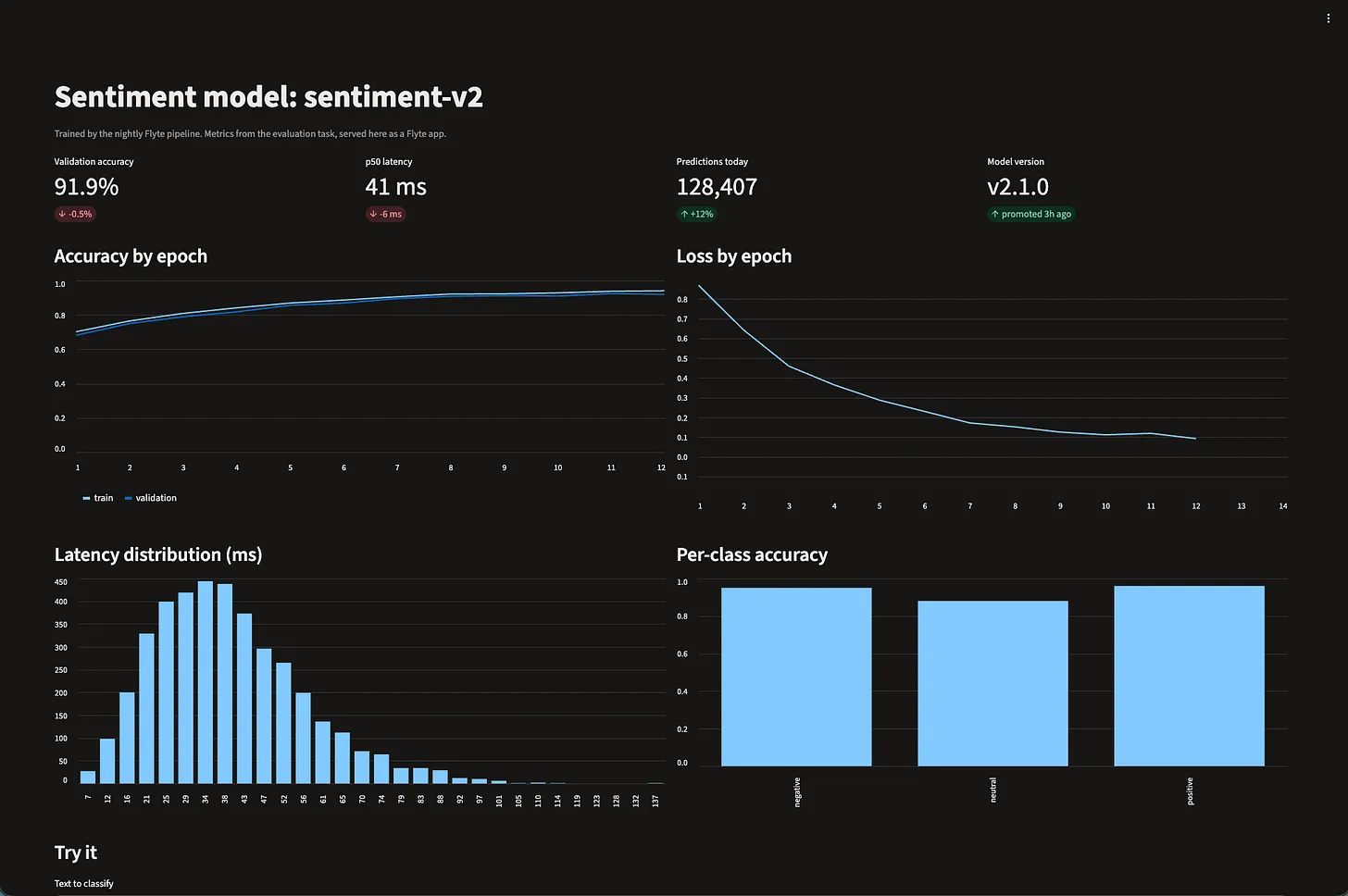
An AI workflow finishing is rarely the end of the job. Somebody wants a dashboard to watch the metrics, a demo UI to try the model, and an API so other services can call it. Each of those usually means a second deployment system, a second image build, and a second place to manage auth.
In Flyte an app is an `AppEnvironment`, deployed with the same tooling as your tasks. Same image builder, same resource requests, same auth, and it can scale to zero when nobody is using it. This post is about the app-shaped things in Flyte: dashboards, demos, and APIs. Model hosting is the same machinery with a different environment class, `VLLMAppEnvironment` or `SGLangAppEnvironment`, and a previous Flyte log covered that end.
A Streamlit dashboard in one file
The file is both the app definition and the Streamlit script. Flyte runs `streamlit run` on the file inside the container, and a `--server` flag routes to the dashboard code:
Run the file and you get a URL. When the dashboard grows past one file, list the extra modules with `include=["utils.py", "components/*.py"]` and they ship with it.
A Gradio demo for the model
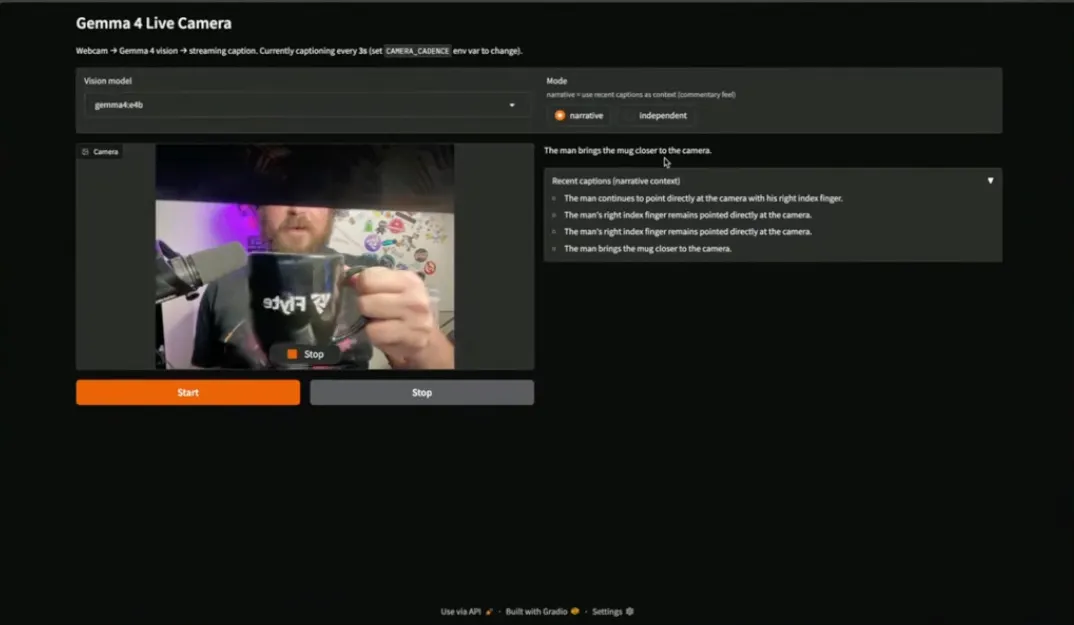
Gradio is the fastest way to put a model in front of someone. Wrap the launch in `@env.server` and Flyte runs it as the container's process:
A FastAPI endpoint that loads once
For an API, `FastAPIAppEnvironment` wires up uvicorn for you. Load the model in an `on_startup` hook so it happens once per container, not once per request:
You get `/docs` with the interactive Swagger UI for free. To serve the weights your pipeline just produced, give the app a `Parameter` whose value is `flyte.app.RunOutput(task_name="training.train", type="directory")` and read it from the mount path at startup. The app then depends on a run, not on a path someone pasted.
Scale to zero, auth by default
Two arguments do most of the operational work:
The first means no replica while nobody is using the app and one when someone is, with a ten minute idle window before it scales back down. A dashboard that three people open on Mondays costs nothing the rest of the week. The second is the default: the URL sits behind your Flyte login, so an internal tool is internal without any extra work. Set it to `False` for a public demo.
Serve while you iterate, deploy when it's done
`flyte serve` is for development. It deploys the app and lets you override parameters on the fly. `flyte deploy` is for production: an immutable version with fixed configuration. Both take the same file:
Resources, image, scaling, and auth all live in the environment definition, so the thing you iterated on is the thing you ship.
Why this matters
- One deployment story: Dashboards, demos, APIs, and model endpoints use the same `flyte deploy`
- Same image builder: `flyte.Image` for the app, same as for the tasks that feed it
- No idle cost: Scale to zero between sessions
- Secure by default: Apps sit behind your login unless you open them up
- Wired to the pipeline: Point an app at a run’s output instead of a copied path
Full docs: https://www.union.ai/docs/v2/flyte/user-guide/apps/build-apps/
See what's happening in the Flyte Community:
Latest from the blog
- Resource-aware scheduling: Union now knows what your clusters can run - Read on Union
- Your nf-core pipelines, now on Union - Read on Unoin
- Union self-serve on Google Cloud: run your sovereign AI factory inside your own project - Read on Unoin
- Union Artifacts part 1: naming the things your tasks produce - Read on Union
- Flyte Devbox on the Apple Silicon GPU: model serving and durable training on your Mac - Read on Union
- Rerun, Recover, Fork: Three Verbs for a Run That Already Failed - Read on Union
- Union.ai Launches Self-Service Access on AWS Marketplace to Enable Sovereign AI - Read on Union
Recent talks & recordings
- Flyte + Apple Silicon for durable local AI workflows: Your Mac Is Now an AI Devbox - Watch on YouTube
- Union: AI Infrastructure Made Easier - Watch on YouTube
- Flyte 2: The Durable Runtime Built for AI - Watch on YouTube
- LLM fine-tuning with GRPO - Watch on YouTube
Upcoming events
- Own Your AI: Build an Agentic AI Model Factory | Dec 9 - RSVP on Luma
- Build a Better AI Homelab with Flyte | Dec 16 - RSVP on Luma
- [Seattle] AI Coworking + Happy Hour | Dec 18 - RSVP on Luma
Releases & updates
- Flyte 2 Is Generally Available: The Durable, Open-Source AI Runtime - Read on Union.ai
From the community
- AI Book Club: Reinforcement Learning from Human Feedback (RLHF) | Dec 9th - RSVP on Luma
- AI Book Club: An Illustrated Guide to AI Agents | Dec 22 - RSVP on Luma
That's all for this week! - Sage Elliott