# Integrations
> This bundle contains all pages in the Integrations section.
> Source: https://www.union.ai/docs/latest/union/integrations/
=== PAGE: https://www.union.ai/docs/latest/union/integrations ===
# Integrations
Flyte 2 is designed to be extensible by default. While the core platform covers the most common orchestration needs, many production workloads require specialized infrastructure, external services or execution semantics that go beyond the core runtime.
Flyte 2 exposes these capabilities through integrations.
Under the hood, integrations are implemented using Flyte 2's plugin system, which provides a consistent way to extend the platform without modifying core execution logic.
An integration allows you to declaratively enable new capabilities such as distributed compute frameworks or third-party services without manually managing infrastructure. You specify what you need, and Flyte takes care of how it is provisioned, used and cleaned up.
This page covers:
- The types of integrations Flyte 2 supports today
- How integrations fit into Flyte 2's execution model
- How to use integrations in your tasks
- The integrations available out of the box
If you need functionality that doesn't exist yet, Flyte 2's plugin system is intentionally open-ended. You can build and register your own integrations using the same architecture described here.
## Integration categories
Flyte 2 integrations fall into the following categories:
1. **Distributed compute**: Provision transient compute clusters to run tasks across multiple nodes, with automatic lifecycle management.
2. **Agentic AI**: Support for various common aspects of agentic AI applications.
3. **Configuration**: Compose and pass hierarchical configuration objects between tasks, with type-safe schemas and CLI/YAML composition.
4. **Experiment tracking**: Integrate with experiment tracking platforms for logging metrics, parameters, and artifacts.
5. **Data validation**: Enforce schema contracts on dataframes flowing between tasks, with automatic validation reports.
6. **Data types**: Add native support for additional file and dataframe types as task inputs and outputs.
7. **Connectors**: Stateless, long-running services that receive execution requests via gRPC and then submit work to external (or internal) systems.
8. **LLM Serving**: Deploy and serve large language models with an OpenAI-compatible API.
9. **Notebook execution**: Run parameterized Jupyter notebooks as typed Flyte tasks with cell-level reports.
10. **Observability**: Export task and agent telemetry to external tracing and observability backends.
## Distributed compute
Distributed compute integrations allow tasks to run on dynamically provisioned clusters. These clusters are created just-in-time, scoped to the task execution and torn down automatically when the task completes.
This enables large-scale parallelism without requiring users to operate or maintain long-running infrastructure.
### Supported distributed compute integrations
| Plugin | Description | Common use cases |
| --------------------------- | ------------------------------------------------ | ------------------------------------------------------ |
| [Ray](./ray/_index) | Provisions Ray clusters via KubeRay | Distributed Python, ML training, hyperparameter tuning |
| [Spark](./spark/_index) | Provisions Spark clusters via Spark Operator | Large-scale data processing, ETL pipelines |
| [Dask](./dask/_index) | Provisions Dask clusters via Dask Operator | Parallel Python workloads, dataframe operations |
| [PyTorch](./pytorch/_index) | Distributed PyTorch training with elastic launch | Single-node and multi-node training |
Each plugin encapsulates:
- Cluster provisioning
- Resource configuration
- Networking and service discovery
- Lifecycle management and teardown
From the task author's perspective, these details are abstracted away.
### How the plugin system works
At a high level, Flyte 2's distributed compute plugin architecture follows a simple and consistent pattern.
#### 1. Registration
Each plugin registers itself with Flyte 2's core plugin registry:
- **`TaskPluginRegistry`**: The central registry for all distributed compute plugins
- Each plugin declares:
- Its configuration schema
- How that configuration maps to execution behavior
This registration step makes the plugin discoverable by the runtime.
#### 2. Task environments and plugin configuration
Integrations are activated through a `TaskEnvironment`.
A `TaskEnvironment` bundles:
- A container image
- Execution settings
- A plugin configuration object enabled with `plugin_config`
The plugin configuration describes _what_ infrastructure or integration the task requires.
#### 3. Automatic provisioning and execution
When a task associated with a `TaskEnvironment` runs:
1. Flyte inspects the environment's plugin configuration
2. The plugin provisions the required infrastructure or integration
3. The task executes with access to that capability
4. Flyte cleans up all transient resources after completion
### Example: Using the Dask plugin
Below is a complete example showing how a task gains access to a Dask cluster simply by running inside an environment configured with the Dask plugin.
```python
from flyteplugins.dask import Dask, WorkerGroup
import flyte
# Define the Dask cluster configuration
dask_config = Dask(
workers=WorkerGroup(number_of_workers=4)
)
# Create a task environment that enables Dask
env = flyte.TaskEnvironment(
name="dask_env",
plugin_config=dask_config,
image=image,
)
# Any task in this environment has access to the Dask cluster
@env.task
async def process_data(data: list) -> list:
from distributed import Client
client = Client() # Automatically connects to the provisioned cluster
futures = client.map(transform, data)
return client.gather(futures)
```
When `process_data` executes, Flyte performs the following steps:
1. Provisions a Dask cluster with 4 workers
2. Executes the task with network access to the cluster
3. Tears down the cluster once the task completes
No cluster management logic appears in the task code. The task only expresses intent.
### Key design principle
All distributed compute integrations follow the same mental model:
- You declare the required capability via configuration
- You attach that configuration to a task environment
- Tasks decorated with that environment automatically gain access to the capability
This makes it easy to swap execution backends or introduce distributed compute incrementally without rewriting workflows.
## Agentic AI
Agentic AI integrations let you run agents written in a third-party framework as durable Flyte tasks. You keep the framework's own idioms; Flyte supplies the runtime underneath, so tool calls become containerized child actions with their own resources, retries and caching, completed model turns replay instead of re-billing, and conversations persist across runs.
### Supported agentic AI integrations
| Plugin | Description | Common use cases |
| ----------------------------------- | ------------------------------------------------------------------------------------------------------------------------ | ------------------------------------------------ |
| [Agent frameworks](./agents/_index) | Adapters for ten agent SDKs, including OpenAI, Claude, Google ADK, Mistral, LangChain, LangGraph, CrewAI and Pydantic AI | Durable agents, tools as tasks, cross-run memory |
| [Code generation](./codegen/_index) | LLM-driven code generation with automatic testing in sandboxes | Data processing, ETL, analysis pipelines |
## Experiment tracking
Experiment tracking integrations let you log metrics, parameters, and artifacts to external tracking platforms during Flyte task execution.
### Supported experiment tracking integrations
| Plugin | Description | Common use cases |
| ------------------------------------ | ---------------------------- | ------------------------------------------------ |
| [MLflow](./mlflow/_index) | MLflow experiment tracking | Experiment tracking, autologging, model registry |
| [Weights and Biases](./wandb/_index) | Weights & Biases integration | Experiment tracking and hyperparameter tuning |
## Configuration
Configuration integrations let you compose and pass hierarchical configuration objects between Flyte tasks, with type-safe schemas and CLI/YAML composition.
### Supported configuration integrations
| Plugin | Description | Common use cases |
| ------------------------------- | ----------------------------------------------------------------- | --------------------------------------------------------------------------------- |
| [OmegaConf](./omegaconf/_index) | `DictConfig` / `ListConfig` as native task input and output types | Passing composed configs between tasks, structured configs, YAML-driven pipelines |
| [Hydra](./hydra/_index) | Hydra config composition and sweep submission for Flyte tasks | YAML-driven experiment composition, grid and Bayesian sweeps, hardware presets |
## Data validation
Data validation integrations enforce schema contracts on the dataframes flowing between tasks. They validate data at task boundaries, catch type and constraint violations early, and produce HTML reports visible in the Flyte UI.
### Supported data validation integrations
| Plugin | Description | Common use cases |
| --------------------------- | ---------------------------------------------------------- | ----------------------------------------------------------- |
| [Pandera](./pandera/_index) | Validates dataframes with pandera `DataFrameModel` schemas | Schema enforcement, data quality checks, validation reports |
## Data types
Data type integrations add native support for additional file and dataframe types as task inputs and outputs. They register typed encoders and decoders with Flyte's type engine, so you can annotate task signatures with the type directly and let Flyte handle serialization.
### Supported data type integrations
| Plugin | Description | Common use cases |
| ------------------------- | ------------------------------------------------------------ | ----------------------------------------------------------- |
| [JSONL](./jsonl/_index) | Typed `JsonlFile` / `JsonlDir` for streaming JSON Lines data | LLM dataset pipelines, event logs, large line-delimited I/O |
| [Lance](./lance/_index) | `lance.LanceDataset` as a streaming, multimodal dataframe format | Shuffled training data, vector search, point lookups |
| [Polars](./polars/_index) | Native `pl.DataFrame` / `pl.LazyFrame` support via Parquet | High-performance dataframe ETL, feature engineering |
## Connectors
Connectors are stateless, long-running services that receive execution requests via gRPC and then submit work to external (or internal) systems. Each connector runs as its own Kubernetes deployment, and is triggered when a Flyte task of the matching type is executed.
Although they normally run inside the data plane, you can also run connectors locally as long as the required secrets/credentials are present locally. This is useful because connectors are just Python services that can be spawned in-process.
Connectors are designed to scale horizontally and reduce load on the core Flyte backend because they execute _outside_ the core system. This decoupling makes connectors efficient, resilient, and easy to iterate on. You can even test them locally without modifying backend configuration, which reduces friction during development.
### Supported connectors
| Connector | Description | Common use cases |
| --------------------------------- | ------------------------------------------- | ---------------------------------------- |
| [Snowflake](./snowflake/_index) | Run SQL queries on Snowflake asynchronously | Data warehousing, ETL, analytics queries |
| [BigQuery](./bigquery/_index) | Run SQL queries on Google BigQuery | Data warehousing, ETL, analytics queries |
| [Databricks](./databricks/_index) | Run PySpark jobs on Databricks clusters | Large-scale data processing, Spark ETL |
### Creating a new connector
If none of the existing connectors meet your needs, you can build your own.
> [!NOTE]
> Connectors communicate via Protobuf, so in theory they can be implemented in any language.
> Today, only **Python** connectors are supported.
### Async connector interface
To implement a new async connector, extend `AsyncConnector` and implement the following methods, all of which must be idempotent:
| Method | Purpose |
| ---------- | ----------------------------------------------------------- |
| `create` | Launch the external job (via REST, gRPC, SDK, or other API) |
| `get` | Fetch current job state (return job status or output) |
| `delete` | Delete / cancel the external job |
| `get_logs` | Stream paginated log lines to the Flyte UI |
To test the connector locally, the connector task should inherit from
[AsyncConnectorExecutorMixin](https://github.com/flyteorg/flyte-sdk/blob/1d49299294cd5e15385fe8c48089b3454b7a4cd1/src/flyte/connectors/_connector.py#L206). This mixin simulates how the Flyte 2 system executes asynchronous connector tasks, making it easier to validate your connector implementation before deploying it.
### Example: Batch job connector
The following example implements a connector that simulates submitting and polling an external batch job. Replace the mock logic with real API calls for your use case.
**Connector** (`my_connector/connector.py`):
```
import time
import uuid
from dataclasses import dataclass
from typing import Any, Dict, Optional
from flyteidl2.connector.connector_pb2 import (
GetTaskLogsResponse,
GetTaskLogsResponseBody,
GetTaskLogsResponseHeader,
)
from flyteidl2.core.execution_pb2 import TaskExecution
from flyteidl2.logs.dataplane.payload_pb2 import LogLine, LogLineOriginator
from google.protobuf.timestamp_pb2 import Timestamp
from flyte import logger
from flyte.connectors import AsyncConnector, ConnectorRegistry, Resource, ResourceMeta
@dataclass
class BatchJobMetadata(ResourceMeta):
job_id: str
created_at: float
class BatchJobConnector(AsyncConnector):
name = "Batch Job Connector"
task_type_name = "batch_job"
metadata_type = BatchJobMetadata
async def create(self, task_template, inputs: Optional[Dict[str, Any]] = None, **kwargs) -> BatchJobMetadata:
job_id = str(uuid.uuid4())[:8]
logger.info(f"Submitted batch job {job_id}")
return BatchJobMetadata(job_id=job_id, created_at=time.time())
async def get(self, resource_meta: BatchJobMetadata, **kwargs) -> Resource:
elapsed = time.time() - resource_meta.created_at
if elapsed < 5:
return Resource(phase=TaskExecution.RUNNING, message="Job in progress")
return Resource(
phase=TaskExecution.SUCCEEDED,
message="Job completed",
outputs={"result": f"output-from-{resource_meta.job_id}"},
)
async def delete(self, resource_meta: BatchJobMetadata, **kwargs):
logger.info(f"Cancelled job {resource_meta.job_id}")
async def get_logs(self, resource_meta: BatchJobMetadata, token: str = "", **kwargs):
def line(message: str, ts: float) -> LogLine:
t = Timestamp()
t.FromSeconds(int(ts))
return LogLine(timestamp=t, message=message, originator=LogLineOriginator.USER)
start = resource_meta.created_at
job_id = resource_meta.job_id
pages = {
"": GetTaskLogsResponseBody(lines=[
line(f"[INFO] Job {job_id} submitted", start),
line(f"[INFO] Job {job_id} started", start + 1),
]),
"page-2": GetTaskLogsResponseBody(lines=[
line(f"[INFO] Job {job_id} finished", start + 5),
]),
}
next_tokens = {"": "page-2", "page-2": ""}
yield GetTaskLogsResponse(body=pages.get(token, GetTaskLogsResponseBody(lines=[])))
next_token = next_tokens.get(token, "")
if next_token:
yield GetTaskLogsResponse(header=GetTaskLogsResponseHeader(token=next_token))
ConnectorRegistry.register(BatchJobConnector())
```
*Source: https://github.com/unionai/unionai-examples/blob/main/v2/integrations/connectors/batch_job/connector.py*
**Task plugin** (`my_connector/task.py`):
```
from dataclasses import dataclass
from typing import Any, Dict, Optional, Type
from flyte.connectors import AsyncConnectorExecutorMixin
from flyte.extend import TaskTemplate
from flyte.models import NativeInterface, SerializationContext
@dataclass
class BatchJobConfig:
timeout_seconds: int = 300
class BatchJobTask(AsyncConnectorExecutorMixin, TaskTemplate):
_TASK_TYPE = "batch_job"
def __init__(self, name: str, plugin_config: BatchJobConfig,
inputs: Optional[Dict[str, Type]] = None,
outputs: Optional[Dict[str, Type]] = None, **kwargs):
super().__init__(
name=name,
interface=NativeInterface(
{k: (v, None) for k, v in inputs.items()} if inputs else {},
outputs or {},
),
task_type=self._TASK_TYPE,
image=None,
**kwargs,
)
self.plugin_config = plugin_config
def custom_config(self, sctx: SerializationContext) -> Optional[Dict[str, Any]]:
return {"timeout_seconds": self.plugin_config.timeout_seconds}
```
*Source: https://github.com/unionai/unionai-examples/blob/main/v2/integrations/connectors/batch_job/task.py*
**Usage**:
```python
import flyte
from my_connector.task import BatchJobConfig, BatchJobTask
batch_job = BatchJobTask(
name="my_batch_job",
plugin_config=BatchJobConfig(timeout_seconds=60),
inputs={"name": str},
outputs={"result": str},
)
flyte.TaskEnvironment.from_task("batch-job-env", batch_job)
```
### Connector-level secrets
If your connector needs credentials (API keys, tokens) shared across all tasks, pass them as environment variables into the connector process.
Add secrets to `ConnectorEnvironment`:
```python
connector = flyte.app.ConnectorEnvironment(
name="batch-job-connector",
image=image,
include=["my_connector"],
secrets=[flyte.Secret(key="MY_API_KEY")],
)
```
Inside the connector, read the secret from the environment:
```python
import os
api_key = os.environ["MY_API_KEY"]
```
See [Secrets](https://www.union.ai/docs/latest/union/user-guide/tasks/task-configuration/secrets/page.md) for how to store and manage secrets.
### Deploy a custom connector
Deploy your connector as a long-running service using `flyte.app.ConnectorEnvironment`. Union handles building the image, pushing it, and keeping the service running: no manual Kubernetes configuration required.
See the **Connector app** guide (`user-guide/build-apps/connector-app`) for a complete walkthrough.
## LLM serving
LLM serving integrations let you deploy and serve large language models as Flyte apps with an OpenAI-compatible API. They handle model loading, GPU management, and autoscaling.
### Supported LLM serving integrations
| Plugin | Description | Common use cases |
| --------------------------------------------------------------- | --------------------------------------------------- | ---------------------------- |
| [SGLang](https://www.union.ai/docs/latest/union/user-guide/apps/native-app-integrations/sglang-app/page.md) | Deploy models with SGLang's high-throughput runtime | LLM inference, model serving |
| [vLLM](https://www.union.ai/docs/latest/union/user-guide/apps/native-app-integrations/vllm-app/page.md) | Deploy models with vLLM's PagedAttention engine | LLM inference, model serving |
For full setup instructions including multi-GPU deployment, model prefetching, and autoscaling, see the [SGLang app](https://www.union.ai/docs/latest/union/user-guide/apps/native-app-integrations/sglang-app/page.md) and [vLLM app](https://www.union.ai/docs/latest/union/user-guide/apps/native-app-integrations/vllm-app/page.md) pages.
## Notebook execution
Notebook execution integrations let you run Jupyter notebooks as first-class Flyte tasks with typed inputs and outputs, HTML reports surfaced in the Flyte UI, and the ability to call other Flyte tasks from within the notebook.
### Supported notebook execution integrations
| Plugin | Description | Common use cases |
| ------------------------------- | ------------------------------------------------------------------------------------------ | ---------------------------------------------------------------------------------------------------- |
| [Papermill](./papermill/_index) | Parameterize and execute `.ipynb` files via [papermill](https://papermill.readthedocs.io/) | Productionizing exploratory notebooks, cell-by-cell HTML reports, notebook-driven analysis pipelines |
## Observability
Observability integrations export telemetry from a Flyte run to an external backend. They understand that a durable run is several processes over time, so a run that crashes and resumes arrives as one trace rather than several, and steps replayed from the durable log are still recorded.
### Supported observability integrations
| Plugin | Description | Common use cases |
| ------------------------------------------------------------------- | ------------------------------------------------------------------------------------------- | -------------------------------------------------------------------- |
| [OpenTelemetry](./opentelemetry/_index) | Records tasks and traced steps as OpenTelemetry spans and exports them over OTLP | Distributed tracing, debugging cross-service latency, durable traces |
| [Grafana Agent Observability](./grafana-agent-observability/_index) | Sends agent generations, tool calls, token usage, and cost to Grafana, grouped by Flyte run | LLM cost tracking, prompt iteration, agent debugging |
Both carry trace context across task boundaries using Flyte's [custom context](https://www.union.ai/docs/latest/union/user-guide/tasks/task-programming/custom-context/page.md) primitive, so a run submitted from inside a caller's span joins that caller's trace.
=== PAGE: https://www.union.ai/docs/latest/union/integrations/agents ===
# Agent frameworks
Agent frameworks are good at deciding what an agent should do next. They are less good at what happens when the worker running the agent dies on turn seven, when one tool needs a GPU and another needs 200 MB of RAM, or when you need to explain to someone what the agent actually did last Tuesday.
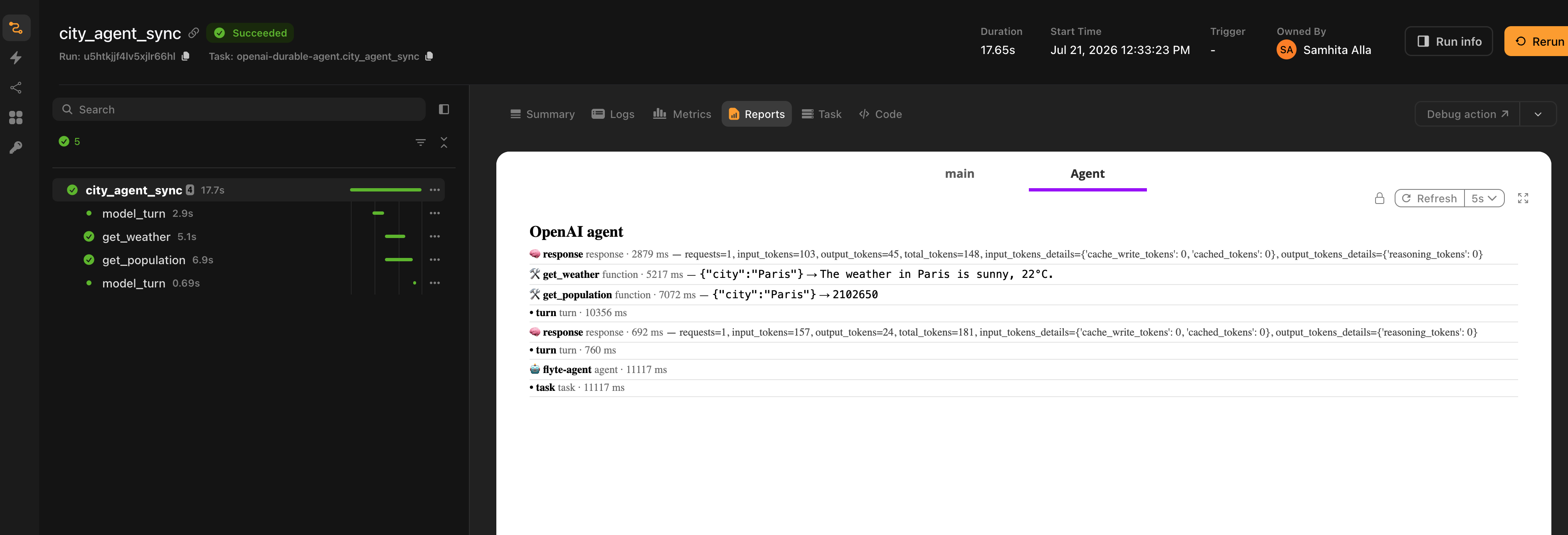
The Flyte agent plugins cover that half. You keep writing agents in your framework's own idioms. Flyte becomes the runtime underneath: completed model turns replay instead of re-billing, every tool call is a containerized child action with its own resources and cache, conversations persist across runs, and the whole thing renders as a timeline in the task report.
Ten frameworks are supported, each as a separate package on a shared core. The call shape is identical across all of them, so switching frameworks is mostly a change of import.
## Supported frameworks
| Framework | Page | Package |
|---|---|---|
| [OpenAI Agents SDK](https://openai.github.io/openai-agents-python/) | **Agent frameworks > OpenAI Agents SDK** | `flyteplugins-agents-openai` |
| [Claude Agent SDK](https://github.com/anthropics/claude-agent-sdk-python) | **Agent frameworks > Claude Agent SDK** | `flyteplugins-agents-claude` |
| [Google ADK](https://github.com/google/adk-python) | **Agent frameworks > Google ADK** | `flyteplugins-agents-google` |
| [Mistral Agents](https://docs.mistral.ai/agents/agents_introduction/) | **Agent frameworks > Mistral Agents** | `flyteplugins-agents-mistral` |
| [LangChain](https://docs.langchain.com/oss/python/langchain/agents) | **Agent frameworks > LangChain** | `flyteplugins-agents-langchain` |
| [LangGraph](https://langchain-ai.github.io/langgraph/) | **Agent frameworks > LangGraph** | `flyteplugins-agents-langgraph` |
| [Deep Agents](https://docs.langchain.com/oss/python/deepagents/overview) | **Agent frameworks > Deep Agents** | `flyteplugins-agents-deepagents` |
| [CrewAI](https://docs.crewai.com/) | **Agent frameworks > CrewAI** | `flyteplugins-agents-crewai` |
| [Pydantic AI](https://ai.pydantic.dev/) | **Agent frameworks > Pydantic AI** | `flyteplugins-agents-pydantic-ai` |
| [Hermes](https://pypi.org/project/hermes-agent/) | **Agent frameworks > Hermes** | `flyteplugins-agents-hermes` |
Install the one you need. Each package pulls in `flyteplugins-agents-core` and the underlying SDK.
```bash
pip install flyteplugins-agents-openai
```
## Two decorators
Every adapter exports the same two things: `tool` and `run_agent`.
`tool` stacks on top of `@env.task`. The result is simultaneously a normal Flyte task and a tool your framework recognizes, so when the model calls it, the call becomes a durable child action rather than a function call inside the agent process.
`run_agent` drives the framework's own agent loop from inside a Flyte task. That task is the durable parent: give it `retries=` for self-healing and `report=True` for the timeline.
```python
import flyte
from flyteplugins.agents.openai import run_agent, tool
env = flyte.TaskEnvironment("agent")
@tool
@env.task(cache="auto", retries=3)
async def get_weather(city: str) -> str:
"""Get the current weather for a city."""
return f"The weather in {city} is sunny, 22C."
@env.task(report=True, retries=3)
async def city_agent(question: str) -> str:
return await run_agent(question, tools=[get_weather], model="gpt-4.1")
```
Swap the import line for `flyteplugins.agents.crewai` or `flyteplugins.agents.langchain` and the rest of the file stays as it is, apart from the model name.
## Quick start
A complete, runnable agent. The API key is read from the environment, so wire it as a Flyte secret rather than passing it as a task input.
```python{hl_lines=[2, 6, 14, 21, "30-35"]}
import flyte
from flyteplugins.agents.openai import run_agent, tool
env = flyte.TaskEnvironment(
"city-agent",
secrets=[flyte.Secret(key="openai_api_key", as_env_var="OPENAI_API_KEY")],
image=flyte.Image.from_debian_base().with_pip_packages(
"flyteplugins-agents-openai",
),
resources=flyte.Resources(cpu=1),
)
@tool
@env.task(cache="auto", retries=3)
async def get_weather(city: str) -> str:
"""Get the current weather for a city."""
return f"The weather in {city} is sunny, 22C."
@tool
@env.task(cache="auto", retries=3)
async def get_population(city: str) -> int:
"""Get the population of a city."""
return {"Paris": 2102650, "Tokyo": 13929286}.get(city, 1_000_000)
@env.task(report=True, retries=3)
async def city_agent(question: str) -> str:
return await run_agent(
question,
tools=[get_weather, get_population],
instructions="You are a concise city-facts assistant. Use the tools to answer.",
model="gpt-4.1",
)
if __name__ == "__main__":
flyte.init_from_config()
run = flyte.run(city_agent, question="What's the weather and population of Paris?")
print(run.url)
```
Run it:
```bash
flyte run city_agent.py city_agent --question "What's the weather and population of Paris?"
```
Add `--local` right after `run` to execute on your machine instead. The durability, memory and observability layers become transparent no-ops outside a task context, so the same file runs unchanged.
## What Flyte adds
| Capability | What it means |
|---|---|
| Tools as child actions | Each tool call runs in its own container with its own resources, retries and cache. A retrieval tool can hold a GPU while the agent task holds one CPU. |
| Model-turn replay | Completed turns are recorded. When the parent task is retried, they replay from the record instead of calling the model again. |
| Self-healing | `retries=` on the agent task, combined with per-turn and per-tool replay, means a transient failure resumes rather than restarting. |
| Cross-run memory | A `memory_key` continues a conversation across separate runs, workers and restarts, backed by object storage. |
| Observability | Turns, tool calls, results and token usage render into the task report. |
| Human in the loop | A tool can suspend on a Flyte condition and wait for a human. The run survives restarts while it waits. |
**Agent frameworks > How it works** covers each of these in detail, including where the durability seam sits and why.
## Capability matrix
The adapters share a contract but the underlying SDKs differ, so durability lands in different places.
| Framework | Model-turn durability | Tool type | What memory persists | Python |
|---|---|---|---|---|
| **Agent frameworks > OpenAI Agents SDK** | Per turn | `FunctionTool` | Conversation transcript | 3.10+ |
| **Agent frameworks > Claude Agent SDK** | Per session, via resume | In-process MCP tool | Conversation transcript | 3.10+ |
| **Agent frameworks > Google ADK** | Per turn | Plain callable | Session events | 3.10+ |
| **Agent frameworks > Mistral Agents** | Per turn | Plain callable | Server-side conversation ID | 3.10+ |
| **Agent frameworks > LangChain** | Per turn, built agents | `StructuredTool` | Conversation transcript | 3.10+ |
| **Agent frameworks > LangGraph** | Per turn, via `ai_node` | `StructuredTool` | Conversation transcript | 3.10+ |
| **Agent frameworks > Deep Agents** | Per turn, built agents | `StructuredTool` | Transcript and virtual filesystem | 3.11+ |
| **Agent frameworks > CrewAI** | Per turn, built agents | `BaseTool` | Conversation transcript | 3.10+ |
| **Agent frameworks > Pydantic AI** | Per turn | Plain callable | Message history | 3.10+ |
| **Agent frameworks > Hermes** | Not available | Registry tool | Conversation transcript | 3.11+ |
"Built agents" means durability applies when `run_agent` constructs the agent for you. If you hand it a fully pre-built agent, Flyte cannot reach inside to wrap the model, so you wrap it yourself. Each page says exactly how.
Tool calls are durable in every case, including Hermes, regardless of the `durable` setting.
## Choosing a framework
The plugins do not have an opinion here. Pick the framework you would have picked anyway. The two things worth knowing:
- If you want per-turn replay and you are starting fresh, everything except Hermes gives it to you on the builder path.
- If you already own a compiled graph or a configured agent object, check the framework's page for how durability is applied on the pre-built path. LangGraph is designed around this case: you build the `StateGraph`, and `ai_node` and `tool_node` supply the durable pieces.
## Next steps
- **Agent frameworks > How it works**: the runtime model, from the durable parent down to the trace leaf.
- Pick a framework page above for SDK-specific setup, options and limitations.
- [Build an agent](https://www.union.ai/docs/latest/union/user-guide/agents/build-agent/_index): Flyte's own agent harness, if you would rather not bring a framework at all.
=== PAGE: https://www.union.ai/docs/latest/union/integrations/agents/how-it-works ===
# How it works
Every adapter follows the same division of labor. Understanding it once means you can read any of the framework pages quickly, and it explains why some capabilities land differently depending on the SDK.
## The division of labor
Three levels, each mapping to a Flyte primitive:
| Level | Flyte primitive | What it gives you |
|---|---|---|
| The agent run | An `@env.task` (the durable parent) | Retries, timeout, resources, the report |
| Each model turn | A `flyte.trace` leaf | Replay on retry, no repeat billing |
| Each tool call | A child action | Own container, own resources, retries, caching |
The framework still owns the loop. Nothing here reimplements tool-calling or turn management. `run_agent` starts the SDK's own runner inside your task and instruments the seams around it.
```python
@env.task(report=True, retries=3) # the durable parent
async def city_agent(question: str) -> str:
return await run_agent( # the SDK's loop runs in here
question,
tools=[get_weather], # each call is a child action
model="gpt-4.1",
)
```
```mermaid
flowchart TB
user(["user question"]) --> t1
subgraph parent["city_agent · @env.task · the durable parent (retries · timeout · report)"]
direction TB
t1["Model turn 1
flyte.trace leaf · replays on retry"]
subgraph c1["own container"]
w["get_weather
child action · own resources · retries · cache"]
end
subgraph c2["own container"]
p["get_population
child action · own resources · retries · cache"]
end
t2["Model turn 2
flyte.trace leaf · replays on retry"]
t1 --> w
t1 --> p
w --> t2
p --> t2
end
t2 --> answer(["final answer"])
```
The parent task is the box. The model turns inside it are `flyte.trace` leaves that replay on retry. Each tool call is a child action in its own container, sized and cached on its own terms.
## Tools are Flyte tasks
Stacking `tool` on `@env.task` produces one object that is both things at once. The framework sees whatever tool type it expects, and Flyte sees the task.
```python
@tool
@env.task(cache="auto", retries=3, resources=flyte.Resources(gpu="T4"))
async def embed_documents(query: str) -> list[float]:
"""Embed a query for semantic search."""
...
```
When the model calls `embed_documents`, Flyte submits a child action. That action runs in its own container with a T4, retries on failure, and hits the cache on identical inputs. The agent task itself keeps whatever modest resources you gave it.
This is the part that is hard to get any other way. A tool in a normal agent process is a function call: same machine, same memory limit, same failure domain. Here each tool is sized and cached on its own terms, and a tool crash does not take down the conversation.
The tool's schema, name and description come from the task. The docstring becomes the description the model sees, so write it for the model.
> [!NOTE] Docstrings are prompts
> The first line of the docstring is what the model reads when deciding whether to call the tool. Vague docstrings produce vague tool selection.
### Passing tools
`tools=` accepts `tool`-wrapped tasks. It also accepts bare `@env.task` templates, which are wrapped for you:
```python
await run_agent(question, tools=[get_weather]) # tool-wrapped, or
await run_agent(question, tools=[some_plain_task]) # bare task, wrapped on the fly
```
Wrap explicitly with `@tool` when you want the tool object at module scope, for example to attach it to a pre-built agent or a subagent.
### Renaming a tool
```python
search = tool(query_warehouse, name="search", description="Search the product catalog.")
```
The OpenAI adapter forwards to the SDK's own kwargs (`name_override`, `description_override`) instead.
## Durable model turns
A retried task normally starts from scratch. For an agent that means paying for every completed turn a second time, and getting different answers the second time around.
Instead, each model turn is recorded as a `flyte.trace` leaf keyed by a fingerprint of the request. On a retry, a turn whose fingerprint already has a record returns that record without calling the model.
The recording happens at the seam below the framework's loop, not around it. For the OpenAI adapter that is a `ModelProvider`; for Google ADK it is `BaseLlm.generate_content_async`; for the LangChain family it is the chat model itself; for Mistral it is the two HTTP methods the runner uses per turn. Different seam, same mechanism. The loop above it is untouched, so handoffs, guardrails, structured output and everything else the SDK does keep working.
Turn durability is on by default. Switch it off with `durable=False`.
```python
await run_agent(question, tools=[get_weather], model="gpt-4.1", durable=False)
```
### What replay means in practice
A task that crashes partway through an agent run, with `retries=3`, resumes like this:
1. Completed model turns return from their trace records. No model calls, no tokens.
2. Completed tool calls return from cache, if the task was declared with `cache="auto"`.
3. Execution continues from the first step that never finished.
Transient model failures such as 429s and 5xx are a separate matter. Those are retried in place by the provider's own client, below the durable wrapper, so a turn is only recorded once it has actually succeeded.
Here is that recovery in the Flyte report. It is one crash-resume run viewed at each attempt, using the `openai_crash_resume.py` example: the task runs the agent for real, crashes on its first attempt, and Flyte retries it. The `Attempt` selector at the top right switches between the two views.
**Attempt 1, the first run.** The agent does the full job. Both model turns are live calls with real token usage (103 and 154 input tokens), and both tools execute as child actions, `get_weather` in 5.1 s and `get_population` in 16.6 s. The agent timeline totals 20.3 s. The task then crashes.
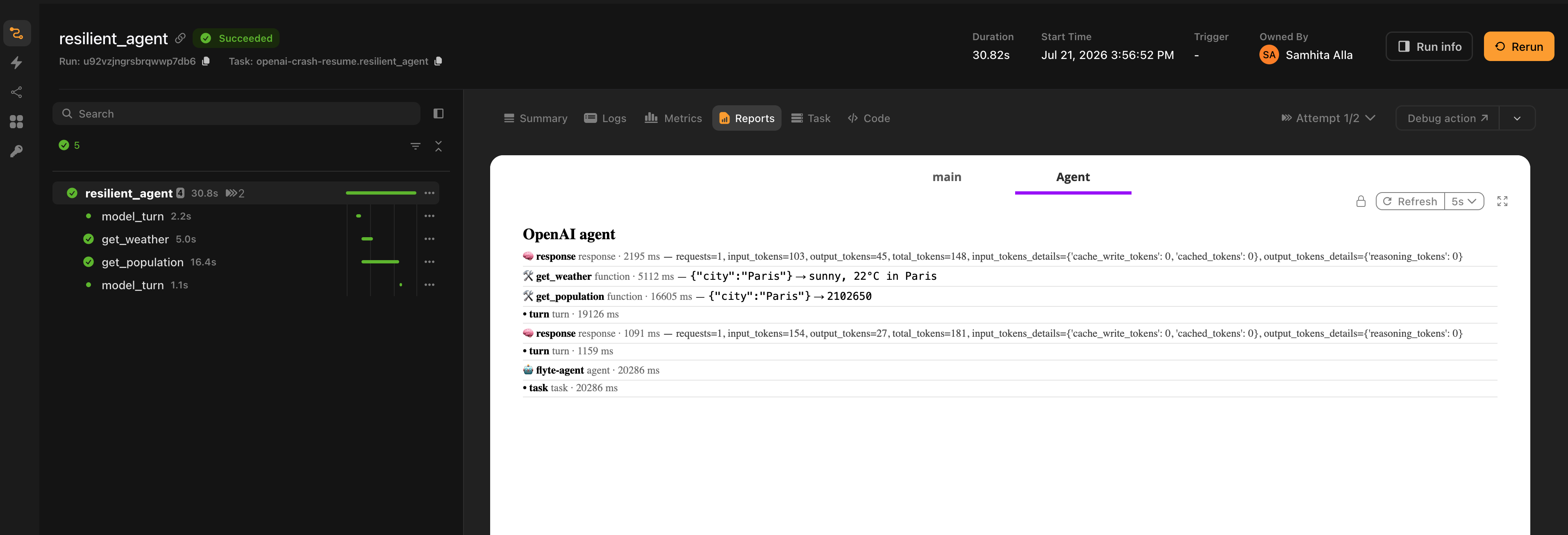
**Attempt 2, the retry.** The two model `response` rows are gone. The turns replayed from their `flyte.trace` records, so the model was never called and no tokens were spent. The tool calls are cache hits, `get_weather` in 59 ms and `get_population` in 102 ms. Same answer, with the agent timeline down from 20.3 s to 0.44 s.
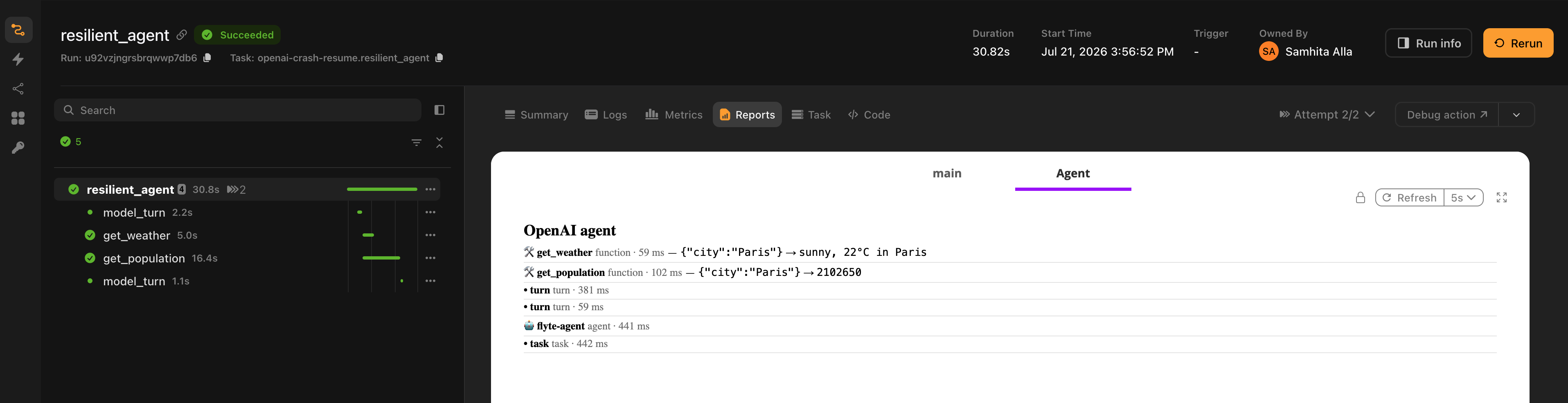
The absence of those model rows on the retry is the replay. The second attempt re-drives the agent loop, but every completed turn comes back from its record and every tool from cache, so no work is repeated and nothing is re-billed.
### Where durability does not reach
Two cases, both called out on the relevant framework pages:
**Pre-built agents:** If you construct the agent object yourself and pass it as `run_agent(agent=...)`, Flyte often cannot reach the model inside it to wrap it. The LangChain family exposes `DurableChatModel` for this; Pydantic AI applies the wrapper through `Agent.override`. Tool calls stay durable either way.
**Subprocess loops:** The Claude Agent SDK runs its loop in the Claude Code runtime, a subprocess Flyte does not intercept, so a turn cannot be a trace leaf. That adapter uses the SDK's own session resume against a `flyte.Checkpoint` instead. It is coarser, whole-session rather than per-turn, but it is real. Hermes exposes no per-turn hook at all, so `durable=` is accepted and ignored there.
## Cross-run memory
Pass a `memory_key` and the conversation continues across separate runs, separate workers and restarts:
```python
@env.task(report=True, retries=3)
async def chat(message: str, memory_key: str) -> str:
return await run_agent(message, model="gpt-4.1", memory_key=memory_key)
```
```bash
flyte run chat.py chat --message "Hi, I'm Alice and I love hiking." --memory_key user-alice
flyte run chat.py chat --message "What do I like?" --memory_key user-alice
```
The second run answers correctly. It is a separate run on possibly a different worker, and the transcript came from object storage.
The backing store is Flyte's keyed `MemoryStore`, which resolves a deterministic remote path from the key and the run context. Two runs sharing a key share one store. It carries a message transcript and a path-addressed key-value space with audit and version history, so the same key covers both conversation history and durable named facts.
What each adapter actually persists differs, because the SDKs represent conversation state differently. Mistral keeps transcripts server-side, so only the conversation ID is stored. Google ADK persists its event list. Deep Agents persists the virtual filesystem alongside the transcript. The [capability matrix](./_index) has the full list.
`memory_key` should be a single segment, such as a user or thread ID. Memory is best-effort by design: if no durable store can be resolved, the adapter logs a warning and the run continues without memory rather than failing.
> [!NOTE] Memory needs a configured context
> The store path is derived from the active org, project and domain. Run with `flyte.init_from_config()` or against a backend. Local runs without a context skip memory silently.
## Observability
With `report=True` on the agent task, the run renders as a timeline in the report tab: assistant turns, tool calls with their arguments, tool results, errors, and a token usage summary.
```python
@env.task(report=True, retries=3)
async def city_agent(question: str) -> str:
return await run_agent(question, tools=[get_weather], model="gpt-4.1")
```
Turn it off with `observability=False`.
Token accounting is honest about replay. On a retried run, turns served from their durable records are counted as cached rather than presented as fresh spend.
## Human in the loop
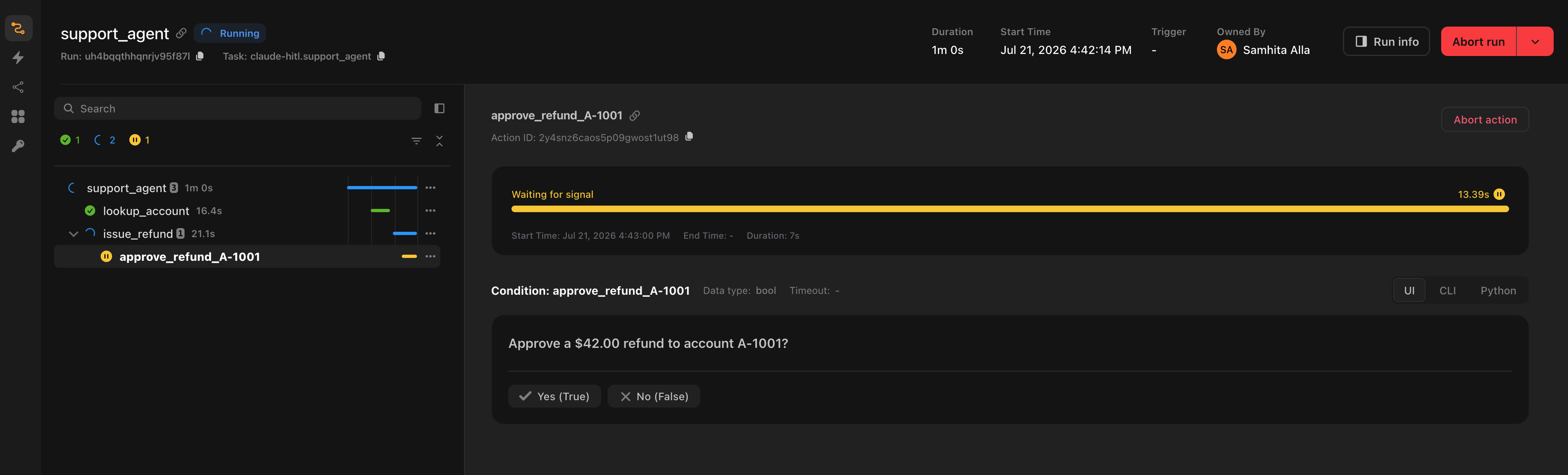
A tool is a Flyte task, and a Flyte task can suspend on a condition. That gives you an approval gate no agent SDK has an equivalent for, because the run genuinely suspends rather than blocking a thread, and survives a restart while it waits.
```python
@tool
@env.task(retries=3)
async def issue_refund(account_id: str, amount_usd: float) -> str:
"""Issue a refund. Requires human approval before it runs."""
condition = await flyte.new_condition.aio(
f"approve_refund_{account_id}",
prompt=f"Approve a ${amount_usd:.2f} refund to account {account_id}?",
data_type=bool,
)
if not await condition.wait.aio():
return f"Refund to {account_id} was declined by a human reviewer."
return f"refunded ${amount_usd:.2f} to account {account_id}"
```
The model decides whether to call the tool. You decide what happens when it does. The agent sees the decline as an ordinary tool result and carries on.
## Multi-agent orchestration
Handoffs and subagents inside a single `run_agent` work as the framework defines them. Flyte adds a layer above: each agent can be its own task, composed with ordinary control flow.
```python
@env.task(retries=3)
async def research(subtopic: str) -> str:
return await run_agent(f"Research: {subtopic}", tools=[search_web], model="gpt-4.1")
@env.task(report=True, retries=3)
async def pipeline(topic: str) -> str:
subtopics = await plan(topic)
with flyte.group("parallel-research"):
findings = await asyncio.gather(*(research(s) for s in subtopics))
return await synthesize(topic, list(findings))
```
Each researcher is a separate durable action with its own retries, cache and report. The fan-out is real distributed parallelism across workers, not asyncio inside one process.
## Sync and async
`run_agent` is a coroutine function. Await it from an async task. From a sync task, call `run_agent_sync`, which every adapter also exports with the same signature.
```python
@env.task(report=True)
async def async_agent(q: str) -> str:
return await run_agent(q, tools=[get_weather], model="gpt-4.1")
@env.task(report=True)
def sync_agent(q: str) -> str:
return run_agent_sync(q, tools=[get_weather], model="gpt-4.1")
```
## Running locally
Call `run_agent` from inside an `@env.task`. That task is what makes the durability, memory and observability layers real.
Outside a task context they are transparent no-ops: `flyte.trace` passes through, memory resolves to nothing, the report is not rendered. The same file runs locally unchanged, which is what you want for iteration, but it also means a local run tells you nothing about whether replay works. Run on a backend to see that.
## The shared contract
Every adapter exports `tool`, `run_agent` and `run_agent_sync`, and every `run_agent` accepts `tools`, `model`, `instructions`, `durable`, `observability` and `memory_key`. This is enforced in CI by a conformance check that each adapter runs as a one-line test, so the surface cannot drift between packages.
Adapters add their own keyword arguments on top where the SDK calls for it, such as `run_config` for OpenAI, `options` for Claude, `agent_id` for Mistral, and `subagents` for Deep Agents. Those are documented on each framework's page.
The shared machinery lives in `flyteplugins-agents-core`, which every adapter depends on. It has no agent SDK dependency of its own. If you are writing an adapter for a framework that is not listed, that package is the contract to implement.
## Next steps
- [Agent frameworks](./_index): the supported list and the capability matrix.
- [Secrets](https://www.union.ai/docs/latest/union/user-guide/tasks/task-configuration/secrets): how to wire provider API keys.
- [Caching](https://www.union.ai/docs/latest/union/user-guide/tasks/task-configuration/caching): what `cache="auto"` does on a tool task.
=== PAGE: https://www.union.ai/docs/latest/union/integrations/agents/openai ===
# OpenAI Agents SDK
Run [OpenAI Agents SDK](https://openai.github.io/openai-agents-python/) agents on Flyte. The SDK's `Runner` still drives the loop, including handoffs, guardrails and structured output. Flyte supplies the runtime: tools become durable child actions, model turns replay on retry, and the SDK's trace telemetry renders into the task report instead of being shipped to OpenAI's traces dashboard.
## Installation
```bash
pip install flyteplugins-agents-openai
```
Requires Python 3.10 or later.
## Quick start
```python{hl_lines=[2, 6, 11, "20-25"]}
import flyte
from flyteplugins.agents.openai import run_agent, tool
env = flyte.TaskEnvironment(
"openai-agent",
secrets=[flyte.Secret(key="openai_api_key", as_env_var="OPENAI_API_KEY")],
image=flyte.Image.from_debian_base().with_pip_packages("flyteplugins-agents-openai"),
)
@tool
@env.task(cache="auto", retries=3)
async def get_weather(city: str) -> str:
"""Get the current weather for a city."""
return f"The weather in {city} is sunny, 22C."
@env.task(report=True, retries=3)
async def city_agent(question: str) -> str:
return await run_agent(
question,
tools=[get_weather],
instructions="You are a concise assistant. Use the tools to answer.",
model="gpt-4.1",
)
```
The API key is read from the environment, so it never lands in task inputs. Wire it as a Flyte secret.
## How it maps to Flyte
**Tools:** `tool` turns an `@env.task` into an `agents.FunctionTool`. The SDK derives the JSON schema, name and description from the task signature, so strict tool calling works unchanged. When the agent invokes the tool, the call dispatches to the task instead of running inline.
Applied to a plain function or a `@flyte.trace` helper, `tool` forwards to the SDK's native `function_tool`, so you can mix durable and inline tools in one agent.
**Model turns:** `FlyteModelProvider` wraps whatever `ModelProvider` the run is configured with and records each turn through `flyte.trace`. That is the seam directly below the loop, so the `Runner` above it is untouched.
**Tracing:** `install_flyte_tracing()` registers a trace processor that forwards turns, tool calls, handoffs and token usage into the Flyte report. It runs with `exclusive=True` by default, which replaces the SDK's trace processors so the run's trace telemetry is not exported to OpenAI's traces dashboard. Pass `exclusive=False` to keep the SDK's default exporter and render into the report alongside it.
This applies to the observability spans, not the inference. The model calls themselves still go to OpenAI whenever you use an OpenAI model, carrying the prompts, tool schemas, tool-call arguments and completions, because that is how the model runs. To keep prompt data off OpenAI entirely, point the run at a self-hosted or OpenAI-compatible endpoint with a custom `RunConfig(model_provider=...)`, which is a separate choice from tracing.
## Bring your own agent
If you already have an `agents.Agent` with handoffs and guardrails configured, pass it through. Durability spans the handoff: a crash mid-chain replays both agents' turns.
```python{hl_lines=[3, 8]}
from agents import Agent
triage = Agent(name="triage", handoffs=[billing, technical], input_guardrails=[...])
@env.task(report=True, retries=3)
async def support(request: str) -> str:
return await run_agent(request, agent=triage)
```
`agent` and `tools` are mutually exclusive. A pre-built agent carries its own tools.
## Custom run configuration
Pass a `RunConfig` to control the client, model settings or provider. The `model_provider` you set is wrapped for durability unless you pass `durable=False`.
```python{hl_lines=[1, 12]}
from agents import OpenAIProvider, RunConfig
from openai import AsyncOpenAI
@env.task(report=True, retries=3)
async def city_agent(question: str) -> str:
client = AsyncOpenAI(max_retries=5, timeout=30)
return await run_agent(
question,
tools=[get_weather],
model="gpt-4.1",
run_config=RunConfig(model_provider=OpenAIProvider(openai_client=client)),
)
```
Client-level retries sit below the durable wrapper, so a 429 is retried in place and the turn is recorded only once it succeeds.
## Memory
```python
await run_agent(message, model="gpt-4.1", memory_key="user-alice")
```
This backs the SDK's `Session` with a durable, keyed `MemoryStore` on object storage. The SDK's default session is local SQLite, which does not survive a distributed backend. The same store also holds path-addressed facts for long-term recall.
See [How it works](./how-it-works) for the full memory model.
## Building blocks
`run_agent` wires three independently usable pieces together. Reach for them directly when you want to drive `Runner.run` yourself.
| Export | Purpose |
|---|---|
| `tool` | Turn a Flyte task into an Agents SDK tool |
| `FunctionTool` | The task-backed `FunctionTool` subclass `tool` produces |
| `FlyteModelProvider` | Set on `RunConfig.model_provider` for durable turns |
| `FlyteModel` | The per-model durable wrapper the provider hands out |
| `FlyteSession` | The `MemoryStore`-backed `Session` implementation |
| `install_flyte_tracing` | Register the Flyte trace processor |
| `FlyteTracingProcessor` | The processor itself, if you want to configure it |
## `run_agent` parameters
| Parameter | Type | Default | Description |
|---|---|---|---|
| `input` | `str \| list` | required | The user prompt, or a list of input items |
| `agent` | `Agent \| None` | `None` | A pre-built `agents.Agent`. Mutually exclusive with `tools` |
| `tools` | `Sequence` | `()` | Tools to expose. Accepts `tool`-wrapped tools or bare `@env.task` templates |
| `model` | `str` | `"gpt-4.1"` | Model name, when `agent` is not given |
| `instructions` | `str \| None` | `None` | System instructions, when `agent` is not given |
| `name` | `str` | `"flyte-agent"` | Agent name, when `agent` is not given |
| `max_turns` | `int` | `10` | Maximum model-to-tool turns before the SDK raises |
| `durable` | `bool` | `True` | Record and replay each model turn |
| `observability` | `bool` | `True` | Render the timeline into the task report |
| `run_config` | `RunConfig \| None` | `None` | Custom run configuration. Its `model_provider` is wrapped unless `durable=False` |
| `memory_key` | `str \| None` | `None` | Stable user or thread ID for cross-run memory |
Returns the agent's final output as a string. Use `run_agent_sync` with the same signature from a sync task.
## Notes
- Streamed runs via `Runner.run_streamed` are not memoized per turn in this version. Tool calls remain durable.
- `max_turns` counts model-to-tool turns, not model calls. To bound the whole run in wall-clock terms, set `timeout=` on the enclosing task.
## Examples
Full runnable examples live in the SDK repository under [`plugins/agents/openai/examples`](https://github.com/flyteorg/flyte-sdk/tree/main/plugins/agents/openai/examples):
- `openai_durable_agent.py`: a single durable agent, with both the async and sync call forms.
- `openai_multi_agent.py`: a planner, parallel researchers and an editor, each its own durable action.
- `openai_handoffs.py`: handoffs plus a human approval gate on a sensitive refund tool.
- `openai_crash_resume.py`: the task crashes on its first attempt and finishes on retry without re-calling the model.
- `openai_memory.py`: two separate runs sharing a `memory_key`.
=== PAGE: https://www.union.ai/docs/latest/union/integrations/agents/claude-agent-sdk ===
# Claude Agent SDK
Run [Claude Agent SDK](https://github.com/anthropics/claude-agent-sdk-python) agents on Flyte. Tools you expose become durable Flyte child actions, the run streams into the task report as a timeline, and a crashed attempt resumes the conversation instead of restarting it.
This adapter differs from the others in one respect worth knowing up front: the Claude SDK runs its agent loop inside the Claude Code runtime, a subprocess Flyte does not intercept. Durability is therefore whole-session rather than per-turn. The section on **Agent frameworks > Claude Agent SDK > Durability** explains what that means in practice.
## Installation
```bash
pip install flyteplugins-agents-claude
```
Requires Python 3.10 or later.
The `claude-agent-sdk` wheel bundles the native `claude` CLI as a per-platform binary, including the `manylinux` build. It is around 250 MB, and it means the runtime image needs no separate Node.js install. A pip install and an Anthropic API key is the whole setup.
## Quick start
```python{hl_lines=[2, 6, 11, 20]}
import flyte
from flyteplugins.agents.claude import run_agent, tool
env = flyte.TaskEnvironment(
"claude-agent",
secrets=[flyte.Secret(key="anthropic_api_key", as_env_var="ANTHROPIC_API_KEY")],
image=flyte.Image.from_debian_base().with_pip_packages("flyteplugins-agents-claude"),
)
@tool
@env.task(cache="auto", retries=3)
async def get_weather(city: str) -> str:
"""Get the current weather for a city."""
return f"The weather in {city} is sunny, 22C."
@env.task(report=True, retries=3)
async def city_agent(question: str) -> str:
return await run_agent(question, tools=[get_weather], model="claude-sonnet-4-5")
```
## How it maps to Flyte
**Tools:** The Claude SDK exposes custom tools as in-process MCP tools. `tool` wraps an `@env.task` as an `SdkMcpTool` whose handler dispatches to the task, so a tool call becomes a durable child action with its own container, resources, retries and cache. The input schema is derived through the Flyte type engine, which handles `Literal` enums, `File`, `Dir`, `DataFrame` and dataclasses correctly.
`run_agent` builds an in-process MCP server from the tools you pass, registers it under `server_name`, and adds the tool names to `allowed_tools`.
**The loop:** `run_agent` runs the SDK's loop inside your task, streams the messages, and renders assistant turns, tool calls, cost and token usage into the report.
## Durability
**Tool calls** are durable Flyte child actions always, regardless of the `durable` setting. Their retries and caching behave exactly as they do for any Flyte task.
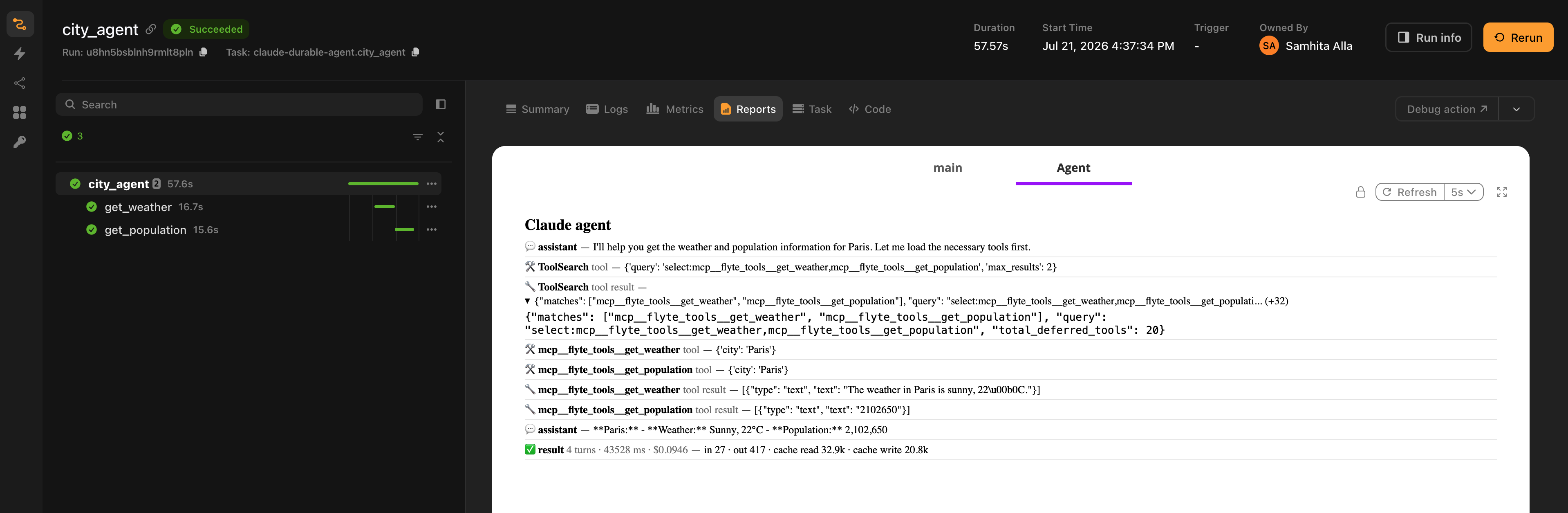
**The conversation** survives a crash through session resume. With `durable=True`, `run_agent` wires the SDK's own session mirror onto a `flyte.Checkpoint`. A deterministic `session_id`, derived from the task's action so it is stable across retries, is pinned on the first attempt. On a retry, the prior attempt's transcript is restored from the checkpoint and the run resumes.
The reason for delegating to the SDK here is structural. A model turn cannot be a `flyte.trace` leaf when the loop that produces it runs in a subprocess. Session resume is the coarser-grained equivalent: whole-session rather than per-turn. It no-ops cleanly when there is no checkpoint context, such as a local run.
## Observability
With `report=True`, the timeline shows assistant turns from the streamed messages plus each tool's outcome. The message stream does not surface tool results, so `run_agent` installs `PostToolUse` and `PostToolUseFailure` hooks to capture them.
If you pass your own `ClaudeAgentOptions(hooks=...)`, the Flyte hooks are merged into yours rather than replacing them. They observe only and return an empty decision, so they never affect the agent's behavior.
The result row carries the turn count, wall-clock duration, the SDK's cost estimate, and a token breakdown covering input, output, cache reads and cache writes. Those are the counts that drive the dollar figure, so you can check it at a glance.
## Bring your own options
Pass a fully-built `ClaudeAgentOptions` to keep SDK-native configuration such as subagents, permissions, hooks and session settings. The `tools`, `model`, `instructions` and `max_turns` arguments are layered on top of it.
```python{hl_lines=[1, 9]}
from claude_agent_sdk import ClaudeAgentOptions
@env.task(report=True, retries=3)
async def support(request: str) -> str:
return await run_agent(
request,
tools=[lookup_account],
options=ClaudeAgentOptions(agents={"billing": {...}}),
model="claude-sonnet-4-5",
)
```
## Human in the loop
A tool that pauses for human approval is a durable gate the SDK has no equivalent for. The run genuinely suspends and survives restarts while it waits.
```python{hl_lines=[5, 10]}
@tool
@env.task(retries=3)
async def issue_refund(account_id: str, amount_usd: float) -> str:
"""Issue a refund. Requires human approval before it runs."""
condition = await flyte.new_condition.aio(
f"approve_refund_{account_id}",
prompt=f"Approve a ${amount_usd:.2f} refund to account {account_id}?",
data_type=bool,
)
if not await condition.wait.aio():
return f"Refund to {account_id} was declined by a human reviewer."
return f"refunded ${amount_usd:.2f} to account {account_id}"
```
## Memory
```python
await run_agent(message, model="claude-sonnet-4-5", memory_key="user-alice")
```
The transcript is persisted to a durable, keyed `MemoryStore` and resumed through the SDK's session mirror on the next run with the same key.
Memory takes precedence over the per-run `durable` checkpoint, because it covers crash resume as well. When `memory_key` is set, the checkpoint path is not used.
## `run_agent` parameters
| Parameter | Type | Default | Description |
|---|---|---|---|
| `input` | `str` | required | The user prompt |
| `tools` | `Sequence` | `()` | Tools to expose. Accepts `tool`-wrapped tools or bare `@env.task` templates |
| `model` | `str \| None` | `"claude-sonnet-4-5"` | Model name |
| `instructions` | `str \| None` | `None` | System prompt |
| `max_turns` | `int \| None` | `None` | Maximum turns. `None` uses the SDK default |
| `durable` | `bool` | `True` | Wire session resume onto a `flyte.Checkpoint` |
| `observability` | `bool` | `True` | Render the timeline into the task report |
| `options` | `ClaudeAgentOptions \| None` | `None` | SDK-native configuration, layered under the arguments above |
| `server_name` | `str` | `"flyte_tools"` | Name of the in-process MCP server holding the tools |
| `memory_key` | `str \| None` | `None` | Stable user or thread ID for cross-run memory |
Returns the final text. Use `run_agent_sync` with the same signature from a sync task.
## Examples
Full runnable examples live in the SDK repository under [`plugins/agents/claude/examples`](https://github.com/flyteorg/flyte-sdk/tree/main/plugins/agents/claude/examples):
- `claude_durable_agent.py`: a single durable agent with tool outcomes in the report.
- `claude_crash_resume.py`: the task crashes on its first attempt and resumes the conversation from the checkpoint on retry.
- `claude_multi_agent.py`: a planner, parallel researchers and an editor, each its own durable action.
- `claude_hitl.py`: a refund tool gated on human approval.
- `claude_memory.py`: two separate runs sharing a `memory_key`.
- `claude_handoffs.py`: native subagent delegation, with the whole run durable on Flyte.
=== PAGE: https://www.union.ai/docs/latest/union/integrations/agents/google-adk ===
# Google ADK
Run [Google ADK](https://github.com/google/adk-python) (Agent Development Kit) agents on Flyte. ADK's `Runner` drives the loop and yields events. Flyte supplies the runtime: tools become durable child actions, each model turn is recorded for replay, and the event stream renders into the task report.
## Installation
```bash
pip install flyteplugins-agents-google
```
Requires Python 3.10 or later and `google-adk` 2.0 or later.
## Quick start
```python{hl_lines=[2, 6, 11, 20]}
import flyte
from flyteplugins.agents.google import run_agent, tool
env = flyte.TaskEnvironment(
"google-agent",
secrets=[flyte.Secret(key="google_api_key", as_env_var="GOOGLE_API_KEY")],
image=flyte.Image.from_debian_base().with_pip_packages("flyteplugins-agents-google"),
)
@tool
@env.task(cache="auto", retries=3)
async def get_weather(city: str) -> str:
"""Get the current weather for a city."""
return f"The weather in {city} is sunny, 22C."
@env.task(report=True, retries=3)
async def city_agent(question: str) -> str:
return await run_agent(question, tools=[get_weather], model="gemini-2.0-flash")
```
Credentials come from the environment, whether that is `GOOGLE_API_KEY` for Gemini or your Vertex AI configuration. Wire them as Flyte secrets so they cannot leak into task inputs.
## How it maps to Flyte
**Tools:** ADK accepts plain Python callables and derives the tool declaration from the signature. `tool` produces one whose body dispatches to `task.aio()`, so each call runs as a durable child action.
**Model turns:** With `durable=True`, the agent's model is wrapped in `FlyteLlm`, which records each pass through `BaseLlm.generate_content_async` via `flyte.trace`. That method is the seam directly below the loop, the ADK equivalent of swapping OpenAI's `ModelProvider`. On a retry, completed turns replay from their recorded `LlmResponse` and tool calls come back from cache.
**Observability:** Turns and tool calls render into the report, followed by a usage row summarizing model turns, prompt tokens, completion tokens and total tokens. Gemini's context-cache tokens appear as `cached`, and thinking tokens as `thinking` on models that report them.
## Bring your own agent
Pass a pre-built `LlmAgent` or any `BaseAgent`, including a tree with sub-agent transfers.
```python{hl_lines=[4]}
from google.adk.agents import LlmAgent
from flyteplugins.agents.google import durable_model
triage = LlmAgent(
name="triage",
model=durable_model("gemini-2.0-flash"),
instruction="Route the request to the right specialist.",
sub_agents=[billing, technical],
)
@env.task(report=True, retries=3)
async def support(request: str) -> str:
return await run_agent(request, agent=triage)
```
`run_agent` cannot reach inside a pre-built tree to wrap the models, so wrap them yourself with `durable_model` when you want per-turn replay on that path. Tool calls stay durable regardless.
`agent` and `tools` are mutually exclusive.
## Memory
```python
await run_agent(message, model="gemini-2.0-flash", memory_key="user-alice")
```
ADK keeps the conversation as a list of `Event` objects on the session. Those events are persisted to a durable, keyed `MemoryStore` and restored into a fresh session on the next run with the same key.
## Bounding a run
`max_llm_calls` caps model calls before ADK raises `LlmCallsLimitExceededError`, its runaway-loop guard. It counts LLM calls rather than conversational turns, so a single tool round is roughly two calls. Leaving it at `None` uses ADK's default of 500.
For a wall-clock bound on the whole run, including tool calls, set `timeout=` on the enclosing task instead.
## `run_agent` parameters
| Parameter | Type | Default | Description |
|---|---|---|---|
| `input` | `str` | required | The user prompt |
| `agent` | `Any` | `None` | A pre-built ADK agent. Mutually exclusive with `tools` |
| `tools` | `Sequence` | `()` | Tools to expose. Accepts `tool`-wrapped tools or bare `@env.task` templates |
| `model` | `str` | `"gemini-2.0-flash"` | Model name, when `agent` is not given |
| `instructions` | `str \| None` | `None` | System instruction, when `agent` is not given |
| `name` | `str` | `"assistant"` | Agent name. Must be a valid Python identifier |
| `max_llm_calls` | `int \| None` | `None` | Cap on model calls. `None` uses ADK's default of 500 |
| `durable` | `bool` | `True` | Record and replay each model turn |
| `observability` | `bool` | `True` | Render the timeline into the task report |
| `memory_key` | `str \| None` | `None` | Stable user or thread ID for cross-run memory |
| `app_name` | `str` | `"flyte-agent"` | ADK app name, used for namespacing |
| `user_id` | `str` | `"flyte-user"` | ADK user ID |
Returns the final text. Use `run_agent_sync` with the same signature from a sync task.
> [!NOTE] `name` is visible to the model
> ADK injects the agent name into the system prompt as the model's internal name, so it can surface in replies. Keep it natural. An internal or brand-heavy label will show up in the conversation.
## Examples
Full runnable examples live in the SDK repository under [`plugins/agents/google/examples`](https://github.com/flyteorg/flyte-sdk/tree/main/plugins/agents/google/examples):
- `google_durable_agent.py`: a single durable agent with traced model turns.
- `google_multi_agent.py`: a planner, parallel researchers and an editor, each its own durable action.
- `google_crash_resume.py`: the task crashes on its first attempt and replays completed turns on retry.
- `google_memory.py`: two separate runs sharing a `memory_key`.
- `google_handoffs.py`: native agent transfer to a specialist sub-agent, which can pause on a Flyte condition for a human to supply details mid-conversation.
=== PAGE: https://www.union.ai/docs/latest/union/integrations/agents/mistral ===
# Mistral Agents
Run [Mistral Agents](https://docs.mistral.ai/agents/agents_introduction/) on Flyte, built on the Conversations API in `mistralai` 2.x. Mistral's own runner drives the loop and executes tools. Flyte registers task-backed tools with it, records each conversation turn for replay, and renders the run into the task report.
Mistral is server-side, which changes two things relative to the other adapters: the transcript lives on Mistral's side, and you can drive a pre-created agent by ID instead of an inline model.
## Installation
```bash
pip install flyteplugins-agents-mistral
```
Requires Python 3.10 or later and `mistralai[agents]` 2.0 or later.
## Quick start
```python{hl_lines=[2, 6, 11, 20]}
import flyte
from flyteplugins.agents.mistral import run_agent, tool
env = flyte.TaskEnvironment(
"mistral-agent",
secrets=[flyte.Secret(key="mistral_api_key", as_env_var="MISTRAL_API_KEY")],
image=flyte.Image.from_debian_base().with_pip_packages("flyteplugins-agents-mistral"),
)
@tool
@env.task(cache="auto", retries=3)
async def get_weather(city: str) -> str:
"""Get the current weather for a city."""
return f"The weather in {city} is sunny, 22C."
@env.task(report=True, retries=3)
async def city_agent(question: str) -> str:
return await run_agent(question, tools=[get_weather], model="mistral-large-latest")
```
`run_agent` raises with a clear message if the API key is missing, naming the environment variable it looked in.
## How it maps to Flyte
**Tools:** Mistral's `RunContext` takes plain Python functions and registers them with the runner. `tool` produces one whose body dispatches to `task.aio()`, so each call runs as a durable child action.
**Model turns:** The runner makes each turn by calling `conversations.start_async` or `conversations.append_async`, both in-process HTTP calls. With `durable=True` those two methods are wrapped, and each turn is recorded via `flyte.trace`. The `ConversationResponse` round-trips through pydantic JSON, including the polymorphic output entries.
That is the seam directly below the loop. The SDK still owns the loop; on a retry, completed turns replay from their records and completed tool calls come back from cache.
**Observability:** The turns, tool calls and final answer render into the report. The SDK's `RunResult` exposes no token usage, but each turn's `ConversationResponse` does, so the same wrapper tallies it and adds a usage row.
Replayed turns are counted as cached rather than fresh spend, so a retried run does not present a free replay as though it cost money.
## Driving a pre-created agent
Mistral agents can be created server-side and referenced by ID. Pass `agent_id` instead of `model` and the tool calls still run as durable Flyte actions.
```python{hl_lines=[6]}
@env.task(report=True, retries=3)
async def support(request: str) -> str:
return await run_agent(
request,
tools=[lookup_account],
agent_id="ag_01jd...",
)
```
Native handoffs work on this path too. A triage agent can hand the conversation to a billing or technical agent by ID, with the whole multi-agent run durable on Flyte.
## Memory
```python
await run_agent(message, model="mistral-large-latest", memory_key="user-alice")
```
Mistral keeps the transcript server-side, so there is nothing to copy. Flyte persists the thread's `conversation_id` in a keyed `MemoryStore` and continues that conversation when the key recurs.
## Bounding a run
`timeout_ms` is a per-turn request timeout that the SDK applies to each model call inside its loop. It bounds a single hung turn. It is not a whole-run cap, and Mistral exposes no turn-count limit.
To bound the entire agent run, including every turn and tool call, set `timeout=` on the enclosing task.
## `run_agent` parameters
| Parameter | Type | Default | Description |
|---|---|---|---|
| `input` | `str` | required | The user prompt |
| `tools` | `Sequence` | `()` | Tools to expose. Accepts `tool`-wrapped tools or bare `@env.task` templates |
| `model` | `str \| None` | `"mistral-large-latest"` | Model for an inline run, when `agent_id` is not given |
| `instructions` | `str \| None` | `None` | System instructions |
| `timeout_ms` | `int \| None` | `None` | Per-turn request timeout in milliseconds. `None` uses the SDK default |
| `durable` | `bool` | `True` | Record and replay each conversation turn |
| `observability` | `bool` | `True` | Render the timeline into the task report |
| `agent_id` | `str \| None` | `None` | Drive an existing server-side agent instead of `model` |
| `api_key_env_var` | `str` | `"MISTRAL_API_KEY"` | Environment variable holding the API key |
| `memory_key` | `str \| None` | `None` | Stable user or thread ID for cross-run memory |
Returns the final text. Use `run_agent_sync` with the same signature from a sync task.
## Examples
Full runnable examples live in the SDK repository under [`plugins/agents/mistral/examples`](https://github.com/flyteorg/flyte-sdk/tree/main/plugins/agents/mistral/examples):
- `mistral_durable_agent.py`: a single durable agent with per-turn tracing.
- `mistral_crash_resume.py`: the task crashes on its first attempt and replays completed turns on retry.
- `mistral_multi_agent.py`: a planner, parallel researchers and an editor, each its own durable action.
- `mistral_agent_id.py`: driving a pre-created server-side agent by ID.
- `mistral_memory.py`: two separate runs sharing a `memory_key`.
- `mistral_handoffs.py`: native handoffs to a specialist agent, which can pause on a Flyte condition for a human detail.
=== PAGE: https://www.union.ai/docs/latest/union/integrations/agents/langchain ===
# LangChain
Run [LangChain agents](https://docs.langchain.com/oss/python/langchain/agents) on Flyte. In LangChain 1.x an agent is built with `create_agent(model, tools, system_prompt=...)`, which returns a compiled graph. `run_agent` drives that graph inside your task, with tools running as durable child actions and model turns recorded for replay.
## Installation
```bash
pip install flyteplugins-agents-langchain
```
Requires Python 3.10 or later. Install the provider integration you need alongside it, for example `langchain-openai` or `langchain-anthropic`.
## Quick start
```python{hl_lines=[2, 6, 13, "24-29"]}
import flyte
from flyteplugins.agents.langchain import run_agent, tool
env = flyte.TaskEnvironment(
"langchain-agent",
secrets=[flyte.Secret(key="openai_api_key", as_env_var="OPENAI_API_KEY")],
image=flyte.Image.from_debian_base().with_pip_packages(
"flyteplugins-agents-langchain", "langchain-openai",
),
)
@tool
@env.task(cache="auto", retries=3)
async def get_weather(city: str) -> str:
"""Get the current weather for a city."""
return f"The weather in {city} is sunny, 22C."
@env.task(report=True, retries=3)
async def city_agent(question: str) -> str:
from langchain_openai import ChatOpenAI
return await run_agent(
question,
tools=[get_weather],
model=ChatOpenAI(model="gpt-4o"),
instructions="You are a concise assistant. Use the tools to answer.",
)
```
Build the chat model inside the task, where the provider API key is available.
## How it maps to Flyte
**Tools:** `tool` turns an `@env.task` into a LangChain `StructuredTool`, a real `BaseTool` that drops straight into `create_agent(model, tools=[...])`. The args schema is built as a pydantic model from the task's typed signature, with annotations and defaults preserved, rather than being inferred from the wrapper. When the agent calls the tool, the coroutine dispatches to `task.aio()` and the call becomes a durable child action.
**Model turns:** With `durable=True`, the chat model is wrapped in `DurableChatModel`, which records each turn via `flyte.trace`. On a retry, completed turns replay from their records and tool calls come back from cache.
**Observability:** The run timeline renders into the task report.
## Pass a model instance, not a string
Durability is applied by wrapping a `BaseChatModel` instance. `create_agent` also accepts a `provider:model` string, and that will run, but a string is passed straight through unwrapped, so you lose per-turn replay.
```python
model=ChatOpenAI(model="gpt-4o") # wrapped, turns are durable
model="openai:gpt-4o" # runs, but turns are not recorded
```
Tool calls stay durable either way. If you want the string form with durability, use the [LangGraph](./langgraph) or [Deep Agents](./deepagents) adapter, both of which resolve the string before wrapping.
## Bring your own agent
Pass a compiled `create_agent` graph as `agent=`.
```python{hl_lines=["9-14"]}
from langchain.agents import create_agent
from flyteplugins.agents.langchain import DurableChatModel
@env.task(report=True, retries=3)
async def support(request: str) -> str:
from langchain_openai import ChatOpenAI
graph = create_agent(
DurableChatModel(inner=ChatOpenAI(model="gpt-4o")),
[lookup_account],
system_prompt="You are a billing support agent.",
)
return await run_agent(request, agent=graph)
```
A fully compiled graph owns its own model and cannot be rewrapped from outside, so wrap the model yourself with `DurableChatModel` when building it. Tool calls remain durable regardless.
`agent` and `tools` are mutually exclusive.
## Memory
```python
await run_agent(message, model=ChatOpenAI(model="gpt-4o"), memory_key="user-alice")
```
The conversation transcript is persisted to a durable, keyed `MemoryStore`. On the next run with the same key, prior messages are loaded and prepended to the new user turn, and the full transcript is saved back afterwards.
## `run_agent` parameters
| Parameter | Type | Default | Description |
|---|---|---|---|
| `input` | `str` | required | The user prompt |
| `tools` | `Sequence` | `()` | Tools to expose. Accepts `tool`-wrapped tools or bare `@env.task` templates |
| `model` | `Any` | `None` | A LangChain chat model. Required when `agent` is not given |
| `instructions` | `str \| None` | `None` | System prompt for the built agent |
| `agent` | `Any` | `None` | A pre-built compiled `create_agent` graph. Mutually exclusive with `tools` |
| `name` | `str` | `"langchain-agent"` | Agent name, used for debugging and observability |
| `durable` | `bool` | `True` | Record and replay each model turn. Applies on the builder path |
| `observability` | `bool` | `True` | Render the timeline into the task report |
| `memory_key` | `str \| None` | `None` | Stable user or thread ID for cross-run memory |
| `**agent_kwargs` | | | Forwarded to `create_agent` |
Returns the final text, taken from the content of the last message. Use `run_agent_sync` with the same signature from a sync task.
## Examples
Full runnable examples live in the SDK repository under [`plugins/agents/langchain/examples`](https://github.com/flyteorg/flyte-sdk/tree/main/plugins/agents/langchain/examples):
- `langchain_durable_agent.py`: a single durable agent with traced model turns.
- `langchain_custom_agent.py`: building the agent yourself and passing it as `agent=`.
- `langchain_multi_agent.py`: a planner, parallel researchers and an editor, each its own durable action.
- `langchain_crash_resume.py`: the task crashes on its first attempt and replays completed turns on retry.
- `langchain_memory.py`: two separate runs sharing a `memory_key`.
=== PAGE: https://www.union.ai/docs/latest/union/integrations/agents/langgraph ===
# LangGraph
Run [LangGraph](https://langchain-ai.github.io/langgraph/) graphs on Flyte. This adapter is shaped differently from the others: LangGraph is a framework for building your own control flow, so rather than hiding the graph behind `run_agent`, it gives you durable node factories and expects you to wire them up yourself.
You build the `StateGraph`. `ai_node` and `tool_node` are the pieces Flyte makes durable and observable.
## Installation
```bash
pip install flyteplugins-agents-langgraph
```
Requires Python 3.10 or later. Install the provider integration you need alongside it, for example `langchain-openai`.
## Quick start
Build the graph with the two node factories, compile it, and hand the compiled graph to `run_agent`.
```python{hl_lines=[2, 6, 13, "38-41"]}
import flyte
from flyteplugins.agents.langgraph import ai_node, run_agent, tool, tool_node
env = flyte.TaskEnvironment(
"langgraph-agent",
secrets=[flyte.Secret(key="openai_api_key", as_env_var="OPENAI_API_KEY")],
image=flyte.Image.from_debian_base().with_pip_packages(
"flyteplugins-agents-langgraph", "langchain-openai",
),
)
@tool
@env.task(cache="auto", retries=3)
async def get_weather(city: str) -> str:
"""Get the current weather for a city."""
return f"The weather in {city} is sunny, 22C."
def build_city_graph():
"""A standard tool-calling loop: ai, then tools, then back to ai."""
from langchain_openai import ChatOpenAI
from langgraph.graph import START, MessagesState, StateGraph
from langgraph.prebuilt import tools_condition
tools = [get_weather]
builder = StateGraph(MessagesState)
builder.add_node("ai", ai_node(ChatOpenAI(model="gpt-4o"), tools))
builder.add_node("tools", tool_node(tools))
builder.add_edge(START, "ai")
builder.add_conditional_edges("ai", tools_condition)
builder.add_edge("tools", "ai")
return builder.compile()
@env.task(report=True, retries=3)
async def city_agent(city: str) -> str:
return await run_agent(
f"What's the weather in {city}?",
agent=build_city_graph(),
)
```
Build the graph inside the task, where the provider API key is available.
## The node factories
**`ai_node(model, tools, *, name="ai", durable=True, observability=True)`**
The model-calling node. It binds the tools to your chat model and runs one turn over `state["messages"]`, appending the response. With `durable=True`, each turn is recorded as a `flyte.trace` leaf keyed by a fingerprint of the message list, so a retry replays the recorded response instead of calling the model again.
Returns an async node with the signature `state -> {"messages": [ai_message]}`.
**`tool_node(tools, *, name="tools", observability=True)`**
The tool-executing node. It reads the tool calls off the last message and runs each one, appending a `ToolMessage` per call. Tools wrapped with `tool` run as durable Flyte child actions; anything else runs as the tool defines. Tool errors are caught and surfaced back to the model as the tool result rather than failing the node.
Returns an async node with the signature `state -> {"messages": [tool_message, ...]}`.
Both render their activity into the task report.
## How it maps to Flyte
**Tools:** `tool` turns an `@env.task` into a LangChain `StructuredTool`. It is a first-class LangGraph tool, so it works with `model.bind_tools(...)`, with `tool_node`, and with LangGraph's own `ToolNode`. The args schema comes from the task's typed signature.
**Model turns:** Durability lives in `ai_node`, not in a model wrapper. That means any chat model works, including a `provider:model` string, and durability applies uniformly.
## Skipping the graph
If you do not need a custom topology, pass `tools` and a model instead of `agent`, and `run_agent` assembles the same tool-calling loop from the same two factories.
```python{hl_lines=[7, 8]}
@env.task(report=True, retries=3)
async def quick_city_agent(city: str) -> str:
from langchain_openai import ChatOpenAI
return await run_agent(
f"What's the weather in {city}?",
tools=[get_weather],
model=ChatOpenAI(model="gpt-4o"),
instructions="You are a concise assistant. Use the tools to answer.",
)
```
`model` accepts a chat model instance or a `provider:model` string. The string form is resolved through `init_chat_model`, which requires the `langchain` package.
`agent` and `tools` are mutually exclusive.
## Custom state
`input` accepts a full graph input state as a dict, not just a prompt string, so a graph with a state schema beyond `MessagesState` works.
```python
await run_agent({"messages": [...], "budget": 3}, agent=graph)
```
When memory is in play, prior messages are merged into the `messages` key of whatever state you pass.
## Memory
```python
await run_agent(question, agent=graph, memory_key="user-alice")
```
The conversation transcript is persisted to a durable, keyed `MemoryStore` and prepended to the graph's messages on the next run with the same key. On a resumed run the system prompt is not re-added, since it already lives in the prior transcript.
## `run_agent` parameters
| Parameter | Type | Default | Description |
|---|---|---|---|
| `input` | `str \| dict` | required | The user prompt, or a full graph input state |
| `tools` | `Sequence` | `()` | Tools for the default graph. Accepts `tool`-wrapped tools or bare `@env.task` templates |
| `model` | `Any` | `None` | A chat model instance or `provider:model` string. Required when building the graph |
| `instructions` | `str \| None` | `None` | System prompt prepended to a built graph's messages |
| `agent` | `Any` | `None` | A pre-built compiled graph. Mutually exclusive with `tools` |
| `name` | `str` | `"langgraph-agent"` | Graph name, used for debugging and observability |
| `durable` | `bool` | `True` | Record each model turn. Applies to built graphs |
| `observability` | `bool` | `True` | Render the timeline into the task report |
| `memory_key` | `str \| None` | `None` | Stable user or thread ID for cross-run memory |
| `**run_kwargs` | | | Forwarded to the graph's `ainvoke` |
Returns the final assistant message as a string. Use `run_agent_sync` with the same signature from a sync task.
> [!NOTE] `durable` applies to graphs `run_agent` builds
> When you build the graph yourself, durability is whatever you configured on `ai_node`. Passing `durable=False` alongside `agent=` does not turn off a node you already built with `durable=True`.
## Examples
Full runnable examples live in the SDK repository under [`plugins/agents/langgraph/examples`](https://github.com/flyteorg/flyte-sdk/tree/main/plugins/agents/langgraph/examples):
- `langgraph_custom_agent.py`: building a `StateGraph` from `ai_node` and `tool_node`, plus the default-graph shortcut.
- `langgraph_durable_agent.py`: a single durable agent with traced model turns.
- `langgraph_multi_agent.py`: a planner, parallel researchers and an editor, each its own durable action.
- `langgraph_crash_resume.py`: the task crashes on its first attempt and replays completed turns on retry.
- `langgraph_memory.py`: two separate runs sharing a `memory_key`.
=== PAGE: https://www.union.ai/docs/latest/union/integrations/agents/deepagents ===
# Deep Agents
Run [Deep Agents](https://docs.langchain.com/oss/python/deepagents/overview) on Flyte. Deep Agents is LangChain's agent harness, with built-in planning through todos, a virtual filesystem, and subagents. `create_deep_agent` returns a compiled LangGraph graph; `run_agent` drives it inside your task.
The virtual filesystem is the part worth calling out. It is agent state that outlives a single turn, and `memory_key` persists it alongside the conversation, so a later run picks up both the transcript and whatever files the agent wrote.
## Installation
```bash
pip install flyteplugins-agents-deepagents
```
Requires Python 3.11 or later.
## Quick start
```python{hl_lines=[2, 6, 11, "20-30"]}
import flyte
from flyteplugins.agents.deepagents import run_agent, tool
env = flyte.TaskEnvironment(
"deep-agent",
secrets=[flyte.Secret(key="anthropic_api_key", as_env_var="ANTHROPIC_API_KEY")],
image=flyte.Image.from_debian_base().with_pip_packages("flyteplugins-agents-deepagents"),
)
@tool
@env.task(cache="auto", retries=3)
async def search_web(query: str) -> str:
"""Search the web for a query."""
...
@env.task(report=True, retries=3)
async def research_agent(question: str) -> str:
return await run_agent(
question,
tools=[search_web],
instructions="You are an expert researcher.",
model="anthropic:claude-sonnet-4-6",
subagents=[{
"name": "critic",
"description": "Critiques draft answers.",
"system_prompt": "You are a ruthless critic.",
}],
)
```
Deep-Agents-specific options such as `subagents`, `skills`, `backend` and `interrupt_on` pass straight through as keyword arguments.
## How it maps to Flyte
**Tools:** `tool` turns an `@env.task` into a LangChain `StructuredTool`. It attaches to the main agent through `create_deep_agent(tools=[...])` and equally to a subagent's tool list, so a subagent's tool calls are durable child actions too.
**Model turns:** `model` accepts a chat model instance or a `provider:model` string. A string is resolved through `init_chat_model` first, then wrapped in `DurableChatModel`, so both forms get per-turn replay.
**Observability:** The run timeline renders into the task report.
## Bring your own agent
Pass a compiled `create_deep_agent` graph as `agent=`. Wrap the model in `DurableChatModel` when you build it, since a compiled graph cannot be rewrapped from outside.
```python{hl_lines=[1, "9-14"]}
from deepagents import create_deep_agent
from flyteplugins.agents.deepagents import DurableChatModel
@env.task(report=True, retries=3)
async def research_agent(question: str) -> str:
from langchain_anthropic import ChatAnthropic
graph = create_deep_agent(
model=DurableChatModel(inner=ChatAnthropic(model="claude-sonnet-4-6")),
tools=[search_web],
system_prompt="You are an expert researcher.",
)
return await run_agent(question, agent=graph)
```
Tool calls remain durable regardless.
`agent` and `tools` are mutually exclusive.
## Memory
```python
await run_agent(message, model="anthropic:claude-sonnet-4-6", memory_key="user-alice")
```
Both the conversation and the agent's virtual filesystem are persisted to a durable, keyed `MemoryStore`. On the next run with the same key, prior messages are prepended to the new turn and the `files` state is restored, so an agent that wrote notes in one run can read them back in the next.
## Composing with Flyte
Deep agents plan internally and can spawn their own subagents. That composes with Flyte's orchestration rather than competing with it: Flyte fans out the team, and each member is a full deep agent with its own internal planning.
```python{hl_lines=[13, 14]}
@env.task(retries=3)
async def research(subtopic: str) -> str:
return await run_agent(
f"Research this subtopic:\n{subtopic}",
tools=[search_web],
model="anthropic:claude-sonnet-4-6",
)
@env.task(report=True, retries=3)
async def pipeline(topic: str) -> str:
subtopics = await plan(topic)
with flyte.group("parallel-research"):
findings = await asyncio.gather(*(research(s) for s in subtopics))
return await synthesize(topic, list(findings))
```
## `run_agent` parameters
| Parameter | Type | Default | Description |
|---|---|---|---|
| `input` | `str` | required | The user prompt |
| `tools` | `Sequence` | `()` | Tools to expose. Accepts `tool`-wrapped tools or bare `@env.task` templates |
| `model` | `Any` | `None` | A chat model instance or `provider:model` string. Required when `agent` is not given |
| `instructions` | `str \| None` | `None` | System prompt for the built agent |
| `agent` | `Any` | `None` | A pre-built compiled `create_deep_agent` graph. Mutually exclusive with `tools` |
| `name` | `str` | `"deep-agent"` | Agent name, used for debugging and observability |
| `durable` | `bool` | `True` | Record and replay each model turn. Applies on the builder path |
| `observability` | `bool` | `True` | Render the timeline into the task report |
| `memory_key` | `str \| None` | `None` | Stable user or thread ID for the conversation and the virtual filesystem |
| `**agent_kwargs` | | | Forwarded to `create_deep_agent`, including `subagents`, `skills` and `backend` |
Returns the final text, taken from the content of the last message. Use `run_agent_sync` with the same signature from a sync task.
## Examples
Full runnable examples live in the SDK repository under [`plugins/agents/deepagents/examples`](https://github.com/flyteorg/flyte-sdk/tree/main/plugins/agents/deepagents/examples):
- `deepagents_durable_agent.py`: a single durable deep agent with traced model turns.
- `deepagents_custom_agent.py`: building the graph yourself with `create_deep_agent`.
- `deepagents_multi_agent.py`: a planner, parallel researchers and an editor, each its own durable action.
- `deepagents_crash_resume.py`: the task crashes on its first attempt and replays completed turns on retry.
- `deepagents_memory.py`: two separate runs sharing a `memory_key`, carrying the virtual filesystem across.
=== PAGE: https://www.union.ai/docs/latest/union/integrations/agents/crewai ===
# CrewAI
Run [CrewAI](https://docs.crewai.com/) agents on Flyte. CrewAI drives the loop through `Agent.kickoff_async`. Flyte supplies the runtime: tools become durable child actions, model turns are recorded for replay, and the run renders into the task report.
## Installation
```bash
pip install flyteplugins-agents-crewai
```
Requires Python 3.10 or later.
## Quick start
```python{hl_lines=[2, 6, 11, "20-25"]}
import flyte
from flyteplugins.agents.crewai import run_agent, tool
env = flyte.TaskEnvironment(
"crewai-agent",
secrets=[flyte.Secret(key="openai_api_key", as_env_var="OPENAI_API_KEY")],
image=flyte.Image.from_debian_base().with_pip_packages("flyteplugins-agents-crewai"),
)
@tool
@env.task(cache="auto", retries=3)
async def get_weather(city: str) -> str:
"""Get the current weather for a city."""
return f"The weather in {city} is sunny, 22C."
@env.task(report=True, retries=3)
async def city_agent(question: str) -> str:
return await run_agent(
question,
tools=[get_weather],
model="gpt-4o",
instructions="You are a concise assistant. Use the tools to answer.",
)
```
`model` is required on the builder path. The adapter is provider agnostic and assumes no default.
## How it maps to Flyte
**Tools:** CrewAI requires tools attached to `Agent(tools=[...])` to be `crewai.tools.BaseTool` instances; plain callables are rejected by pydantic validation. `tool` therefore produces a real `BaseTool` subclass whose execution dispatches to `task.aio()`. The input schema comes from the Flyte type engine.
CrewAI invokes tools synchronously, which is awkward inside an already-running event loop. The adapter handles this by making the synchronous `_run` path bridge to the task through a dedicated background-thread loop, and by awaiting the task directly on CrewAI's native async path. You do not have to think about it, but it explains why the tool object is a class rather than a function.
**Model turns:** On the builder path the agent is driven by a durable `LLM`, so each turn is recorded via `flyte.trace` and replayed on retry.
**Observability:** The run timeline renders into the task report.
## Bring your own agent
Pass a pre-built CrewAI `Agent` with its tools already attached.
```python{hl_lines=["6-12"]}
from crewai import Agent
@env.task(report=True, retries=3)
async def support(request: str) -> str:
agent = Agent(
role="Billing specialist",
goal="Resolve billing questions accurately.",
backstory="You have handled billing escalations for years.",
tools=[lookup_account],
llm="gpt-4o",
)
return await run_agent(request, agent=agent)
```
> [!WARNING] Pre-built agents keep their own model
> Model-turn durability is applied only when `run_agent` builds the agent, because the builder is what sets the durable `llm`. A pre-built agent keeps whatever `llm` you gave it and is not rewrapped, so its turns are not recorded. Tool calls remain durable either way.
`agent` and `tools` are mutually exclusive. A pre-built agent carries its own tools.
## Instructions and the built agent
On the builder path, `run_agent` constructs an agent with the role `Assistant` and a goal of answering accurately and concisely. `instructions` is folded into the backstory rather than replacing the whole persona. If you need full control over role, goal and backstory, build the agent yourself and pass it as `agent=`.
## Memory
```python
await run_agent(message, model="gpt-4o", memory_key="user-alice")
```
The conversation transcript is persisted to a durable, keyed `MemoryStore`. On the next run with the same key, the prior transcript is loaded and passed to `kickoff_async` as a message list so the agent continues the conversation.
## `run_agent` parameters
| Parameter | Type | Default | Description |
|---|---|---|---|
| `input` | `str` | required | The user prompt |
| `tools` | `Sequence` | `()` | Tools to expose. Accepts `tool`-wrapped tools or bare `@env.task` templates |
| `model` | `str \| None` | `None` | Model name, for example `"gpt-4o"`. Required when `agent` is not given |
| `instructions` | `str \| None` | `None` | Extra guidance folded into the built agent's backstory |
| `agent` | `Any` | `None` | A pre-built CrewAI `Agent`. Mutually exclusive with `tools` |
| `name` | `str` | `"crewai-agent"` | Agent name, used for debugging and observability |
| `durable` | `bool` | `True` | Record and replay each model turn. Builder path only |
| `observability` | `bool` | `True` | Render the timeline into the task report |
| `memory_key` | `str \| None` | `None` | Stable user or thread ID for cross-run memory |
| `**run_kwargs` | | | Forwarded to `Agent.kickoff_async` |
Returns the final text, taken from the result's `raw` field. Use `run_agent_sync` with the same signature from a sync task.
## Examples
Full runnable examples live in the SDK repository under [`plugins/agents/crewai/examples`](https://github.com/flyteorg/flyte-sdk/tree/main/plugins/agents/crewai/examples):
- `crewai_durable_agent.py`: a single durable agent with traced model turns.
- `crewai_custom_agent.py`: building the `Agent` yourself and passing it as `agent=`.
- `crewai_sync_agent.py`: driving the same agent from a sync task with `run_agent_sync`.
- `crewai_multi_agent.py`: a planner, parallel researchers and an editor, each its own durable action.
- `crewai_crash_resume.py`: the task crashes on its first attempt and replays completed turns on retry.
- `crewai_memory.py`: two separate runs sharing a `memory_key`.
=== PAGE: https://www.union.ai/docs/latest/union/integrations/agents/pydantic-ai ===
# Pydantic AI
Run [Pydantic AI](https://ai.pydantic.dev/) agents on Flyte. Pydantic AI owns the loop through `Agent.run`. Flyte supplies the runtime: tools become durable child actions, model turns are recorded for replay, and the run renders into the task report.
This is the one adapter that applies model-turn durability on both the builder path and the pre-built path, because `Agent.override` gives it a clean way in.
## Installation
```bash
pip install flyteplugins-agents-pydantic-ai
```
Requires Python 3.10 or later and `pydantic-ai` 2.x.
## Quick start
```python{hl_lines=[2, 6, 11, "20-25"]}
import flyte
from flyteplugins.agents.pydantic_ai import run_agent, tool
env = flyte.TaskEnvironment(
"pydantic-ai-agent",
secrets=[flyte.Secret(key="openai_api_key", as_env_var="OPENAI_API_KEY")],
image=flyte.Image.from_debian_base().with_pip_packages("flyteplugins-agents-pydantic-ai"),
)
@tool
@env.task(cache="auto", retries=3)
async def get_weather(city: str) -> str:
"""Get the current weather for a city."""
return f"The weather in {city} is sunny, 22C."
@env.task(report=True, retries=3)
async def city_agent(question: str) -> str:
return await run_agent(
question,
tools=[get_weather],
model="openai:gpt-4o",
instructions="You are a concise assistant. Use the tools to answer.",
)
```
Note the import path uses an underscore, `flyteplugins.agents.pydantic_ai`, while the package on PyPI is `flyteplugins-agents-pydantic-ai`.
`model` is required on the builder path. The adapter is provider agnostic and assumes no default.
## How it maps to Flyte
**Tools:** Pydantic AI accepts plain async callables in `Agent(tools=[...])` and infers each tool's schema from the signature. `tool` here is the shared core wrapper, which preserves the signature through `functools.wraps` and dispatches to `task.aio()`, so schema inference works unchanged and every call is a durable child action.
**Model turns:** On the builder path the model is resolved through `infer_model` and wrapped in `FlyteModel`. On the pre-built path the wrapper is applied through `Agent.override(model=...)`, scoped to the run.
Both paths are best-effort. If the model cannot be inferred or the agent exposes no accessible `Model`, a warning is logged and the run proceeds without per-turn durability rather than failing. Tool calls stay durable regardless.
**Observability:** The run timeline renders into the task report.
## Bring your own agent
Tools are attached at construction in Pydantic AI. `Agent.run` takes no `tools` argument, so a pre-built agent carries its own.
```python{hl_lines=[1, "6-11"]}
from pydantic_ai import Agent
@env.task(report=True, retries=3)
async def support(request: str) -> str:
agent = Agent(
"openai:gpt-4o",
system_prompt="You are a billing support agent.",
tools=[lookup_account],
)
return await run_agent(request, agent=agent)
```
Durability is applied through `override` on this path, so you do not have to wrap the model yourself.
`agent` and `tools` are mutually exclusive.
## Memory
```python
await run_agent(message, model="openai:gpt-4o", memory_key="user-alice")
```
Prior conversation history is loaded from a durable, keyed `MemoryStore` and passed as `message_history=`. After the run, the full history is saved back, so a later run with the same key continues the conversation.
An explicit `message_history=` in `**run_kwargs` takes precedence over loaded memory.
## `run_agent` parameters
| Parameter | Type | Default | Description |
|---|---|---|---|
| `input` | `str` | required | The user prompt |
| `tools` | `Sequence` | `()` | Tools to expose. Accepts `tool`-wrapped tools or bare `@env.task` templates |
| `model` | `Any` | `None` | Model name such as `"openai:gpt-4o"`, or a `Model` instance. Required when `agent` is not given |
| `instructions` | `str \| None` | `None` | System prompt for the built agent |
| `agent` | `Any` | `None` | A pre-built Pydantic AI `Agent` with tools attached. Mutually exclusive with `tools` |
| `name` | `str` | `"pydantic-ai-agent"` | Agent name, used for debugging and observability |
| `durable` | `bool` | `True` | Record and replay each model turn. Applies on both paths |
| `observability` | `bool` | `True` | Render the timeline into the task report |
| `memory_key` | `str \| None` | `None` | Stable user or thread ID for cross-run memory |
| `**run_kwargs` | | | Forwarded to `agent.run`, including an explicit `message_history=` |
Returns the final output as a string, taken from `result.output`. Use `run_agent_sync` with the same signature from a sync task.
## Examples
Full runnable examples live in the SDK repository under [`plugins/agents/pydantic_ai/examples`](https://github.com/flyteorg/flyte-sdk/tree/main/plugins/agents/pydantic_ai/examples):
- `pydantic_ai_durable_agent.py`: a single durable agent with traced model turns.
- `pydantic_ai_custom_agent.py`: building the `Agent` yourself and passing it as `agent=`.
- `pydantic_ai_multi_agent.py`: a planner, parallel researchers and an editor, each its own durable action.
- `pydantic_ai_crash_resume.py`: the task crashes on its first attempt and replays completed turns on retry.
- `pydantic_ai_memory.py`: two separate runs sharing a `memory_key`.
=== PAGE: https://www.union.ai/docs/latest/union/integrations/agents/hermes ===
# Hermes
Run [Hermes](https://pypi.org/project/hermes-agent/) agents on Flyte. Hermes, from Nous Research, drives the loop through `AIAgent.run_conversation`. Flyte supplies the runtime: tools become durable child actions, the run renders into the task report, and `memory_key` carries the conversation across runs.
Hermes is the one adapter without model-turn replay. The package exposes no per-turn hook, so `durable=` is accepted for contract consistency and does nothing. Tool calls are durable regardless, so a retried task still self-heals at tool granularity.
## Installation
```bash
pip install flyteplugins-agents-hermes
```
Requires Python 3.11 or later.
## Quick start
```python{hl_lines=[2, 6, 11, "20-25"]}
import flyte
from flyteplugins.agents.hermes import run_agent, tool
env = flyte.TaskEnvironment(
"hermes-agent",
secrets=[flyte.Secret(key="openai_api_key", as_env_var="OPENAI_API_KEY")],
image=flyte.Image.from_debian_base().with_pip_packages("flyteplugins-agents-hermes"),
)
@tool
@env.task(cache="auto", retries=3)
async def get_weather(city: str) -> str:
"""Get the current weather for a city."""
return f"The weather in {city} is sunny, 22C."
@env.task(report=True, retries=3)
async def city_agent(question: str) -> str:
return await run_agent(
question,
tools=[get_weather],
model="gpt-4o",
instructions="You are a concise assistant. Use the tools to answer.",
)
```
`model` is required on the builder path. There is no default.
## Credentials
Hermes normally reads credentials from its own `hermes setup` configuration, which a fresh container does not have. To make the common case work, `run_agent` fills in the gap: when none of `api_key`, `base_url` or `provider` are passed and `OPENAI_API_KEY` is set in the environment, the built agent is pointed at OpenAI with that key.
For any other provider, pass the credentials explicitly. They go through `**agent_kwargs` to the `AIAgent` constructor.
```python{hl_lines=[5, 6]}
await run_agent(
question,
tools=[get_weather],
model="Hermes-4-405B",
api_key=os.environ["NOUS_API_KEY"],
base_url="https://inference-api.nousresearch.com/v1",
)
```
## How it maps to Flyte
**Tools:** Hermes does not accept tool callables on the agent object. Tools live in a process-global registry keyed by name and grouped into toolsets, and an `AIAgent` exposes whatever its `enabled_toolsets` resolve to.
`tool` therefore does two things: it wraps the `@env.task` so a call dispatches to `task.aio()` as a durable child action, and it registers that wrapper in the Hermes registry under the `FLYTE_TOOLSET` toolset, with an OpenAI-format schema derived through the Flyte type engine.
**Toolset scoping:** Every `tool` registers under the same shared toolset. To keep two agents in one process from seeing each other's tools, `run_agent` creates a scoped toolset per built agent, named from the agent's `name`, holding exactly the tools you passed.
**The loop:** `run_conversation` is synchronous. The adapter runs it off the event loop through `asyncio.to_thread`, which propagates the Flyte task context into the worker thread.
## Bring your own agent
Pass a pre-configured `AIAgent`. It needs `FLYTE_TOOLSET` in its `enabled_toolsets` to see Flyte-backed tools.
```python{hl_lines=[1, 2, 7, 9]}
from run_agent import AIAgent
from flyteplugins.agents.hermes import FLYTE_TOOLSET
@env.task(report=True, retries=3)
async def support(request: str) -> str:
agent = AIAgent(
model="gpt-4o",
enabled_toolsets=[FLYTE_TOOLSET],
quiet_mode=True,
)
return await run_agent(request, agent=agent, instructions="Be concise.")
```
On this path, `instructions` is passed as the run's `system_message` rather than replacing the agent's own prompt, and `**agent_kwargs` is rejected, since those configure a built agent.
`agent` and `tools` are mutually exclusive.
> [!NOTE] The `AIAgent` import path
> `hermes-agent` exposes `AIAgent` from a top-level module named `run_agent`, which is easy to confuse with this adapter's `run_agent` function. The `from run_agent import AIAgent` form above does not bind the name `run_agent`, so the two coexist, but a bare `import run_agent` would shadow the function.
## Memory
```python
await run_agent(message, model="gpt-4o", memory_key="user-alice")
```
The transcript is persisted to a durable, keyed `MemoryStore` and passed back to Hermes as `conversation_history` on the next run with the same key.
## `run_agent` parameters
| Parameter | Type | Default | Description |
|---|---|---|---|
| `input` | `str` | required | The user prompt |
| `tools` | `Sequence` | `()` | Tools to expose. Accepts `tool`-wrapped tools or bare `@env.task` templates |
| `model` | `str \| None` | `None` | Model name. Required when `agent` is not given |
| `instructions` | `str \| None` | `None` | System prompt. Becomes `ephemeral_system_prompt` on the builder path, or the run's `system_message` with a pre-built agent |
| `agent` | `Any` | `None` | A pre-built Hermes `AIAgent`. Mutually exclusive with `tools` |
| `name` | `str` | `"hermes-agent"` | Agent name. Also names the scoped toolset |
| `durable` | `bool` | `True` | Accepted for contract consistency. No effect on Hermes |
| `observability` | `bool` | `True` | Render the timeline into the task report |
| `memory_key` | `str \| None` | `None` | Stable user or thread ID for cross-run memory |
| `**agent_kwargs` | | | Forwarded to the built `AIAgent`, including `api_key`, `base_url`, `provider` and `max_iterations`. Builder path only |
Returns the final text from the result's `final_response` field. Use `run_agent_sync` with the same signature from a sync task.
## Examples
Full runnable examples live in the SDK repository under [`plugins/agents/hermes/examples`](https://github.com/flyteorg/flyte-sdk/tree/main/plugins/agents/hermes/examples):
- `hermes_durable_agent.py`: a single agent with durable tool calls.
- `hermes_custom_agent.py`: building the `AIAgent` yourself and passing it as `agent=`.
- `hermes_multi_agent.py`: a planner, parallel researchers and an editor, each its own durable action.
- `hermes_crash_resume.py`: the task crashes on its first attempt and completed tool calls are cache hits on retry.
- `hermes_memory.py`: two separate runs sharing a `memory_key`.
=== PAGE: https://www.union.ai/docs/latest/union/integrations/bigquery ===
# BigQuery
The BigQuery connector lets you run SQL queries against [Google BigQuery](https://cloud.google.com/bigquery) directly from Flyte tasks. Queries are submitted asynchronously via the BigQuery Jobs API and polled for completion, so they don't block a worker while waiting for results.
The connector supports:
- Parameterized SQL queries with typed inputs
- Google Cloud service account authentication
- Returns query results as DataFrames
- Query cancellation on task abort
## Installation
```bash
pip install flyteplugins-bigquery
```
This installs the Google Cloud BigQuery client libraries.
## Quick start
Here's a minimal example that runs a SQL query on BigQuery:
```python
from flyte.io import DataFrame
from flyteplugins.bigquery import BigQueryConfig, BigQueryTask
config = BigQueryConfig(
ProjectID="my-gcp-project",
Location="US",
)
count_users = BigQueryTask(
name="count_users",
query_template="SELECT COUNT(*) FROM dataset.users",
plugin_config=config,
output_dataframe_type=DataFrame,
)
```
This defines a task called `count_users` that runs the query on the configured BigQuery instance. When executed, the connector:
1. Connects to BigQuery using the provided configuration
2. Submits the query asynchronously via the Jobs API
3. Polls until the query completes or fails
To run the task, create a `TaskEnvironment` from it and execute it locally or remotely:
```python
import flyte
bigquery_env = flyte.TaskEnvironment.from_task("bigquery_env", count_users)
if __name__ == "__main__":
flyte.init_from_config()
# Run locally (connector runs in-process, requires credentials locally)
run = flyte.with_runcontext(mode="local").run(count_users)
# Run remotely (connector runs as a service in your data plane)
run = flyte.with_runcontext(mode="remote").run(count_users)
print(run.url)
```
> [!NOTE]
> The `TaskEnvironment` created by `from_task` does not need an image or pip packages. BigQuery tasks are connector tasks, which means the query executes on the connector service, not in your task container. In `local` mode, the connector runs in-process and requires `flyteplugins-bigquery` and credentials to be available on your machine.
## Configuration
### `BigQueryConfig` parameters
| Field | Type | Required | Description |
|-------|------|----------|-------------|
| `ProjectID` | `str` | Yes | GCP project ID |
| `Location` | `str` | No | BigQuery region (e.g., `"US"`, `"EU"`) |
| `QueryJobConfig` | `bigquery.QueryJobConfig` | No | Native BigQuery [QueryJobConfig](https://cloud.google.com/python/docs/reference/bigquery/latest/google.cloud.bigquery.job.QueryJobConfig) object for advanced settings |
### `BigQueryTask` parameters
| Parameter | Type | Description |
|-----------|------|-------------|
| `name` | `str` | Unique task name |
| `query_template` | `str` | SQL query (whitespace is normalized before execution) |
| `plugin_config` | `BigQueryConfig` | Connection configuration |
| `inputs` | `Dict[str, Type]` | Named typed inputs bound as query parameters |
| `output_dataframe_type` | `Type[DataFrame]` | If set, query results are returned as a `DataFrame` |
| `google_application_credentials` | `str` | Name of the Flyte secret containing the GCP service account JSON key |
## Authentication
Pass the name of a Flyte secret containing your GCP service account JSON key:
```python
query = BigQueryTask(
name="secure_query",
query_template="SELECT * FROM dataset.sensitive_data",
plugin_config=config,
google_application_credentials="my-gcp-sa-key",
)
```
## Query templating
Use the `inputs` parameter to define typed inputs for your query. Input values are bound as BigQuery `ScalarQueryParameter` values.
### Supported input types
| Python type | BigQuery type |
|-------------|---------------|
| `int` | `INT64` |
| `float` | `FLOAT64` |
| `str` | `STRING` |
| `bool` | `BOOL` |
| `bytes` | `BYTES` |
| `datetime` | `DATETIME` |
| `list` | `ARRAY` |
### Parameterized query example
```python
from flyte.io import DataFrame
events_by_region = BigQueryTask(
name="events_by_region",
query_template="SELECT * FROM dataset.events WHERE region = @region AND score > @min_score",
plugin_config=config,
inputs={"region": str, "min_score": float},
output_dataframe_type=DataFrame,
)
```
> [!NOTE]
> The query template is normalized before execution: newlines and tabs are replaced with spaces and consecutive whitespace is collapsed. You can format your queries across multiple lines for readability without affecting execution.
## Retrieving query results
Set `output_dataframe_type` to capture results as a DataFrame:
```python
from flyte.io import DataFrame
top_customers = BigQueryTask(
name="top_customers",
query_template="""
SELECT customer_id, SUM(amount) AS total_spend
FROM dataset.orders
GROUP BY customer_id
ORDER BY total_spend DESC
LIMIT 100
""",
plugin_config=config,
output_dataframe_type=DataFrame,
)
```
If you don't need query results (for example, DDL statements or INSERT queries), omit `output_dataframe_type`.
## API reference
See the [BigQuery API reference](https://www.union.ai/docs/latest/union/api-reference/integrations/bigquery/_index) for full details.
=== PAGE: https://www.union.ai/docs/latest/union/integrations/codegen ===
# Code generation
The code generation plugin turns natural-language prompts into tested, production-ready Python code.
You describe what the code should do, along with sample data, schema definitions, constraints, and typed inputs/outputs, and the plugin handles the rest: generating code, writing tests, building an isolated [code sandbox](https://www.union.ai/docs/v2/union/user-guide/sandboxing/code-sandboxing) with the right dependencies, running the tests, diagnosing failures, and iterating until everything passes. The result is a validated script you can execute against real data or deploy as a reusable Flyte task.
## Installation
```bash
pip install flyteplugins-codegen
# For Agent mode (Claude-only)
pip install flyteplugins-codegen[agent]
```
## Quick start
```python{hl_lines=[3, 4, 6, 12, 14, "20-25"]}
import flyte
from flyte.io import File
from flyte.sandbox import sandbox_environment
from flyteplugins.codegen import AutoCoderAgent
agent = AutoCoderAgent(model="gpt-4.1", name="summarize-sales")
env = flyte.TaskEnvironment(
name="my-env",
secrets=[flyte.Secret(key="openai_key", as_env_var="OPENAI_API_KEY")],
image=flyte.Image.from_debian_base().with_pip_packages(
"flyteplugins-codegen",
),
depends_on=[sandbox_environment],
)
@env.task
async def process_data(csv_file: File) -> tuple[float, int, int]:
result = await agent.generate.aio(
prompt="Read the CSV and compute total_revenue, total_units and row_count.",
samples={"sales": csv_file},
outputs={"total_revenue": float, "total_units": int, "row_count": int},
)
return await result.run.aio()
```
The `depends_on=[sandbox_environment]` declaration is required. It ensures the sandbox runtime is available when dynamically-created sandboxes execute.
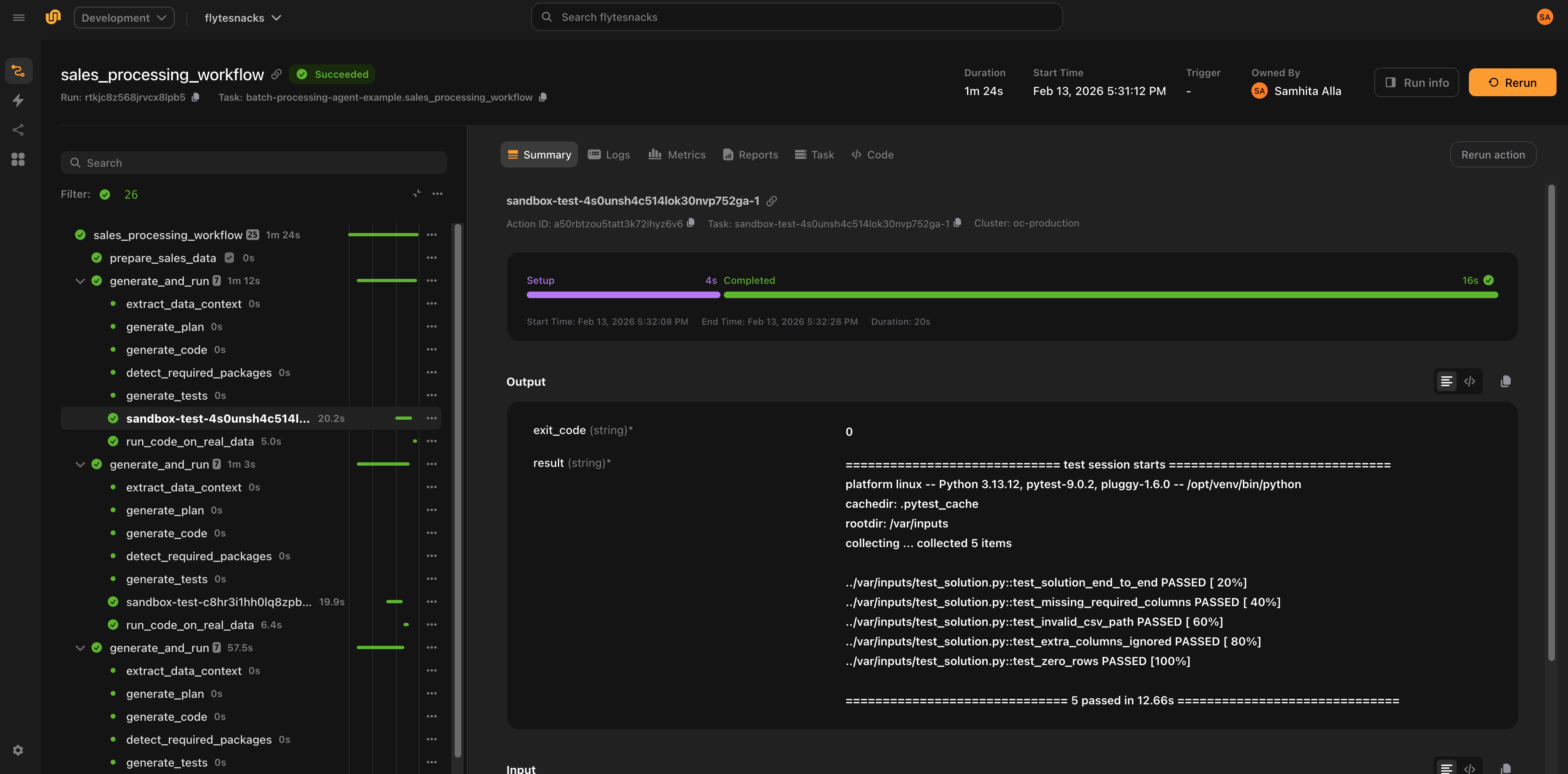
## Two execution backends
The plugin supports two backends for generating and validating code. Both share the same `AutoCoderAgent` interface and produce the same `CodeGenEvalResult`.
### LiteLLM (default)
Uses structured-output LLM calls to generate code, detect packages, build sandbox images, run tests, diagnose failures, and iterate. Works with any model that supports structured outputs (GPT-4, Claude, Gemini, etc. via LiteLLM).
```python{hl_lines=[1, 3]}
agent = AutoCoderAgent(
name="my-task",
model="gpt-4.1",
max_iterations=10,
)
```
The LiteLLM backend follows a fixed pipeline:
```mermaid
flowchart TD
A["prompt + samples"] --> B["generate_plan"]
B --> C["generate_code"]
C --> D["detect_packages"]
D --> E["build_image"]
E --> F{skip_tests?}
F -- yes --> G["return result"]
F -- no --> H["generate_tests"]
H --> I["execute_tests"]
I --> J{pass?}
J -- yes --> G
J -- no --> K["diagnose_error"]
K --> L{error type?}
L -- "logic error" --> M["regenerate code"]
L -- "environment error" --> N["add packages, rebuild image"]
L -- "test error" --> O["fix test expectations"]
M --> I
N --> I
O --> I
```
The loop continues until tests pass or `max_iterations` is reached.
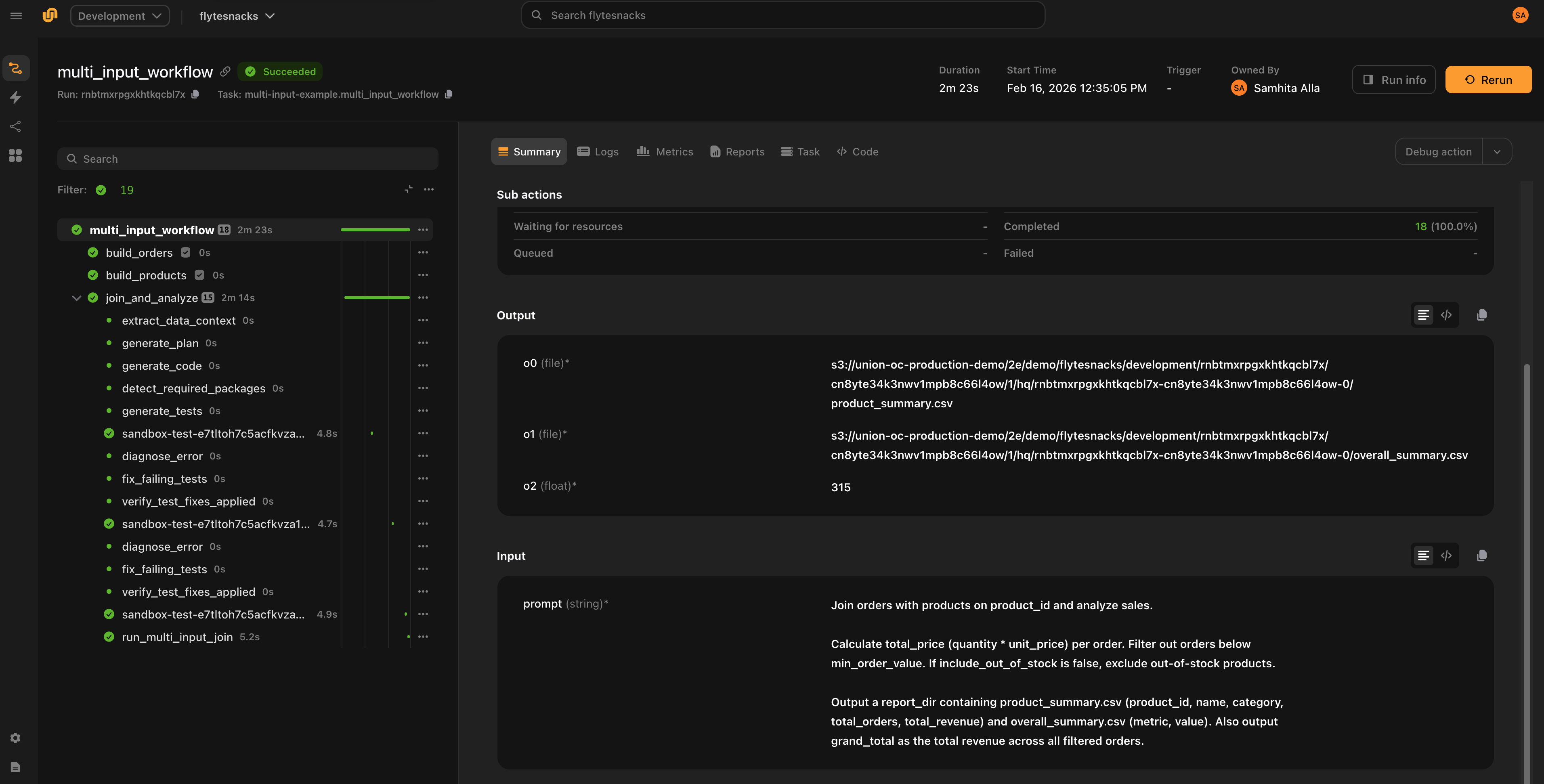
### Agent (Claude)
Uses the Claude Agent SDK to autonomously generate, test, and fix code. The agent has access to `Bash`, `Read`, `Write`, and `Edit` tools and decides what to do at each step. Test execution commands (`pytest`) are intercepted and run inside isolated sandboxes.
```python{hl_lines=["3-4"]}
agent = AutoCoderAgent(
name="my-task",
model="claude-sonnet-4-5-20250929",
backend="claude",
)
```
> [!NOTE]
> Agent mode requires `ANTHROPIC_API_KEY` as a Flyte secret and is Claude-only.
**Key differences from LiteLLM:**
| | LiteLLM | Agent |
| --------------------- | --------------------------------- | ---------------------------------------------- |
| **Execution** | Fixed generate-test-fix pipeline | Autonomous agent decides actions |
| **Model support** | Any model with structured outputs | Claude only |
| **Iteration control** | `max_iterations` | `agent_max_turns` |
| **Test execution** | Direct sandbox execution | `pytest` commands intercepted via hooks |
| **Tool safety** | N/A | Commands classified as safe/denied/intercepted |
| **Observability** | Logs + token counts | Full tool call tracing in Flyte UI |
In Agent mode, Bash commands are classified before execution:
- **Safe** (`ls`, `cat`, `grep`, `head`, etc.): allowed to run directly
- **Intercepted** (`pytest`): routed to sandbox execution
- **Denied** (`apt`, `pip install`, `curl`, etc.): blocked for safety
## Providing data
### Sample data
Pass sample data via `samples` as `File` objects or pandas `DataFrame`s. The plugin automatically:
1. Converts DataFrames to CSV files
2. Infers [Pandera](https://pandera.readthedocs.io/) schemas from the data: column types, nullability
3. Parses natural-language `constraints` into Pandera checks (e.g., `"quantity must be positive"` becomes `pa.Check.gt(0)`)
4. Extracts data context: column statistics, distributions, patterns, sample rows
5. Injects all of this into the LLM prompt so the generated code is aware of the exact data structure
Pandera is used purely for prompt enrichment, not runtime validation. The generated code does not import Pandera; it benefits from the LLM knowing the precise data structure. The generated schemas are stored on `result.generated_schemas` for inspection.
```python{hl_lines=[3]}
result = await agent.generate.aio(
prompt="Clean and validate the data, remove duplicates",
samples={"orders": orders_df, "products": products_file},
constraints=["quantity must be positive", "price between 0 and 10000"],
outputs={"cleaned_orders": File},
)
```
### Schema and constraints
Use `schema` to provide free-form context about data formats or target structures (e.g., a database schema). Use `constraints` to declare business rules that the generated code must respect:
```python{hl_lines=["4-17"]}
result = await agent.generate.aio(
prompt=prompt,
samples={"readings": sensor_df},
schema="""Output JSON schema for report_json:
{
"sensor_id": str,
"avg_temp": float,
"min_temp": float,
"max_temp": float,
"avg_humidity": float,
}
""",
constraints=[
"Temperature values must be between -40 and 60 Celsius",
"Humidity values must be between 0 and 100 percent",
"Output report must have one row per unique sensor_id",
],
outputs={
"report_json": str,
"total_anomalies": int,
},
)
```
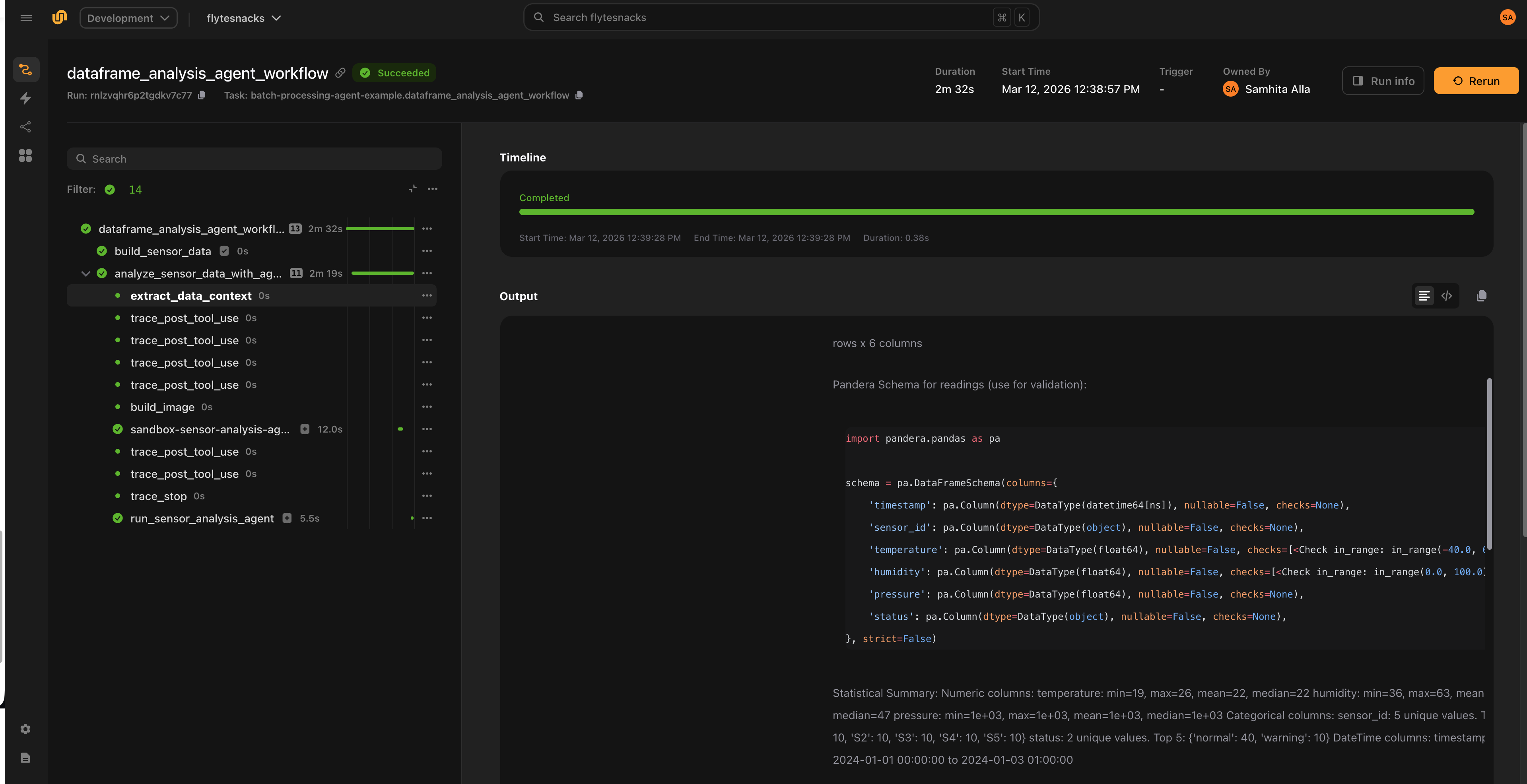
### Inputs and outputs
Declare `inputs` for non-sample arguments (e.g., thresholds, flags) and `outputs` for the expected result types.
Supported output types: `str`, `int`, `float`, `bool`, `datetime.datetime`, `datetime.timedelta`, `File`.
Sample entries are automatically added as `File` inputs; you do not need to redeclare them.
```python{hl_lines=[4, 5]}
result = await agent.generate.aio(
prompt="Filter transactions above the threshold",
samples={"transactions": tx_file},
inputs={"threshold": float, "include_pending": bool},
outputs={"filtered": File, "count": int},
)
```
## Running generated code
`agent.generate()` returns a `CodeGenEvalResult`. If `result.success` is `True`, the generated code passed all tests and you can execute it against real data. If `max_iterations` (LiteLLM) or `agent_max_turns` (Agent) is reached without tests passing, `result.success` is `False` and `result.error` contains the failure details.
Both `run()` and `as_task()` return output values as a tuple in the order declared in `outputs`. If there is a single output, the value is returned directly (not wrapped in a tuple).
### One-shot execution with `result.run()`
Runs the generated code in a sandbox. If samples were provided during `generate()`, they are used as default inputs.
```python
# Use sample data as defaults
total_revenue, total_units, count = await result.run.aio()
# Override specific inputs
total_revenue, total_units, count = await result.run.aio(threshold=0.5)
# Sync version
total_revenue, total_units, count = result.run()
```
`result.run()` accepts optional configuration:
```python{hl_lines=["4-6"]}
total_revenue, total_units, count = await result.run.aio(
name="execute-on-data",
resources=flyte.Resources(cpu=2, memory="4Gi"),
retries=2,
timeout=600,
cache="auto",
)
```
### Reusable task with `result.as_task()`
Creates a callable sandbox task from the generated code. Useful when you want to run the same generated code against different data.
```python{hl_lines=[1, "6-7", "9-10"]}
task = result.as_task(
name="run-sensor-analysis",
resources=flyte.Resources(cpu=1, memory="512Mi"),
)
# Call with sample defaults
report, total_anomalies = await task.aio()
# Call with different data
report, total_anomalies = await task.aio(readings=new_data_file)
```
## Error diagnosis
The LiteLLM backend classifies test failures into three categories and applies targeted fixes:
| Error type | Meaning | Action |
| ------------- | ----------------------------- | ------------------------------------------------ |
| `logic` | Bug in the generated code | Regenerate code with specific patch instructions |
| `environment` | Missing package or dependency | Add the package and rebuild the sandbox image |
| `test_error` | Bug in the generated test | Fix the test expectations |
If the same error persists after a fix, the plugin reclassifies it (e.g., `logic` to `test_error`) to try the other approach.
In Agent mode, the agent diagnoses and fixes issues autonomously based on error output.
## Durable execution
Code generation is expensive: it involves multiple LLM calls, image builds, and sandbox executions. Without durability, a transient failure in the pipeline (network blip, OOM, downstream service error) would force the entire process to restart from scratch: regenerating code, rebuilding images, re-running sandboxes, making additional LLM calls.
Flyte solves this through two complementary mechanisms: **replay logs** and **caching**.
### Replay logs
Flyte maintains a replay log that records every trace and task execution within a run. When a task crashes and retries, the system replays the log from the previous attempt rather than recomputing everything:
- No additional model calls
- No code regeneration
- No sandbox re-execution
- No container rebuilds
The workflow breezes through the earlier steps and resumes from the failure point. This applies as long as the traces and tasks execute in the same order and use the same inputs as the first attempt.
### Caching
Separately, Flyte can cache task results across runs. With `cache="auto"`, sandbox executions (image builds, test runs, code execution) are cached. This is useful when you re-run the same pipeline, not just when recovering from a crash, but across entirely separate invocations with the same inputs.
Together, replay logs handle crash recovery within a run, and caching avoids redundant work across runs.
### Non-determinism in agent mode
One challenge with agents is that they are inherently non-deterministic: the sequence of actions can vary between runs, which could break replay.
In practice, the codegen agent follows a predictable pattern (write code, generate tests, run tests, inspect results), which works in replay's favor. The plugin also embeds logic that instructs the agent not to regenerate or re-execute steps that already completed successfully in the first run. This acts as an additional safety check alongside the replay log to account for non-determinism.
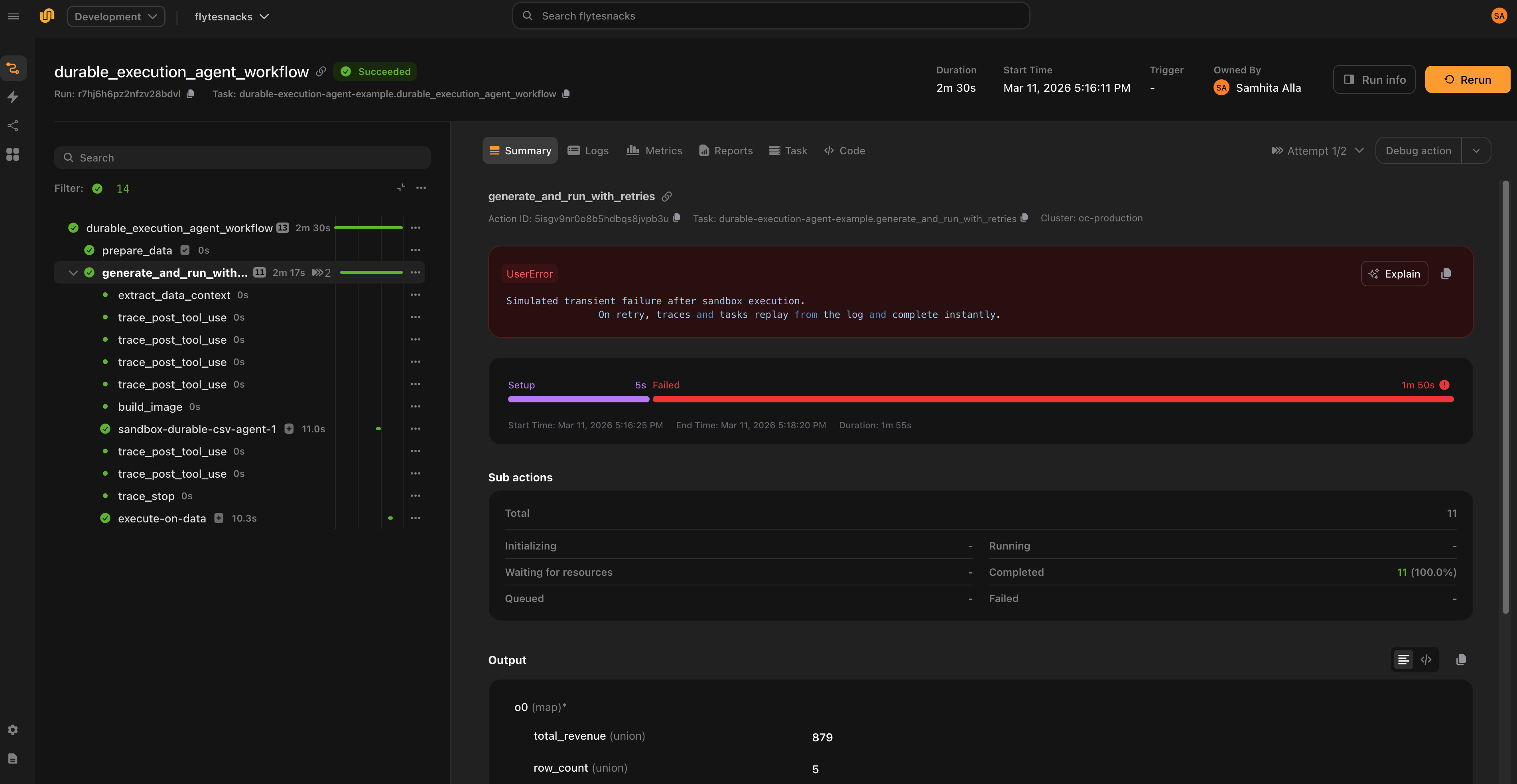
On the first attempt, the full pipeline runs. If a transient failure occurs, the system instantly replays the traces (which track model calls) and sandbox executions, allowing the pipeline to resume from the point of failure.
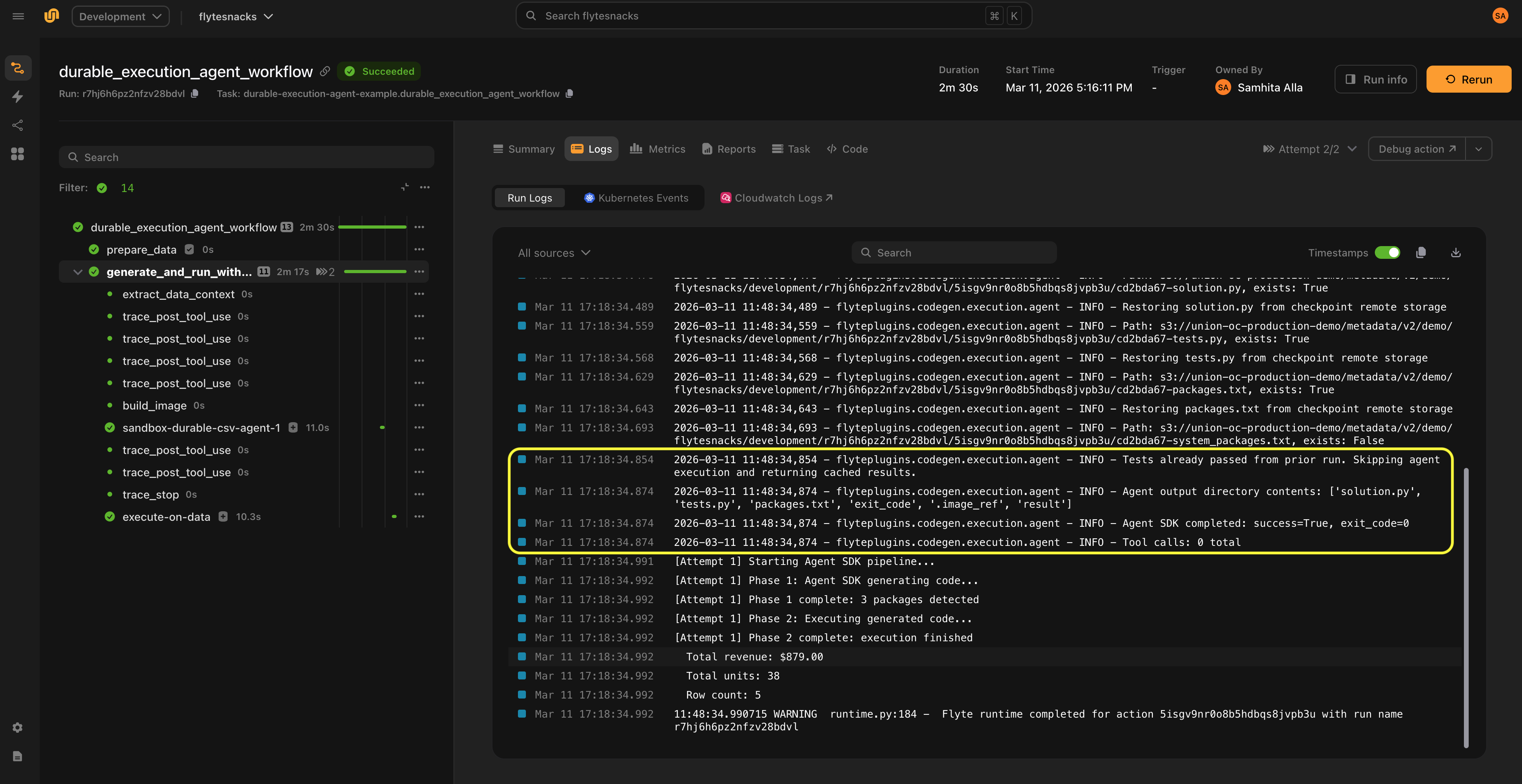
## Observability
### LiteLLM backend
- Logs every iteration with attempt count, error type, and package changes
- Tracks total input/output tokens across all LLM calls (available on `result.total_input_tokens` and `result.total_output_tokens`)
- Results include full conversation history for debugging (`result.conversation_history`)
### Agent backend
- Traces each tool call (name + input) via `PostToolUse` hooks
- Traces tool failures via `PostToolUseFailure` hooks
- Traces a summary when the agent finishes (total tool calls, tool distribution, final image/packages)
- Classifies Bash commands as safe, denied, or intercepted (for sandbox execution)
- All traces appear in the Flyte UI
## Examples
### Processing CSVs with different schemas
Generate code that handles varying CSV formats, then run on real data:
```python{hl_lines=[1, 3, 14, 16, 27]}
from flyteplugins.codegen import AutoCoderAgent
agent = AutoCoderAgent(
name="sales-processor",
model="gpt-4.1",
max_iterations=5,
resources=flyte.Resources(cpu=1, memory="512Mi"),
litellm_params={"temperature": 0.2, "max_tokens": 4096},
)
@env.task
async def process_sales(csv_file: File) -> dict[str, float | int]:
result = await agent.generate.aio(
prompt="Read the CSV and compute total_revenue, total_units, and transaction_count.",
samples={"csv_data": csv_file},
outputs={
"total_revenue": float,
"total_units": int,
"transaction_count": int,
},
)
if not result.success:
raise RuntimeError(f"Code generation failed: {result.error}")
total_revenue, total_units, transaction_count = await result.run.aio()
return {
"total_revenue": total_revenue,
"total_units": total_units,
"transaction_count": transaction_count,
}
```
### DataFrame analysis with constraints
Pass DataFrames directly and enforce business rules with constraints:
```python{hl_lines=[10, "15-19"]}
agent = AutoCoderAgent(
model="gpt-4.1",
name="sensor-analysis",
base_packages=["numpy"],
max_sample_rows=30,
)
@env.task
async def analyze_sensors(sensor_df: pd.DataFrame) -> tuple[File, int]:
result = await agent.generate.aio(
prompt="""Analyze IoT sensor data. For each sensor, calculate mean/min/max
temperature, mean humidity, and count warnings. Output a summary CSV.""",
samples={"readings": sensor_df},
constraints=[
"Temperature values must be between -40 and 60 Celsius",
"Humidity values must be between 0 and 100 percent",
"Output report must have one row per unique sensor_id",
],
outputs={
"report": File,
"total_anomalies": int,
},
)
if not result.success:
raise RuntimeError(f"Code generation failed: {result.error}")
task = result.as_task(
name="run-sensor-analysis",
resources=flyte.Resources(cpu=1, memory="512Mi"),
)
return await task.aio(readings=result.original_samples["readings"])
```
### Agent mode
The same task using Claude as an autonomous agent:
```python{hl_lines=[3]}
agent = AutoCoderAgent(
name="sales-agent",
backend="claude",
model="claude-sonnet-4-5-20250929",
resources=flyte.Resources(cpu=1, memory="512Mi"),
)
@env.task
async def process_sales_with_agent(csv_file: File) -> dict[str, float | int]:
result = await agent.generate.aio(
prompt="Read the CSV and compute total_revenue, total_units, and transaction_count.",
samples={"csv_data": csv_file},
outputs={
"total_revenue": float,
"total_units": int,
"transaction_count": int,
},
)
if not result.success:
raise RuntimeError(f"Agent code generation failed: {result.error}")
total_revenue, total_units, transaction_count = await result.run.aio()
return {
"total_revenue": total_revenue,
"total_units": total_units,
"transaction_count": transaction_count,
}
```
## Configuration
### LiteLLM parameters
Tune model behavior with `litellm_params`:
```python{hl_lines=["5-8"]}
agent = AutoCoderAgent(
name="my-task",
model="anthropic/claude-sonnet-4-20250514",
api_key="ANTHROPIC_API_KEY",
litellm_params={
"temperature": 0.3,
"max_tokens": 4000,
},
)
```
### Image configuration
Control the registry and Python version for sandbox images:
```python{hl_lines=["6-10"]}
from flyte.sandbox import ImageConfig
agent = AutoCoderAgent(
name="my-task",
model="gpt-4.1",
image_config=ImageConfig(
registry="my-registry.io",
registry_secret="registry-creds",
python_version=(3, 12),
),
)
```
### Skipping tests
Set `skip_tests=True` to skip test generation and execution. The agent still generates code, detects packages, and builds the sandbox image, but does not generate or run tests.
```python{hl_lines=[4]}
agent = AutoCoderAgent(
name="my-task",
model="gpt-4.1",
skip_tests=True,
)
```
> [!NOTE]
> `skip_tests` only applies to LiteLLM mode. In Agent mode, the agent autonomously decides when to test.
### Base packages
Ensure specific packages are always installed in every sandbox:
```python{hl_lines=[4]}
agent = AutoCoderAgent(
name="my-task",
model="gpt-4.1",
base_packages=["numpy", "pandas"],
)
```
## Best practices
- **One agent per task.** Each `generate()` call builds its own sandbox image and manages its own package state. Running multiple agents in the same task can cause resource contention and makes failures harder to diagnose.
- **Keep `cache="auto"` (the default).** Caching flows to all internal sandboxes, making retries near-instant. Use `"disable"` during development if you want fresh executions, or `"override"` to force re-execution and update the cached result.
- **Set `max_iterations` conservatively.** Start with 5-10 iterations. If the model cannot produce correct code in that budget, the prompt or constraints likely need refinement.
- **Provide constraints for data-heavy tasks.** Explicit constraints (e.g., `"quantity must be positive"`) produce better schemas and better generated code.
- **Inspect `result.generated_schemas`.** Review the inferred Pandera schemas to verify the model understood your data structure correctly.
## API reference
### `AutoCoderAgent` constructor
| Parameter | Type | Default | Description |
| ----------------- | ----------------- | -------------- | -------------------------------------------------------------------------------------- |
| `name` | `str` | `"auto-coder"` | Unique name for tracking and image naming |
| `model` | `str` | `"gpt-4.1"` | LiteLLM model identifier |
| `backend` | `str` | `"litellm"` | Execution backend: `"litellm"` or `"claude"` |
| `system_prompt` | `str` | `None` | Custom system prompt override |
| `api_key` | `str` | `None` | Name of the environment variable containing the LLM API key (e.g., `"OPENAI_API_KEY"`) |
| `api_base` | `str` | `None` | Custom API base URL |
| `litellm_params` | `dict` | `None` | Extra LiteLLM params (temperature, max_tokens, etc.) |
| `base_packages` | `list[str]` | `None` | Always-install pip packages |
| `resources` | `flyte.Resources` | `None` | Resources for sandbox execution (default: 1 CPU, 1Gi) |
| `image_config` | `ImageConfig` | `None` | Registry, secret, and Python version |
| `max_iterations` | `int` | `10` | Max generate-test-fix iterations (LiteLLM mode) |
| `max_sample_rows` | `int` | `100` | Rows to sample from data for LLM context |
| `skip_tests` | `bool` | `False` | Skip test generation and execution (LiteLLM mode) |
| `sandbox_retries` | `int` | `0` | Flyte task-level retries for each sandbox execution |
| `timeout` | `int` | `None` | Timeout in seconds for sandboxes |
| `env_vars` | `dict[str, str]` | `None` | Environment variables for sandboxes |
| `secrets` | `list[Secret]` | `None` | Flyte secrets for sandboxes |
| `cache` | `str` | `"auto"` | Cache behavior: `"auto"`, `"override"`, or `"disable"` |
| `agent_max_turns` | `int` | `50` | Max turns when `backend="claude"` |
### `generate()` parameters
| Parameter | Type | Default | Description |
| ------------- | ------------------------------ | -------- | --------------------------------------------------------------------------------------- |
| `prompt` | `str` | required | Natural-language task description |
| `schema` | `str` | `None` | Free-form context about data formats or target structures |
| `constraints` | `list[str]` | `None` | Natural-language constraints (e.g., `"quantity must be positive"`) |
| `samples` | `dict[str, File \| DataFrame]` | `None` | Sample data. DataFrames are auto-converted to CSV files. |
| `inputs` | `dict[str, type]` | `None` | Non-sample input types (e.g., `{"threshold": float}`) |
| `outputs` | `dict[str, type]` | `None` | Output types. Supported: `str`, `int`, `float`, `bool`, `datetime`, `timedelta`, `File` |
### `CodeGenEvalResult` fields
| Field | Type | Description |
| -------------------------- | ------------------------- | --------------------------------------------------------- |
| `success` | `bool` | Whether tests passed |
| `solution` | `CodeSolution` | Generated code (`.code`, `.language`, `.system_packages`) |
| `tests` | `str` | Generated test code |
| `output` | `str` | Test output |
| `exit_code` | `int` | Test exit code |
| `error` | `str \| None` | Error message if failed |
| `attempts` | `int` | Number of iterations used |
| `image` | `str` | Built sandbox image with all dependencies |
| `detected_packages` | `list[str]` | Pip packages detected |
| `detected_system_packages` | `list[str]` | Apt packages detected |
| `generated_schemas` | `dict[str, str] \| None` | Pandera schemas as Python code strings |
| `data_context` | `str \| None` | Extracted data context |
| `original_samples` | `dict[str, File] \| None` | Sample data as Files (defaults for `run()`/`as_task()`) |
| `total_input_tokens` | `int` | Total input tokens across all LLM calls |
| `total_output_tokens` | `int` | Total output tokens across all LLM calls |
| `conversation_history` | `list[dict]` | Full LLM conversation history for debugging |
### `CodeGenEvalResult` methods
| Method | Description |
| ----------------------------------- | ------------------------------------------------------------------ |
| `result.run(**overrides)` | Execute generated code in a sandbox. Sample data used as defaults. |
| `await result.run.aio(**overrides)` | Async version of `run()`. |
| `result.as_task(name, ...)` | Create a reusable callable sandbox task from the generated code. |
Both `run()` and `as_task()` accept optional `name`, `resources`, `retries`, `timeout`, `env_vars`, `secrets`, and `cache` parameters.
=== PAGE: https://www.union.ai/docs/latest/union/integrations/dask ===
# Dask
The Dask plugin lets you run [Dask](https://www.dask.org/) jobs natively on Kubernetes. Flyte provisions a transient Dask cluster for each task execution using the [Dask Kubernetes Operator](https://kubernetes.dask.org/en/latest/operator.html) and tears it down on completion.
## When to use this plugin
- Parallel Python workloads that outgrow a single machine
- Distributed DataFrame operations on large datasets
- Workloads that use Dask's task scheduler for arbitrary computation graphs
- Jobs that need to scale NumPy, pandas, or scikit-learn workflows across multiple nodes
## Installation
```bash
pip install flyteplugins-dask
```
Your task image must also include the Dask distributed scheduler:
```python
image = flyte.Image.from_debian_base(name="dask").with_pip_packages("flyteplugins-dask")
```
> [!NOTE]
> For self-managed setups, refer to the [setup instructions](https://www.union.ai/docs/latest/union/deployment/selfmanaged/configuration/plugins/page.md) to enable the Dask plugin in your data plane.
## Configuration
Create a `Dask` configuration and pass it as `plugin_config` to a `TaskEnvironment`:
```python
from flyteplugins.dask import Dask, Scheduler, WorkerGroup
dask_config = Dask(
scheduler=Scheduler(),
workers=WorkerGroup(number_of_workers=4),
)
dask_env = flyte.TaskEnvironment(
name="dask_env",
plugin_config=dask_config,
image=image,
)
```
### `Dask` parameters
| Parameter | Type | Description |
|-----------|------|-------------|
| `scheduler` | `Scheduler` | Scheduler pod configuration (defaults to `Scheduler()`) |
| `workers` | `WorkerGroup` | Worker group configuration (defaults to `WorkerGroup()`) |
### `Scheduler` parameters
| Parameter | Type | Description |
|-----------|------|-------------|
| `image` | `str` | Custom scheduler image (must include `dask[distributed]`) |
| `resources` | `Resources` | Resource requests for the scheduler pod |
### `WorkerGroup` parameters
| Parameter | Type | Description |
|-----------|------|-------------|
| `number_of_workers` | `int` | Number of worker pods (default: `1`) |
| `image` | `str` | Custom worker image (must include `dask[distributed]`) |
| `resources` | `Resources` | Resource requests per worker pod |
> [!NOTE]
> The scheduler and all workers should use the same Python environment to avoid serialization issues.
### Accessing the Dask client
Inside a Dask task, create a `distributed.Client()` with no arguments. It automatically connects to the provisioned cluster:
```python
from distributed import Client
@dask_env.task
async def my_dask_task(n: int) -> list:
client = Client()
futures = client.map(lambda x: x + 1, range(n))
return client.gather(futures)
```
## Example
```python
# /// script
# requires-python = "==3.13"
# dependencies = [
# "flyte>=2.0.0b52",
# "flyteplugins-dask",
# "distributed"
# ]
# main = "hello_dask_nested"
# params = ""
# ///
import asyncio
import typing
from distributed import Client
from flyteplugins.dask import Dask, Scheduler, WorkerGroup
import flyte.remote
import flyte.storage
from flyte import Resources
image = flyte.Image.from_debian_base(python_version=(3, 12)).with_pip_packages("flyteplugins-dask")
dask_config = Dask(
scheduler=Scheduler(),
workers=WorkerGroup(number_of_workers=4),
)
task_env = flyte.TaskEnvironment(
name="hello_dask", resources=Resources(cpu=(1, 2), memory=("400Mi", "1000Mi")), image=image
)
dask_env = flyte.TaskEnvironment(
name="dask_env",
plugin_config=dask_config,
image=image,
resources=Resources(cpu="1", memory="1Gi"),
depends_on=[task_env],
)
@task_env.task()
async def hello_dask():
await asyncio.sleep(5)
print("Hello from the Dask task!")
@dask_env.task
async def hello_dask_nested(n: int = 3) -> typing.List[int]:
print("running dask task")
t = asyncio.create_task(hello_dask())
client = Client()
futures = client.map(lambda x: x + 1, range(n))
res = client.gather(futures)
await t
return res
if __name__ == "__main__":
flyte.init_from_config()
r = flyte.run(hello_dask_nested)
print(r.name)
print(r.url)
r.wait()
```
*Source: https://github.com/unionai/unionai-examples/blob/main/v2/integrations/flyte-plugins/dask/dask_example.py*
## API reference
See the [Dask API reference](https://www.union.ai/docs/latest/union/api-reference/integrations/dask/_index) for full details.
=== PAGE: https://www.union.ai/docs/latest/union/integrations/databricks ===
# Databricks
The Databricks plugin lets you run PySpark jobs on [Databricks](https://www.databricks.com/) clusters directly from Flyte tasks. You write normal PySpark code in a Flyte task, and the plugin submits it to Databricks via the [Jobs API 2.1](https://docs.databricks.com/api/workspace/jobs/submit). The connector handles job submission, polling, and cancellation.
The plugin supports:
- Running PySpark tasks on new or existing Databricks clusters
- Full Spark configuration (driver/executor memory, cores, instances)
- Databricks cluster auto-scaling
- API token-based authentication
## Installation
```bash
pip install flyteplugins-databricks
```
This also installs `flyteplugins-spark` as a dependency, since the Databricks plugin extends the Spark plugin.
## Quick start
Create a `Databricks` configuration and pass it as `plugin_config` to a `TaskEnvironment`:
```python
from flyteplugins.databricks import Databricks
import flyte
image = (
flyte.Image.from_base("databricksruntime/standard:16.4-LTS")
.clone(name="spark", registry="ghcr.io/flyteorg", extendable=True)
.with_env_vars({"UV_PYTHON": "/databricks/python3/bin/python"})
.with_pip_packages("flyteplugins-databricks", pre=True)
)
databricks_conf = Databricks(
spark_conf={
"spark.driver.memory": "2000M",
"spark.executor.memory": "1000M",
"spark.executor.cores": "1",
"spark.executor.instances": "2",
"spark.driver.cores": "1",
},
executor_path="/databricks/python3/bin/python",
databricks_conf={
"run_name": "flyte databricks plugin",
"new_cluster": {
"spark_version": "13.3.x-scala2.12",
"node_type_id": "m6i.large",
"autoscale": {"min_workers": 1, "max_workers": 2},
},
"timeout_seconds": 3600,
"max_retries": 1,
},
databricks_instance="myaccount.cloud.databricks.com",
databricks_token="DATABRICKS_TOKEN",
)
databricks_env = flyte.TaskEnvironment(
name="databricks_env",
resources=flyte.Resources(cpu=(1, 2), memory=("3000Mi", "5000Mi")),
plugin_config=databricks_conf,
image=image,
)
```
Then use the environment to decorate your task:
```python
@databricks_env.task
async def hello_databricks() -> float:
spark = flyte.ctx().data["spark_session"]
# Use spark as a normal SparkSession
count = spark.sparkContext.parallelize(range(100)).count()
return float(count)
```
## Configuration
The `Databricks` config extends the [Spark](../spark/_index) config with Databricks-specific fields.
### Spark fields (inherited)
| Parameter | Type | Description |
|-----------|------|-------------|
| `spark_conf` | `Dict[str, str]` | Spark configuration key-value pairs |
| `hadoop_conf` | `Dict[str, str]` | Hadoop configuration key-value pairs |
| `executor_path` | `str` | Path to the Python binary on the Databricks cluster (e.g., `/databricks/python3/bin/python`) |
| `applications_path` | `str` | Path to the main application file |
### Databricks-specific fields
| Parameter | Type | Description |
|-----------|------|-------------|
| `databricks_conf` | `Dict[str, Union[str, dict]]` | Databricks [run-submit](https://docs.databricks.com/api/workspace/jobs/submit) job configuration. Must contain either `existing_cluster_id` or `new_cluster` |
| `databricks_instance` | `str` | Your workspace domain (e.g., `myaccount.cloud.databricks.com`). Can also be set via the `FLYTE_DATABRICKS_INSTANCE` env var on the connector |
| `databricks_token` | `str` | Name of the Flyte secret containing the Databricks API token |
### `databricks_conf` structure
The `databricks_conf` dict maps to the Databricks run-submit API payload. Key fields:
| Field | Description |
|-------|-------------|
| `new_cluster` | Cluster spec with `spark_version`, `node_type_id`, `autoscale`, etc. |
| `existing_cluster_id` | ID of an existing cluster to use instead of creating a new one |
| `run_name` | Display name in the Databricks UI |
| `timeout_seconds` | Maximum job duration |
| `max_retries` | Number of retries before marking the job as failed |
The connector automatically injects the Docker image, Spark configuration, and environment variables from the task container into the cluster spec.
## Authentication
Store your Databricks API token as a Flyte secret. The `databricks_token` parameter specifies the secret name:
```python
databricks_conf = Databricks(
# ...
databricks_token="DATABRICKS_TOKEN",
)
```
## Accessing the Spark session
Inside a Databricks task, the `SparkSession` is available through the task context, just like the [Spark plugin](../spark/_index):
```python
@databricks_env.task
async def my_databricks_task() -> float:
spark = flyte.ctx().data["spark_session"]
df = spark.read.parquet("s3://my-bucket/data.parquet")
return float(df.count())
```
## API reference
See the [Databricks API reference](https://www.union.ai/docs/latest/union/api-reference/integrations/databricks/_index) for full details.
=== PAGE: https://www.union.ai/docs/latest/union/integrations/grafana-agent-observability ===
# Grafana Agent Observability
`flyteplugins-agento11y` sends your agent's generations, tool calls, token usage and cost to [Grafana Agent Observability](https://grafana.com/docs/grafana-cloud/observe-and-act/agent-observability/), nested inside the Flyte task span and grouped by Flyte run.
It instruments agents built with the [agent framework plugins](../agents/_index), the `flyteplugins-agents-*` adapters that run a framework's agent loop inside a Flyte task, with each model turn as a durable traced step and each tool as a child action.
One call at module scope is the whole integration. Your agent code does not change:
```python{hl_lines=[3,7]}
import flyte
from flyteplugins.agents.openai import run_agent, tool
from flyteplugins.agento11y import init
# Module scope, not inside a task. The task span opens before the task body runs,
# and the Flyte identity binding rides on that span.
init(service_name="my-agent")
env = flyte.TaskEnvironment(
name="agent_env",
image=flyte.Image.from_debian_base().with_pip_packages(
"flyteplugins-agents-openai",
"flyteplugins-agento11y[openai]",
),
secrets=[flyte.Secret(key="openai_api_key", as_env_var="OPENAI_API_KEY")],
)
@env.task
async def lookup_order(order_id: str) -> str:
"""A durable Flyte child action, and a tool call in Grafana."""
return f"Order {order_id} shipped on 2026-07-20."
@env.task
async def support_agent(question: str) -> str:
return await run_agent(
question,
tools=[tool(lookup_order)],
model="gpt-4.1",
instructions="You are a support agent. Use the tools to answer.",
)
```
That covers instrumentation. **Grafana Agent Observability > Configuration** covers the credentials that decide where the generations actually go.
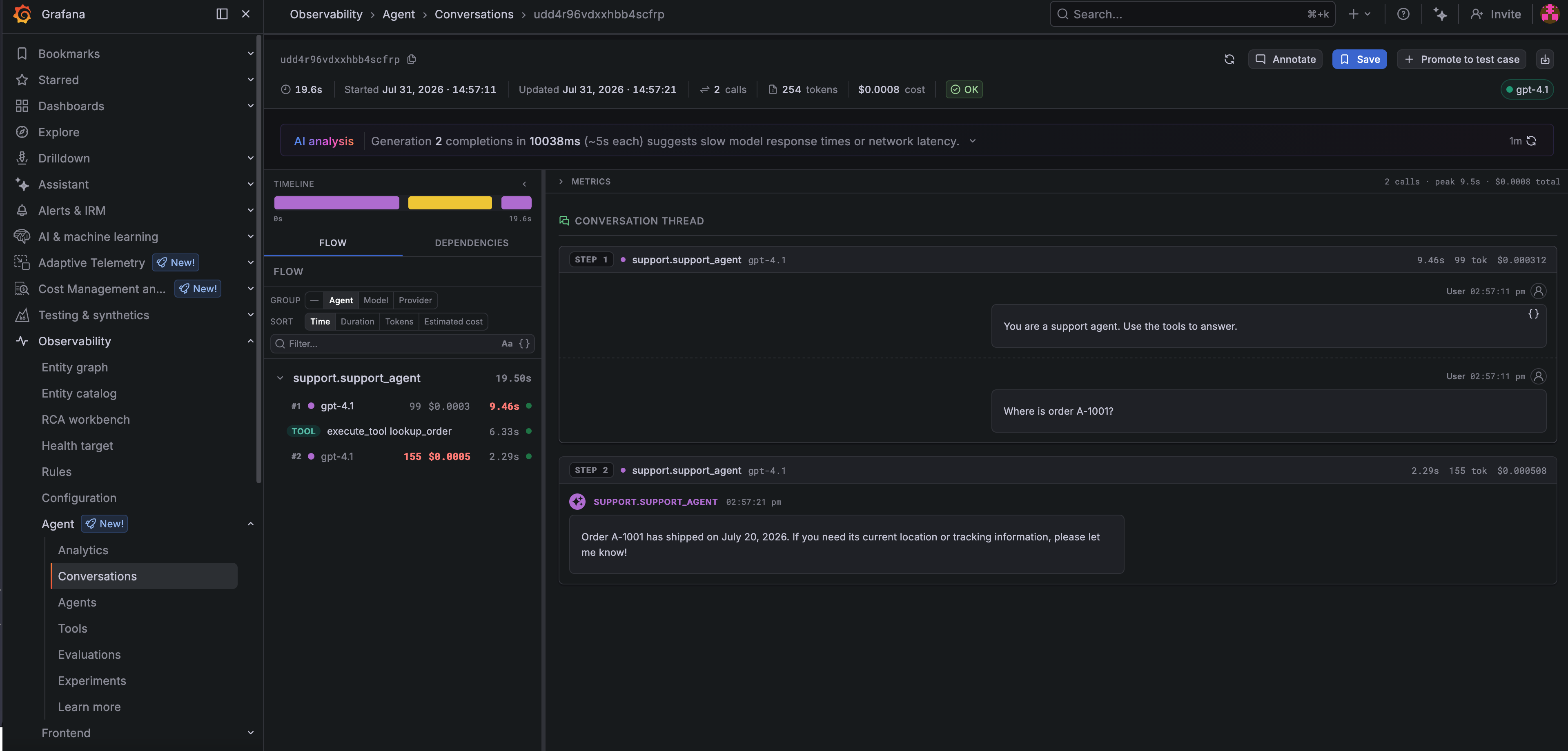
*The agent above, in Agent Observability. The flow on the left is the two model calls with the `lookup_order` tool call between them; the thread on the right is the prompt and the answer. Call count, token usage, and cost sit in the header.*
This plugin builds on [`flyteplugins-otel`](../opentelemetry/_index), which it initializes for you. Read that page first if you want to understand where the spans come from.
## Installation
```bash
pip install "flyteplugins-agento11y[openai]"
```
The extra is what makes your framework's instrumentor available. Install the one matching the agent adapter you use:
| Extra | Agent adapter | agento11y integration package |
| ------------- | --------------------------------- | ----------------------------- |
| `langchain` | `flyteplugins-agents-langchain` | `agento11y-langchain` |
| `langgraph` | `flyteplugins-agents-langgraph` | `agento11y-langgraph` |
| `openai` | `flyteplugins-agents-openai` | `agento11y-openai-agents` |
| `claude` | `flyteplugins-agents-claude` | `agento11y-claude-agent-sdk` |
| `google` | `flyteplugins-agents-google` | `agento11y-google-adk` |
| `pydantic-ai` | `flyteplugins-agents-pydantic-ai` | `agento11y-pydantic-ai` |
Nothing else has to be configured: `init()` registers an instrumentor for every framework whose integration package it finds. `instrumented_frameworks()` returns the ones that were registered, which is the quickest way to confirm the extra actually installed.
```python
from flyteplugins.agento11y import instrumented_frameworks
print(instrumented_frameworks()) # ('openai',)
```
## What you get beyond agento11y on its own
agento11y works inside a Flyte task without any of this and Grafana's dashboards will light up because they are driven by generation records rather than by trace structure. What is missing is everything Flyte knows and agento11y cannot.
Without the plugin, three model calls in a task become three unrelated root traces. There is no task boundary, nothing tying a generation to the run that produced it, and on a resume the replayed steps produce nothing at all.
### Generations nest inside the task span
One run is one trace, and generation records carry that trace ID. That ID is the link from a generation in Grafana back to the Flyte run that produced it.
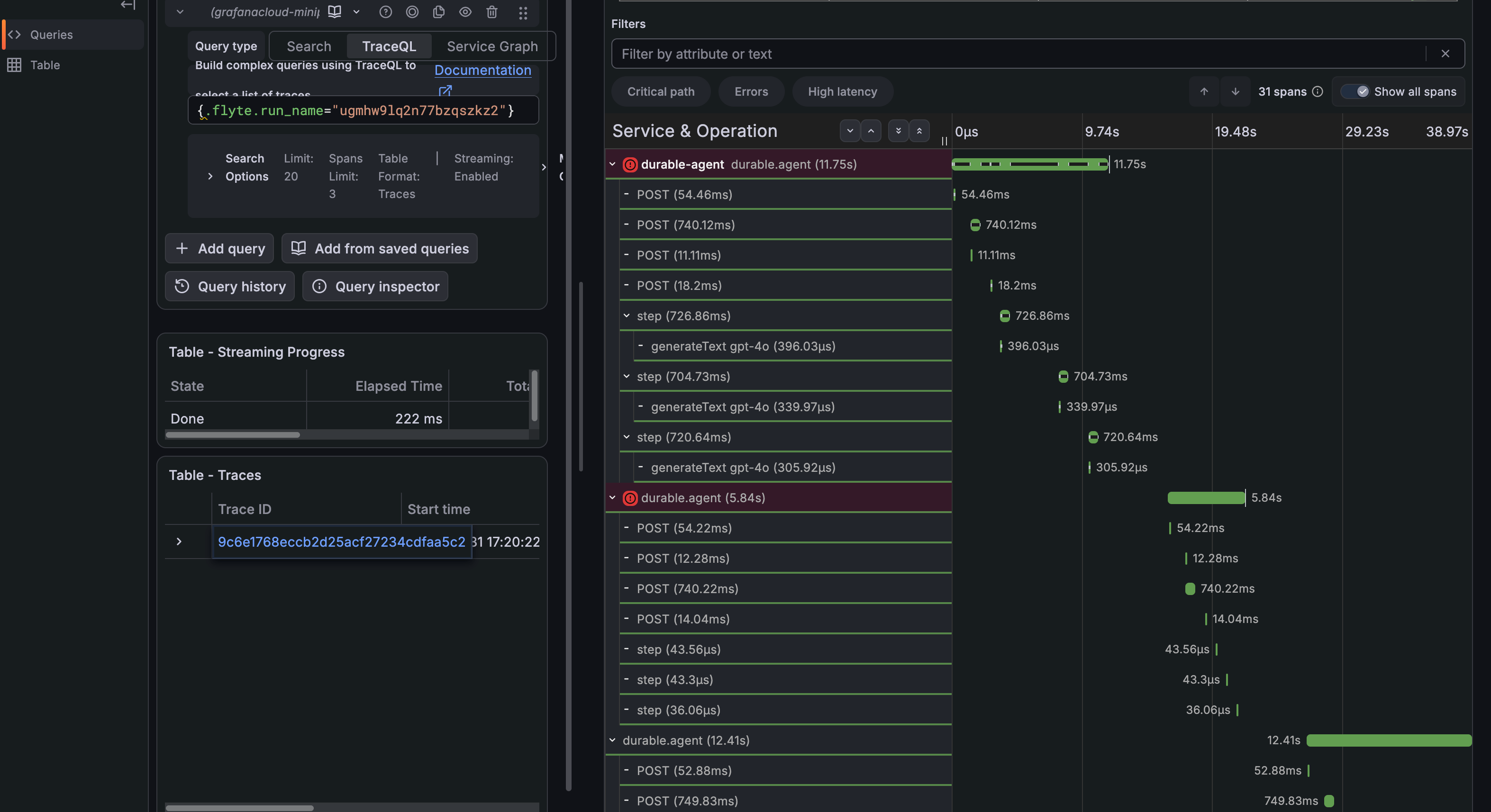
*A durable agent's trace. Each `generateText` span sits inside the `flyte.trace` step that produced it, which sits inside the task span. In the second attempt the steps are microsecond replays with no `generateText` child at all: the resume did not call the model again.*
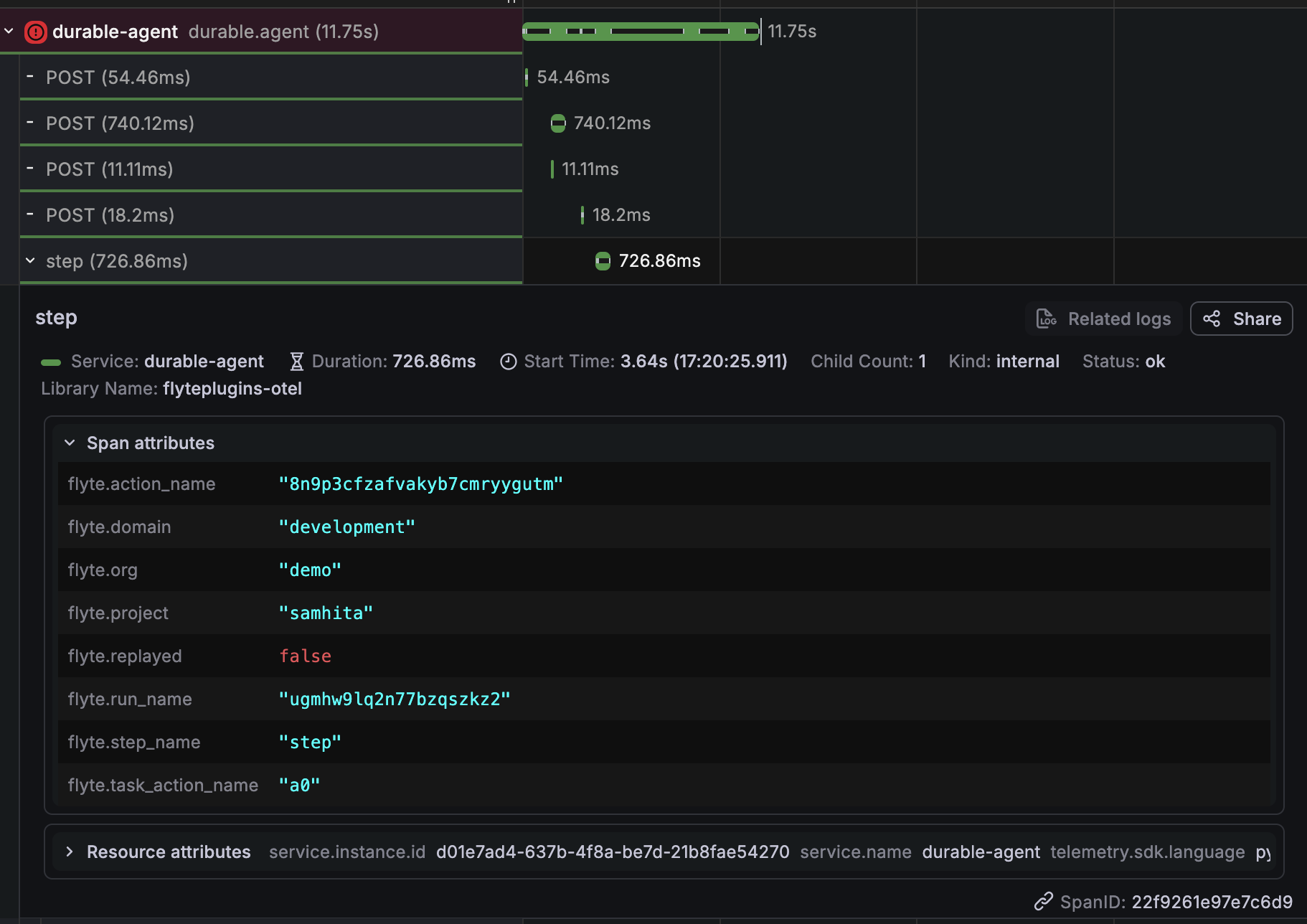
*Expanding one generation shows the binding described below: `gen_ai.conversation.id` is the Flyte run name, `gen_ai.agent.name` the task, and `gen_ai.agent.version` the task version.*
### Flyte identity is bound onto agento11y's context
Nothing has to be restated by hand:
| agento11y concept | Flyte value |
| ----------------- | ------------ |
| Conversation ID | Run name |
| Agent name | Task name |
| Agent version | Task version |
A Flyte run therefore shows up in Grafana as one conversation, and a redeploy shows up as a new agent version, so the before and after of a prompt change is directly comparable.
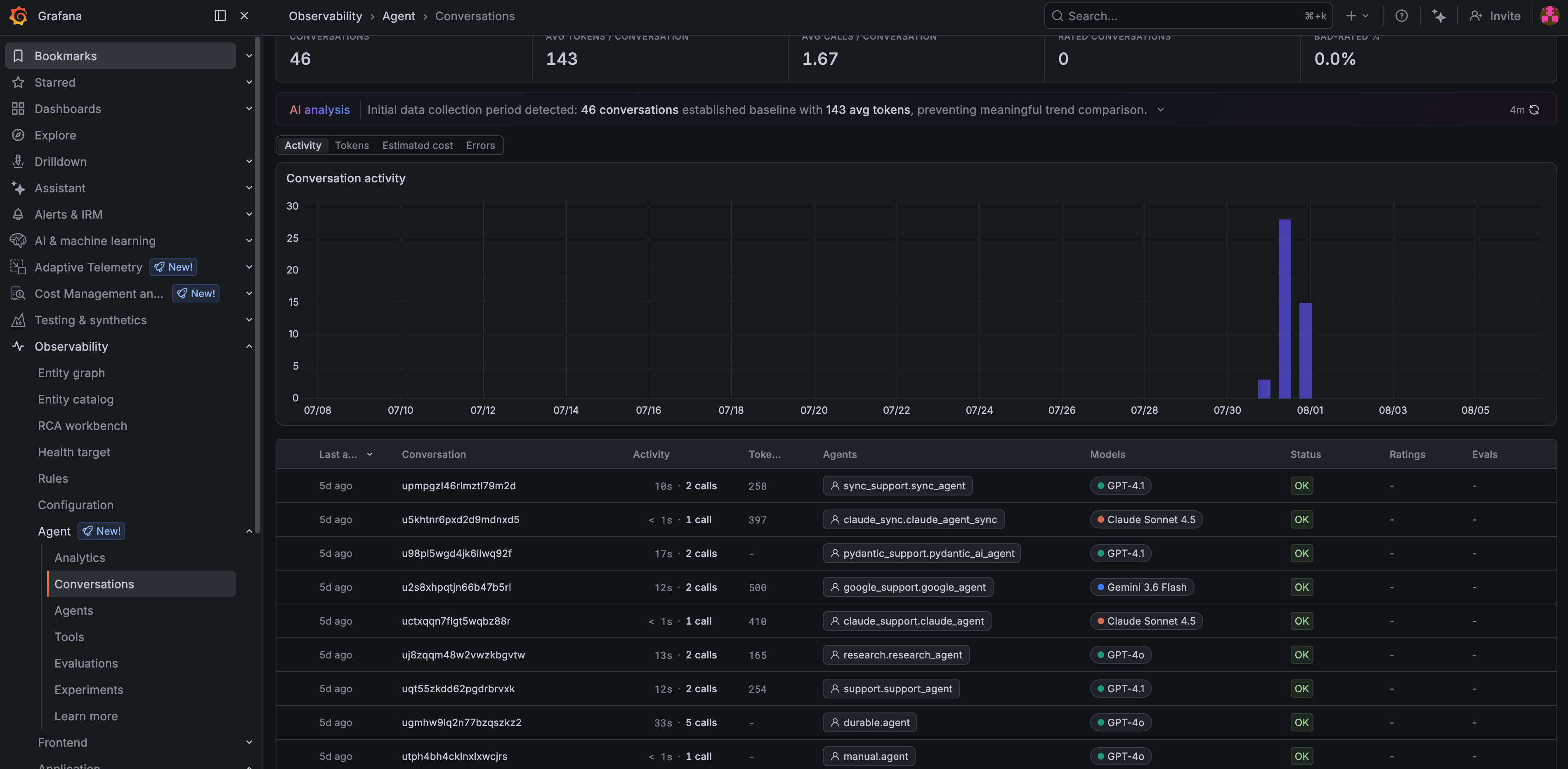
*The conversations list, one row per Flyte run. **Conversation** holds run names and **Agents** holds task names, so runs driving different frameworks and models line up in a single view.*
Both bindings are switchable because both assume something that is not always true:
- `bind_conversation=False` keeps your own conversation IDs, for a product where a conversation spans more than one run.
- `bind_agent_name=False` lets each framework name its own agents, for a task that drives several: a planner and a worker would otherwise both report as the task.
### Durability is preserved end to end
A crashed and resumed run stays a single trace, because **OpenTelemetry > Traces across crashes and resumes** rather than generated per process.
Steps the resumed run replayed from its durable log appear marked `flyte.replayed`, so the trace has no holes where durability did its job. And those steps do not call the model again, so a resume does not pay for the generations the first attempt already bought.
## Framework coverage
All six frameworks in the table above capture generations and tool calls. Two capture more:
| Framework | Also captures |
| ----------- | ------------------------------------------------------------------------------------- |
| `langgraph` | Workflow steps, so non-LLM nodes (routing, retrieval) appear too |
| `claude` | Model turns read off the SDK's message stream, via a call wrapper rather than options |
Adapters without an agento11y integration package, crewai and mistral among them, still work: their runs are traced and their tasks and tool calls appear as spans. Only the generations are not captured automatically. **Grafana Agent Observability > Recording generations by hand**.
## Configuration
With no arguments, `init()` reads the standard `AGENTO11Y_*` variables, which is how the Grafana documentation configures it.
| Variable | What it is |
| -------------------------- | -------------------------------------------------------------------------- |
| `AGENTO11Y_ENDPOINT` | Generation export endpoint, for example `https://.grafana.net` |
| `AGENTO11Y_AUTH_MODE` | `none` (the agento11y default) or `basic` |
| `AGENTO11Y_AUTH_TOKEN` | The token or password |
| `AGENTO11Y_AUTH_TENANT_ID` | Basic-auth username. On Grafana Cloud this is your instance ID |
Supply the credentials as a `flyte.Secret` rather than hardcoding them:
```python{hl_lines=[4,"6-8"]}
env = flyte.TaskEnvironment(
name="agent_env",
image=image,
env_vars={"AGENTO11Y_AUTH_MODE": "basic"},
secrets=[
flyte.Secret(key="agento11y_endpoint", as_env_var="AGENTO11Y_ENDPOINT"),
flyte.Secret(key="agento11y_token", as_env_var="AGENTO11Y_AUTH_TOKEN"),
flyte.Secret(key="agento11y_tenant_id", as_env_var="AGENTO11Y_AUTH_TENANT_ID"),
# Spans go to Tempo over OTLP; generations go to Agent Observability over
# their own channel. Both are needed for the two UI links to resolve.
flyte.Secret(key="otlp_endpoint", as_env_var="OTEL_EXPORTER_OTLP_ENDPOINT"),
flyte.Secret(key="otlp_headers", as_env_var="OTEL_EXPORTER_OTLP_HEADERS"),
],
)
```
> [!WARNING] Set the auth mode explicitly on Grafana Cloud
> agento11y defaults `AGENTO11Y_AUTH_MODE` to `none`, so a token on its own is never sent and
> the export comes back `401`. Grafana Cloud uses Basic auth with the instance ID as the
> username, which agento11y fills from `AGENTO11Y_AUTH_TENANT_ID` when the mode is `basic`.
Generations and spans travel over two different channels. `AGENTO11Y_ENDPOINT` decides where generations go; `OTEL_EXPORTER_OTLP_ENDPOINT` decides where spans go. Configuring one does not configure the other.
### `init()` parameters
| Parameter | Default | What it does |
| ------------------- | -------------------- | ---------------------------------------------------------------------------------------------------------------- |
| `service_name` | None | Value for `service.name` on the OpenTelemetry side |
| `endpoint` | `AGENTO11Y_ENDPOINT` | Generation export endpoint |
| `client` | None | Use an agento11y client you built yourself. It is left alone and not shut down |
| `client_options` | None | Extra `ClientConfig` fields: auth mode, protocol, content capture, a custom generation exporter |
| `bind_conversation` | `True` | Bind the Flyte run name as the conversation ID |
| `bind_agent_name` | `True` | Bind the Flyte task name as the agent name |
| `trace` | `True` | Also initialize `flyteplugins-otel`. Turn off if you configure tracing yourself, or if you only want generations |
Anything else is forwarded to `flyteplugins.otel.init()`, including `tracer_provider` for an **OpenTelemetry > Exporters and configuration**, and `exporter`, `headers` and `disable_batch`.
`init()` returns the agento11y client and `get_client()` returns it later for recording generations directly.
## Linking back from Grafana
`GrafanaAgentObservability` links a Flyte action to its conversation in Agent Observability, rendered on the action in the Flyte UI. It works precisely because this plugin binds the run name as the conversation ID.
```python{hl_lines=["6-7"]}
from flyteplugins.agento11y import GrafanaAgentObservability
from flyteplugins.otel.grafana import GrafanaTrace
@env.task(links=(
GrafanaAgentObservability(host="https://myorg.grafana.net"),
GrafanaTrace(host="https://myorg.grafana.net", datasource_uid=""),
))
async def support_agent(question: str) -> str:
...
```
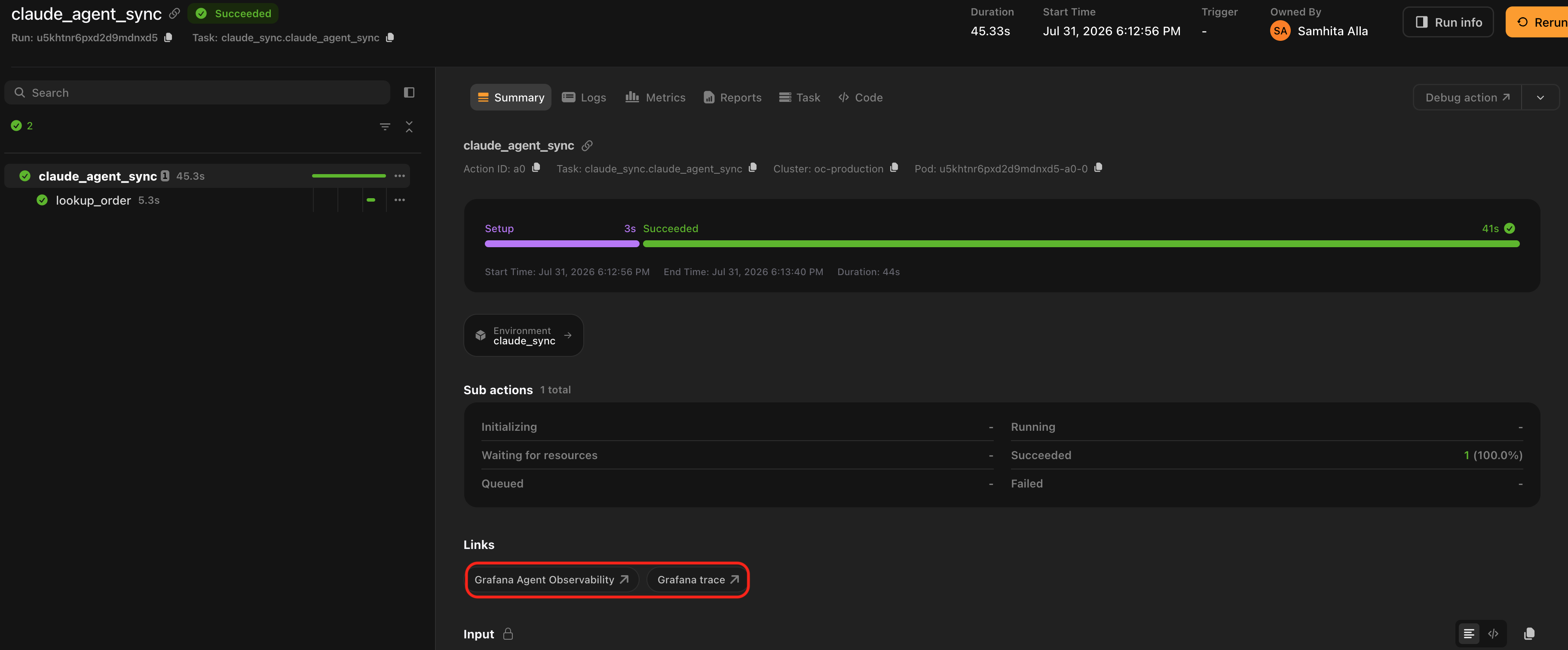
*Both links on the same action. **Grafana Agent Observability** opens this run's conversation; **Grafana trace** opens its spans in Tempo.*
The two answer different questions. The first goes to the generations, prompts and cost. The second goes to the distributed trace in Tempo; it lives in **OpenTelemetry > Exporters and configuration** because it needs nothing from this package.
The conversation link opens the conversation itself rather than the filtered list, and fills the app's back navigation with the list scoped to the same run.
| Parameter | Default | What it does |
| ------------------- | ------------------------------------------- | -------------------------------------------------------- |
| `host` | Required | Stack URL, for example `https://myorg.grafana.net` |
| `name` | `"Grafana Agent Observability"` | Label shown in the Flyte UI |
| `app_id` | `"grafana-agento11y-app"` | Grafana app plugin ID |
| `conversation_path` | `"conversations/{conversation_id}/explore"` | Path template within the app |
| `list_path` | `"conversations"` | Path of the conversations list, used for back navigation |
| `return_to` | `True` | Include the back-navigation parameter |
| `by_run` | `True` | Address the conversation by the Flyte run |
Set `by_run=False` when something other than Flyte owns the conversation ID, typically alongside `bind_conversation=False`. The link then lands on the conversations list rather than on a URL that resolves to nothing.
> [!NOTE]
> The Grafana app moved from `grafana-sigil-app` to `grafana-agento11y-app`. The old ID still
> resolves but is deprecated, which is why the ID and both path templates are settable.
## Recording generations by hand
The client is available whether or not a framework integration is installed, so you can record generations explicitly. They still land inside the Flyte task span and still carry the run's identity because neither of those depends on a framework integration.
This is the path for an agent written against a provider SDK directly or for an adapter that has no agento11y package yet.
```python{hl_lines=[5,8]}
from agento11y import GenerationStart, ModelRef, assistant_text_message, user_text_message
from flyteplugins.agento11y import get_client
@flyte.trace
async def ask(question: str) -> str:
"""A durable model turn, recorded as a generation."""
client = get_client()
with client.start_generation(GenerationStart(model=ModelRef(provider="openai", name="gpt-4o"))) as rec:
answer = await call_the_model(question)
rec.set_result(
input=[user_text_message(question)],
output=[assistant_text_message(answer)],
)
return answer
```
Putting the call inside a [`flyte.trace`](https://www.union.ai/docs/latest/union/user-guide/tasks/task-programming/traces/page.md) step is what makes it durable: a resumed run replays the recorded result instead of calling the model again.
## Content capture
agento11y sends metadata by default (model, token usage, tool names, timing) and keeps prompts and responses local unless you opt in.
That is an agento11y setting rather than a Flyte one. `client_options` is the passthrough for it: every key becomes a field on agento11y's own `ClientConfig`, so content capture is switched on exactly as it would be outside Flyte. Check the [agento11y documentation](https://grafana.com/docs/grafana-cloud/monitor-applications/agent-observability/) for the current field names and defaults; they belong to that library, not to this plugin.
The same passthrough covers anything else `init()` does not surface: auth mode and token, protocol or a custom generation exporter.
```python
init(service_name="my-agent", client_options={"generation_exporter": MyExporter()})
```
`init()` sets three `ClientConfig` fields itself: `tracer` (so generations nest inside the Flyte task span), `generation_export_endpoint` (from `endpoint=`), and `generation_exporter` (a no-op when no endpoint is configured). Anything you put in `client_options` wins over all three.
## Instrumenting a different backend
`flyteplugins-agents-core` exposes two registries that let an out-of-tree package instrument the frameworks the adapters drive. They are how this plugin attaches agento11y's handlers to calls the adapter owns rather than you, and neither knows anything about Grafana. If you maintain instrumentation for a different vendor, register against the same hooks.
Use `register_instrumentor` when the framework accepts a handler in its run payload. The adapter offers you the framework-native payload and uses whatever you return:
```python
from flyteplugins.agents.core import register_instrumentor
def add_my_handler(config):
config = dict(config or {})
config.setdefault("callbacks", []).append(MyHandler())
return config
register_instrumentor("langgraph", add_my_handler)
```
Use `register_call_wrapper` when the SDK cannot be instrumented by handing it an object, and the only way in is to wrap the call itself. That is the case for the Claude Agent SDK, whose model turns arrive as messages on the stream returned by `query`:
```python
from flyteplugins.agents.core import register_call_wrapper
def wrap(call):
def instrumented(*args, **kwargs):
return my_recording_query(_query_fn=call, **kwargs)
return instrumented
register_call_wrapper("claude", wrap)
```
Framework names match the adapter directory: `langchain`, `langgraph`, `openai`, `claude`, `google`, `pydantic_ai`.
Both registries are best-effort by construction. If your instrumentor or wrapper raises, the adapter logs at debug level and runs the agent uninstrumented, because observing an agent must never be the reason it stops working. The flip side is that a handler which never attaches fails quietly, so confirm registration with `flyteplugins.agents.core.instrumented_frameworks()` rather than assuming it.
## Limitations
**`init()` must be called at module scope:** The task span opens before the task body runs, so initializing from inside the body means that task's span and the identity binding that rides on it have already been missed. `flyteplugins-otel` logs a warning when it detects this.
**Not every adapter has an integration:** crewai and mistral have Flyte adapters but no agento11y package, so their generations are not captured automatically.
**Short tasks need the exit flush:** agento11y batches generations and flushes on an interval and unlike OpenTelemetry's tracer provider it registers no exit hook of its own. The plugin registers one for a client it created, so a task that finishes inside the flush window does not lose its generations. A client you pass in with `client=` is yours to flush.
**With no endpoint configured, generations are dropped:** Without `AGENTO11Y_ENDPOINT` or `endpoint=`, the plugin installs a no-op exporter and logs a warning once. OpenTelemetry spans are unaffected and follow their own exporter settings.
## Related
- **[OpenTelemetry](../opentelemetry/_index)**: the tracing layer this plugin builds on.
- ****OpenTelemetry > Traces across crashes and resumes****: why a durable run needs more than a stock OpenTelemetry setup.
- **[Agent frameworks](../agents/_index)**: the `flyteplugins-agents-*` adapters this instruments.
- **[Build an agent](https://www.union.ai/docs/latest/union/user-guide/agents/build-agent/_index)**: building the agent in the first place.
> [!NOTE] Runnable examples
> The plugin ships [worked examples](https://github.com/flyteorg/flyte-sdk/tree/main/plugins/agento11y/examples)
> for OpenAI Agents, LangGraph, Claude, Google ADK, PydanticAI, manual generations and a
> crash-and-resume agent whose trace stays intact.
=== PAGE: https://www.union.ai/docs/latest/union/integrations/hydra ===
# Hydra
[Hydra](https://hydra.cc) is a framework for composing and overriding configuration trees from YAML files, dataclasses and the command line. The `flyteplugins-hydra` plugin makes Hydra a first-class submission layer for Flyte, so you can compose a config exactly as you would in any other Hydra app and have each composed run executed as a Flyte task, locally or as a remote execution on a Union.ai cluster.
The plugin offers three complementary entry points that share a single launcher implementation:
| Entry point | Use it when |
| ---------------------------------------------- | ---------------------------------------------------------------------------------------------------------------------------------------- |
| `hydra/launcher=flyte` (Hydra Launcher plugin) | You already have a `@hydra.main` script and want standard Hydra CLI ergonomics, including `--multirun` and custom sweepers. |
| `flyte hydra run` (Flyte CLI extension) | You want a Flyte-style CLI that imports a task from a Python file and composes a Hydra config without requiring a `@hydra.main` wrapper. |
| `hydra_run` / `hydra_sweep` (Python SDK) | You want to submit runs directly from Python -- notebooks, tests, examples or another orchestration script. |
All three paths converge on the same `FlyteLauncher`.
## Installation
```bash
pip install flyteplugins-hydra
```
The plugin depends on `flyteplugins-omegaconf`, which is installed automatically and provides the `DictConfig`/`ListConfig` type transformers that allow Hydra-composed configs to flow into Flyte tasks. Both packages must be available in the same environment as `flyte`.
If you call `apply_task_env` for child tasks (see **Hydra > Task environment overrides**), include `flyteplugins-hydra` in the task image as well.
## Requirements on tasks
Every task launched through this plugin must accept an OmegaConf `DictConfig` input. Any other parameters are passed through as ordinary task arguments.
```python{hl_lines=[1, 5]}
from omegaconf import DictConfig
@env.task
async def pipeline(cfg: DictConfig, dataset: str) -> float:
...
```
The plugin auto-detects the `DictConfig` parameter name. If your parameter is `cfg`, app-level overrides are passed through `--cfg` on the CLI; if it is `config`, they are passed through `--config`; and so on.
## A walkthrough config
The examples in this page assume a small project layout:
```
project/
├── train.py
└── conf/
├── training.yaml
├── model/
│ ├── resnet.yaml
│ └── vit.yaml
├── optimizer/
│ ├── adam.yaml
│ └── sgd.yaml
└── task_env/
├── a100.yaml
└── prebuilt_image.yaml
```
`conf/training.yaml`:
```yaml
defaults:
- optimizer: adam
- model: resnet
- _self_
data:
path: s3://my-bucket/imagenet
dataset: imagenet
training:
epochs: 30
batch_size: 64
```
`train.py` (abbreviated):
```python
import flyte
from omegaconf import DictConfig
from flyteplugins.hydra import apply_task_env
env = flyte.TaskEnvironment(name="training", image=...)
@env.task
async def preprocess(cfg: DictConfig) -> flyte.io.Dir: ...
@env.task
async def train_model(cfg: DictConfig, data: flyte.io.Dir) -> tuple[flyte.io.Dir, float]: ...
@env.task
async def pipeline(cfg: DictConfig, dataset: str) -> float:
data = await preprocess(cfg)
train_task = apply_task_env(train_model, cfg)
_, val_loss = await train_task(cfg, data)
return val_loss
```
The same `pipeline` task is the target of every example below.
> **📝 Note**
>
> `config_path` is resolved relative to the current working directory. If you submit runs from a directory other than `project/`, pass an absolute path (or an absolute path on the CLI via `--config-path /abs/path/to/conf`). For structured-config-only setups (no YAML files), omit `config_path` / `--config-path` entirely.
## Execution mode
Remote execution is the default. Every entry point exposes an explicit knob:
| Surface | Local | Remote |
| ---------------------- | --------------------------- | -------------------------------------- |
| `@hydra.main` launcher | `hydra.launcher.mode=local` | `hydra.launcher.mode=remote` (default) |
| `flyte hydra run` | `--local` | `--mode remote` (default) |
| Python SDK | `mode="local"` | `mode="remote"` (default) |
For the `@hydra.main` launcher, the default applies as soon as `hydra/launcher=flyte` is selected.
Remote runs print the Flyte run URL immediately after submission, before any waiting. By default the plugin then waits for every submitted run to reach a terminal phase, capped at 32 worker threads. To tune or disable waiting:
| Surface | Tune wait threads | Fire and forget |
| ---------------------- | ------------------------------------ | --------------------------- |
| `@hydra.main` launcher | `hydra.launcher.wait_max_workers=64` | `hydra.launcher.wait=false` |
| `flyte hydra run` | `--wait-max-workers 64` | `--no-wait` |
| Python SDK | `wait_max_workers=64` | `wait=False` |
For a sweep, every job is submitted first, and then the plugin waits for all runs concurrently. Submission is not blocked by earlier runs reaching a terminal phase.
## Hydra launcher (`@hydra.main` scripts)
Use this path when your script already has a `@hydra.main` entry point. Selecting `hydra/launcher=flyte` swaps Hydra's built-in `BasicLauncher` for `FlyteLauncher`.
Single remote run:
```bash
python train.py hydra/launcher=flyte hydra.launcher.mode=remote
```
Single local run:
```bash
python train.py hydra/launcher=flyte hydra.launcher.mode=local
```
Remote grid sweep submission: Each comma-separated value expands into a separate Flyte execution; six executions in this example:
```bash{hl_lines=[4]}
python train.py --multirun \
hydra/launcher=flyte hydra.launcher.mode=remote \
hydra.launcher.wait_max_workers=64 \
optimizer.lr=0.001,0.01,0.1 training.epochs=10,20
```
Fire-and-forget sweep submission:
```bash{hl_lines=[2]}
python train.py --multirun \
hydra/launcher=flyte hydra.launcher.wait=false \
optimizer.lr=0.001,0.01,0.1
```
Custom sweepers (Optuna) work exactly as they do with the BasicLauncher. Selecting `hydra/sweeper=...` activates the sweeper and `FlyteLauncher` runs each trial as a Flyte execution:
```bash{hl_lines=["3-5"]}
python train.py --multirun \
hydra/launcher=flyte hydra.launcher.mode=remote \
hydra/sweeper=optuna hydra.sweeper.n_trials=20 \
hydra.sweeper.n_jobs=4 \
"optimizer.lr=interval(1e-4,1e-1)"
```
Inside `@hydra.main`, the standard pattern is:
```python{hl_lines=[7]}
import flyte
import hydra
from omegaconf import DictConfig
from flyteplugins.hydra import apply_task_env
@hydra.main(version_base=None, config_path="conf", config_name="training")
def main(cfg: DictConfig):
flyte.init_from_config()
entry_task = apply_task_env(pipeline, cfg)
return flyte.run(entry_task, cfg=cfg, dataset=cfg.data.dataset)
if __name__ == "__main__":
main()
```
## Python SDK
`hydra_run` composes one config and runs the task once. `hydra_sweep` expands sweep overrides and runs the task once per combination.
### Single run
```python{hl_lines=[1, 3, 7]}
from flyteplugins.hydra import hydra_run
run = hydra_run(
pipeline,
config_path="conf",
config_name="training",
overrides=["optimizer.lr=0.01"],
dataset="s3://my-bucket/imagenet",
mode="remote",
wait=True,
wait_max_workers=64,
)
```
For a remote run with `wait=True`, the return value is a wrapper exposing both `run.url` and `run.value` (the resolved task output). The wrapper is `float()`-castable so Hydra sweepers such as Optuna can consume scalar objectives directly. With `wait=False`, the return value is the underlying `flyte.remote.Run`.
### Grid sweep
```python{hl_lines=[7]}
from flyteplugins.hydra import hydra_sweep
runs = hydra_sweep(
pipeline,
config_path="conf",
config_name="training",
overrides=["optimizer.lr=0.001,0.01,0.1", "training.epochs=10,20"],
dataset="s3://my-bucket/imagenet",
mode="remote",
)
```
Six executions are submitted (3 × 2). `runs` is a list aligned with the Cartesian-product order Hydra's `BasicSweeper` produces.
### Custom sweepers
Custom sweeper plugins are activated by passing their selection in `overrides`:
```python{hl_lines=["5-10"]}
runs = hydra_sweep(
pipeline,
config_path="conf",
config_name="training",
overrides=[
"hydra/sweeper=optuna",
"hydra.sweeper.n_trials=20",
"hydra.sweeper.n_jobs=4",
"optimizer.lr=interval(1e-4,1e-1)",
],
dataset="s3://my-bucket/imagenet",
mode="remote",
)
```
Whenever an override starts with `hydra/`, the plugin invokes the full Hydra runtime so plugin discovery (sweepers, launchers, callbacks) can run. Pure value overrides on the `hydra.*` namespace (for example `hydra.run.dir=...`) do not need the full runtime and are applied per-job by the launcher directly.
### Forwarding `flyte.with_runcontext` options
Use `run_options` to pass Flyte runtime options through to every job:
```python{hl_lines=["8-14"]}
runs = hydra_sweep(
pipeline,
config_path="conf",
config_name="training",
overrides=["optimizer.lr=0.001,0.01,0.1"],
dataset="s3://my-bucket/imagenet",
mode="remote",
run_options={
"name": "my-training-sweep",
"service_account": "default",
"copy_style": "all",
"raw_data_path": "s3://my-bucket/raw-data",
"debug": True,
},
)
```
## Flyte CLI (`flyte hydra run`)
`flyte hydra run` is registered through the `flyte.plugins.cli.commands` entry point. It loads a task from a Python file, composes a Hydra config, and runs the task without requiring the script to have its own `@hydra.main` function. It also inherits the relevant flags from `flyte run` (`--project`, `--domain`, `--image`, `--name`, `--service-account`, `--raw-data-path`, `--copy-style`, `--debug`, `--local`, `--follow`).
### Single run
Remote (default):
```bash
flyte hydra run --config-path conf --config-name training \
train.py pipeline --dataset s3://my-bucket/imagenet
```
Forced local:
```bash{hl_lines=[1]}
flyte hydra run --local --config-path conf --config-name training \
train.py pipeline --dataset s3://my-bucket/imagenet
```
### Grid sweep
```bash{hl_lines=[4]}
flyte hydra run --multirun --config-path conf --config-name training \
--wait-max-workers 64 \
train.py pipeline --dataset s3://my-bucket/imagenet \
--cfg "optimizer.lr=0.001,0.01,0.1" --cfg "training.epochs=10,20"
```
### App-level vs Hydra-namespace overrides
The CLI keeps app-level overrides separate from Hydra runtime overrides so they do not collide with ordinary Flyte task arguments.
App-level overrides target the composed config and are passed through the **task's `DictConfig` parameter name**. For `pipeline(cfg: DictConfig, ...)`, use `--cfg`. For `pipeline_with_config(config: DictConfig, ...)`, use `--config`:
```bash{hl_lines=["3-4", 8]}
flyte hydra run --config-path conf --config-name training \
train.py pipeline \
--cfg optimizer.lr=0.01 \
--cfg training.epochs=20
flyte hydra run --config-path conf --config-name training \
train.py pipeline_with_config \
--config optimizer.lr=0.01
```
Hydra runtime overrides: Anything in the `hydra.*` or `hydra/*` namespace go through `--hydra-override`:
```bash{hl_lines=[3, 4]}
flyte hydra run --config-path conf --config-name training \
train.py pipeline \
--hydra-override hydra.run.dir=./outputs/exp1 \
--hydra-override hydra/launcher=flyte
```
Custom sweepers combine the two:
```bash{hl_lines=["3-7"]}
flyte hydra run --multirun --config-path conf --config-name training \
train.py pipeline --dataset s3://my-bucket/imagenet \
--hydra-override hydra/sweeper=optuna \
--hydra-override hydra.sweeper.n_trials=20 \
--hydra-override hydra.sweeper.n_jobs=4 \
--cfg "optimizer.lr=interval(1e-4,1e-1)" \
--cfg "training.epochs=choice(10,20,50)"
```
### `--follow` and `--no-wait`
`--follow` streams logs from the launched run after submission; it implies waiting and cannot be combined with `--no-wait`. `--no-wait` returns immediately after submission and skips log streaming.
### Shell completion
Install Click's completion hook for the `flyte` executable. For zsh:
```zsh
eval "$(_FLYTE_COMPLETE=zsh_source flyte)"
```
For bash:
```bash
eval "$(_FLYTE_COMPLETE=bash_source flyte)"
```
Once installed, `flyte hydra run` adds Hydra-aware completion after `SCRIPT TASK_NAME`. The command imports the script, inspects the task signature, and suggests:
- The app override flag matching the task's `DictConfig` parameter (`--cfg`, `--config`, ...).
- Override values for that flag and `--hydra-override` via Hydra's own completion engine, including config keys, config-group selections and sweep functions.
```bash{hl_lines=["2-3", "6-7"]}
flyte hydra run --config-path conf --config-name training \
train.py pipeline --cfg optimizer.
# suggests optimizer.lr=, optimizer.weight_decay=, ...
flyte hydra run --config-path conf --config-name training \
train.py pipeline --hydra-override hydra/launcher=
# suggests hydra launcher choices
```
Because completion has to import the target script, keep task definitions and `ConfigStore` registration import-safe, and avoid expensive top-level work in scripts you reach via `flyte hydra run`.
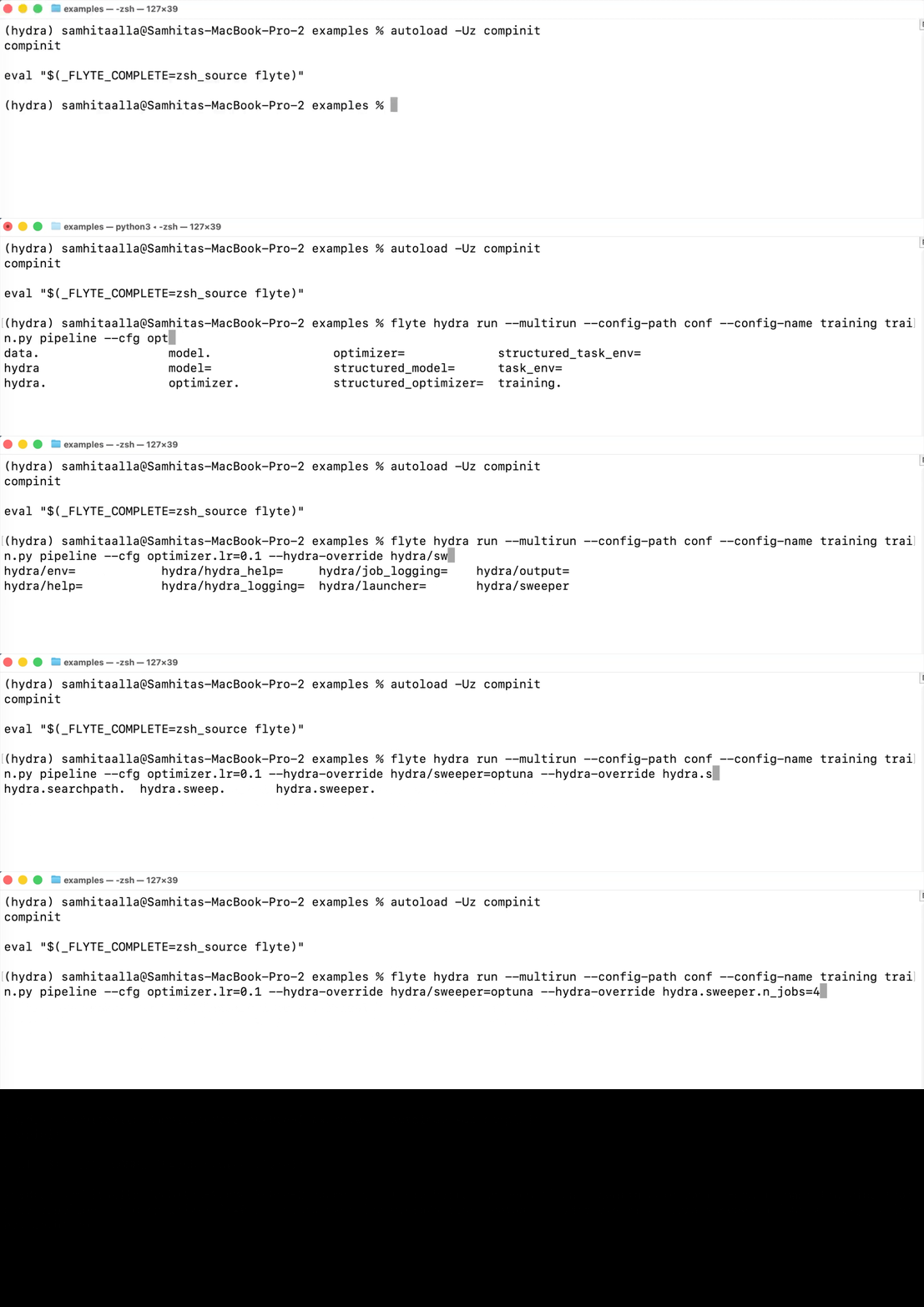
## Override grammar
The override grammar is identical to standard Hydra; what differs is only how you pass the strings (positional in `python train.py ...`, list entries in `overrides=[...]`, repeated `--cfg`/`--hydra-override` on the Flyte CLI).
| Form | Meaning |
| ---------------------------------- | ---------------------------------------------------------------------------------------- |
| `optimizer.lr=0.01` | Set an existing key. |
| `optimizer=sgd` | Select a config group (replaces the `optimizer` subtree with `conf/optimizer/sgd.yaml`). |
| `+task_env=a100` | Append a config group whose key is not currently in the config. |
| `+training.grad_clip=1.0` | Append a key that does not exist. |
| `++optimizer.lr=0.05` | Force-set a key, creating it if missing and overriding strict-schema errors. |
| `~training.warmup_steps` | Delete a key from the composed config. |
| `optimizer.lr=0.001,0.01,0.1` | Sweep value (with `--multirun`); expanded into one job per element. |
| `optimizer.lr=interval(1e-4,1e-1)` | Continuous sweep range; consumed by samplers like Optuna. |
| `optimizer=choice(adam,sgd)` | Categorical sweep; consumed by samplers. |
| `hydra.run.dir=./outputs/exp1` | Hydra-namespace value override (single run output dir). |
| `hydra.sweep.dir=./outputs/sweep1` | Hydra-namespace sweep output dir. |
| `hydra/sweeper=optuna` | Hydra-namespace config group selection (activates the Optuna sweeper plugin). |
## Sweeps
### Grid sweeps (BasicSweeper)
Comma-separated overrides expand into a Cartesian product. The plugin uses Hydra's `BasicSweeper` to expand them, then submits one Flyte execution per combination.
```python{hl_lines=[1, 4, 7]}
from flyteplugins.hydra import hydra_sweep
runs = hydra_sweep(
pipeline,
config_path="conf", config_name="training",
overrides=["model=resnet,vit", "optimizer.lr=0.001,0.01,0.1"],
dataset="s3://my-bucket/imagenet",
mode="remote",
) # 6 executions
```
```bash{hl_lines=[3]}
flyte hydra run --multirun --config-path conf --config-name training \
train.py pipeline --dataset s3://my-bucket/imagenet \
--cfg "model=resnet,vit" --cfg "optimizer.lr=0.001,0.01,0.1"
```
Hardware presets can sweep alongside hyperparameters:
```bash{hl_lines=[3]}
flyte hydra run --multirun --config-path conf --config-name training \
train.py pipeline --dataset s3://my-bucket/imagenet \
--cfg "+task_env=a10g,a100" --cfg "optimizer.lr=0.001,0.01,0.1"
```
### Bayesian / TPE sweeps (Optuna)
Install the sweeper, then activate it via `hydra/sweeper=optuna`. Continuous parameters use `interval(...)`; categorical parameters use `choice(...)`.
```bash
pip install hydra-optuna-sweeper
```
```bash{hl_lines=["3-8"]}
flyte hydra run --multirun --config-path conf --config-name training \
train.py pipeline --dataset s3://my-bucket/imagenet \
--hydra-override "hydra/sweeper=optuna" \
--hydra-override "hydra.sweeper.n_trials=30" \
--hydra-override "hydra.sweeper.n_jobs=5" \
--cfg "optimizer.lr=interval(1e-4,1e-1)" \
--cfg "optimizer.weight_decay=interval(1e-6,1e-2)" \
--cfg "model=choice(resnet,vit)"
```
When `wait=True`, each remote run's wrapped result exposes the task output as a float (via `__float__`), so Optuna can use it directly as the trial objective. With `wait=False`, the sweeper sees the run URL but cannot read objective values; use this only for fire-and-forget submission.
Other sweepers that respect Hydra's plugin protocol are activated the same way: install the package, select `hydra/sweeper=`, and set the sweeper's parameters under `hydra.sweeper.*`.
### Sweep output directories
Hydra-namespace overrides redirect where Hydra writes per-job logs and config snapshots:
```bash{hl_lines=[3, 4]}
flyte hydra run --multirun --config-path conf --config-name training \
train.py pipeline --dataset s3://my-bucket/imagenet \
--hydra-override "hydra.sweep.dir=./outputs/sweep1" \
--hydra-override "hydra.sweep.subdir=\${hydra.job.num}" \
--cfg "optimizer.lr=0.001,0.01,0.1"
```
## Task environment overrides
Hydra is good at composing flat YAML; Flyte tasks need richer settings such as resources and container images. The plugin reserves a config key named `task_env` by default that maps task names to `task.override` kwargs.
```yaml
task_env:
pipeline:
resources:
cpu: "2"
memory: 8Gi
train_model:
resources:
cpu: "16"
memory: 64Gi
gpu: "A100:1"
```
When the plugin launches a task, it looks up `task_env[]` (`pipeline` in this example) and applies the values via `task.override(...)`. Resource mappings are converted into `flyte.Resources(**values)` automatically.
### Prebuilt images
To run a task in a prebuilt container image, set `image` (and optionally `primary_container_name`):
```yaml{hl_lines=[3]}
task_env:
pipeline:
image: ghcr.io/acme/flyte-training:latest
primary_container_name: main
resources:
cpu: "4"
memory: 16Gi
```
`task.override` does not accept `image` directly. The task image is part of the task definition. Instead, the plugin lowers the override to a `flyte.PodTemplate` whose primary container uses the requested image:
- If the task has no inline pod template, a new one is created.
- If the task already has an inline `flyte.PodTemplate`, the plugin deep-copies it and sets only the image on the primary container.
- If the task references a pod template by name (a string), the plugin raises an error. You must patch a string-named template by editing it in cluster config rather than at submission time.
### Applying overrides to child tasks
The launcher only controls the entry task it submits. Child tasks called from within the entry task are not patched automatically. Use `apply_task_env` to apply the same `resources`/`image` handling to a child task before invoking it:
```python{hl_lines=[1, 7]}
from flyteplugins.hydra import apply_task_env
@env.task
async def pipeline(cfg: DictConfig, dataset: str) -> float:
data = await preprocess(cfg)
train_task = apply_task_env(train_model, cfg)
_, val_loss = await train_task(cfg, data)
return val_loss
```
This keeps the override knobs in YAML/CLI surfaces while leaving each task in control of which children it patches.
### Renaming the task-env key
If your config uses a different name for the task-env subtree, pass it explicitly:
```python
hydra_run(..., task_env_key="task_environment")
```
```bash
flyte hydra run --task-env-key task_environment ...
```
### What `task_env` should not model
The YAML schema intentionally omits the full Kubernetes `V1PodSpec`. Keep advanced pod configuration (volumes, init containers, node selectors, etc.) in Python task/environment code where you have a real type. Use Hydra `task_env` presets for the common knobs only: image, primary container name and resources.
## Structured configs (without YAML)
Structured configs work with this plugin as long as they are registered before the launcher composes the config. `flyte hydra run` imports the script first, so top-level `ConfigStore.instance().store(...)` calls run before composition.
```python{hl_lines=[17]}
from dataclasses import dataclass, field
from hydra.core.config_store import ConfigStore
from omegaconf import DictConfig
@dataclass
class TrainingConf:
epochs: int = 30
batch_size: int = 64
@dataclass
class RootConf:
training: TrainingConf = field(default_factory=TrainingConf)
ConfigStore.instance().store(name="structured_training", node=RootConf)
```
Run a fully-structured config without YAML:
```bash{hl_lines=[1]}
flyte hydra run --config-name structured_training \
train.py pipeline --dataset s3://my-bucket/imagenet
```
The same config also works through `@hydra.main`:
```bash
python train.py --config-name structured_training
```
If the structured config still references YAML config groups, keep `--config-path conf`. If everything is registered in `ConfigStore`, omit `--config-path`.
> **⚠️ Warning**
>
> Do not register structured configs only inside `if __name__ == "__main__":` or inside the `@hydra.main` function body. `flyte hydra run` and shell completion inspect the script at import time, before either of those blocks runs, and registrations placed there will not be visible.
Structured configs sweep just like YAML configs:
```python{hl_lines=[4, 5]}
runs = hydra_sweep(
pipeline,
config_path=None,
config_name="structured_training",
overrides=["training.epochs=10,20", "training.batch_size=32,64"],
dataset="s3://my-bucket/imagenet",
mode="remote",
)
```
=== PAGE: https://www.union.ai/docs/latest/union/integrations/jsonl ===
# JSONL
The JSONL plugin adds two typed I/O types for working with [JSON Lines](https://jsonlines.org/) data as task inputs and outputs: `flyteplugins.jsonl.JsonlFile` for a single JSONL file and `flyteplugins.jsonl.JsonlDir` for a directory of sharded JSONL files. Both are backed by [`orjson`](https://github.com/ijl/orjson) for fast serialization and stream records one at a time, so you can process datasets that don't fit in memory.
`JsonlFile` and `JsonlDir` extend the built-in `flyte.io.File` and `flyte.io.Dir` types, so they inherit remote-storage, upload/download, and caching behavior. They simply add JSONL-aware streaming readers and writers on top. Every read/write method has a synchronous `_sync` counterpart (`writer_sync()`, `iter_records_sync()`) for use in non-`async` tasks.
## When to use this plugin
- Passing line-delimited JSON datasets (LLM training/eval sets, event logs, model outputs) between tasks
- Streaming records without loading an entire file into memory
- Writing large outputs as automatically rotated, sharded directories
- Working with compressed JSONL (`.jsonl.zst`) transparently
## Installation
```bash
pip install flyteplugins-jsonl
```
Add the plugin to your task image. Installing it registers `JsonlFile` and `JsonlDir` with the Flyte type engine automatically. No explicit registration call is needed:
```
import flyte
from flyteplugins.jsonl import JsonlDir, JsonlFile
env = flyte.TaskEnvironment(
name="jsonl-examples",
image=flyte.Image.from_debian_base(name="jsonl").with_pip_packages(
"flyteplugins-jsonl"
),
)
```
*Source: https://github.com/unionai/unionai-examples/blob/main/v2/user-guide/task-programming/files-and-directories/jsonl.py*
## Working with `JsonlFile`
Create a writable file reference with `JsonlFile.new_remote()`, then stream records through the `writer()` context manager without holding the whole dataset in memory:
```
@env.task
async def write_records() -> JsonlFile:
"""Write records to a single JSONL file."""
out = JsonlFile.new_remote("results.jsonl")
async with out.writer() as writer:
for i in range(500_000):
await writer.write({"id": i, "score": i * 0.1})
return out
```
*Source: https://github.com/unionai/unionai-examples/blob/main/v2/user-guide/task-programming/files-and-directories/jsonl.py*
Reading is equally streaming. `iter_records()` yields one parsed `dict` per line:
```
@env.task
async def read_records(data: JsonlFile) -> int:
"""Read records from a JsonlFile and return the count."""
count = 0
async for record in data.iter_records():
count += 1
return count
```
*Source: https://github.com/unionai/unionai-examples/blob/main/v2/user-guide/task-programming/files-and-directories/jsonl.py*
## Working with `JsonlDir`
`JsonlDir` writes a directory of shard files (`part-00000.jsonl`, `part-00001.jsonl`, …) and reads them back transparently in sorted order. Pass `max_records_per_shard` (or `max_bytes_per_shard`) to control shard rotation:
```
@env.task
async def write_large_dataset() -> JsonlDir:
"""Write a large dataset to a sharded JsonlDir.
JsonlDir automatically rotates to a new shard file once the
current shard reaches the record or byte limit. Shards are named
part-00000.jsonl, part-00001.jsonl, etc.
"""
out = JsonlDir.new_remote("dataset/")
async with out.writer(
max_records_per_shard=100_000,
max_bytes_per_shard=256 * 1024 * 1024, # 256 MB
) as writer:
for i in range(500_000):
await writer.write({"index": i, "value": i * i})
return out
```
*Source: https://github.com/unionai/unionai-examples/blob/main/v2/user-guide/task-programming/files-and-directories/jsonl.py*
Reading iterates across all shards transparently, prefetching the next shard in the background to overlap network I/O with processing:
```
@env.task
async def sum_values(dataset: JsonlDir) -> int:
"""Read all records across all shards and compute a sum.
Iteration is transparent across shards and handles mixed
compressed/uncompressed shards automatically. The next shard is
prefetched in the background for higher throughput.
"""
total = 0
async for record in dataset.iter_records():
total += record["value"]
return total
```
*Source: https://github.com/unionai/unionai-examples/blob/main/v2/user-guide/task-programming/files-and-directories/jsonl.py*
For bulk processing, `iter_batches()` yields lists of records at a time; `JsonlDir` also inherits all `flyte.io.Dir` capabilities (`walk()`, `list_files()`, `download()`):
```
@env.task
async def process_in_batches(dataset: JsonlDir) -> int:
"""Process records in batches of dicts for bulk operations."""
total = 0
async for batch in dataset.iter_batches(batch_size=1000):
# Each batch is a list[dict]
total += len(batch)
return total
```
*Source: https://github.com/unionai/unionai-examples/blob/main/v2/user-guide/task-programming/files-and-directories/jsonl.py*
## Configuration and options
### Compression
Give the file a `.jsonl.zst` (or `.jsonl.zstd`) extension and records are zstd-compressed transparently on write and decompressed on read. Tune the level via the writer:
```
@env.task
async def write_compressed() -> JsonlFile:
"""Write a zstd-compressed JSONL file.
Compression is activated by using a .jsonl.zst extension.
Both reading and writing handle compression transparently.
"""
out = JsonlFile.new_remote("results.jsonl.zst")
async with out.writer(compression_level=3) as writer:
for i in range(100_000):
await writer.write({"id": i, "compressed": True})
return out
```
*Source: https://github.com/unionai/unionai-examples/blob/main/v2/user-guide/task-programming/files-and-directories/jsonl.py*
For `JsonlDir`, set `shard_extension=".jsonl.zst"` on `writer()`. Mixed compressed and uncompressed shards within a directory are supported on read:
```
@env.task
async def write_compressed_dir() -> JsonlDir:
"""Write zstd-compressed shards by specifying the shard extension."""
out = JsonlDir.new_remote("compressed_dataset/")
async with out.writer(
shard_extension=".jsonl.zst",
max_records_per_shard=50_000,
) as writer:
for i in range(200_000):
await writer.write({"id": i, "data": f"payload-{i}"})
return out
```
*Source: https://github.com/unionai/unionai-examples/blob/main/v2/user-guide/task-programming/files-and-directories/jsonl.py*
### Error handling on read
The record iterators accept an `on_error` argument: `"raise"` (default), `"skip"` to drop malformed lines, or a callable `(line_number, raw_line, exception) -> None` for custom handling:
```
@env.task
async def read_with_error_handling(data: JsonlFile) -> int:
"""Read records, skipping any corrupt lines instead of raising."""
count = 0
async for record in data.iter_records(on_error="skip"):
count += 1
return count
@env.task
async def read_with_custom_handler(data: JsonlFile) -> int:
"""Read records with a custom error handler that collects errors."""
errors: list[dict] = []
def on_error(line_number: int, raw_line: bytes, exc: Exception) -> None:
errors.append({"line": line_number, "error": str(exc)})
count = 0
async for record in data.iter_records(on_error=on_error):
count += 1
print(f"{count} valid records, {len(errors)} errors")
return count
```
*Source: https://github.com/unionai/unionai-examples/blob/main/v2/user-guide/task-programming/files-and-directories/jsonl.py*
### Arrow batches
To hand JSONL data to columnar tooling, stream it as Arrow `RecordBatch`es with `iter_arrow_batches(batch_size=...)`. Memory usage stays bounded by the batch size. Arrow iteration requires the optional `pyarrow` dependency. Install it with `pip install 'flyteplugins-jsonl[arrow]'`:
```
arrow_env = flyte.TaskEnvironment(
name="jsonl-arrow",
image=flyte.Image.from_debian_base(name="jsonl-arrow").with_pip_packages(
"flyteplugins-jsonl[arrow]"
),
)
@arrow_env.task
async def analyze_with_arrow(dataset: JsonlDir) -> float:
"""Stream records as Arrow RecordBatches for analytics.
Memory usage is bounded by batch_size — the full dataset is
never loaded into memory at once.
"""
import pyarrow as pa
batches = []
async for batch in dataset.iter_arrow_batches(batch_size=65_536):
batches.append(batch)
table = pa.Table.from_batches(batches)
mean_value = table.column("value").to_pylist()
return sum(mean_value) / len(mean_value)
```
*Source: https://github.com/unionai/unionai-examples/blob/main/v2/user-guide/task-programming/files-and-directories/jsonl.py*
## Common use cases
- **LLM dataset pipelines**: stream prompt/completion or eval records between preprocessing, generation, and scoring tasks.
- **Event and log processing**: read large line-delimited logs shard by shard without buffering the whole file.
- **Fan-out writes**: produce a `JsonlDir` of rotated shards from a task that emits millions of records, then consume it downstream.
## API reference
See the [JSONL API reference](https://www.union.ai/docs/latest/union/api-reference/integrations/jsonl/_index) for the full `JsonlFile` and `JsonlDir` method listings.
=== PAGE: https://www.union.ai/docs/latest/union/integrations/lance ===
# Lance
The Lance plugin adds a `lance` format to `flyte.io.DataFrame`, so a [Lance](https://lancedb.github.io/lance/) dataset can be passed between tasks as a typed input and output.
Lance datasets are lazy. Opening one reads its manifest and nothing else; rows arrive when you ask for them, sequentially for a scan or by index for a shuffled training loop. The plugin is built to keep that intact across a task boundary, so the decoder hands you a live `lance.LanceDataset` rather than a table it downloaded on your behalf.
## Lance vs. Parquet
Both are columnar and Arrow-native. Read a dataset end to end and they cost about the same. The difference shows up when you want a subset of the rows.
Parquet stores rows in row groups, and a row group is the smallest thing you can decode. Ask for fifty scattered rows and you pay for every row group they happen to land in. Flyte's built-in Parquet decoder is blunter still: it materializes the entire table into memory, and only then can you index into it.
Lance addresses rows individually, and its vector and scalar indices let a query jump to the matching ones. Fifty scattered rows costs about fifty rows.
| | Parquet | Lance |
| ----------------------------------- | ------------------------------------------------------------------- | ---------------------------------------------------- |
| Full sequential scan | Fast | Fast |
| Random access to scattered rows | Reads whole row groups; Flyte's decoder materializes the full table | Reads only the requested rows |
| Vector similarity search | Not supported in-format | Built in (IVF-PQ, IVF-HNSW) |
| Large binary values (images, audio) | Inflates row groups; every scan pays for them | Blob encoding keeps them out of the column layout |
| Schema evolution | Rewrite the dataset | Add or alter columns without rewriting existing data |
| Versioning | External (Delta, Iceberg) | Built into the format, but moot under Flyte |
| Ecosystem reach | Read by nearly every engine | Narrower, growing |
### Which one should you use?
Parquet, if your access pattern is "read all of it" or "read a whole partition of it". That covers most ETL, aggregation, and anything headed for a SQL engine. It is also what you want when the data is going to a team whose tooling you don't control, because everything reads Parquet and that is not a small advantage.
Lance, if you go after scattered rows:
- **Shuffled training:** SGD wants a different random order every epoch. Lance serves it by random access; Parquet re-reads the dataset.
- **Multimodal rows:** Image or audio bytes stored beside their labels, where most tasks touch only the labels.
- **Vector search:** Embeddings with an ANN index in the same dataset as the data they describe.
- **Point lookups:** Fetching individual records by id from a large table.
- **Datasets bigger than memory:** Stream them rather than partition them by hand.
Both are formats on `flyte.io.DataFrame`, so one task can produce Parquet and another Lance in the same workflow. What you cannot do is move a dataset cheaply between them. A `lance` input arrives as a `lance.LanceDataset` or a `pyarrow.Table`, and there is no third option, so this is a choice you make per dataset rather than per task. **Lance > What the plugin registers > Other dataframe types** covers what that rules out.
### How much does it matter?
The **Lance > Measuring the difference** pulls 1,000 random rows out of 100,000, each carrying a 512-byte payload. Parquet materializes a 53.6 MB table to answer that. Lance materializes just 0.54 MB, which is only the 1,000 rows you actually asked for.
The 100x gap is the more reliable number because it comes from how the data is laid out, not the machine it’s running on. Flyte’s Parquet decoder has to build the entire table before it can index into it, and a warm cache doesn’t change that. The actual wall-clock speedup is less dramatic: around 10x on local disk and 3.5x against object storage in the same benchmark. Those numbers will vary with row size and batch size though.
## Installation
```bash
pip install flyteplugins-lance
```
Put the plugin in your task image and you're done. Flyte finds it through the `flyte.plugins.types` entry point and registers the `lance` format on startup, so there is nothing to import and nothing to call:
```
import flyte
image = flyte.Image.from_debian_base(name="lance").with_pip_packages("flyteplugins-lance")
env = flyte.TaskEnvironment(
name="lance_env",
image=image,
resources=flyte.Resources(cpu="1", memory="2Gi"),
)
```
*Source: https://github.com/unionai/unionai-examples/blob/main/v2/integrations/flyte-plugins/lance/lance_example.py*
## What the plugin registers
Four handlers, against Flyte's dataframe transformer engine:
| Python type | Direction | Format | Behavior |
| -------------------- | --------- | ----------------- | -------------------------------------------------------------------------- |
| `lance.LanceDataset` | output | `lance` (default) | Streams the source dataset fragment by fragment into Flyte-managed storage |
| `lance.LanceDataset` | input | `lance` (default) | Opens lazily via `lance.dataset(uri)`; you get a live handle |
| `pyarrow.Table` | output | `lance` (opt-in) | Writes the in-memory table with `lance.write_dataset` |
| `pyarrow.Table` | input | `lance` (opt-in) | Materializes the dataset in memory, honoring column subsetting |
`lance.LanceDataset` already defaults to the `lance` format, so you never have to annotate it. `pyarrow.Table` doesn't, and stays on Parquet unless you say otherwise. That is the one place the format shows up in your type signatures.
### Other dataframe types
Those four are the entire surface, which is worth knowing before you design a workflow around it. The Polars plugin can hand data to pandas and PySpark because all three speak Parquet. Lance has no such common currency here, so there is no lance-to-pandas or lance-to-Polars handler. So do the conversion yourself inside the task. Take the Arrow table and call `to_pandas()`, or take the handle and convert a batch at a time:
```
# `to_pandas()` is a pyarrow method, but it still needs pandas installed in the
# task image: .with_pip_packages("flyteplugins-lance", "pandas")
@env.task
async def as_pandas(table: pa.Table) -> int:
"""Convert inside the task. Declaring `pd.DataFrame` directly would fail:
the plugin registers no lance-to-pandas handler."""
df = table.to_pandas()
return len(df)
@env.task
async def as_pandas_streaming(ds: lance.LanceDataset) -> int:
"""Convert per batch instead, so the dataset is never held whole."""
rows = 0
for batch in ds.scanner(columns=["id"], batch_size=1024).to_batches():
rows += len(batch.to_pandas())
return rows
```
*Source: https://github.com/unionai/unionai-examples/blob/main/v2/integrations/flyte-plugins/lance/lance_example.py*
On anything large, use the second one. A whole-table `to_pandas()` throws away the streaming property you picked Lance for, and hands the result to pandas, which will sit on it in memory.
## Passing a dataset between tasks
Two ways to do this, and they are not interchangeable.
### Return a live handle
Return a `lance.LanceDataset`, accept one on the other side. No wrapper, no `open()`:
```
import tempfile
import lance
import pyarrow as pa
@env.task
async def build_dataset(n: int = 10_000) -> lance.LanceDataset:
uri = f"{tempfile.mkdtemp()}/points.lance"
lance.write_dataset(pa.table({"id": list(range(n)), "value": [i * i for i in range(n)]}), uri)
return lance.dataset(uri)
@env.task
async def summarize(ds: lance.LanceDataset) -> dict:
# `ds` is a live handle. Stream it in batches; nothing is materialized whole.
total = 0
for batch in ds.scanner(columns=["value"], batch_size=1024).to_batches():
total += sum(batch.column("value").to_pylist())
return {"rows": ds.count_rows(), "sum_of_values": total}
```
*Source: https://github.com/unionai/unionai-examples/blob/main/v2/integrations/flyte-plugins/lance/lance_example.py*
The `ds` the consumer gets is already open. `count_rows()` answers from metadata, `to_batches()` pulls a batch at a time, and at no point does the whole dataset come down.
Encoding is memory-bounded too, since it streams the source through an Arrow `RecordBatchReader`. Bounded is not the same as cheap, though: every fragment still gets read and written again.
### Hand off by reference
If the task already wrote the dataset, usually in chunks because it was too big to hold, don't make Flyte read it back. Hand over the path:
```
import os
@env.task
async def convert(n: int = 10_000, chunk: int = 2_000) -> DataFrame:
"""Write a Lance dataset in bounded chunks, then hand it off by reference."""
uri = os.path.join(tempfile.mkdtemp(), "dataset.lance")
mode = "create"
for start in range(0, n, chunk):
rows = list(range(start, min(start + chunk, n)))
lance.write_dataset(pa.table({"id": rows}), uri, mode=mode)
mode = "append"
# Flyte uploads the .lance directory verbatim: no re-read, no re-encode.
return DataFrame(uri=uri, format="lance")
@env.task
async def inspect(ds: lance.LanceDataset) -> dict:
# The consumer still takes the raw Lance type; the "lance" format resolves
# the handoff regardless of which form the producer returned.
return {"rows": ds.count_rows(), "fragments": len(ds.get_fragments())}
```
*Source: https://github.com/unionai/unionai-examples/blob/main/v2/integrations/flyte-plugins/lance/lance_example.py*
`DataFrame(uri=..., format="lance")` uploads the `.lance` directory as it sits. No Arrow round trip. The consumer can still ask for a plain `lance.LanceDataset`; the `lance` format sorts out the handoff no matter which form the producer chose.
### Choosing between them
The distinction is mechanical, not stylistic. Return a `lance.LanceDataset` and the encoder runs: it reads your dataset through Arrow and writes a new one at the destination. Return a `DataFrame` carrying a URI and no encoder runs at all, because Flyte just uploads the directory recursively, the same way it treats any pre-written path for any format.
So one gives you a copy of a directory and the other gives you a dataset reconstructed from its rows. Whatever isn't in those rows doesn't survive the trip:
| | Return `lance.LanceDataset` | Return `DataFrame(uri=…)` |
| ------------------------- | ------------------------------------ | -------------------------- |
| Cost | Re-reads and rewrites every fragment | Byte-for-byte upload |
| Vector and scalar indices | **Dropped** | Preserved |
| Blob-encoded columns | **Fails to encode** | Preserved |
| Fragment layout | Coalesced; fragment ids change | Identical |
> [!WARNING] Indices and blob columns need the reference form
> An ANN index does not survive a handle return, and nothing warns you: the task succeeds and the copy on the other side is simply unindexed. A blob column is louder about it. The encoder re-reads the dataset through a scanner, which for a blob column yields the `{position, size}` descriptors rather than the values, and writing those back out fails with `Blob v2 struct input requires file version >= 2.2`. Hand both kinds of dataset off with `DataFrame(uri=..., format="lance")`.
Rough rule: the handle is fine when the task just built something small in memory. Reach for the reference once the dataset is large, was written in chunks, or carries indices or blob columns.
Neither form copies data at call time, which means the usual dataframe caching caveat applies here: a downstream cached task won't hit on identical content sitting at a new path. [Content-based caching](https://www.union.ai/docs/latest/union/user-guide/tasks/task-configuration/caching/page.md) is the fix.
## Arrow tables and the explicit `lance` format
`pyarrow.Table` defaults to Parquet, so this is where you name the format explicitly. `Annotated[DataFrame, "lance"]` does it:
```
from collections import OrderedDict
from typing import Annotated
from flyte.io import DataFrame
@env.task
async def build_table() -> Annotated[DataFrame, "lance"]:
# A bare `DataFrame` or `pa.Table` would be stored as Parquet. The "lance"
# annotation is what selects this plugin's encoder.
table = pa.table(
{
"city": ["NYC", "SF", "LA", "SEA"],
"temp_c": [7, 15, 20, 11],
"humidity": [55, 70, 40, 80],
}
)
return DataFrame.wrap_df(table)
@env.task
async def read_as_dataset(ds: lance.LanceDataset) -> int:
# The same stored bytes, opened lazily as a streaming handle.
return ds.count_rows()
@env.task
async def read_as_table(table: Annotated[pa.Table, OrderedDict(city=str, temp_c=int)]) -> dict:
# Decoded eagerly into memory, narrowed to the two annotated columns.
return {"columns": table.column_names, "rows": table.num_rows}
```
*Source: https://github.com/unionai/unionai-examples/blob/main/v2/integrations/flyte-plugins/lance/lance_example.py*
Those same stored bytes read back either way. `read_as_dataset` gets a streaming handle. `read_as_table` decodes eagerly into memory, narrowed to whichever columns its `OrderedDict` annotation names.
Eager decode pulls in the whole dataset, which is fine for a small lookup table and wrong for anything big or multimodal.
## Reading only what you need
Narrowing happens on the open handle, inside the task, and because the dataset is lazy it comes straight off the bytes you fetch:
```
@env.task
async def sample_rows(ds: lance.LanceDataset) -> dict:
# Random access: read only these rows, only these columns.
rows = ds.take([0, 500, 9_999], columns=["id", "value"]).to_pylist()
# Predicate pushdown: the filter runs inside Lance, so unmatched rows are
# never decoded or sent over the wire.
matched = ds.scanner(columns=["id"], filter="value > 98000000").to_table().num_rows
return {"sample": rows, "matched": matched}
```
*Source: https://github.com/unionai/unionai-examples/blob/main/v2/integrations/flyte-plugins/lance/lance_example.py*
- **Column projection**: `columns=[...]` on `scanner()` or `take()`. Columns you don't name are never touched.
- **Predicate pushdown**: `filter="value > 98000000"` is SQL, evaluated inside Lance. Rows that don't match are never decoded, and a scalar index on that column turns the whole scan into a lookup.
- **Random access**: `take([...])` fetches the row indices you hand it. This is the one Parquet can't do cheaply, and it is what makes shuffled training practical.
There's a fourth, `batch_size` on `scanner()`, in the streaming example above. It caps peak memory no matter how big the dataset gets.
## Multimodal data
Blob encoding moves large binary values out of the regular column layout, so a scan that doesn't ask for the column doesn't pay for it. Mark the field in the schema:
> [!NOTE] A blob column reads differently from every other column
> `take()` and `scanner()` do not return a blob value. They return a `{position, size}` descriptor, and it is easy to miss, because code that treats it as bytes usually runs without complaining. Read the bytes with `take_blobs()`, which hands back file objects instead.
```
import os
import random
import tempfile
import flyte
import lance
import pyarrow as pa
from flyte.io import DataFrame
image = flyte.Image.from_debian_base(name="lance-multimodal").with_pip_packages("flyteplugins-lance")
env = flyte.TaskEnvironment(
name="lance_multimodal",
image=image,
resources=flyte.Resources(cpu="2", memory="4Gi"),
)
# `lance-encoding:blob` keeps large values out of the regular column layout, so a
# scan that doesn't ask for `image` never pays for the image bytes.
SCHEMA = pa.schema(
[
pa.field("id", pa.int32()),
pa.field("image", pa.large_binary(), metadata={"lance-encoding:blob": "true"}),
pa.field("label", pa.int32()),
]
)
```
*Source: https://github.com/unionai/unionai-examples/blob/main/v2/integrations/flyte-plugins/lance/multimodal_streaming.py*
Write it in chunks and hand it off by reference, which blob columns require anyway:
```
@env.task
async def convert(n: int = 4_000, chunk: int = 512) -> DataFrame:
"""Fold many small samples into one Lance dataset, a chunk at a time."""
uri = os.path.join(tempfile.mkdtemp(), "images.lance")
mode = "create"
for start in range(0, n, chunk):
rows = list(range(start, min(start + chunk, n)))
table = pa.table(
{
"id": rows,
"image": [_fake_image_bytes(i) for i in rows],
"label": [i % 10 for i in rows],
},
schema=SCHEMA,
)
lance.write_dataset(table, uri, mode=mode)
mode = "append"
# Hand off by reference. Returning a `lance.LanceDataset` here would re-encode
# the dataset through Arrow, which a blob-encoded column does not survive.
return DataFrame(uri=uri, format="lance")
```
*Source: https://github.com/unionai/unionai-examples/blob/main/v2/integrations/flyte-plugins/lance/multimodal_streaming.py*
### Streaming a shuffled epoch
Draw a fresh random order each epoch, pull it in batches, straight out of object storage. Labels come from `take()` and the image bytes from `take_blobs()`, both scoped to the same rows:
```
@env.task
async def train_one_epoch(df: DataFrame, batch_size: int = 128, seed: int = 0) -> dict:
"""Stream one shuffled epoch by random access. Nothing is downloaded whole."""
ds = await df.open(lance.LanceDataset).all()
order = list(range(ds.count_rows()))
random.Random(seed).shuffle(order)
seen = 0
image_bytes = 0
label_counts: dict[int, int] = {}
for i in range(0, len(order), batch_size):
rows = order[i : i + batch_size]
# Structured columns come back inline. A blob column does not: `take` and
# `scanner` hand you a {position, size} descriptor rather than the value,
# so the bytes are read through `take_blobs`, which opens each one as a
# file object. Either way only these rows are touched, so memory stays
# proportional to the batch and not to the dataset.
labels = ds.take(rows, columns=["label"]).column("label").to_pylist()
for blob, label in zip(ds.take_blobs("image", indices=rows), labels):
with blob as f:
image_bytes += len(f.readall()) # stand-in for decode + augment
label_counts[label] = label_counts.get(label, 0) + 1
seen += 1
return {
"rows_streamed": seen,
"image_bytes_read": image_bytes,
# Map keys are stringified so the run UI renders them as text.
"labels": {str(k): v for k, v in sorted(label_counts.items())},
}
```
*Source: https://github.com/unionai/unionai-examples/blob/main/v2/integrations/flyte-plugins/lance/multimodal_streaming.py*
Peak memory is one batch whether the dataset holds 4,000 rows or 40 million.
Tar and WebDataset stream this just as well, to be fair. What they can't do is shuffle it properly: reaching an arbitrary row means reading forward to it, so they approximate with interleaved shards and a buffer window. Lance addresses rows directly, so the shuffle is the real thing.
### Reading the labels without the images
The images being blob-encoded means a scan over the structured columns skips them:
```
@env.task
async def label_histogram(df: DataFrame) -> dict:
"""Scan the structured columns only. The image bytes are never read."""
ds = await df.open(lance.LanceDataset).all()
counts: dict[int, int] = {}
for batch in ds.scanner(columns=["label"], batch_size=4_096).to_batches():
for label in batch.column("label").to_pylist():
counts[label] = counts.get(label, 0) + 1
return {str(k): v for k, v in sorted(counts.items())}
```
*Source: https://github.com/unionai/unionai-examples/blob/main/v2/integrations/flyte-plugins/lance/multimodal_streaming.py*
A `BlobFile` is a file object, so you can also read part of a value rather than all of it, which is how you inspect headers or sample a few frames without pulling whole images across:
```
@env.task
async def inspect_large_images(df: DataFrame, top_k: int = 3) -> list[int]:
"""Open blobs as file-like objects instead of loading them into memory."""
ds = await df.open(lance.LanceDataset).all()
sizes = []
for blob in ds.take_blobs("image", indices=list(range(top_k))):
with blob as f:
sizes.append(len(f.readall()))
return sizes
```
*Source: https://github.com/unionai/unionai-examples/blob/main/v2/integrations/flyte-plugins/lance/multimodal_streaming.py*
## Parallel reads across fragments
Lance stores a dataset as fragments, which makes them an obvious unit of parallelism: give each mapped task one fragment id and every worker reads a disjoint set of files.
Pass the dataset as a `flyte.io.DataFrame` here, not a `lance.LanceDataset`. The reference form leaves the bytes alone, so a fragment id the parent computed still points at the same fragment in every child. Return a handle instead and the re-encode coalesces the fragments underneath you, leaving those ids pointing at nothing:
```
from functools import partial
@env.task
async def scan_fragment(df: DataFrame, fragment_id: int) -> int:
"""Read exactly one fragment. Each worker touches a disjoint slice of files."""
ds = await df.open(lance.LanceDataset).all()
return ds.get_fragment(fragment_id).to_table(columns=["id"]).num_rows
@env.task
async def fan_out(df: DataFrame) -> int:
# Pass the dataset as a `DataFrame`, not a `lance.LanceDataset`: the reference
# form keeps the stored bytes (and therefore the fragment ids) identical for
# every worker. Returning a `lance.LanceDataset` would re-encode the dataset
# at the boundary and coalesce the fragments, invalidating these ids.
ds = await df.open(lance.LanceDataset).all()
fragment_ids = [f.fragment_id for f in ds.get_fragments()]
total = 0
async for count in flyte.map.aio(partial(scan_fragment, df), fragment_ids):
if isinstance(count, Exception):
raise count
total += count
return total
```
*Source: https://github.com/unionai/unionai-examples/blob/main/v2/integrations/flyte-plugins/lance/lance_example.py*
Every worker opens the same URI, so nothing gets copied per worker and how wide you fan out is a question about your cluster, not your storage.
## Indices and schema evolution
These belong to Lance, not to the plugin. They show up here because the handoff form decides whether they make it across a task boundary.
**Vector and scalar indices:** Build them on the open handle: `create_index()` for vectors (`IVF_PQ`, `IVF_HNSW_PQ`, `IVF_HNSW_SQ`), `create_scalar_index()` for the rest (`BTREE`, `BITMAP`, `INVERTED`, and others). Query with `scanner(nearest={"column": "vec", "q": query, "k": 10})`. A scalar index also speeds up the predicate pushdown above, including as a pre-filter on a vector search. Because indices live inside the dataset directory, they ride along on a reference handoff and vanish on a handle return.
**Schema evolution:** `add_columns()` adds a column without rewriting the ones already on disk, and can compute it from a SQL expression over the existing ones. It is cheap, and it is worth reaching for on a dataset your own task just built, before you hand it on.
Apply it to an input, though, and it writes to the producing task's output. The decoder hands you a live handle onto storage rather than a copy, which is what makes streaming work, and Lance's in-place operations write wherever the dataset actually lives. Treat a dataset you were handed as read-only and return a new one instead.
Lance's versioning comes out of that same in-place model, and there is not much for it to do here: Flyte writes every output once, to a new path, so the only versions you will ever see are the producing task's own write steps.
## Object storage and credentials
The plugin feeds Flyte's storage configuration into Lance's `storage_options`, so reads and writes against remote storage use the same credentials as the rest of the run:
| Backend | What is passed through |
| ----------------------------- | -------------------------------------------------------------------------------------------------------------------------- |
| S3 (`s3://`) | Access key, secret key, region, and custom endpoint. An `http://` endpoint (a local MinIO, say) also sets `aws_allow_http` |
| GCS (`gs://`, `gcs://`) | Nothing explicit; Lance's object store picks up application default credentials |
| Azure (`abfs://`, `abfss://`) | Account name and key, plus tenant, client id, and client secret when present |
In practice this means a task on a cluster picks up its IAM role or workload identity without you doing anything, and the code you ran locally is the code that runs there. Lance pulls only the row ranges and columns each batch needs, direct from the bucket, with no staging step on local disk.
One wrinkle worth knowing if you ever assemble `storage_options` by hand: Lance spells the S3 endpoint key `aws_endpoint`, where several other object-store-backed libraries use `aws_endpoint_url`. The plugin already accounts for it.
## Measuring the difference
The benchmark writes the same data twice, once as Parquet and once as Lance, then fetches an identical shuffled batch from each and renders a report. Both producers build the same Arrow table:
```
import random
import time
from typing import Annotated
import flyte
import flyte.report
import lance
import pyarrow as pa
from flyte.io import DataFrame
image = flyte.Image.from_debian_base(name="lance-benchmark").with_pip_packages("flyteplugins-lance")
env = flyte.TaskEnvironment(
name="lance_benchmark",
image=image,
resources=flyte.Resources(cpu="2", memory="8Gi"),
)
def build_table(n_rows: int, payload_bytes: int) -> pa.Table:
"""An id, a float feature, and a binary payload standing in for an embedding."""
rng = random.Random(0)
return pa.table(
{
"id": pa.array(range(n_rows), type=pa.int64()),
"x": pa.array([rng.random() for _ in range(n_rows)], type=pa.float64()),
"payload": pa.array([rng.randbytes(payload_bytes) for _ in range(n_rows)], type=pa.large_binary()),
}
)
```
*Source: https://github.com/unionai/unionai-examples/blob/main/v2/integrations/flyte-plugins/lance/parquet_vs_lance.py*
and differ only in the return annotation:
```
@env.task
async def write_parquet(n_rows: int = 100_000, payload_bytes: int = 512) -> DataFrame:
"""No format annotation, so this is stored as Parquet (Flyte's default)."""
return DataFrame.wrap_df(build_table(n_rows, payload_bytes))
@env.task
async def write_lance(n_rows: int = 100_000, payload_bytes: int = 512) -> Annotated[DataFrame, "lance"]:
"""The same rows, stored as Lance by this plugin."""
return DataFrame.wrap_df(build_table(n_rows, payload_bytes))
```
*Source: https://github.com/unionai/unionai-examples/blob/main/v2/integrations/flyte-plugins/lance/parquet_vs_lance.py*
What it compares is how much each side has to materialize to answer the request, via `pa.Table.nbytes` on the result. This measures decoded size rather than I/O, which is exactly the point: Parquet's number is much larger because the decoder has to build the entire table first.
```
@env.task(report=True)
async def compare(parquet_df: DataFrame, lance_ds: lance.LanceDataset, n_random_rows: int = 1_000) -> dict:
n = lance_ds.count_rows()
indices = random.Random(7).sample(range(n), k=min(n_random_rows, n))
columns = ["id", "x", "payload"]
# `nbytes` is the decoded size of the result, not bytes moved off storage.
# That is the comparison: how much each side has to build in memory to
# answer a 1,000-row request.
#
# Lance: fetch exactly the requested rows off the open handle.
lance_bytes = lance_ds.take(indices, columns=columns).nbytes
lance_seconds = _best_of(lambda: lance_ds.take(indices, columns=columns))
# Parquet: the decoder is eager, so getting any subset means materializing
# the whole table first, then indexing into it in memory.
async def parquet_random():
table = await parquet_df.open(pa.Table).all()
table.take(indices)
parquet_bytes = (await parquet_df.open(pa.Table).all()).nbytes
parquet_seconds = await _best_of_async(parquet_random)
await flyte.report.replace.aio(
_render(n, len(indices), parquet_bytes, lance_bytes, parquet_seconds, lance_seconds),
do_flush=True,
)
return {
"rows_in_dataset": n,
"rows_requested": len(indices),
"parquet_mb_materialized": round(parquet_bytes / 1e6, 1),
"lance_mb_materialized": round(lance_bytes / 1e6, 2),
"less_data_x": round(parquet_bytes / lance_bytes, 1),
"parquet_ms": round(parquet_seconds * 1e3, 1),
"lance_ms": round(lance_seconds * 1e3, 1),
"faster_x": round(parquet_seconds / lance_seconds, 1),
}
```
*Source: https://github.com/unionai/unionai-examples/blob/main/v2/integrations/flyte-plugins/lance/parquet_vs_lance.py*
Each task publishes the result as a report on the run:
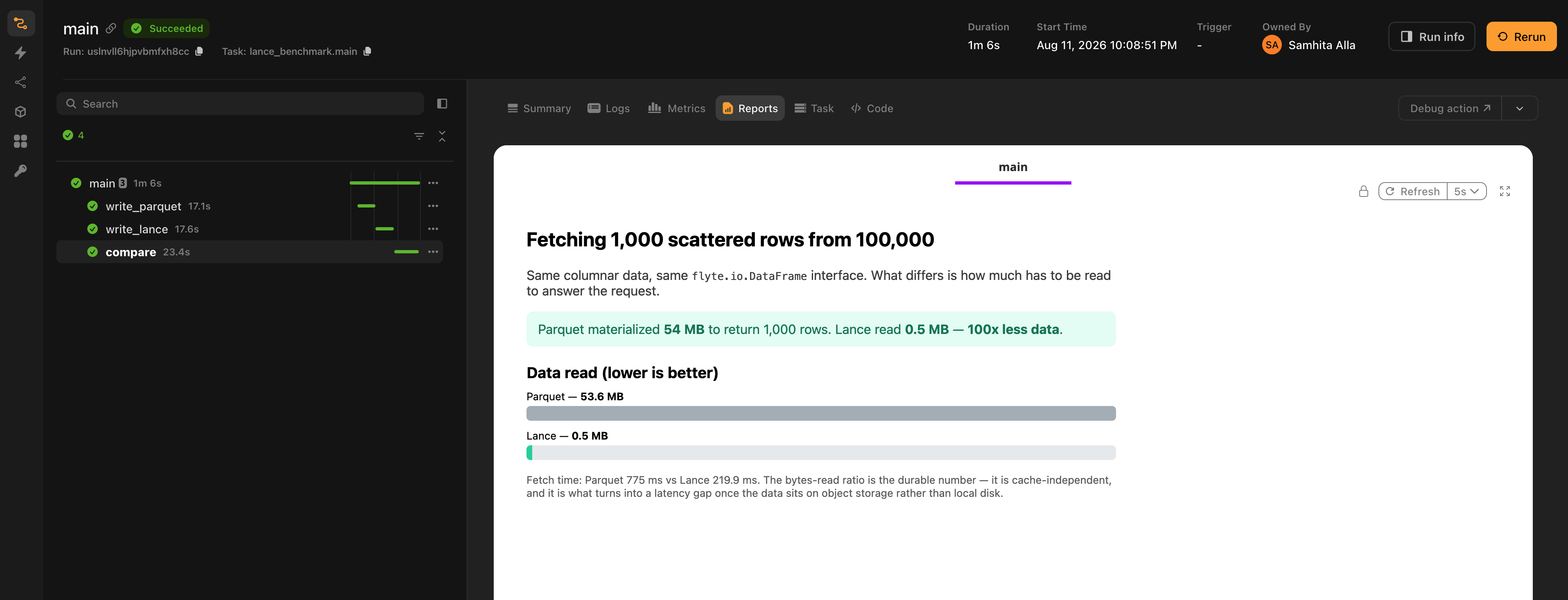
That run is on a cluster, reading from object storage, and it shows the two numbers pulling apart: the materialized-size ratio holds at 100x, while the wall-clock gap is roughly 3.5x. On local disk the same benchmark comes out nearer 10x. Scattered reads against a bucket pay per-request latency that a local file doesn't, which eats into the advantage without erasing it.
The gap widens as the dataset grows, since Parquet's cost tracks the dataset while Lance's tracks the batch, and it narrows as individual rows get fat relative to the batch.
## Running the examples
Each example is a self-contained script. Compose the tasks in a driver task and run that:
```
@env.task
async def main(n: int = 10_000) -> dict:
ds = await build_dataset(n)
table_df = await build_table()
referenced = await convert(n)
return {
"summary": await summarize(ds),
"sampled": await sample_rows(ds),
"arrow_streaming_rows": await read_as_dataset(table_df),
"arrow_eager": await read_as_table(table_df),
"pandas_rows": await as_pandas(table_df),
"pandas_streaming_rows": await as_pandas_streaming(referenced),
"referenced": await inspect(referenced),
"fanned_out_rows": await fan_out(referenced),
}
if __name__ == "__main__":
flyte.init_from_config()
run = flyte.run(main)
print(run.url)
```
*Source: https://github.com/unionai/unionai-examples/blob/main/v2/integrations/flyte-plugins/lance/lance_example.py*
The other two are shaped the same way. `multimodal_streaming.py` builds a blob-backed dataset and streams an epoch out of it:
```
@env.task
async def main(n: int = 4_000) -> dict:
dataset = await convert(n)
return {
"epoch": await train_one_epoch(dataset),
"labels": await label_histogram(dataset),
"blob_sizes": await inspect_large_images(dataset),
}
if __name__ == "__main__":
flyte.init_from_config()
run = flyte.run(main)
print(run.url)
```
*Source: https://github.com/unionai/unionai-examples/blob/main/v2/integrations/flyte-plugins/lance/multimodal_streaming.py*
and `parquet_vs_lance.py` writes both formats and compares them:
```
@env.task
async def main(n_rows: int = 100_000, payload_bytes: int = 512, n_random_rows: int = 1_000) -> dict:
parquet_df = await write_parquet(n_rows, payload_bytes)
lance_df = await write_lance(n_rows, payload_bytes)
return await compare(parquet_df, lance_df, n_random_rows)
if __name__ == "__main__":
flyte.init_from_config()
run = flyte.run(main)
print(run.url)
```
*Source: https://github.com/unionai/unionai-examples/blob/main/v2/integrations/flyte-plugins/lance/parquet_vs_lance.py*
Running a script directly with `python lance_example.py` submits to whatever cluster your Flyte config names. To try the same code against local disk first:
```bash
flyte run --local lance_example.py main
```
Same code path either way. A local run just can't show you the parts that only exist in a bucket: per-request latency, credential threading, and how big the bytes-read advantage really is on your data.
## Common use cases
- **Training-data pipelines**: convert a swarm of tiny per-sample files into one Lance dataset, then stream shuffled batches from object storage on every epoch, with no per-file connection setup.
- **Vector search and RAG**: keep embeddings, an ANN index, and the source documents in one dataset that tasks query directly.
- **Feature stores and point lookups**: fetch individual records by id out of a large table without scanning it.
- **Multimodal datasets**: image, audio, or video bytes stored beside structured labels, where most stages read only the labels.
- **Datasets larger than memory**: stream them in bounded batches instead of hand-partitioning them across tasks.
=== PAGE: https://www.union.ai/docs/latest/union/integrations/mlflow ===
# MLflow
The MLflow plugin integrates [MLflow](https://mlflow.org/) experiment tracking with Flyte. It provides a `@mlflow_run` decorator that automatically manages MLflow runs within Flyte tasks, with support for autologging, parent-child run sharing, distributed training, and auto-generated UI links.
The decorator works with both sync and async tasks.
## Installation
```bash
pip install flyteplugins-mlflow
```
Requires `mlflow` and `flyte`.
## Quick start
```python{hl_lines=[3, 9, "13-16", 22]}
import flyte
import mlflow
from flyteplugins.mlflow import mlflow_run, get_mlflow_run
env = flyte.TaskEnvironment(
name="mlflow-tracking",
resources=flyte.Resources(cpu=1, memory="500Mi"),
image=flyte.Image.from_debian_base(name="mlflow_example").with_pip_packages(
"flyteplugins-mlflow"
),
)
@mlflow_run(
tracking_uri="http://localhost:5000",
experiment_name="my-experiment",
)
@env.task
async def train_model(learning_rate: float) -> str:
mlflow.log_param("lr", learning_rate)
mlflow.log_metric("loss", 0.42)
run = get_mlflow_run()
return run.info.run_id
```
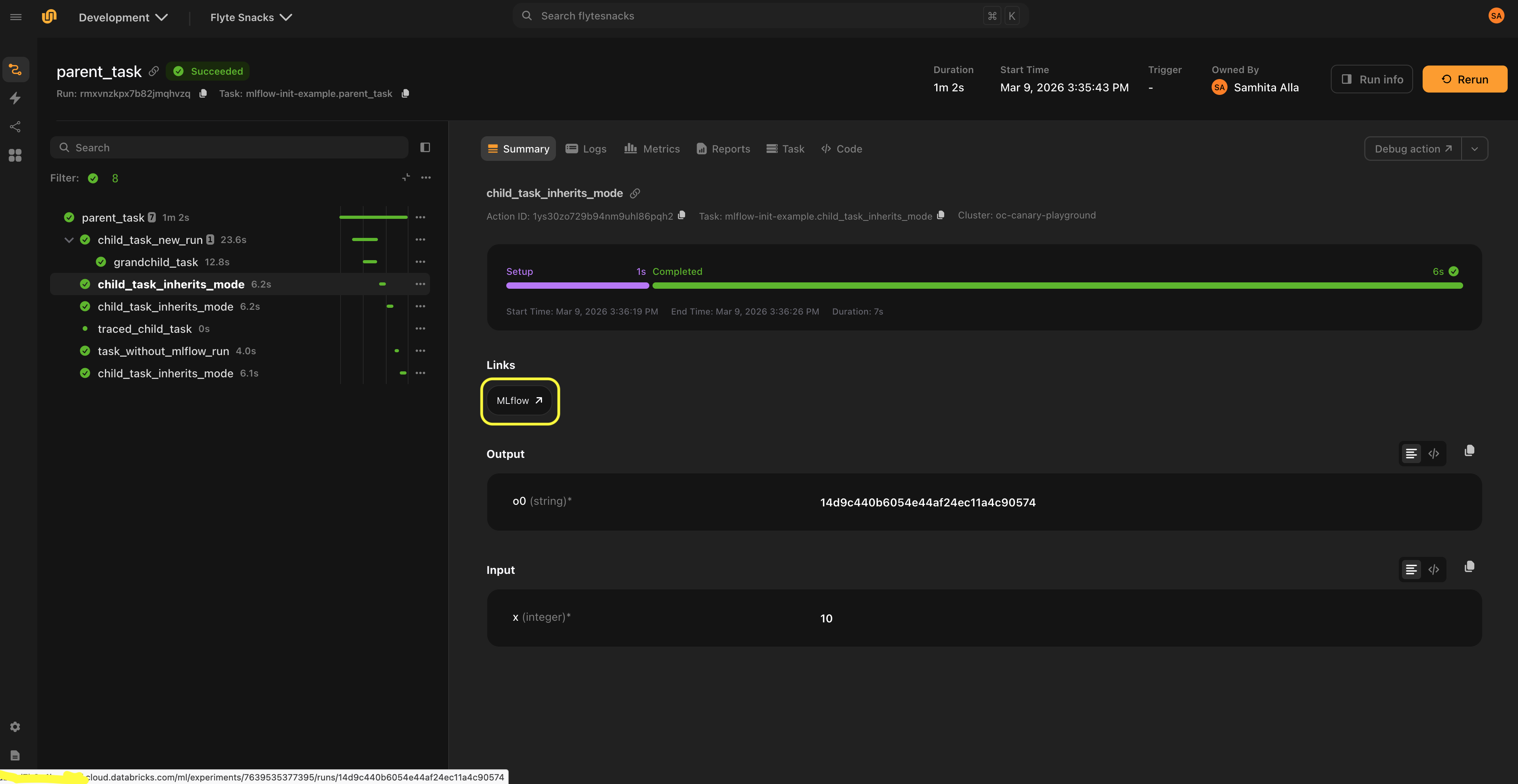
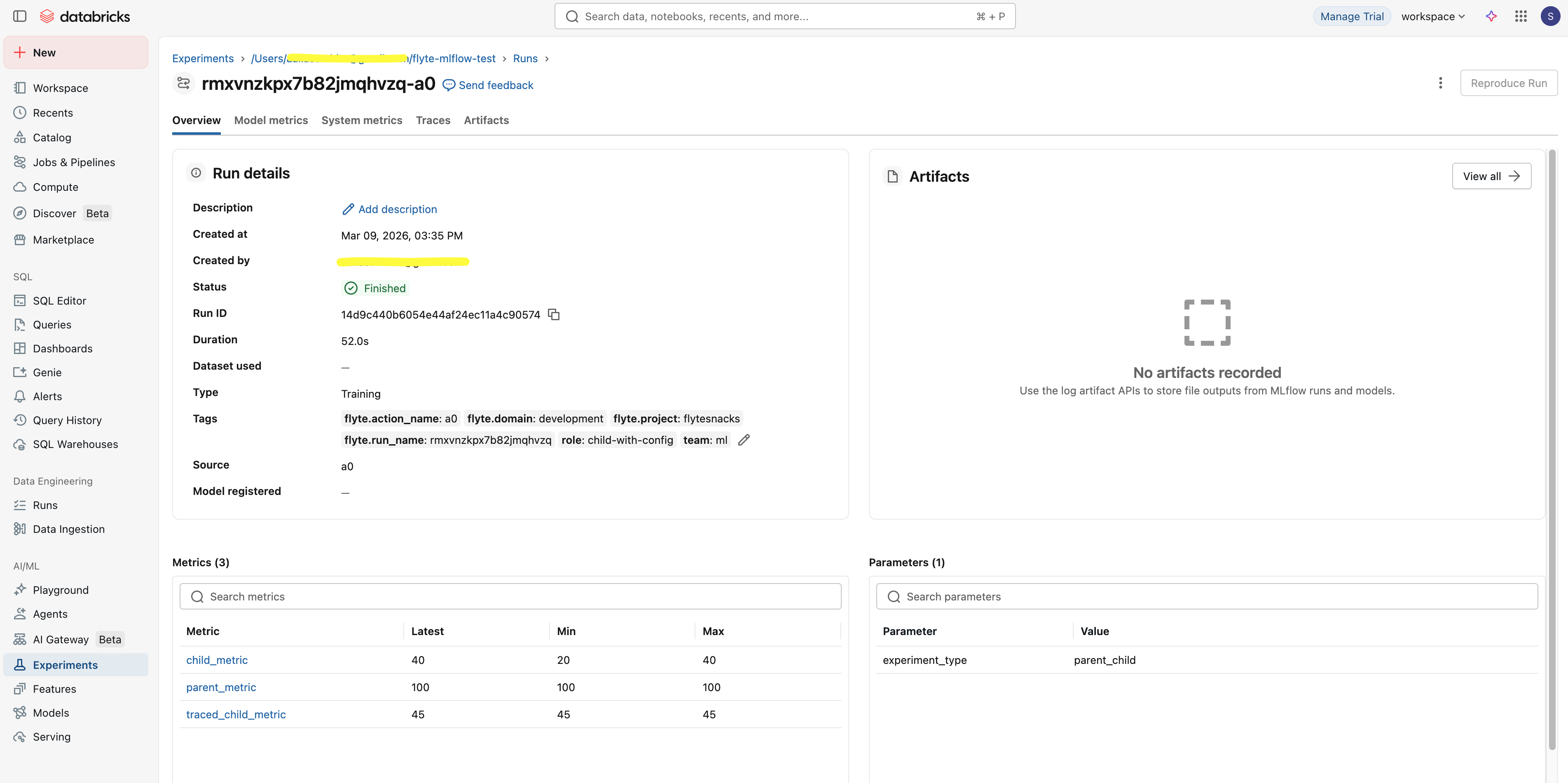
> [!NOTE]
> `@mlflow_run` must be the outermost decorator, before `@env.task`:
>
> ```python{hl_lines=["1-2"]}
> @mlflow_run # outermost
> @env.task # innermost
> async def my_task(): ...
> ```
## Autologging
Enable MLflow's autologging to automatically capture parameters, metrics, and models without manual `mlflow.log_*` calls.
### Generic autologging
```python{hl_lines=[1]}
@mlflow_run(autolog=True)
@env.task
async def train():
from sklearn.linear_model import LogisticRegression
model = LogisticRegression()
model.fit(X, y) # Parameters, metrics, and model are logged automatically
```
### Framework-specific autologging
Pass `framework` to use a framework-specific autolog implementation:
```python{hl_lines=[3]}
@mlflow_run(
autolog=True,
framework="sklearn",
log_models=True,
log_datasets=False,
)
@env.task
async def train_sklearn():
from sklearn.ensemble import RandomForestClassifier
model = RandomForestClassifier(n_estimators=100)
model.fit(X_train, y_train)
```
Supported frameworks include any framework with an `mlflow.{framework}.autolog()` function. You can find the [full list of supported frameworks](https://mlflow.org/docs/latest/ml/tracking/autolog/#supported-libraries) in the MLflow documentation.
You can pass additional autolog parameters via `autolog_kwargs`:
```python{hl_lines=[4]}
@mlflow_run(
autolog=True,
framework="pytorch",
autolog_kwargs={"log_every_n_epoch": 5},
)
@env.task
async def train_pytorch():
...
```
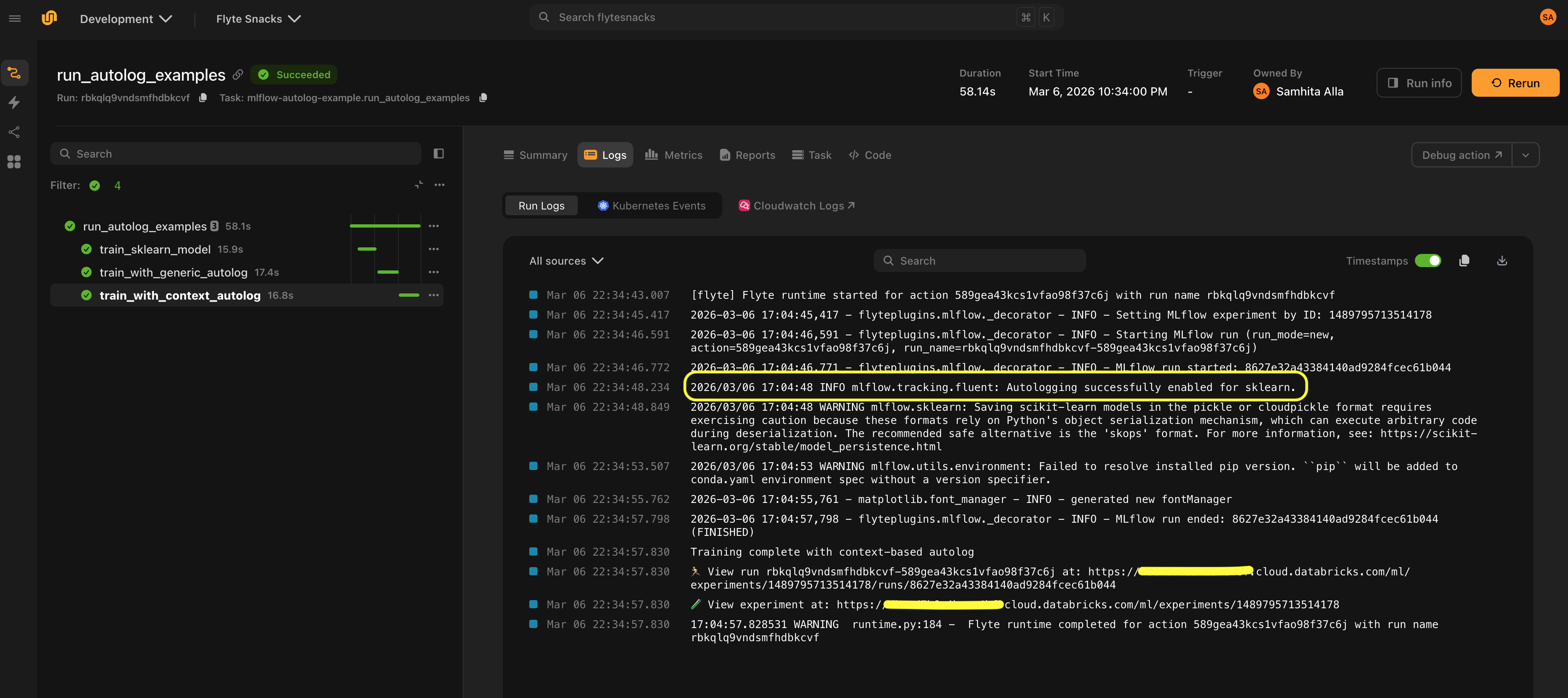
## Run modes
The `run_mode` parameter controls how MLflow runs are created and shared across tasks:
| Mode | Behavior |
| ------------------ | --------------------------------------------------------------------- |
| `"auto"` (default) | Reuse the parent's run if one exists, otherwise create a new run |
| `"new"` | Always create a new independent run |
| `"nested"` | Create a new run nested under the parent via `mlflow.parentRunId` tag |
### Sharing a run across tasks
With `run_mode="auto"` (the default), child tasks reuse the parent's MLflow run:
```python{hl_lines=[1, 5, 7]}
@mlflow_run
@env.task
async def parent_task():
mlflow.log_param("stage", "parent")
await child_task() # Shares the same MLflow run
@mlflow_run
@env.task
async def child_task():
mlflow.log_metric("child_metric", 1.0) # Logged to the parent's run
```
### Creating independent runs
Use `run_mode="new"` when a task should always create its own top-level MLflow run, completely independent of any parent:
```python{hl_lines=[1]}
@mlflow_run(run_mode="new")
@env.task
async def standalone_experiment():
mlflow.log_param("experiment_type", "baseline")
mlflow.log_metric("accuracy", 0.95)
```
### Nested runs
Use `run_mode="nested"` to create a child run that appears under the parent in the MLflow UI. This works across processes and containers via the `mlflow.parentRunId` tag.
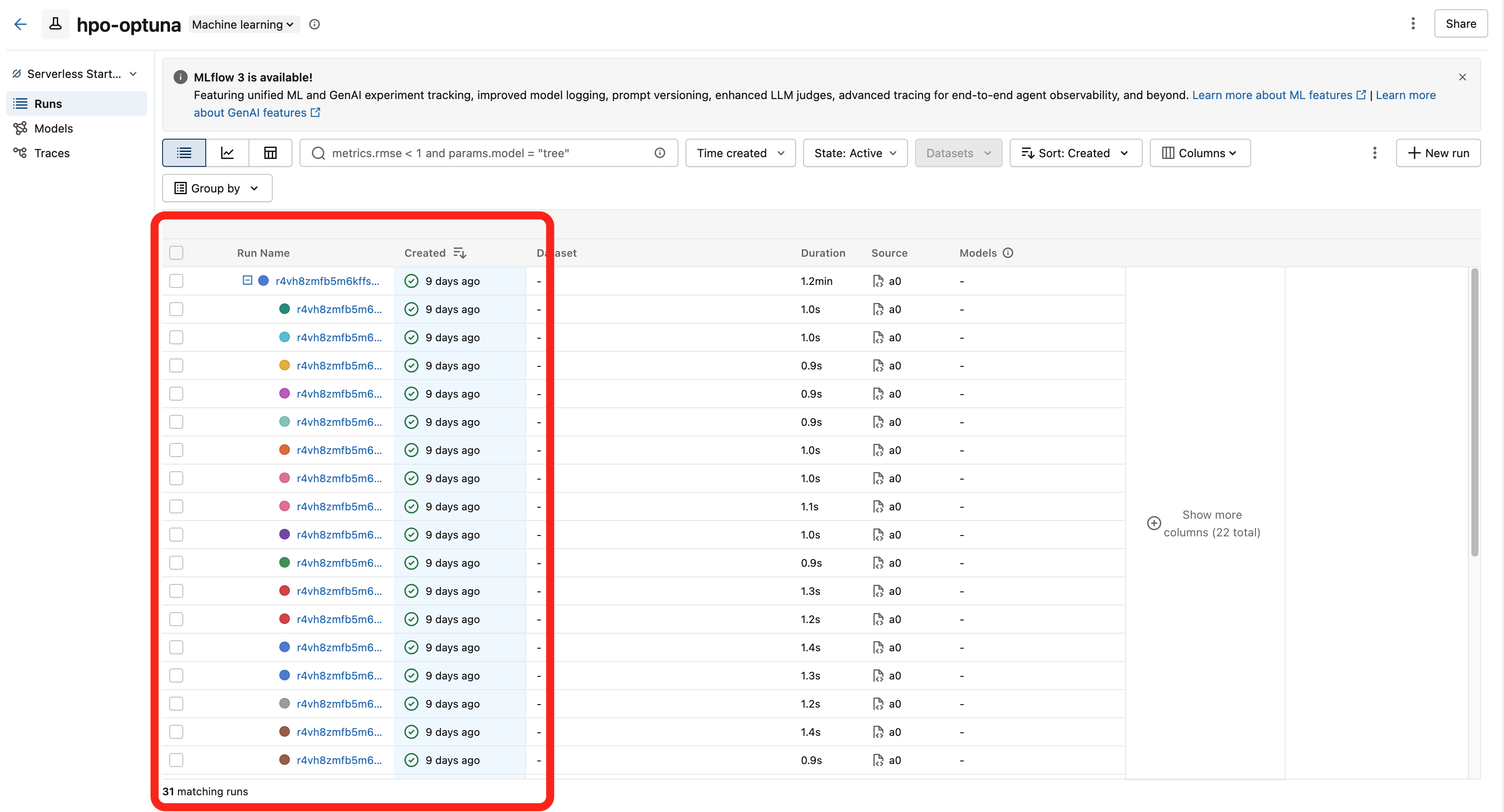
This is the recommended pattern for hyperparameter optimization, where each trial should be tracked as a child of the parent study run:
```python{hl_lines=[1, 2, 15, "22-25"]}
from flyteplugins.mlflow import Mlflow
@mlflow_run(run_mode="nested")
@env.task(links=[Mlflow()])
async def run_trial(trial_number: int, n_estimators: int, max_depth: int) -> float:
"""Each trial creates a nested MLflow run under the parent."""
mlflow.log_params({"n_estimators": n_estimators, "max_depth": max_depth})
mlflow.log_param("trial_number", trial_number)
model = RandomForestRegressor(n_estimators=n_estimators, max_depth=max_depth)
model.fit(X_train, y_train)
rmse = float(np.sqrt(mean_squared_error(y_val, model.predict(X_val))))
mlflow.log_metric("rmse", rmse)
return rmse
@mlflow_run
@env.task
async def hpo_search(n_trials: int = 30) -> str:
"""Parent run tracks the overall study."""
run = get_mlflow_run()
mlflow.log_param("n_trials", n_trials)
# Run trials in parallel — each gets a nested MLflow run
rmses = await asyncio.gather(
*(run_trial(trial_number=i, **params) for i, params in enumerate(trial_params))
)
mlflow.log_metric("best_rmse", min(rmses))
return run.info.run_id
```
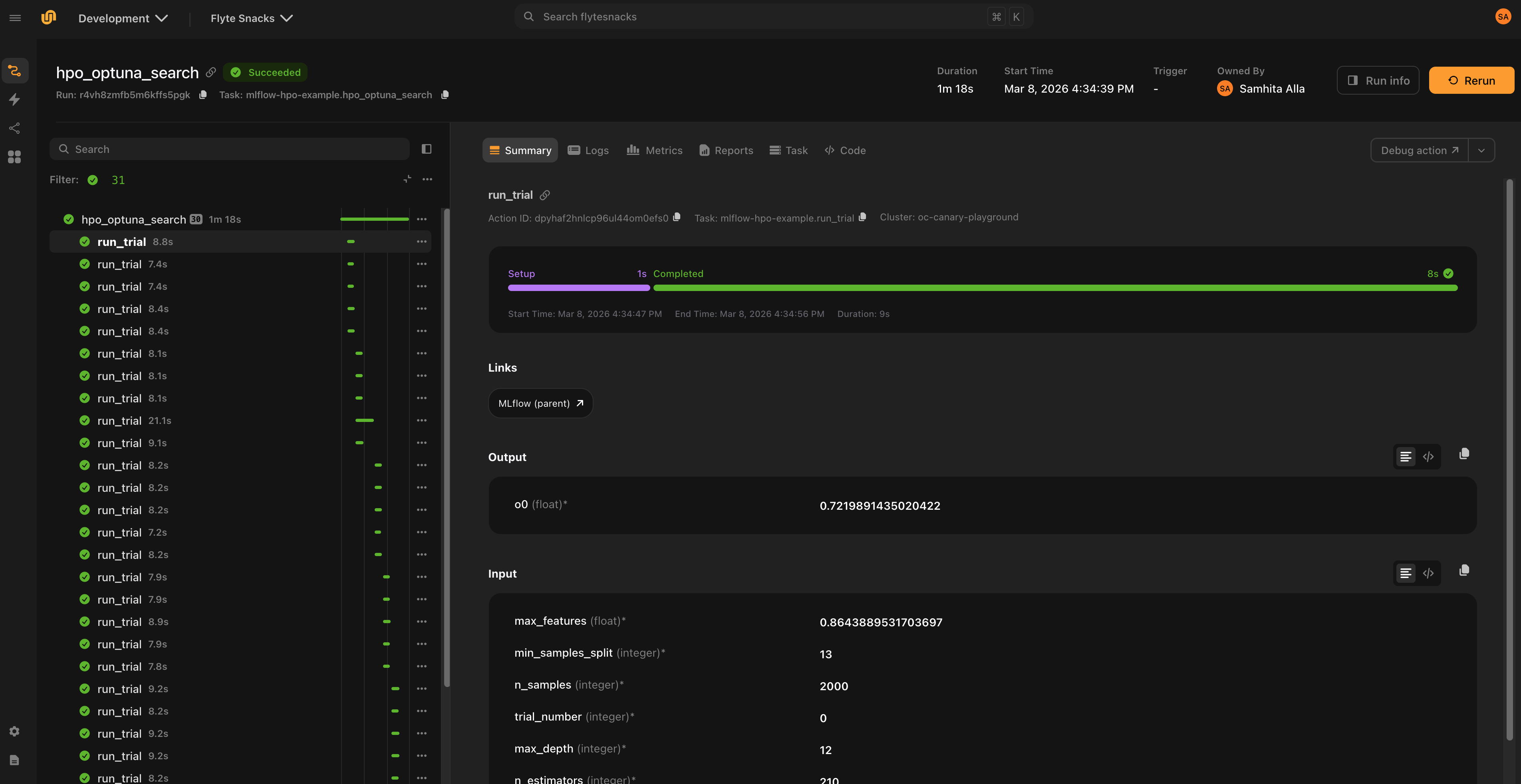
## Workflow-level configuration
Use `mlflow_config()` with `flyte.with_runcontext()` to set MLflow configuration for an entire workflow. All `@mlflow_run`-decorated tasks in the workflow inherit these settings:
```python{hl_lines=[1, "4-8"]}
from flyteplugins.mlflow import mlflow_config
r = flyte.with_runcontext(
custom_context=mlflow_config(
tracking_uri="http://localhost:5000",
experiment_id="846992856162999",
tags={"team": "ml"},
)
).run(train_model, learning_rate=0.001)
```
This eliminates the need to repeat `tracking_uri` and experiment settings on every `@mlflow_run` decorator.
### Per-task overrides
Use `mlflow_config()` as a context manager inside a task to override configuration for specific child tasks:
```python{hl_lines=[6]}
@mlflow_run
@env.task
async def parent_task():
await shared_child() # Inherits parent config
with mlflow_config(run_mode="new", tags={"role": "independent"}):
await independent_child() # Gets its own run
```
### Configuration priority
Settings are resolved in priority order:
1. Explicit `@mlflow_run` decorator arguments
2. `mlflow_config()` context configuration
3. Environment variables (for `tracking_uri`)
4. MLflow defaults
## Distributed training
In distributed training, only rank 0 logs to MLflow by default. The plugin detects rank automatically from the `RANK` environment variable:
```python{hl_lines=[1, "4-6"]}
@mlflow_run
@env.task
async def distributed_train():
# Only rank 0 creates an MLflow run and logs metrics.
# Other ranks execute the task function directly without
# creating an MLflow run or incurring any MLflow overhead.
...
```
On non-rank-0 workers, no MLflow run is created and `get_mlflow_run()` returns `None`. The task function still executes normally; only the MLflow instrumentation is skipped.
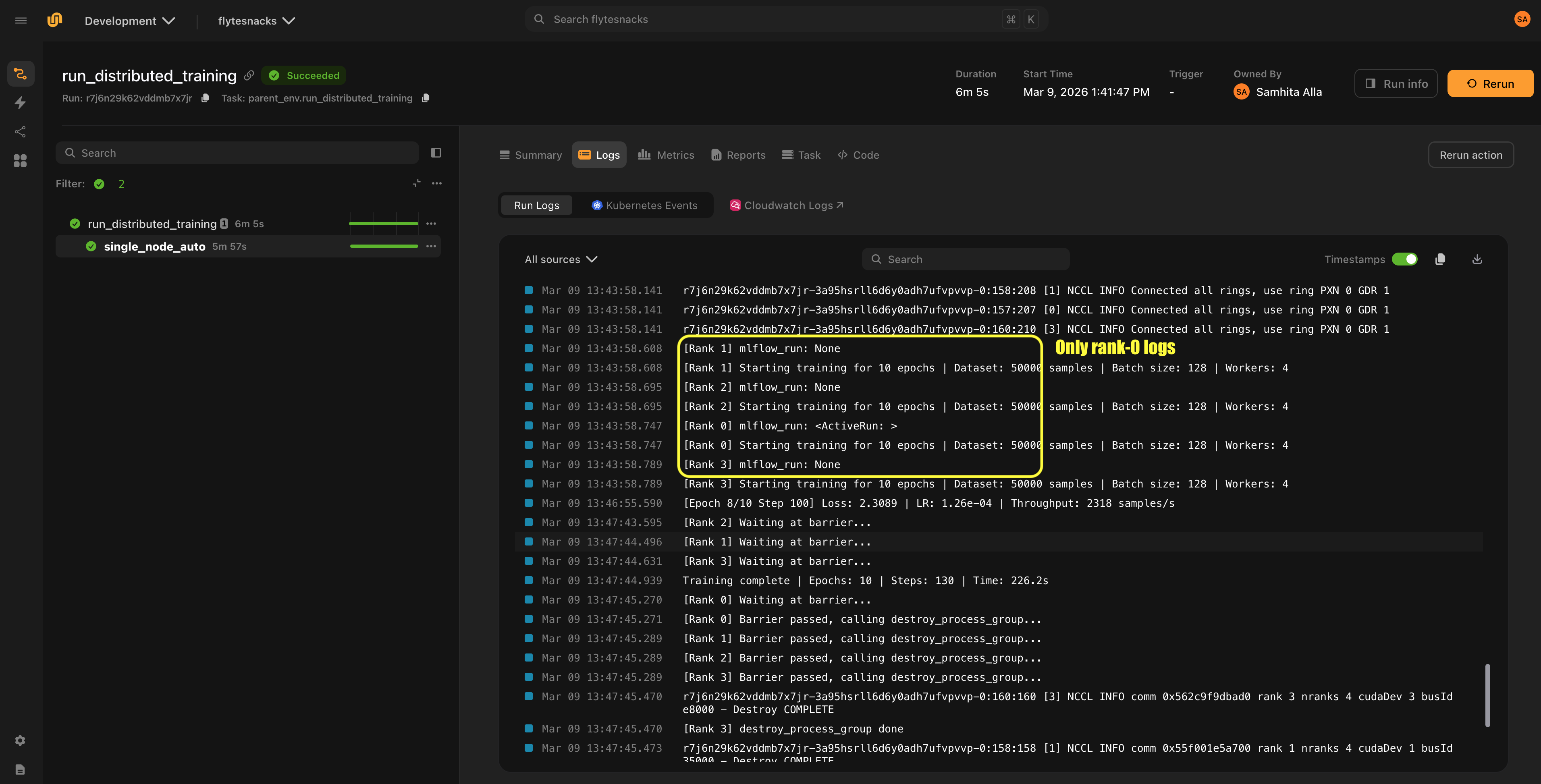
You can also set rank explicitly:
```python{hl_lines=[1]}
@mlflow_run(rank=0)
@env.task
async def train():
...
```
## MLflow UI links
The `Mlflow` link class displays links to the MLflow UI in the Flyte UI.
Since the MLflow run is created inside the task at execution time, the run URL cannot be determined before the task starts. Links are only shown when a run URL is already available from context, either because a parent task created the run, or because an explicit URL is provided.
The recommended pattern is for the parent task to create the MLflow run, and child tasks that inherit the run (via `run_mode="auto"`) display the link to that run. For nested runs (`run_mode="nested"`), children display a link to the parent run.
### Setup
Set `link_host` via `mlflow_config()` and attach `Mlflow()` links to child tasks:
```python{hl_lines=[4, 17]}
from flyteplugins.mlflow import Mlflow, mlflow_config
@mlflow_run
@env.task(links=[Mlflow()])
async def child_task():
... # Link points to the parent's MLflow run
@mlflow_run
@env.task
async def parent_task():
await child_task()
if __name__ == "__main__":
r = flyte.with_runcontext(
custom_context=mlflow_config(
tracking_uri="http://localhost:5000",
link_host="http://localhost:5000",
)
).run(parent_task)
```
> [!NOTE]
> `Mlflow()` is instantiated without a `link` argument because the URL is auto-generated at runtime. When the parent task creates an MLflow run, the plugin builds the URL from `link_host` and the run's experiment/run IDs, then propagates it to child tasks via the Flyte context. Passing an explicit `link` would bypass this auto-generation.
### Custom URL templates
The default link format is:
```
{host}/#/experiments/{experiment_id}/runs/{run_id}
```
For platforms like Databricks that use a different URL structure, provide a custom template:
```python{hl_lines=[3]}
mlflow_config(
link_host="https://dbc-xxx.cloud.databricks.com",
link_template="{host}/ml/experiments/{experiment_id}/runs/{run_id}",
)
```
### Explicit links
If you know the run URL ahead of time, you can set it directly:
```python{hl_lines=[1]}
@env.task(links=[Mlflow(link="https://mlflow.example.com/#/experiments/1/runs/abc123")])
async def my_task():
...
```
### Link behavior by run mode
| Run mode | Link behavior |
| ---------- | ---------------------------------------------------------------------------------------------- |
| `"auto"` | Parent link propagates to child tasks sharing the run |
| `"new"` | Parent link is cleared; no link is shown until the task's own run is available to its children |
| `"nested"` | Parent link is kept and renamed to "MLflow (parent)" |
## Automatic Flyte tags
When running inside Flyte, the plugin automatically tags MLflow runs with execution metadata:
| Tag | Description |
| ------------------- | ---------------- |
| `flyte.action_name` | Task action name |
| `flyte.run_name` | Flyte run name |
| `flyte.project` | Flyte project |
| `flyte.domain` | Flyte domain |
These tags are merged with any user-provided tags.
## API reference
### `mlflow_run` and `mlflow_config`
`mlflow_run` is a decorator that manages MLflow runs for Flyte tasks. `mlflow_config` creates workflow-level configuration or per-task overrides. Both accept the same core parameters:
| Parameter | Type | Default | Description |
| ----------------- | ---------------- | -------- | ----------------------------------------------------------------------------- |
| `run_mode` | `str` | `"auto"` | `"auto"`, `"new"`, or `"nested"` |
| `tracking_uri` | `str` | `None` | MLflow tracking server URL |
| `experiment_name` | `str` | `None` | MLflow experiment name (raises `ValueError` if combined with `experiment_id`) |
| `experiment_id` | `str` | `None` | MLflow experiment ID (raises `ValueError` if combined with `experiment_name`) |
| `run_name` | `str` | `None` | Human-readable run name (raises `ValueError` if combined with `run_id`) |
| `run_id` | `str` | `None` | Explicit MLflow run ID (raises `ValueError` if combined with `run_name`) |
| `tags` | `dict[str, str]` | `None` | Tags for the run |
| `autolog` | `bool` | `False` | Enable MLflow autologging |
| `framework` | `str` | `None` | Framework for autolog (e.g. `"sklearn"`, `"pytorch"`) |
| `log_models` | `bool` | `None` | Log models automatically (requires `autolog`) |
| `log_datasets` | `bool` | `None` | Log datasets automatically (requires `autolog`) |
| `autolog_kwargs` | `dict` | `None` | Extra parameters for `mlflow.autolog()` |
Additional keyword arguments are passed to `mlflow.start_run()`.
`mlflow_run` also accepts:
| Parameter | Type | Default | Description |
| --------- | ----- | ------- | -------------------------------------------------------- |
| `rank` | `int` | `None` | Process rank for distributed training (only rank 0 logs) |
`mlflow_config` also accepts:
| Parameter | Type | Default | Description |
| --------------- | ----- | ------- | --------------------------------------------------------------------------- |
| `link_host` | `str` | `None` | MLflow UI host for auto-generating links |
| `link_template` | `str` | `None` | Custom URL template (placeholders: `{host}`, `{experiment_id}`, `{run_id}`) |
### `get_mlflow_run`
Returns the current `mlflow.ActiveRun` if within a `@mlflow_run`-decorated task. Returns `None` otherwise.
```python
from flyteplugins.mlflow import get_mlflow_run
run = get_mlflow_run()
if run:
print(run.info.run_id)
```
### `get_mlflow_context`
Returns the current `mlflow_config` settings from the Flyte context, or `None` if no MLflow configuration is set. Useful for inspecting the inherited configuration inside a task:
```python
from flyteplugins.mlflow import get_mlflow_context
@mlflow_run
@env.task
async def my_task():
config = get_mlflow_context()
if config:
print(config.tracking_uri, config.experiment_id)
```
### `Mlflow`
Link class for displaying MLflow UI links in the Flyte console.
| Field | Type | Default | Description |
| ------ | ----- | ---------- | --------------------------------------- |
| `name` | `str` | `"MLflow"` | Display name for the link |
| `link` | `str` | `""` | Explicit URL (bypasses auto-generation) |
=== PAGE: https://www.union.ai/docs/latest/union/integrations/omegaconf ===
# OmegaConf
[OmegaConf](https://omegaconf.readthedocs.io/) is a hierarchical configuration system used by many ML frameworks (and the foundation of [Hydra](../hydra/_index)). The `flyteplugins-omegaconf` plugin makes OmegaConf's `DictConfig` and `ListConfig` first-class types in Flyte tasks, so you can pass entire configs like plain dicts, YAML files or dataclass-backed structured configs between tasks without flattening them into individual scalar arguments.
The plugin enables:
- `DictConfig` and `ListConfig` as native task input and output types
- Round-tripping of structured configs (dataclass schemas) across task boundaries
- Preservation of OmegaConf-specific values: `MISSING` sentinels, `Enum`s, `pathlib.Path`s, `tuple`s, and `bytes`
- Resolved variable interpolations on the wire
- A YAML-rendered Flyte report tab for human-readable config inspection
## Installation
```bash
pip install flyteplugins-omegaconf
```
Installing the package automatically registers `DictConfig` and `ListConfig` with Flyte's `TypeEngine`. No manual setup is required.
If you are using the [Hydra plugin](../hydra/_index), `flyteplugins-omegaconf` is installed as a transitive dependency.
## Quick start
```python{hl_lines=[2, "8-9", "14-17"]}
import flyte
from omegaconf import DictConfig, OmegaConf
env = flyte.TaskEnvironment(name="training", image=...)
@env.task
async def train(cfg: DictConfig) -> float:
return run_experiment(cfg.optimizer.lr, cfg.training.epochs)
@env.task
async def pipeline() -> float:
cfg = OmegaConf.create(
{"optimizer": {"lr": 0.001}, "training": {"epochs": 10}}
)
return await train(cfg)
```
The config is serialized when `train` is invoked and reconstructed as a `DictConfig` inside the task. No type registration, manual encoding or schema declaration is required.
## When to use this plugin
Use `flyteplugins-omegaconf` when:
- You already use OmegaConf. For example, you have YAML configs, dataclass-based config trees or a Hydra app, and want to keep that representation intact across task boundaries.
- You want to pass a single composed config object instead of widening task signatures with dozens of scalar arguments.
- You want to enforce schema validation at the task entry point via dataclass-backed structured configs.
- You want resolved interpolations (`${other.value}`) to be materialized at submission time rather than at task runtime.
If you do not use OmegaConf elsewhere, prefer plain dataclasses, `pydantic.BaseModel` or `dict` for task inputs as they are supported by Flyte natively without an extra dependency.
## Building a DictConfig
Any of the standard OmegaConf construction methods produce a value the plugin can serialize.
### From a plain dict
```python{hl_lines=["1-3"]}
cfg = OmegaConf.create(
{"optimizer": {"lr": 0.001}, "training": {"epochs": 10}}
)
flyte.run(train, cfg=cfg)
```
### From a YAML file
```python{hl_lines=[1]}
cfg = OmegaConf.load("configs/training.yaml")
flyte.run(train, cfg=cfg)
```
The file is read locally on the submitter, not on the worker. If the YAML lives in your project tree and needs to be packaged into the task image, use `flyte.with_runcontext(copy_style="all").run(...)`.
### From a dataclass (structured config)
```python{hl_lines=["3-6", 8]}
from dataclasses import dataclass
@dataclass
class TrainConf:
lr: float = 0.001
epochs: int = 10
cfg = OmegaConf.structured(TrainConf())
flyte.run(train, cfg=cfg)
```
Structured configs are covered in detail in **OmegaConf > Structured configs** below.
### From a base config plus overrides
```python{hl_lines=["1-3"]}
base = OmegaConf.load("configs/training.yaml")
override = OmegaConf.create({"optimizer": {"lr": 0.01}})
cfg = OmegaConf.merge(base, override)
flyte.run(train, cfg=cfg)
```
This is the same pattern Hydra uses internally. See the [Hydra integration](../hydra/_index) for a full composition layer on top of this plugin.
## Variable interpolation
OmegaConf supports `${...}` interpolations that resolve relative to the config tree:
```python{hl_lines=[3, 4]}
cfg = OmegaConf.create(
{
"base_lr": 0.01,
"optimizer": {"lr": "${base_lr}", "momentum": 0.9},
}
)
flyte.run(train, cfg=cfg)
```
Interpolations are resolved at serialization time. By the time the task runs, `cfg.optimizer.lr` is the concrete float `0.01`, not the string `"${base_lr}"`. This means:
- The receiving task does not need any context that only existed in the submitter's environment.
- Resolved values appear in the Flyte I/O panel.
- A reference that fails to resolve at submission time fails fast, before any task runs.
If you need lazy resolution on the worker, resolve the reference yourself inside the task or pass the unresolved string through a normal `str` input.
## Nested and deeply structured configs
Nested configs are supported, including deeply structured OmegaConf objects.
```python{hl_lines=["1-13", 18]}
cfg = OmegaConf.create(
{
"experiment": {
"model": {
"encoder": {
"attention": {"num_heads": 8, "head_dim": 64},
"ffn": {"hidden_dim": 2048, "activation": "gelu"},
},
"decoder": {"num_layers": 6},
}
}
}
)
@env.task
async def extract_leaf(cfg: DictConfig) -> int:
return int(cfg.experiment.model.encoder.attention.num_heads)
```
## DictConfigs that contain lists
A `DictConfig` may hold list values; they are reconstructed as nested `ListConfig`s on the receiving side.
```python{hl_lines=[4, 5, 8, 9]}
cfg = OmegaConf.create(
{
"model": {
"layer_sizes": [64, 128, 256, 512],
"activations": ["relu", "relu", "relu", "sigmoid"],
},
"data": {
"augmentations": ["random_flip", "random_crop", "color_jitter"],
"input_size": [224, 224],
},
}
)
@env.task
async def double_layer_sizes(cfg: DictConfig) -> DictConfig:
doubled = [size * 2 for size in cfg.model.layer_sizes]
return OmegaConf.merge(cfg, {"model": {"layer_sizes": doubled}})
```
## ListConfig as input and output
`ListConfig` is symmetric with `DictConfig` and supports the same construction patterns.
### Lists of primitives
```python{hl_lines=[2]}
@env.task
async def scale_values(values: ListConfig, factor: float) -> ListConfig:
return OmegaConf.create([v * factor for v in values])
```
### Building a schedule from another task
```python{hl_lines=[3, 7, 8]}
@env.task
async def build_lr_schedule(base_lr: float, num_stages: int) -> ListConfig:
return OmegaConf.create([base_lr * (0.5 ** i) for i in range(num_stages)])
@env.task
async def train_with_schedule(cfg: DictConfig, lr_schedule: ListConfig) -> float:
final_lr = float(lr_schedule[-1])
...
```
### Nested lists (list of lists)
```python{hl_lines=[1, 6]}
grid = OmegaConf.create([[0.001, 0.01, 0.1], [10, 20, 50]])
@env.task
async def flatten_grid(grid: ListConfig) -> ListConfig:
flat = [item for sublist in OmegaConf.to_container(grid) for item in sublist]
return OmegaConf.create(flat)
```
### Lists of DictConfigs
```python{hl_lines=["2-6"]}
configs = OmegaConf.create(
[
{"optimizer": {"lr": 0.001}, "training": {"epochs": 10}},
{"optimizer": {"lr": 0.01}, "training": {"epochs": 20}},
{"optimizer": {"lr": 0.1}, "training": {"epochs": 5}},
]
)
@env.task
async def select_best_config(configs: ListConfig) -> DictConfig:
best = max(OmegaConf.to_container(configs), key=lambda c: c["optimizer"]["lr"])
return OmegaConf.create(best)
```
### Lists of dataclass instances
```python{hl_lines=["9-13"]}
@dataclass
class LayerConf:
name: str
width: int
activation: str
layers = OmegaConf.create(
[
LayerConf(name="encoder", width=768, activation="gelu"),
LayerConf(name="bottleneck", width=128, activation="relu"),
LayerConf(name="decoder", width=768, activation="linear"),
]
)
```
Each element round-trips as a typed `DictConfig` backed by `LayerConf`, so the receiving task can call `OmegaConf.get_type(layers[0])` and access fields with attribute notation.
> **📝 Note**
>
> ListConfig is always plain. Even when its elements are dataclass-backed, the outer `ListConfig` does not carry a list-level schema as there is no structured (typed-element) `ListConfig` in OmegaConf. This affects only the outer container; nested elements retain their schemas.
## Structured configs
A structured config is a `DictConfig` that is bound to a Python dataclass. The dataclass acts as a schema: assigning a value of the wrong type raises `omegaconf.ValidationError`, and merging unknown keys raises an error instead of silently extending the config.
### Basic structured config
```python{hl_lines=["5-8", "11-14", 17, 20]}
from dataclasses import dataclass, field
from omegaconf import OmegaConf, DictConfig
@dataclass
class OptimizerConf:
lr: float = 0.001
weight_decay: float = 1e-4
@dataclass
class TrainConf:
optimizer: OptimizerConf = field(default_factory=OptimizerConf)
epochs: int = 10
cfg = OmegaConf.structured(TrainConf())
flyte.run(train, cfg=cfg)
# cfg.optimizer.lr = "oops" # raises omegaconf.ValidationError
```
### Schema reconstruction in the receiving task
When a structured `DictConfig` is deserialized in a downstream task, the plugin operates in **Auto mode**: it reads the originating dataclass name from the wire payload and tries to import it. Two outcomes are possible:
- Dataclass importable in the receiving task: `cfg` is reconstructed as a `TrainConf`-backed `DictConfig`. `OmegaConf.get_type(cfg)` returns `TrainConf`, and type validation is enforced.
- Dataclass not importable: `cfg` falls back to a plain `DictConfig` carrying the raw values. `OmegaConf.get_type(cfg)` returns `dict`. The values are intact but the schema is lost.
To keep schemas across task hops, define dataclasses in modules that are importable from every task in the pipeline (for example, in a shared `configs.py` module bundled into the task image).
### Required (`MISSING`) fields
OmegaConf's `MISSING` sentinel marks a required field that has no default:
```python{hl_lines=[1, 5, "8-9", "12-13"]}
from omegaconf import MISSING
@dataclass
class TrainConf:
data_path: str = MISSING
epochs: int = 10
# Pass with MISSING still unset — serialization succeeds.
cfg = OmegaConf.structured(TrainConf())
flyte.run(train, cfg=cfg)
# Or fill it before passing.
cfg = OmegaConf.structured(TrainConf(data_path="/data/imagenet"))
flyte.run(train, cfg=cfg)
```
A config with an unset `MISSING` field serializes and deserializes successfully as the sentinel is preserved on the wire. Accessing the field on the receiving side raises `MissingMandatoryValue`.
> **📝 Note**
>
> Type annotations are preserved only in Auto mode. When the dataclass is importable on the receiving side, an unfilled `MISSING` field still carries its declared type (e.g. `StringNode` for `str`). When the plugin falls back to a plain `DictConfig` because the dataclass is not importable, the field becomes an `AnyNode` where the value is preserved, but the type annotation is not.
### Advanced field types
Beyond primitives and nested dataclasses, structured configs may declare fields of these types and they will round-trip with their schemas intact:
- `Enum` subclasses
- `pathlib.Path`
- `Optional[T]`
- `bytes`
- `dict[str, T]` where `T` is a dataclass
- `list[T]` where `T` is a dataclass
```python{hl_lines=["6-8", "20-35"]}
from enum import Enum
from pathlib import Path
from typing import Optional
class RunMode(Enum):
TRAIN = "train"
EVAL = "eval"
@dataclass
class CallbackConf:
name: str = "early_stop"
patience: int = 3
monitor: str = MISSING
@dataclass
class AdvancedTrainConf:
mode: RunMode = RunMode.TRAIN
checkpoint_dir: Path = Path("/tmp/checkpoints")
maybe_seed: Optional[int] = None
payload: bytes = b"default-token"
callbacks_by_name: dict[str, CallbackConf] = field(
default_factory=lambda: {
"early_stop": CallbackConf(name="early_stop", patience=3),
"checkpoint": CallbackConf(name="checkpoint", monitor="val_loss"),
}
)
callbacks: list[CallbackConf] = field(
default_factory=lambda: [
CallbackConf(name="lr_monitor", patience=2, monitor="lr"),
CallbackConf(name="nan_guard", patience=1, monitor="loss"),
]
)
```
Inside a downstream task:
```python
@env.task
async def inspect(cfg: DictConfig) -> str:
assert OmegaConf.get_type(cfg) == AdvancedTrainConf
assert OmegaConf.get_type(cfg.callbacks[0]) == CallbackConf
assert isinstance(cfg.mode, RunMode)
assert isinstance(cfg.checkpoint_dir, Path)
assert isinstance(cfg.payload, bytes)
return cfg.mode.value
```
### Merging overrides on top of a structured base
```python{hl_lines=[3, 11]}
@env.task
async def structured_merge_pipeline() -> str:
base = OmegaConf.structured(TrainConf())
overrides = OmegaConf.create(
{
"optimizer": {"lr": 0.05},
"training": {"epochs": 100},
"experiment_name": "sweep-run-1",
}
)
cfg = OmegaConf.merge(base, overrides)
return await validate_config(cfg)
```
Merging an unknown key against a structured config raises an error, so define every key the override layer might supply on the dataclass.
## Embedding rich Python values inside a plain DictConfig
A plain `DictConfig` (one not bound to a dataclass) can still hold Python values that OmegaConf does not natively model. The plugin preserves the following types end-to-end whether they appear in plain or structured configs:
- `pathlib.Path` and any subclass of `pathlib.PurePath`
- `enum.Enum` members
- `tuple` (round-trips as `tuple`, not `list`)
- `bytes`
```python{hl_lines=[1]}
cfg = OmegaConf.create({"model_path": Path("/opt/models/model.bin")})
@env.task
async def use_path(cfg: DictConfig) -> str:
assert isinstance(cfg.model_path, Path)
return f"model_path={cfg.model_path}"
```
If an `Enum`'s class cannot be imported in the receiving environment, the value is returned as the underlying primitive (`int`, `str`, ...) instead of the enum member.
## Reserved-looking keys
The plugin's wire format uses an internal payload marker (`__flyte_omegaconf__`), which means user-facing keys named `kind`, `values`, `name`, `value`, `type`, or `schema` round-trip unchanged:
```python{hl_lines=[1, 8]}
cfg = OmegaConf.create({"kind": "training-job", "values": {"lr": 0.001}})
@env.task
async def use_payload_shaped_config(cfg: DictConfig) -> str:
# cfg.values resolves to DictConfig.values() — use bracket notation
# to reach the user key named "values".
return f"kind={cfg.kind} lr={cfg['values'].lr}"
```
The only practical consideration is Python's normal attribute-vs-method conflict: `cfg.values` is the `.values()` method, so reach for `cfg["values"]` when your config has a key with that name.
## YAML reports
The Flyte I/O panel displays the literal wire representation of a `DictConfig`.
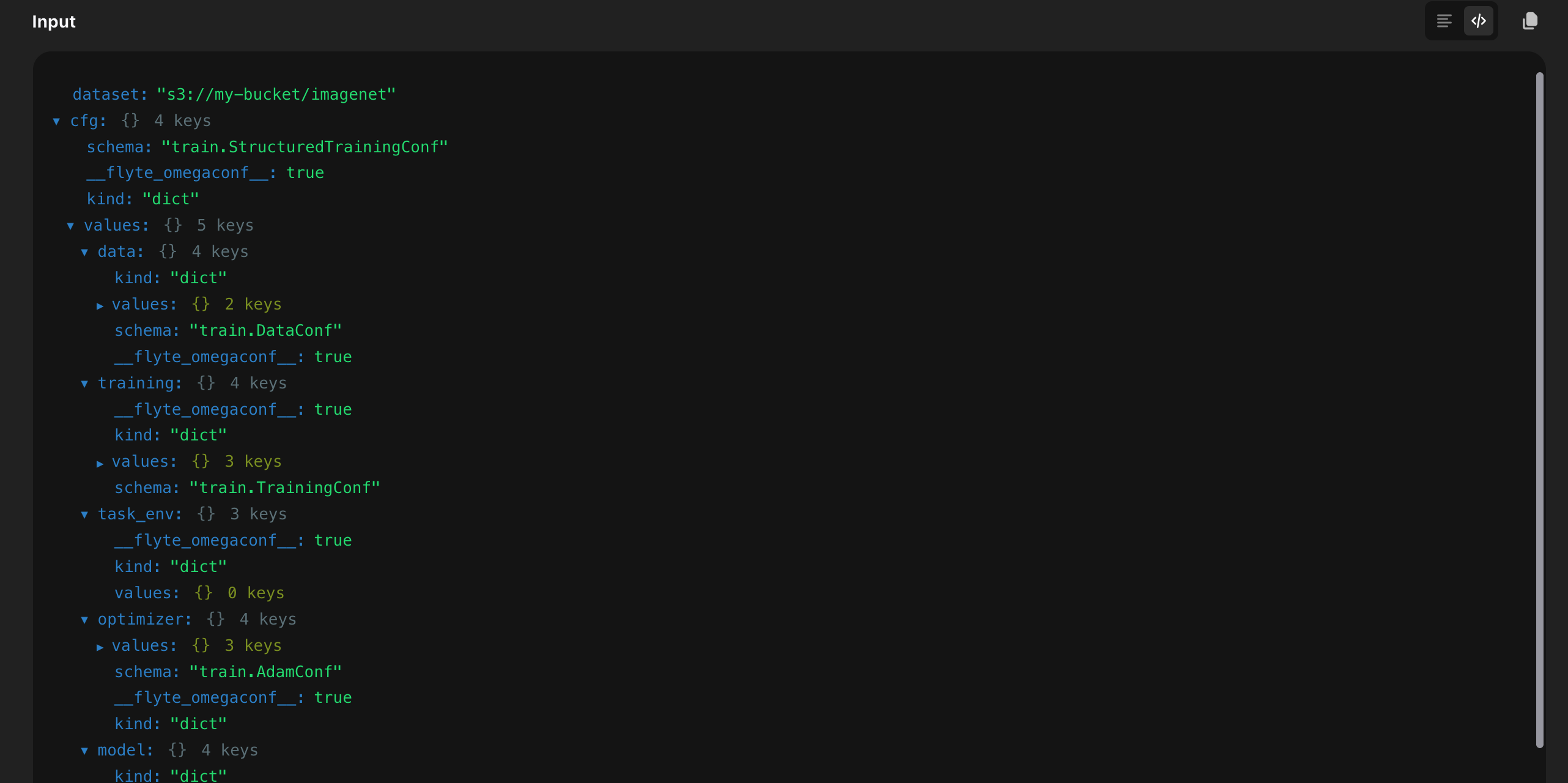
For a YAML view, enable a Flyte report on the task and log the config with `log_yaml`:
```python{hl_lines=[1, 4, 6]}
from flyteplugins.omegaconf import log_yaml
@env.task(report=True)
async def train(cfg: DictConfig) -> DictConfig:
await log_yaml.aio(cfg, title="Input config")
...
```
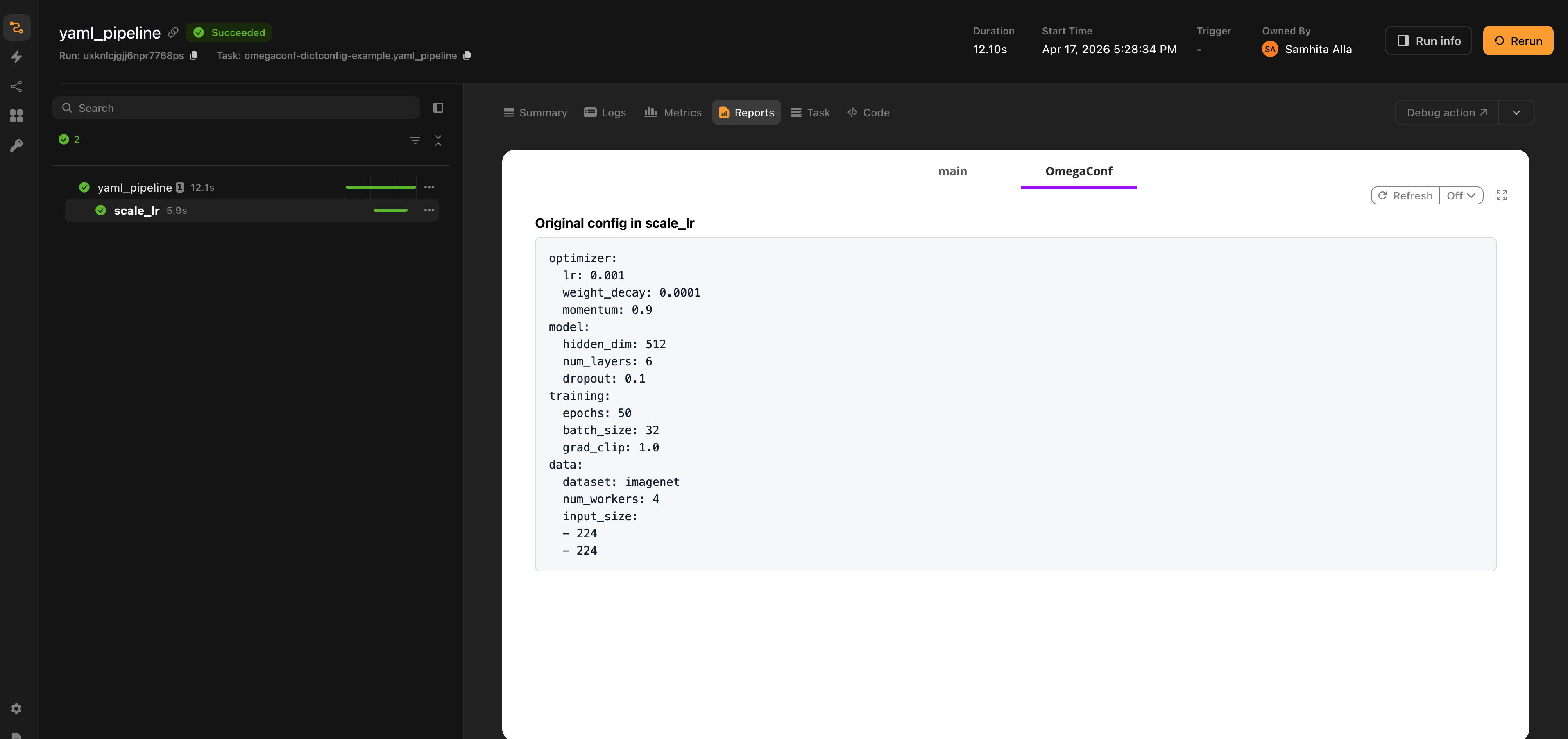
The plugin also exposes:
- `to_yaml(cfg)`: render an OmegaConf container as a YAML string.
- `to_html(cfg, title=...)`: wrap the YAML in escaped HTML for embedding in a custom report.
- `replace_yaml(cfg, ...)`: replace the contents of a report tab instead of appending.
```python
from flyteplugins.omegaconf.report import to_yaml, replace_yaml
text = to_yaml(cfg)
await replace_yaml.aio(cfg, tab="Final config")
```
`MISSING` fields appear as `???` in the YAML output, matching OmegaConf's own convention.
## Wire format
Both `DictConfig` and `ListConfig` are serialized as MessagePack blobs with the literal representation:
```
Literal(scalar=Scalar(binary=Binary(value=, tag="msgpack")))
```
The msgpack payload uses an internal tagged structure to distinguish OmegaConf-specific concepts from raw values:
- A `DictConfig` payload includes the originating dataclass name (`builtins.dict` for plain configs) plus its values.
- `MISSING`, `Enum`, `Path`, and `tuple` values carry tagged shapes so they can be reconstructed faithfully.
You normally do not need to inspect this format. It is documented here because:
- The plugin serializes with `resolve=True`, so the wire representation always contains concrete values for `${...}` interpolations.
- Cache-key metadata is set via Flyte's `MESSAGEPACK` serialization format, so two tasks given equivalent configs hit the same cache entry.
## End-to-end example
The example below ties the pieces together: a structured `DictConfig` is created in a parent task, flows through several child tasks that read and modify it, and a `ListConfig` produced midway is consumed by a later stage. Each hop serializes and deserializes the config; the dataclass schema is recovered on the receiving side because `TrainConf` (and friends) are importable in every task in the pipeline.
```
from dataclasses import dataclass, field
import flyte
from omegaconf import DictConfig, ListConfig, OmegaConf
env = flyte.TaskEnvironment(
name="omegaconf-pipeline-example",
image=flyte.Image.from_debian_base().with_pip_packages("flyteplugins-omegaconf"),
)
@dataclass
class OptimizerConf:
lr: float = 0.001
weight_decay: float = 1e-4
@dataclass
class DataConf:
path: str = ""
preprocessed: bool = False
@dataclass
class ResultsConf:
val_loss: float = 0.0
final_lr: float = 0.0
num_lr_steps: int = 0
@dataclass
class TrainConf:
optimizer: OptimizerConf = field(default_factory=OptimizerConf)
data: DataConf = field(default_factory=DataConf)
results: ResultsConf = field(default_factory=ResultsConf)
epochs: int = 10
batch_size: int = 32
experiment: str = "baseline"
@env.task
async def preprocess(cfg: DictConfig, dataset: str) -> DictConfig:
"""First stage: fills in the data section of cfg."""
return OmegaConf.merge(cfg, {"data": {"path": dataset, "preprocessed": True}})
@env.task
async def build_schedule(cfg: DictConfig) -> ListConfig:
"""Produces an LR schedule from cfg as a ListConfig."""
lrs = [cfg.optimizer.lr * (0.5**i) for i in range(cfg.epochs)]
return OmegaConf.create(lrs)
@env.task
async def train(cfg: DictConfig, lr_schedule: ListConfig) -> tuple[DictConfig, float]:
"""Simulates training. Returns the final cfg (with results filled in) and val loss."""
final_lr = float(lr_schedule[-1])
val_loss = final_lr * 10 # placeholder
result_cfg = OmegaConf.merge(
cfg,
{
"results": {
"val_loss": val_loss,
"final_lr": final_lr,
"num_lr_steps": len(lr_schedule),
}
},
)
return result_cfg, val_loss
@env.task
async def evaluate(result_cfg: DictConfig, val_loss: float) -> str:
"""Final stage: formats a report from the result config."""
return (
f"experiment={result_cfg.experiment} "
f"data={result_cfg.data.path} "
f"val_loss={val_loss:.6f} "
f"final_lr={result_cfg.results.final_lr:.6f} "
f"lr_steps={result_cfg.results.num_lr_steps}"
)
@env.task
async def training_pipeline(dataset: str) -> str:
"""Full pipeline: cfg flows preprocess, build_schedule, train and evaluate."""
cfg = OmegaConf.structured(
TrainConf(
optimizer=OptimizerConf(lr=0.01, weight_decay=1e-5),
epochs=5,
batch_size=64,
experiment="structured-cfg-pipeline",
)
)
preprocessed_cfg = await preprocess(cfg, dataset=dataset)
lr_schedule = await build_schedule(preprocessed_cfg)
result_cfg, val_loss = await train(preprocessed_cfg, lr_schedule=lr_schedule)
return await evaluate(result_cfg, val_loss=val_loss)
if __name__ == "__main__":
flyte.init_from_config()
run = flyte.run(training_pipeline, dataset="s3://my-bucket/imagenet")
print(f"Run URL: {run.url}")
print(f"Outputs: {run.outputs()}")
```
*Source: https://github.com/unionai/unionai-examples/blob/main/v2/integrations/flyte-plugins/omegaconf/example.py*
For more focused examples such as plain `DictConfig` patterns, advanced `ListConfig` shapes, all `MISSING`/`Enum`/`Path`/`bytes` cases, see the [plugin repository](https://github.com/flyteorg/flyte-sdk/tree/main/plugins/omegaconf/examples).
=== PAGE: https://www.union.ai/docs/latest/union/integrations/opentelemetry ===
# OpenTelemetry
`flyteplugins-otel` turns a Flyte run into an [OpenTelemetry](https://opentelemetry.io/) trace.
Every task becomes a span. Every [traced function](https://www.union.ai/docs/latest/union/user-guide/tasks/task-programming/traces/page.md) becomes a child span inside it. Spans created by your own code or by any OpenTelemetry instrumentation library nest underneath without extra wiring. Export goes wherever OTLP goes: Grafana Tempo, Jaeger, Honeycomb, an OpenTelemetry Collector or several at once.
None of this is specific to agents or to LLM workloads. It is ordinary distributed tracing for ordinary Flyte tasks, plus two behaviors that exist because Flyte runs are durable and a stock OpenTelemetry setup has no way to model them:
- **A crashed and resumed run is one trace, not several:** Each attempt is a fresh process with a fresh OpenTelemetry SDK, so each would normally mint its own trace ID. The plugin derives the trace ID from the run instead, so every process converges on the same trace with no coordination.
- **Steps served from the durable log still appear.** A resumed run replays completed steps rather than re-executing them, so nothing instruments them and the trace would otherwise have holes exactly where durability did its job. The plugin records them as spans marked `flyte.replayed`.
**OpenTelemetry > Traces across crashes and resumes** covers both in detail.
## Installation
```bash
pip install flyteplugins-otel
```
OTLP over HTTP is included. gRPC ships separately:
```bash
pip install "flyteplugins-otel[grpc]"
```
## Quick start
Call `init()` once at module scope, then write tasks as you normally would:
```python{hl_lines=[2,6]}
import flyte
from flyteplugins.otel import init
# Module scope, not inside a task. The task span opens before the task body runs,
# so initializing from within the body means that task's own span is already missed.
init(service_name="my-service")
env = flyte.TaskEnvironment(
name="my_env",
image=flyte.Image.from_debian_base().with_pip_packages("flyteplugins-otel"),
)
@flyte.trace
async def double(x: int) -> int:
return x * 2
@env.task
async def main(n: int = 3) -> int:
total = 0
for i in range(n):
total += await double(i)
return total
if __name__ == "__main__":
flyte.init_from_config()
print(flyte.run(main, n=3).url)
```
That produces one trace shaped like this:
```text
main ← task span
├── double ← flyte.trace step span
├── double
└── double
```
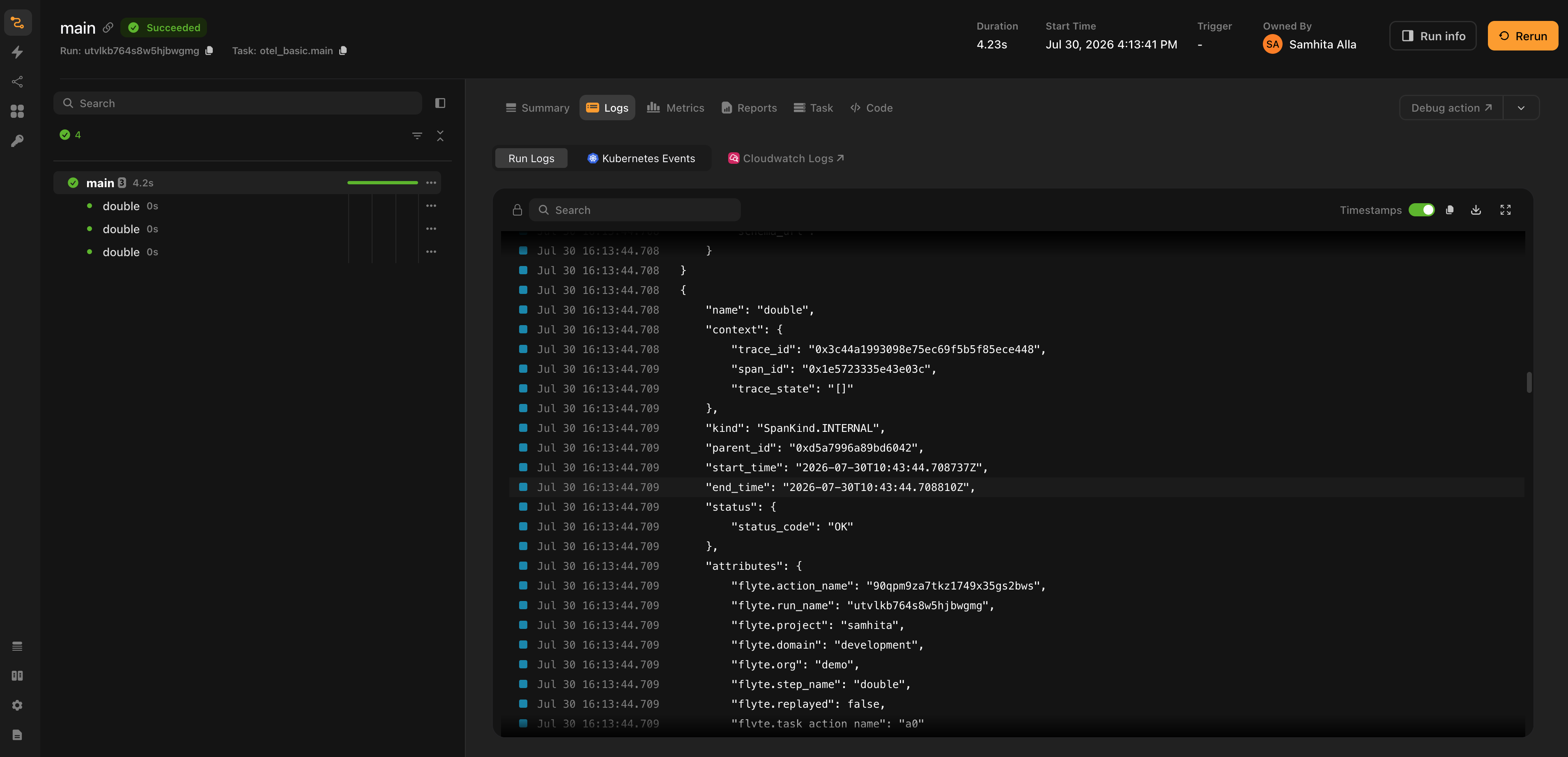
*The quick start run in the Flyte UI. On the left, the action tree shows `main` and its three `double` steps. On the right, the Logs tab holds `ConsoleSpanExporter` output for one `double` span, carrying the `flyte.*` attributes and the `parent_id` that nests it under the task span.*
With no arguments, `init()` reads the standard `OTEL_EXPORTER_OTLP_ENDPOINT` and `OTEL_EXPORTER_OTLP_HEADERS` variables, which is how most vendors document their setup. See **OpenTelemetry > Exporters and configuration** for pointing it at a real backend and for supplying credentials as a `flyte.Secret` instead of hardcoding them.
> [!WARNING] Call `init()` at module scope
> The task span opens before the task body runs, so calling `init()` from inside a task means
> that task's own span has already been missed. The symptom is a trace holding step spans with
> no task span to hang them from. The plugin logs a warning when it detects this.
## What becomes a span
| Flyte concept | Span | Parent |
| ---------------------------------------------------------------- | --------------------------------- | -------------------------------------------------- |
| A task executing in its container | Task span, named after the task | The inbound trace context if any; otherwise a root |
| A [`flyte.trace`](https://www.union.ai/docs/latest/union/user-guide/tasks/task-programming/traces/page.md) step | Step span | The task span that owns it |
| A step replayed from the durable log | Step span, `flyte.replayed=true` | The task span of the attempt that replayed it |
| A sub-action (a task calling another task) | Its own task span, in another pod | The calling task's span, via `custom_context` |
| Anything an instrumentation library emits | Whatever that library emits | The active span, which is the task or step span |
Task lifecycle itself is not instrumented: there are no spans for scheduling, queueing or the control plane's decision to retry. A span starts when a container begins executing a task.
You will however, see HTTP client spans for Flyte's own calls to the control plane once tracing is on. Those come from Flyte's transport rather than from this plugin; **OpenTelemetry > Traces across crashes and resumes** explains where they come from and how to switch them off.
## Span attributes
Every span the plugin emits carries the identifiers needed to get back to the run that produced it. These names are effectively public API: a Grafana data link queries on them to jump from a span into the Flyte UI and **OpenTelemetry > Exporters and configuration** is built on them.
| Attribute | On | Meaning |
| -------------------------------------------- | ---------- | ------------------------------------------------- |
| `flyte.run_name` | All spans | The run, and what the trace ID is derived from |
| `flyte.action_name` | All spans | The action that produced the span |
| `flyte.project`, `flyte.domain`, `flyte.org` | All spans | Where the run lives |
| `flyte.task_name` | Task spans | The task being executed |
| `flyte.step_name` | Step spans | The traced function |
| `flyte.task_action_name` | Step spans | The task that owns the step |
| `flyte.replayed` | Step spans | Whether this step was served from the durable log |
## Your own spans
Spans you create with a plain OpenTelemetry tracer nest inside the task span automatically. Parenting in OpenTelemetry comes from the active context and the plugin keeps the task span active for the whole task body, so there is nothing to extract and no context to pass around:
```python
from opentelemetry import trace
tracer = trace.get_tracer("my.app")
@env.task
async def etl(rows: int = 100) -> int:
with tracer.start_as_current_span("extract") as span:
span.set_attribute("rows.requested", rows)
extracted = rows
with tracer.start_as_current_span("transform"):
# Spans nest as deeply as you like; this one lands under transform.
with tracer.start_as_current_span("validate"):
transformed = extracted - 1
with tracer.start_as_current_span("load") as span:
span.set_attribute("rows.loaded", transformed)
return transformed
```
The same is true of third-party auto-instrumentation. An HTTP client instrumentor, a database instrumentor or an LLM instrumentor needs no extra wiring:
```python
from opentelemetry.instrumentation.httpx import HTTPXClientInstrumentor
init(service_name="my-service")
HTTPXClientInstrumentor().instrument()
```
Call `init()` before the other library so everything stays on one export pipeline. For libraries that want to be handed a tracer, `get_tracer()` returns the one the plugin built.
## What's next
- ****OpenTelemetry > Exporters and configuration****: point the plugin at a backend, adopt a tracer provider you already have, and link back from Grafana into the Flyte UI.
- ****OpenTelemetry > Traces across crashes and resumes****: trace context in and out of a run, run-derived trace IDs, and replayed steps.
- **[Grafana Agent Observability](../grafana-agent-observability/_index)**: add LLM generations, tool calls, token usage and cost on top of these traces.
> [!NOTE] Runnable examples
> The plugin ships [eight worked examples](https://github.com/flyteorg/flyte-sdk/tree/main/plugins/otel/examples)
> covering console export, custom spans, nested tasks, adopting an existing provider, joining a
> caller's trace, HTTP auto-instrumentation, Grafana Cloud and a crash-and-resume trace. All but
> the last run either locally or on a cluster; the crash-and-resume one needs a cluster, because
> the replay it demonstrates comes from a platform retry.
=== PAGE: https://www.union.ai/docs/latest/union/integrations/opentelemetry/configuration ===
# Exporters and configuration
`init()` builds an OTLP exporter by default because OTLP is what most backends document but nothing in the plugin requires it. Any `SpanExporter` works, several can run side by side, and a tracer provider you configured yourself is adopted whole.
## Environment variables
The lowest-friction setup is to configure nothing in code and let the standard OpenTelemetry variables do the work:
| Variable | Effect |
| ------------------------------------ | ---------------------------------------------------------------------------------- |
| `OTEL_EXPORTER_OTLP_ENDPOINT` | Where spans are sent. A base gateway URL is fine on HTTP; `/v1/traces` is appended |
| `OTEL_EXPORTER_OTLP_TRACES_ENDPOINT` | Same, but traces-only. Takes precedence over the general endpoint |
| `OTEL_EXPORTER_OTLP_HEADERS` | Export headers, in `k=v,k2=v2` form. This is where auth goes |
| `OTEL_EXPORTER_OTLP_PROTOCOL` | `http/protobuf` (default) or `grpc` |
| `OTEL_EXPORTER_OTLP_TRACES_PROTOCOL` | Same, but traces-only. Takes precedence |
| `OTEL_SERVICE_NAME` | Value for `service.name` when `service_name` is not passed |
With those set, `init()` needs no arguments:
```python
from flyteplugins.otel import init
init()
```
Endpoints and credentials belong in a `flyte.Secret` rather than in your source. Attach them to the task environment as environment variables and the exporter picks them up:
```python{hl_lines=["5-6"]}
env = flyte.TaskEnvironment(
name="my_env",
image=flyte.Image.from_debian_base().with_pip_packages("flyteplugins-otel"),
secrets=[
flyte.Secret(key="otlp_endpoint", as_env_var="OTEL_EXPORTER_OTLP_ENDPOINT"),
flyte.Secret(key="otlp_headers", as_env_var="OTEL_EXPORTER_OTLP_HEADERS"),
],
)
```
See [Secrets](https://www.union.ai/docs/latest/union/user-guide/tasks/task-configuration/secrets) for creating and managing them.
## Configuring in code
Everything the variables cover can also be passed directly:
```python
init(
service_name="my-service",
endpoint="https://otlp-gateway-prod-us-east-0.grafana.net/otlp",
headers={"Authorization": "Basic "},
)
```
### `init()` parameters
| Parameter | Default | What it does |
| --------------------- | ----------------------------------- | -------------------------------------------------------------------------------------------------------------------------- |
| `service_name` | `OTEL_SERVICE_NAME`, then `"flyte"` | Value for `service.name` on every span |
| `endpoint` | The `OTEL_` variables | OTLP endpoint. On HTTP a base gateway URL is fine and `/v1/traces` is appended; on gRPC the base endpoint is used as given |
| `headers` | The `OTEL_` variables | Export headers, as a mapping or the `k=v,k2=v2` string form |
| `protocol` | `http/protobuf` | OTLP transport, `http/protobuf` or `grpc`. gRPC needs the `[grpc]` extra |
| `resource_attributes` | None | Extra resource attributes attached to every span |
| `exporter` | None | One `SpanExporter` or several, used instead of building an OTLP exporter |
| `tracer_provider` | None | Adopt a provider you configured yourself. Cannot be combined with the arguments above |
| `disable_batch` | `False` | Export each span as it ends instead of batching |
| `set_global` | `True` | Install the provider as the global one, so other instrumentation shares it |
`init()` is idempotent: calling it a second time returns the observer registered by the first call and changes nothing.
### Choosing an exporter
Pass any `SpanExporter` or a list of them to fan out to several at once, which is useful for keeping a console exporter alongside a real backend while you develop:
```python
from opentelemetry.sdk.trace.export import ConsoleSpanExporter
init(exporter=[ConsoleSpanExporter(), JaegerExporter(...)])
```
Each exporter gets its own span processor, so they run independently.
### gRPC
The gRPC exporter ships as a separate distribution:
```bash
pip install "flyteplugins-otel[grpc]"
```
```python
init(endpoint="http://collector:4317", protocol="grpc")
```
Note the endpoint difference between transports: gRPC takes the base endpoint, HTTP wants the signal-specific path (which the plugin appends for you).
### Batching
Spans are batched by default, which is the right production setting. `disable_batch=True` exports each span as it ends: slower, but nothing is buffered when the process dies, which matters when the thing you are looking at is a crash.
```python
init(service_name="my-service", disable_batch=True)
```
## Adopting a tracer provider you already have
If your codebase already configures OpenTelemetry with its own resource, sampler and exporters, hand the provider over instead of letting the plugin build one:
```python{hl_lines=[11]}
from opentelemetry import trace
from opentelemetry.sdk.resources import Resource
from opentelemetry.sdk.trace import TracerProvider
from opentelemetry.sdk.trace.export import BatchSpanProcessor, ConsoleSpanExporter
provider = TracerProvider(resource=Resource.create({"service.name": "my-existing-service"}))
provider.add_span_processor(BatchSpanProcessor(ConsoleSpanExporter()))
trace.set_tracer_provider(provider)
# Sampler, resource and exporters are left exactly as configured above.
init(tracer_provider=provider)
```
Nothing about your setup changes. The plugin only wraps the provider's ID generator which is what lets trace IDs still be [derived from the run](./durable-traces#one-run-one-trace) so a crash and its resume share a trace.
Passing `tracer_provider` alongside `endpoint`, `headers`, `exporter`, `protocol` or `resource_attributes` raises a `ValueError` rather than silently overriding: those settings belong to the provider you configured.
## Grafana Cloud
Grafana Cloud is an ordinary OTLP backend so the same shape works for any other. Both values come from the OTLP section of the Grafana Cloud portal:
```python
env = flyte.TaskEnvironment(
name="otel_grafana",
image=flyte.Image.from_debian_base().with_pip_packages("flyteplugins-otel"),
secrets=[
flyte.Secret(key="otlp_endpoint", as_env_var="OTEL_EXPORTER_OTLP_ENDPOINT"),
flyte.Secret(key="otlp_headers", as_env_var="OTEL_EXPORTER_OTLP_HEADERS"),
],
)
# With the two variables set, init needs nothing else. Passing them explicitly:
# init(
# service_name="my-service",
# endpoint="https://otlp-gateway-.grafana.net/otlp",
# headers={"Authorization": "Basic "},
# )
init(service_name="my-service")
```
## Linking back from Grafana
`flyteplugins.otel.grafana` builds [links](https://www.union.ai/docs/latest/union/user-guide/tasks/task-programming/links) from a Flyte action into Grafana, rendered on the action in the Flyte UI. They are plain URL builders with no Grafana dependency:
```python{hl_lines=[3]}
from flyteplugins.otel.grafana import GrafanaTrace
@env.task(links=(GrafanaTrace(host="https://myorg.grafana.net", datasource_uid=""),))
async def my_task() -> str:
...
```
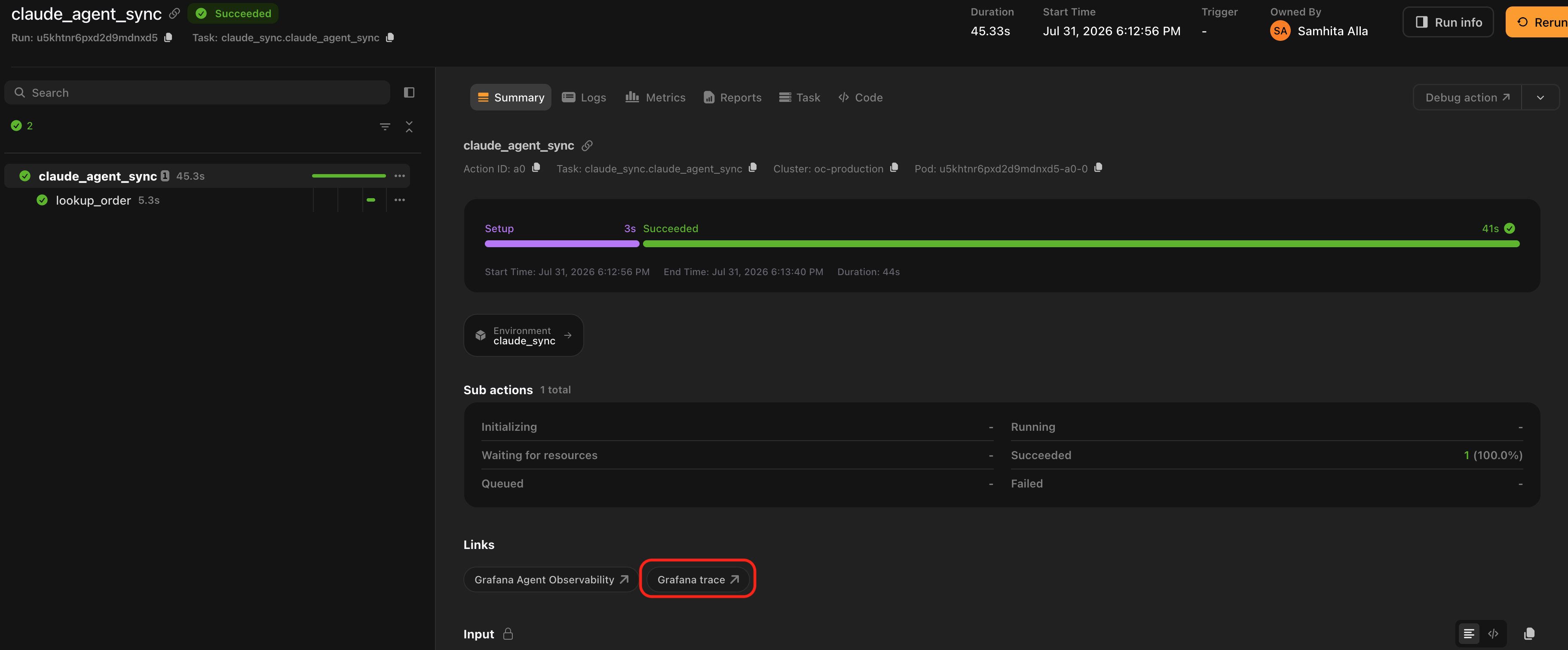
*`GrafanaTrace` renders in the action's **Links** section in the Flyte UI, on every run of the task.*
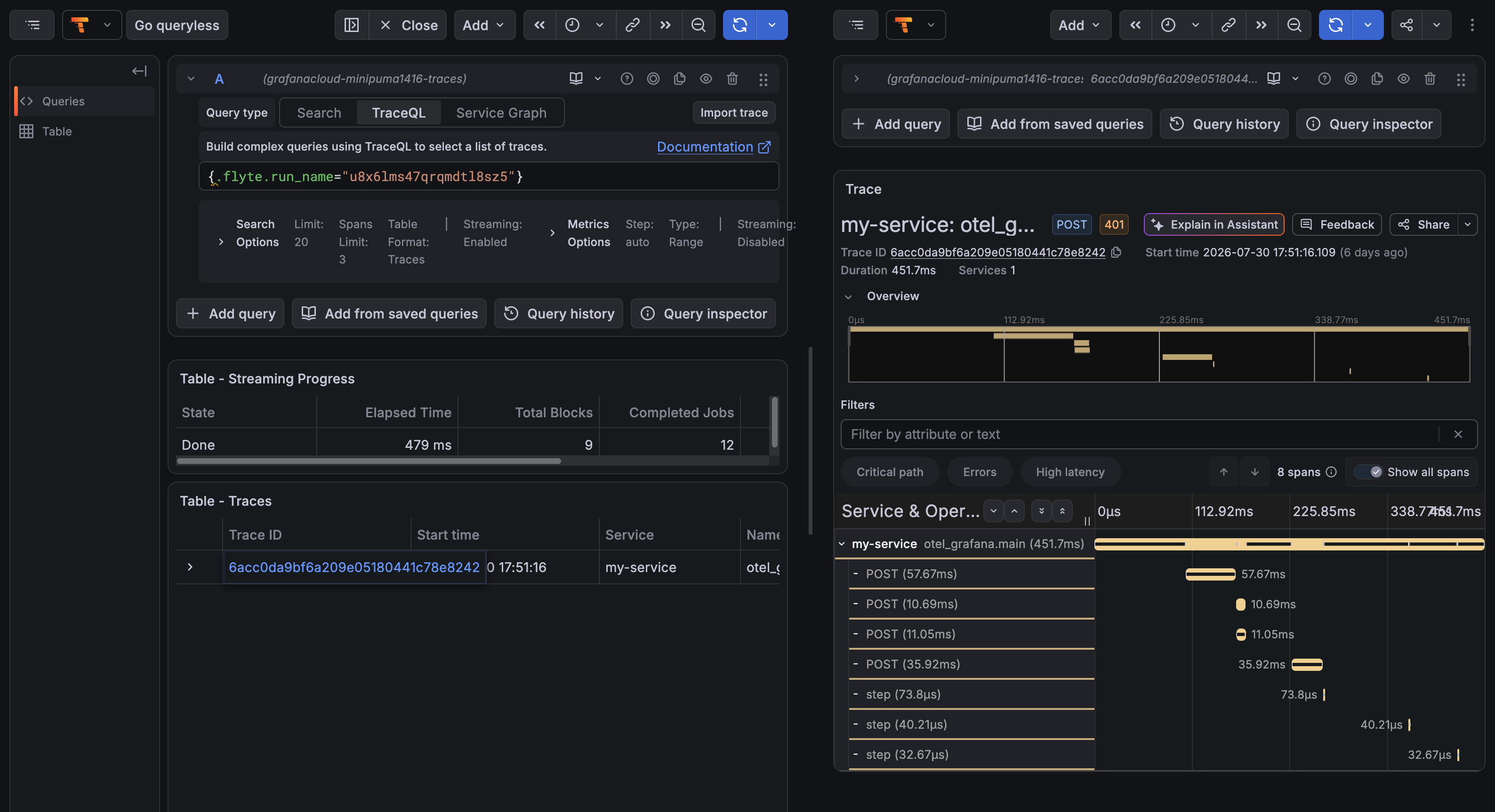
*Following it opens Grafana Explore with the query already scoped to this run, so you land on its spans instead of searching for the run name by hand.*
| Parameter | Default | What it does |
| ---------------- | ----------------- | --------------------------------------------------------------- |
| `host` | Required | Stack URL, for example `https://myorg.grafana.net` |
| `datasource_uid` | Required | UID of the Tempo datasource |
| `name` | `"Grafana trace"` | Label shown in the Flyte UI |
| `lookback` | `"now-7d"` | Start of the Explore time range, in Grafana's relative syntax |
| `action_scoped` | `False` | Narrow the query to the single action rather than the whole run |
The datasource UID is per-stack and not guessable. Find it under **Connections > Data sources** in Grafana; it is the last path segment of `/connections/datasources/edit/`.
Two design details worth knowing:
- The link runs a TraceQL query on `flyte.run_name` rather than addressing a trace by ID. That means it finds a run's spans whatever their trace IDs turn out to be, including runs whose trace context arrived from outside Flyte. Addressing by ID would depend on the derivation and break the moment something upstream propagated a context.
- It embeds a time range because Grafana Explore otherwise defaults to the last hour and a link to an older run would open on an empty pane.
For a link to a run's conversation in Grafana Agent Observability, see [`GrafanaAgentObservability`](../grafana-agent-observability/_index#linking-back-from-grafana). That one lives in `flyteplugins-agento11y` because it is that package's identity binding that makes a run addressable by conversation ID at all.
## Shutting down
`shutdown()` unregisters the observer and flushes pending spans. You rarely need it: the OpenTelemetry SDK registers its own exit hook, so a task that finishes normally flushes on the way out. Reach for it when you want to stop tracing inside a long-lived process or in tests.
```python
from flyteplugins.otel import shutdown
shutdown()
```
A provider you passed in with `tracer_provider=` is never shut down since it belongs to you.
## When nothing is configured
With no OTLP endpoint anywhere, no `OTEL_EXPORTER_OTLP_ENDPOINT`, no `endpoint=` and no explicit exporter, spans are recorded but not exported, and `init()` logs a warning once.
This is the normal state of the process that submits a run: it imports your module, and therefore runs `init()`, without having any reason to export. Nesting and context propagation behave exactly as they would otherwise; the spans are simply dropped instead of shipped.
If you run a local collector, point the variable at it explicitly (`http://localhost:4318`) rather than relying on the OTLP specification's default of the same address. Without the explicit setting the plugin assumes you meant nothing at all.
=== PAGE: https://www.union.ai/docs/latest/union/integrations/opentelemetry/durable-traces ===
# Traces across crashes and resumes
A durable Flyte run is not one process. It crashes, resumes and retries, and each attempt starts a fresh OpenTelemetry SDK that knows nothing about the earlier ones.
Point a stock OpenTelemetry setup at a durable run and two things go wrong. Every attempt mints its own trace ID, so one run arrives at the backend as several unrelated traces. And every step the resumed run replayed out of its durable log is missing entirely because replayed steps never execute and so nothing instruments them. The trace ends up with holes in it exactly where durability did its job.
`flyteplugins-otel` fixes both and it does so without any coordination between the processes.
## Trace context, in and out
Flyte propagates a key-value `custom_context` through a run and into every sub-action. The plugin uses it as a [W3C trace context](https://www.w3.org/TR/trace-context/) carrier in both directions.
### Inbound: joining a trace that started outside Flyte
When a run is kicked off from inside an existing span, a web request, a scheduler, another service, you usually want the run to appear inside that trace rather than as a separate one. Inject a carrier into `custom_context` at submit time and the plugin picks it up: the task span starts under the caller's span instead of becoming a root.
```python{hl_lines=["24-25",27]}
import flyte
from opentelemetry import trace
from opentelemetry.propagate import inject
from flyteplugins.otel import init
init(service_name="my-service")
tracer = trace.get_tracer("my.caller")
env = flyte.TaskEnvironment(name="my_env")
# The task you submit. Flyte 2 has no separate workflow entrypoint: `run` takes the
# task itself, and any tasks it awaits become sub-actions of the same run.
@env.task
async def handle(url: str) -> str:
return f"handled {url}"
if __name__ == "__main__":
flyte.init_from_config()
with tracer.start_as_current_span("incoming_request"):
carrier: dict[str, str] = {}
inject(carrier)
run = flyte.with_runcontext(custom_context=carrier).run(handle, url="https://example.com")
print(run.url)
```
The carrier is a plain `dict[str, str]`, which is exactly what `custom_context` expects.
`tracer` here is the caller's own tracer, not the plugin's. The plugin only needs `init()` to have run; it parents the task span off whatever `traceparent` arrives in the carrier, whoever produced it.
### Outbound: nested tasks, in other pods
Once the task span is open, the plugin publishes it back into `custom_context`. A child task running in a different pod nests under the task that spawned it with nothing passed by hand:
```python
import asyncio
@flyte.trace
async def score(item: int) -> int:
return item * 3
@env.task
async def worker(item: int) -> int:
return await score(item)
@env.task
async def coordinator(n: int = 3) -> int:
results = await asyncio.gather(*[worker(item=i) for i in range(n)])
return sum(results)
```
```text
coordinator
├── worker
│ └── score
├── worker
│ └── score
└── worker
└── score
```
Because `custom_context` travels in the action's persisted inputs, this survives a resume as well.
Nothing in your task bodies has to call `extract` to get spans parented correctly; the plugin's own spans are already in the right place. Reach for `extract` only when you want to open your own spans under the incoming context.
## One run, one trace
When no trace context arrives from outside, the trace ID is derived from the run identity rather than generated randomly.
Every process computes the same 16 bytes from values it already has, the org, project, domain and run name, so spans recorded before a crash and spans recorded after the resume land in the same trace even though neither process ever spoke to the other.
Only the trace ID is derived. Span IDs stay random, which keeps each attempt a distinct subtree under the shared trace rather than a set of colliding IDs. A resumed run therefore reads as the attempt that crashed followed by the attempt that finished.
Deriving from the fully-qualified run identity rather than the run name alone means two runs that happen to share a name in different projects or domains stay distinct.
You can compute the same value yourself, which is useful for building your own links into a tracing backend:
```python
from flyteplugins.otel import format_trace_id, trace_id_for_run
trace_id = format_trace_id(trace_id_for_run(flyte.ctx().action))
```
## Replayed steps
A resumed run serves already-completed [traced steps](https://www.union.ai/docs/latest/union/user-guide/tasks/task-programming/traces) out of its durable log without re-executing them. The plugin records those as spans marked `flyte.replayed=true`.
They have no meaningful duration, because no work happened in this process, but they are present, so the trace is complete and you can see exactly which steps the resume skipped.
For an agent loop, this is also where the money is: a replayed step does not call the model again, so a resume does not pay for the generations the first attempt already bought.
## A worked crash and resume
The example below crashes partway through its first attempt. The retry resumes: steps 0 through 2 come back from the durable log as replayed spans, steps 3 and 4 actually execute, and both attempts share one trace.
```python{hl_lines=[3,13]}
# disable_batch keeps nothing buffered, so spans recorded before the crash are already
# exported when the process dies. Batching is the better default in production.
init(service_name="otel-demo", disable_batch=True)
@flyte.trace
async def think(step: int) -> str:
"""Stands in for a model call."""
await asyncio.sleep(0.2)
return f"thought-{step}"
@env.task(retries=3)
async def agent(steps: int = 5, fail_at: int = 2) -> list[str]:
# Crash on the first attempt only. FLYTE_ATTEMPT_NUMBER is 1-based.
crash = flyte.ctx().attempt_number <= 1
results = []
for step in range(steps):
results.append(await think(step))
if crash and step == fail_at:
raise RuntimeError(f"crashed at step {step}")
return results
```
The resulting trace:
```text
agent ← attempt 1, ended in error
├── think (0)
├── think (1)
└── think (2)
agent ← attempt 2, succeeded
├── think (0) flyte.replayed=true
├── think (1) flyte.replayed=true
├── think (2) flyte.replayed=true
├── think (3)
└── think (4)
```
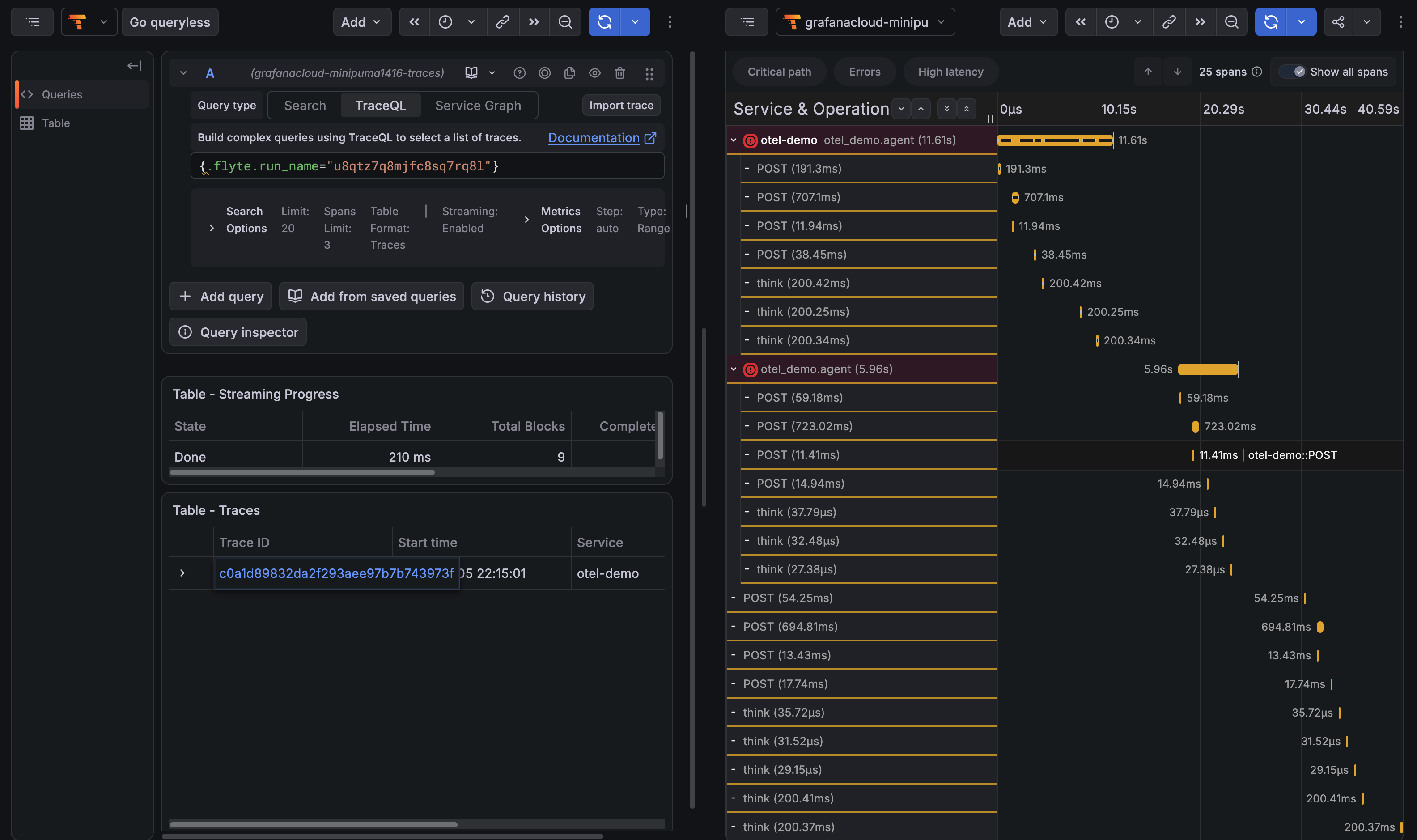
*The same run in Grafana Tempo, found by a TraceQL query on `flyte.run_name` rather than by trace ID. Each attempt is its own subtree under a single trace. In the second, the microsecond `think` spans are replays served from the durable log and the 200 ms ones are the steps that actually executed. The `POST` spans are Flyte's own calls to the control plane.*
## Flyte's own control-plane spans
Once tracing is on, you will see `POST` client spans for Flyte's calls to the control plane, `Enqueue`, `CreateRun`, `UploadInputs`, alongside your own.
These do not come from this plugin. Flyte's HTTP transport takes an `enable_otel` flag that defaults to true and falls back to the global tracer provider when it is not given one. `init(set_global=True)`, the default, installs that provider, so the transport starts recording through it.
Mostly this is useful. Inside a task the spans nest under the task span, so you can see how much of a task's wall clock went on talking to the control plane, and the 401-then-200 pairs show the auth retry. Two things to be aware of:
- The volume scales with sub-action count, so a wide fan-out produces a lot of them.
- Calls made outside a task span, during submission, arrive as their own root traces rather than joining the run's trace.
There is no switch for this in the plugin, since the transport is Flyte's rather than the plugin's. `init(set_global=False)` keeps the provider out of the global slot, which stops the transport finding it, at the cost of other instrumentation not finding it either.
## Limitations
**Replayed spans have no duration:** The original timing is written to the control plane but does not come back over the channel a resumed run reads from. What you get is the step's presence, identity and outcome.
**Trace context rides in `custom_context`:** That is a flat string map which Flyte propagates wholesale, so the `traceparent` key is visible to task code and will be overwritten if something else writes that key.
**Nothing is emitted for control-plane lifecycle:** Scheduling, queueing and the retry decision itself are not instrumented. The spans you get start when a task's container begins executing it.
=== PAGE: https://www.union.ai/docs/latest/union/integrations/pandera ===
# Pandera
The [Pandera](https://pandera.readthedocs.io/en/latest/) plugin validates dataframes at task boundaries using
[`DataFrameModel`](https://pandera.readthedocs.io/en/latest/dataframe_models.html) schemas. When a task receives or
returns a pandera-typed dataframe, the plugin automatically validates the data, raises or warns on schema violations,
and writes an HTML validation report to the Flyte deck.
Pandera supports multiple dataframe backends. The `flyteplugins-pandera` plugin handles:
| Pandera typing module | DataFrame library | Additional plugin |
|-|-|-|
| `pandera.typing.pandas` | pandas | - |
| `pandera.typing.polars` | Polars (eager and lazy) | `flyteplugins-polars` |
| `pandera.typing.pyspark_sql` | PySpark SQL | `flyteplugins-spark` |
## When to use this plugin
- You want compile-time-style guarantees that data flowing between tasks conforms to a declared schema
- You need column-level type, constraint, and statistical checks on task inputs and outputs
- You want automatic validation reports visible in the Flyte UI
## Installation
Install the plugin with the pandera extras for your dataframe backend:
### pandas
```bash
pip install flyteplugins-pandera 'pandera[pandas]'
```
### Polars
```bash
pip install flyteplugins-pandera flyteplugins-polars 'pandera[polars]'
```
### PySpark SQL
```bash
pip install flyteplugins-pandera flyteplugins-spark 'pandera[pyspark]'
```
## Defining schemas
Schemas are defined as Python classes that inherit from pandera's `DataFrameModel`. Each field declares a column name,
type, and optional constraints:
```python
import pandera.pandas as pa
class EmployeeSchema(pa.DataFrameModel):
employee_id: int = pa.Field(ge=0)
name: str
class EmployeeSchemaWithStatus(EmployeeSchema):
status: str = pa.Field(isin=["active", "inactive"])
```
Schemas compose through inheritance: `EmployeeSchemaWithStatus` includes all columns from `EmployeeSchema` plus the
`status` column.
For full details on schema definition, including custom checks, regex column matching, and `Config` options, see the
[pandera DataFrameModel documentation](https://pandera.readthedocs.io/en/latest/dataframe_models.html).
## Using schemas in tasks
Annotate task inputs and outputs with pandera's generic `DataFrame` type. The plugin validates data on every
encode (output) and decode (input):
```python
import pandera.typing.pandas as pt
@env.task(report=True)
async def build_employees() -> pt.DataFrame[EmployeeSchema]:
return pd.DataFrame({
"employee_id": [1, 2, 3],
"name": ["Ada", "Grace", "Barbara"],
})
@env.task(report=True)
async def add_status(
df: pt.DataFrame[EmployeeSchema],
) -> pt.DataFrame[EmployeeSchemaWithStatus]:
return df.assign(status="active")
```
Setting `report=True` on the task makes validation reports visible as deck tabs in the Flyte UI.
## Error handling with `ValidationConfig`
By default, a validation failure raises an exception and fails the task. To downgrade failures to warnings instead,
annotate the parameter with `ValidationConfig(on_error="warn")`:
```python
from typing import Annotated
from flyteplugins.pandera import ValidationConfig
@env.task(report=True)
async def lenient_pass_through(
df: Annotated[pt.DataFrame[EmployeeSchema], ValidationConfig(on_error="warn")],
) -> Annotated[pt.DataFrame[EmployeeSchemaWithStatus], ValidationConfig(on_error="warn")]:
...
```
| `on_error` value | Behavior |
|-|-|
| `"raise"` (default) | Validation failure raises `pandera.errors.SchemaError` and the task fails |
| `"warn"` | Validation failure logs a warning and writes the report, but the task continues |
You can mix `"raise"` and `"warn"` across inputs and outputs of the same task. For example, use `"warn"` on inputs
to accept best-effort data while still enforcing strict output contracts.
## Image configuration
Include the plugin in your task image. The exact setup depends on your dataframe backend:
### Pandas
```python
import flyte
img = flyte.Image.from_debian_base(
python_version=(3, 12),
).with_pip_packages("flyteplugins-pandera")
env = flyte.TaskEnvironment(
"pandera_pandas",
image=img,
resources=flyte.Resources(cpu="1", memory="2Gi"),
)
```
### Polars
```python
import flyte
img = (
flyte.Image.from_debian_base(python_version=(3, 12))
.with_pip_packages("flyteplugins-polars", "pandera[polars]")
)
env = flyte.TaskEnvironment(
"pandera_polars",
image=img,
resources=flyte.Resources(cpu="1", memory="2Gi"),
)
```
### PySpark SQL
```python
import flyte
from flyteplugins.spark.task import Spark
image = (
flyte.Image.from_base("apache/spark-py:v3.4.0")
.clone(name="pandera-pyspark-sql", python_version=(3, 10), extendable=True)
.with_pip_packages("flyteplugins-spark", "pandera[pyspark]")
)
spark_conf = Spark(
spark_conf={
"spark.driver.memory": "1000M",
"spark.executor.memory": "1000M",
"spark.executor.cores": "1",
"spark.executor.instances": "2",
"spark.driver.cores": "1",
},
)
env = flyte.TaskEnvironment(
name="pandera_pyspark",
plugin_config=spark_conf,
image=image,
resources=flyte.Resources(cpu="1", memory="2Gi"),
)
```
## Polars lazy frames
The Polars backend supports both `pt.DataFrame` (eager) and `pt.LazyFrame` (lazy). With lazy frames, pandera
validates the data when the frame is materialized at task I/O boundaries:
```python
import pandera.typing.polars as pt
import polars as pl
@env.task(report=True)
async def create_lazy() -> pt.LazyFrame[MetricsSchema]:
return pl.LazyFrame({"item": ["x", "y"], "value": [3.0, 4.0]})
@env.task(report=True)
async def consume_lazy(
lf: pt.LazyFrame[MetricsSchema],
) -> pt.DataFrame[MetricsSchema]:
return lf.filter(pl.col("value") > 0.0).collect()
```
## Examples
### pandas
```python
# /// script
# requires-python = ">=3.12"
# dependencies = [
# "flyte",
# "flyteplugins-pandera",
# "pandera[pandas]",
# ]
# main = "main"
# ///
from __future__ import annotations
from typing import Annotated
import pandas as pd
import pandera.pandas as pa
import pandera.typing.pandas as pt
from flyteplugins.pandera import ValidationConfig
import flyte
img = flyte.Image.from_debian_base(python_version=(3, 12)).with_pip_packages(
"flyteplugins-pandera", "pandera[pandas]"
)
env = flyte.TaskEnvironment(
"pandera_pandas_schema",
image=img,
resources=flyte.Resources(cpu="1", memory="2Gi"),
)
class EmployeeSchema(pa.DataFrameModel):
employee_id: int = pa.Field(ge=0)
name: str
class EmployeeSchemaWithStatus(EmployeeSchema):
status: str = pa.Field(isin=["active", "inactive"])
# {{docs-fragment build_valid_employees}}
@env.task(report=True)
async def build_valid_employees() -> pt.DataFrame[EmployeeSchema]:
return pd.DataFrame(
{
"employee_id": [1, 2, 3],
"name": ["Ada", "Grace", "Barbara"],
}
)
# {{/docs-fragment}}
# {{docs-fragment pass_through}}
@env.task(report=True)
async def pass_through(
df: pt.DataFrame[EmployeeSchema],
) -> pt.DataFrame[EmployeeSchemaWithStatus]:
return df.assign(status="active")
# {{/docs-fragment}}
# {{docs-fragment pass_through_with_error_warn}}
@env.task(report=True)
async def pass_through_with_error_warn(
df: Annotated[
pt.DataFrame[EmployeeSchema], ValidationConfig(on_error="warn")
],
) -> Annotated[
pt.DataFrame[EmployeeSchemaWithStatus], ValidationConfig(on_error="warn")
]:
del df["name"]
return df
# {{/docs-fragment}}
# {{docs-fragment pass_through_with_error_raise}}
@env.task(report=True)
async def pass_through_with_error_raise(
df: Annotated[
pt.DataFrame[EmployeeSchema], ValidationConfig(on_error="warn")
],
) -> Annotated[
pt.DataFrame[EmployeeSchemaWithStatus], ValidationConfig(on_error="raise")
]:
del df["name"]
return df
# {{/docs-fragment}}
@env.task(report=True)
async def main() -> pt.DataFrame[EmployeeSchemaWithStatus]:
df = await build_valid_employees()
df2 = await pass_through(df)
await pass_through_with_error_warn(df.drop(["employee_id"], axis="columns"))
await pass_through_with_error_warn(df.assign(employee_id=-1))
try:
await pass_through_with_error_raise(df)
except Exception as exc:
print(exc)
return df2
if __name__ == "__main__":
flyte.init_from_config()
run = flyte.run(main)
print(run.url)
run.wait()
print("pandas pandera example OK:", run.outputs()[0])
```
*Source: https://github.com/unionai/unionai-examples/blob/main/v2/integrations/flyte-plugins/pandera/pandas_schema.py*
### Polars
```python
# /// script
# requires-python = ">=3.12"
# dependencies = [
# "flyte>=2.0.0b52",
# "flyteplugins-pandera",
# "flyteplugins-polars",
# "pandera[polars]",
# ]
# main = "main"
# ///
from __future__ import annotations
from typing import Annotated
import pandera.polars as pa
import pandera.typing.polars as pt
import polars as pl
from flyteplugins.pandera import ValidationConfig
import flyte
img = (
flyte.Image.from_debian_base(python_version=(3, 12))
.with_pip_packages("flyteplugins-pandera", "flyteplugins-polars", "pandera[polars]")
)
env = flyte.TaskEnvironment(
"pandera_polars_schema",
image=img,
resources=flyte.Resources(cpu="1", memory="2Gi"),
)
class EmployeeSchema(pa.DataFrameModel):
employee_id: int = pa.Field(ge=0)
name: str
class EmployeeSchemaWithStatus(EmployeeSchema):
status: str = pa.Field(isin=["active", "inactive"])
class MetricsSchema(pa.DataFrameModel):
item: str
value: float
# {{docs-fragment build_valid_employees}}
@env.task(report=True)
async def build_valid_employees() -> pt.DataFrame[EmployeeSchema]:
return pl.DataFrame(
{
"employee_id": [1, 2, 3],
"name": ["Ada", "Grace", "Barbara"],
}
)
# {{/docs-fragment}}
# {{docs-fragment pass_through}}
@env.task(report=True)
async def pass_through(
df: pt.DataFrame[EmployeeSchema],
) -> pt.DataFrame[EmployeeSchemaWithStatus]:
return df.with_columns(pl.lit("active").alias("status"))
# {{/docs-fragment}}
@env.task(report=True)
async def pass_through_with_error_warn(
df: Annotated[
pt.DataFrame[EmployeeSchema], ValidationConfig(on_error="warn")
],
) -> Annotated[
pt.DataFrame[EmployeeSchemaWithStatus], ValidationConfig(on_error="warn")
]:
return df.drop("name")
@env.task(report=True)
async def pass_through_with_error_raise(
df: Annotated[
pt.DataFrame[EmployeeSchema], ValidationConfig(on_error="warn")
],
) -> Annotated[
pt.DataFrame[EmployeeSchemaWithStatus], ValidationConfig(on_error="raise")
]:
return df.drop("name")
# {{docs-fragment metrics_lazy}}
@env.task(report=True)
async def metrics_eager() -> pt.DataFrame[MetricsSchema]:
return pl.DataFrame({"item": ["a", "b"], "value": [1.0, 2.0]})
@env.task(report=True)
async def metrics_lazy() -> pt.LazyFrame[MetricsSchema]:
return pl.LazyFrame({"item": ["x", "y"], "value": [3.0, 4.0]})
@env.task(report=True)
async def filter_metrics(
lf: pt.LazyFrame[MetricsSchema],
) -> pt.DataFrame[MetricsSchema]:
return lf.filter(pl.col("value") > 0.0).collect()
# {{/docs-fragment}}
@env.task(report=True)
async def main() -> pt.DataFrame[EmployeeSchemaWithStatus]:
df = await build_valid_employees()
df2 = await pass_through(df)
await pass_through_with_error_warn(df.drop("employee_id"))
await pass_through_with_error_warn(
df.with_columns(pl.lit(-1).alias("employee_id"))
)
try:
await pass_through_with_error_raise(df)
except Exception as exc:
print(exc)
_ = await metrics_eager()
lazy = await metrics_lazy()
_ = await filter_metrics(lazy)
return df2
if __name__ == "__main__":
flyte.init_from_config()
run = flyte.run(main)
print(run.url)
run.wait()
print("polars pandera example OK:", run.outputs()[0])
```
*Source: https://github.com/unionai/unionai-examples/blob/main/v2/integrations/flyte-plugins/pandera/polars_schema.py*
### PySpark SQL
```python
# /// script
# requires-python = ">=3.10"
# dependencies = [
# "flyte>=2.0.0b52",
# "flyteplugins-pandera",
# "flyteplugins-spark",
# "pandera[pyspark]",
# ]
# main = "main"
# ///
from __future__ import annotations
from typing import Annotated, cast
import pandera.typing.pyspark_sql as pt
import pyspark.sql.types as T
from flyteplugins.pandera import ValidationConfig
from flyteplugins.spark.task import Spark
from pandera.pyspark import DataFrameModel, Field
from pyspark.sql import SparkSession
from pyspark.sql import functions as F
import flyte
image = (
flyte.Image.from_base("apache/spark-py:v3.4.0")
.clone(name="pandera-pyspark-sql", python_version=(3, 10), extendable=True)
.with_pip_packages(
"flyteplugins-pandera",
"flyteplugins-spark",
"pandera[pyspark]",
)
)
spark_conf = Spark(
spark_conf={
"spark.driver.memory": "1000M",
"spark.executor.memory": "1000M",
"spark.executor.cores": "1",
"spark.executor.instances": "2",
"spark.driver.cores": "1",
"spark.kubernetes.file.upload.path": "/opt/spark/work-dir",
"spark.jars": (
"https://storage.googleapis.com/hadoop-lib/gcs/"
"gcs-connector-hadoop3-latest.jar,"
"https://repo1.maven.org/maven2/org/apache/hadoop/"
"hadoop-aws/3.2.2/hadoop-aws-3.2.2.jar,"
"https://repo1.maven.org/maven2/com/amazonaws/"
"aws-java-sdk-bundle/1.12.262/aws-java-sdk-bundle-1.12.262.jar"
),
},
)
env = flyte.TaskEnvironment(
name="pandera_pyspark_sql_schema",
plugin_config=spark_conf,
image=image,
resources=flyte.Resources(cpu="1", memory="2Gi"),
)
# {{docs-fragment schemas}}
class EmployeeSchema(DataFrameModel):
employee_id: int = Field(ge=0)
name: str = Field()
job_title: str = Field()
class EmployeeSchemaWithStatus(EmployeeSchema):
status: str = Field(isin=["active", "inactive"])
# {{/docs-fragment}}
# {{docs-fragment build_valid_employees}}
@env.task(report=True)
async def build_valid_employees() -> pt.DataFrame[EmployeeSchema]:
spark = cast(SparkSession, flyte.ctx().data["spark_session"])
data = [
(1, "Ada", "Engineer"),
(2, "Grace", "Mathematician"),
(3, "Barbara", "Computer scientist"),
]
schema = T.StructType(
[
T.StructField("employee_id", T.IntegerType(), False),
T.StructField("name", T.StringType(), False),
T.StructField("job_title", T.StringType(), False),
]
)
return spark.createDataFrame(data, schema=schema)
# {{/docs-fragment}}
# {{docs-fragment pass_through}}
@env.task(report=True)
async def pass_through(
df: pt.DataFrame[EmployeeSchema],
) -> pt.DataFrame[EmployeeSchemaWithStatus]:
return df.withColumn("status", F.lit("active"))
# {{/docs-fragment}}
@env.task(report=True)
async def pass_through_with_error_warn(
df: Annotated[
pt.DataFrame[EmployeeSchema], ValidationConfig(on_error="warn")
],
) -> Annotated[
pt.DataFrame[EmployeeSchemaWithStatus], ValidationConfig(on_error="warn")
]:
return df.drop("name")
@env.task(report=True)
async def pass_through_with_error_raise(
df: Annotated[
pt.DataFrame[EmployeeSchema], ValidationConfig(on_error="warn")
],
) -> Annotated[
pt.DataFrame[EmployeeSchemaWithStatus], ValidationConfig(on_error="raise")
]:
return df.drop("name")
@env.task(report=True)
async def main() -> pt.DataFrame[EmployeeSchemaWithStatus]:
df = await build_valid_employees()
df2 = await pass_through(df)
await pass_through_with_error_warn(df.drop("employee_id"))
await pass_through_with_error_warn(df.withColumn("employee_id", F.lit(-1)))
try:
await pass_through_with_error_raise(df)
except Exception as exc:
print(exc)
return df2
if __name__ == "__main__":
flyte.init_from_config()
run = flyte.run(main)
print(run.url)
run.wait()
print("pyspark_sql pandera example OK:", run.outputs()[0])
```
*Source: https://github.com/unionai/unionai-examples/blob/main/v2/integrations/flyte-plugins/pandera/pyspark_sql_schema.py*
=== PAGE: https://www.union.ai/docs/latest/union/integrations/papermill ===
# Papermill
The Papermill plugin lets you run Jupyter notebooks as Flyte tasks. It uses [papermill](https://papermill.readthedocs.io/) to parameterize and execute `.ipynb` files, capture their outputs as typed Flyte values, and render the executed notebook as an HTML report visible in the Flyte UI.
A `NotebookTask` behaves like any other Flyte task: it has typed inputs and outputs, participates in workflows, runs remotely, integrates with the Flyte type system (including `File`, `Dir`, and `DataFrame`), and can call other Flyte tasks from within the notebook.
## When to use this plugin
- Productionizing exploratory notebooks without rewriting them as Python modules
- Generating cell-by-cell HTML reports as task artifacts (charts, tables, narrative analysis)
- Letting data scientists iterate in notebooks while platform teams orchestrate them
- Running notebooks on Spark or with GPU/CPU resources configured on the task environment
## Installation
```bash
pip install flyteplugins-papermill
```
The plugin must also be installed in the task image. For example:
```python{hl_lines=["3-5"]}
import flyte
image = flyte.Image.from_debian_base(name="papermill-env").with_pip_packages(
"flyteplugins-papermill"
)
env = flyte.TaskEnvironment(name="papermill_env", image=image)
```
## Quick start
```python{hl_lines=[1, 6, "9-15", 19]}
from flyteplugins.papermill import NotebookTask
import flyte
env = flyte.TaskEnvironment(
name="my_env",
image=flyte.Image.from_debian_base(name="my-env").with_pip_packages("flyteplugins-papermill"),
)
add_numbers = NotebookTask(
name="add_numbers",
notebook_path="notebooks/basic_math.ipynb",
task_environment=env,
inputs={"x": int, "y": float},
outputs={"result": float},
)
@env.task
def workflow(x: int = 5, y: float = 3.14) -> float:
return add_numbers(x=x, y=y)
```
`notebook_path` may be relative (resolved against the calling file's directory) or absolute.
## Notebook setup
Each notebook driven by a `NotebookTask` needs two specially tagged cells.
### `parameters` cell
Tag a cell with `parameters` and assign default values matching the names declared in `inputs={...}`. Papermill injects the actual values into a cell appended right after this one at execution time.
```python
# tagged: parameters
x = 0
y = 0.0
```
### `outputs` cell
Tag a cell with `outputs` and call `record_outputs(...)` as the last expression of the cell. The function returns a serialized representation of the values, which Jupyter captures as the cell's displayed output. `NotebookTask` then reads that captured output from the executed notebook to recover the typed values.
```python
# tagged: outputs
from flyteplugins.papermill import record_outputs
record_outputs(result=x + y)
```
`record_outputs` accepts any value that the Flyte type system supports such as primitives, `File`, `Dir`, `DataFrame`, dataclasses, etc. The output names and types must match the `outputs={...}` declaration on the `NotebookTask`.
> [!NOTE]
> Inputs and outputs have different type rules. Inputs are restricted to JSON-serializable primitives plus `File`/`Dir`/`DataFrame` because papermill's parameter mechanism is JSON-only. Outputs go through the full Flyte type engine inside the notebook via `record_outputs`, so dataclasses and any other Flyte-supported type work there.
If a notebook has no outputs, omit the `outputs` cell and don't pass `outputs` to `NotebookTask`. The notebook still runs and its HTML report is rendered, but no values are returned.
## Inputs and outputs
### Supported input types
Notebook parameters are passed through papermill, which only accepts JSON-serializable values. The plugin allows:
- Primitives: `int`, `float`, `str`, `bool`, `list`, `dict`, `None`
- Flyte I/O types: `flyte.io.File`, `flyte.io.Dir`, `flyte.io.DataFrame` (serialized to their path/URI strings)
Passing any other type raises `TypeError` at call time. Wrap unsupported values in a dataclass and serialize them to a primitive container, or write them to a `File`/`Dir` first.
### Complex types: File, Dir, DataFrame
`File`, `Dir` and `DataFrame` are passed to the notebook as plain path/URI strings. Reconstruct them inside the notebook with the provided helpers:
```python
from flyteplugins.papermill import load_file, load_dir, load_dataframe
# input_file, input_dir, input_df were injected as strings by papermill
f = load_file(input_file) # -> flyte.io.File
d = load_dir(input_dir) # -> flyte.io.Dir
df = load_dataframe(input_df) # -> flyte.io.DataFrame (parquet by default)
```
`load_dataframe` accepts a `fmt` argument (default `"parquet"`) for non-parquet storage formats.
Jupyter supports top-level `await`, so use it directly for async I/O:
```python{hl_lines=[4, 5]}
import pandas as pd
from flyte.io import DataFrame
pdf = await df.open(pd.DataFrame).all()
output_df = await DataFrame.from_local(pdf)
```
To return a `DataFrame` from a notebook, materialize it as a `flyte.io.DataFrame` and pass it to `record_outputs`:
```python{hl_lines=[6, 7, 9]}
# tagged: outputs
import pandas as pd
from flyte.io import DataFrame
from flyteplugins.papermill import record_outputs
result_df = pd.DataFrame({"name": ["alice", "bob"], "score": [90, 75]})
output = await DataFrame.from_local(result_df)
record_outputs(filtered_df=output, row_count=len(result_df))
```
The same pattern applies to `File` (`await File.from_local(...)`) and `Dir` (`await Dir.from_local(...)`).
### Outputs: single, multiple, none
A `NotebookTask` returns:
- A single value when `outputs` has one entry
- A tuple in the order declared in `outputs` when there are multiple entries
- `None` when `outputs` is omitted
```python{hl_lines=[7, 12]}
# Multiple outputs
text_analysis = NotebookTask(
name="text_analysis",
notebook_path="notebooks/text.ipynb",
task_environment=env,
inputs={"text": str, "n": int},
outputs={"repeated": str, "word_count": int, "char_count": int},
)
@env.task
def workflow(text: str, n: int) -> tuple[str, int, int]:
repeated, word_count, char_count = text_analysis(text=text, n=n)
return repeated, word_count, char_count
```
```python{hl_lines=[11]}
# No outputs — useful for side-effect-only notebooks (reports, exports)
printer = NotebookTask(
name="printer",
notebook_path="notebooks/print_report.ipynb",
task_environment=env,
inputs={"message": str},
)
@env.task
def report_workflow(message: str = "hello"):
printer(message=message)
```
If a declared output is missing from `record_outputs(...)`, `NotebookTask` raises `TypeError` listing the missing names.
## Calling Flyte tasks from notebooks
You can call other Flyte tasks directly from inside a notebook. The plugin injects the parent task's runtime context into the notebook kernel at the start of execution, so task calls are routed through the Flyte controller automatically, so no manual setup required.
When running remotely, each task call is submitted to Flyte and appears as a separate node in the run graph. When running locally, the calls execute in-process as regular Python functions.
```python{hl_lines=[1, 4]}
# Inside a notebook cell
from my_tasks import expensive_task
result = await expensive_task(data=42)
```
Sync tasks can be called the same way:
```python{hl_lines=[3]}
from my_tasks import compute_total
total = compute_total(values=[1, 2, 3])
```
> [!NOTE]
> The setup cell that initializes the runtime context is injected automatically and stripped from the rendered HTML report and the uploaded `.ipynb` files, so it never shows up to users.
## Workflow patterns
### Chaining notebooks
Outputs from one `NotebookTask` can feed directly into another:
```python{hl_lines=[3, 4]}
@env.task
def chained_workflow(a: int, b: float, c: float) -> float:
intermediate = step1_add(x=a, y=b)
final = step2_add(x=int(intermediate), y=c)
return final
```
### Mixing notebooks with regular tasks
`NotebookTask` composes with `@env.task` functions in either direction:
```python{hl_lines=["3-5"]}
@env.task
def mixed_workflow(n: int) -> float:
doubled = double(n=n) # regular task
nb_result = notebook_add(x=doubled, y=100.0) # notebook task
return add(a=nb_result, b=0.5) # regular task
```
### Inline definition
`NotebookTask` can be created inside a task function rather than at module scope. The resolver bakes the notebook path and type schemas into the task spec at registration time, so no module-level reference is required at execution.
```python{hl_lines=[3, 5]}
@env.task
def workflow(x: int = 3, y: float = 1.5) -> int:
from flyteplugins.papermill import NotebookTask
nb = NotebookTask(
name="add_numbers",
notebook_path="notebooks/basic_math.ipynb",
task_environment=env,
inputs={"x": int, "y": float},
outputs={"result": float},
)
return nb(x=x, y=y)
```
### Calling from sync vs. async tasks
`NotebookTask` is internally synchronous. Papermill blocks while the notebook runs. Call it directly from a sync task or use `.aio()` from an async task:
```python{hl_lines=[2, 6, 7]}
@env.task
def sync_parent(x: int) -> float:
return notebook(x=x)
@env.task
async def async_parent(x: int) -> float:
return await notebook.aio(x=x)
```
### Running a NotebookTask directly as the entrypoint
A `NotebookTask` can be the workflow entrypoint without wrapping it in another task:
```python{hl_lines=[1, 11]}
nb = NotebookTask(
name="add_numbers",
notebook_path="notebooks/basic_math.ipynb",
task_environment=env,
inputs={"x": int, "y": float},
outputs={"result": float},
)
if __name__ == "__main__":
flyte.init_from_config()
run = flyte.with_runcontext(mode="remote", copy_style="all").run(nb, x=3, y=1.5)
print(run.url)
```
## Reports and notebook artifacts
### HTML report (default)
Every `NotebookTask` execution renders the executed notebook to HTML and logs it to the Flyte Report tab for that task. This happens whether the notebook succeeds or fails; see **Papermill > Reports and notebook artifacts > Failure reports** below. The report is on by default and requires no configuration.
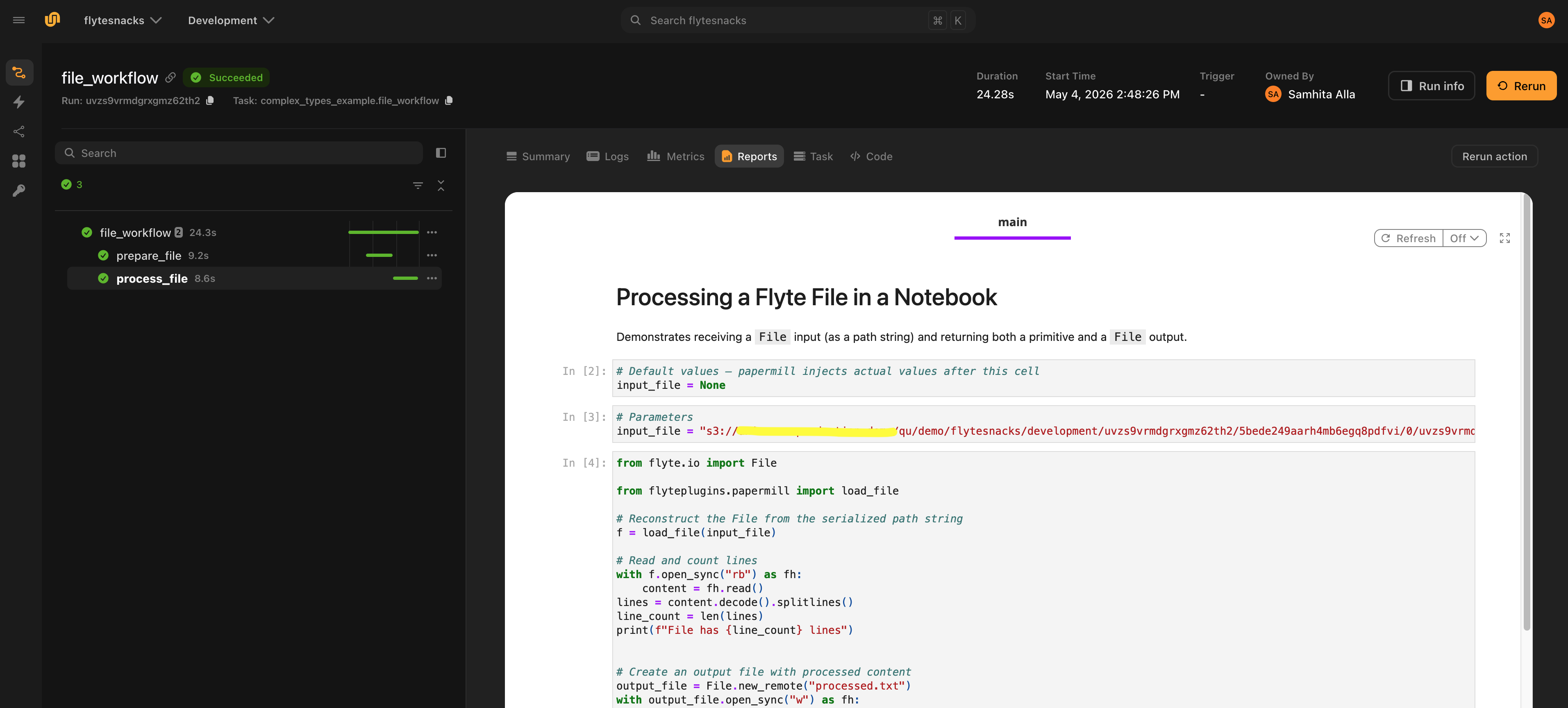
### Notebook artifacts
By default the executed notebook lives only inside the rendered HTML report. To get the source and executed `.ipynb` files as typed Flyte outputs (so downstream tasks can read them or so they show up as artifacts in the run UI), set `output_notebooks=True`:
```python{hl_lines=[7, 12]}
notebook = NotebookTask(
name="analysis",
notebook_path="notebooks/analysis.ipynb",
task_environment=env,
inputs={"x": int},
outputs={"result": float},
output_notebooks=True,
)
@env.task
def workflow(x: int = 5) -> tuple[float, File, File]:
result, source_nb, executed_nb = notebook(x=x)
return result, source_nb, executed_nb
```
When enabled, two outputs are appended to the task's interface automatically:
- `output_notebook`: The source `.ipynb` (no executed cell outputs)
- `output_notebook_executed`: The executed `.ipynb` (with cell outputs)
> [!WARNING]
> The names `output_notebook` and `output_notebook_executed` are reserved when `output_notebooks=True`. Don't use them as your own user output names.
### Clean reports
`report_mode=True` tells papermill to mark input cells with a `source_hidden` flag during execution. The plugin then strips those input cells from both the rendered HTML report and the uploaded `.ipynb` files, so only cell outputs (charts, tables, text) remain. This produces a clean stakeholder-facing report without exposing the underlying code.
```python{hl_lines=[3]}
notebook = NotebookTask(
...
report_mode=True,
output_notebooks=True,
)
```
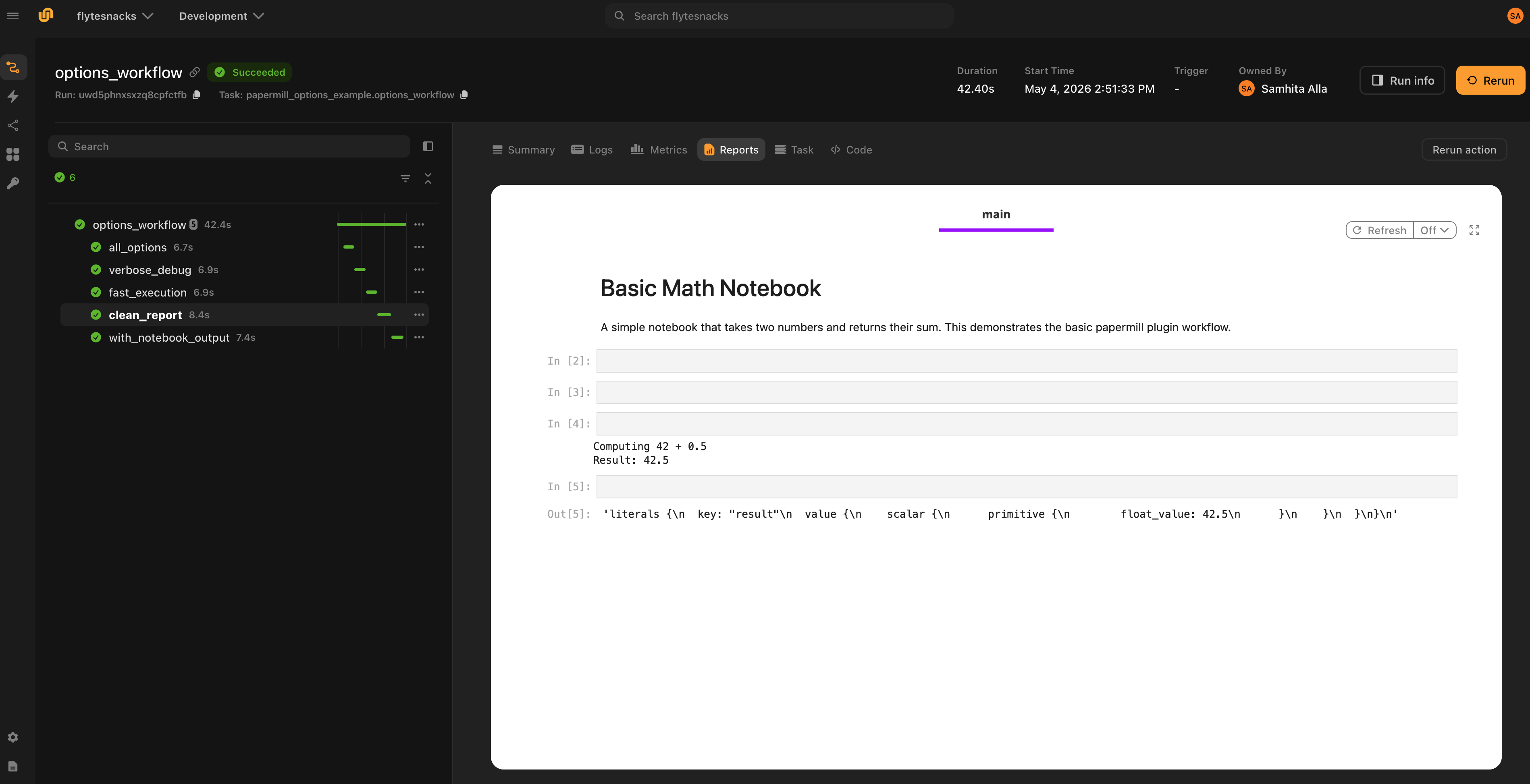
### Failure reports
The HTML report is rendered even when the notebook fails. Papermill writes the output notebook cell-by-cell as it executes, so the partial notebook is on disk when an exception propagates out. The plugin renders this partial notebook to HTML and flushes it to the Flyte Report before re-raising the error, giving full visibility into which cell failed and what output the earlier cells produced.
This is especially useful for long-running notebooks: you can inspect partial results without re-running the whole pipeline.
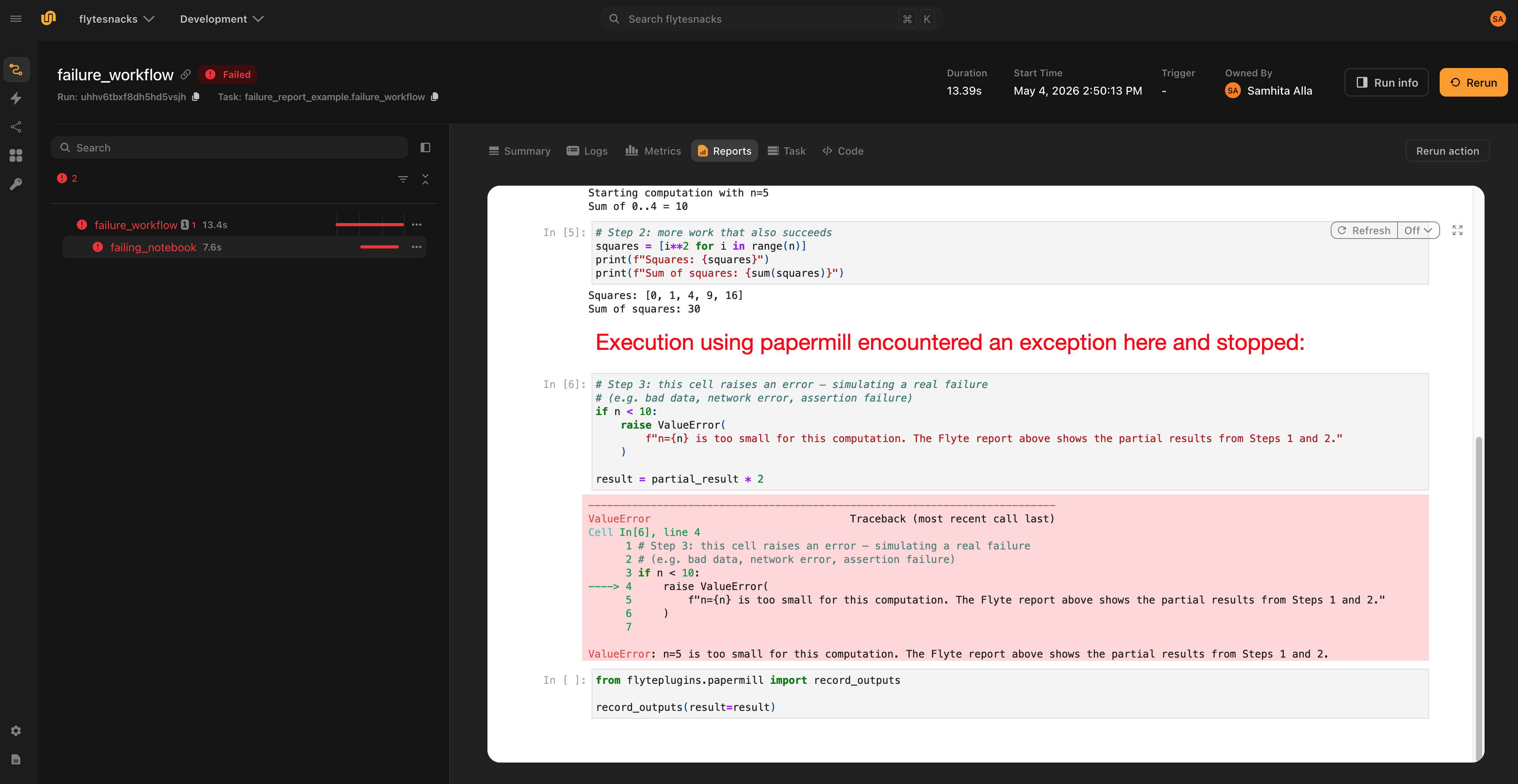
## Spark notebooks
Pass `plugin_config=Spark(...)` to run a notebook inside a Spark driver pod managed by the Spark on Kubernetes Operator:
```python{hl_lines=["8-16"]}
from flyteplugins.papermill import NotebookTask
from flyteplugins.spark import Spark
spark_nb = NotebookTask(
name="spark_analysis",
notebook_path="notebooks/spark_analysis.ipynb",
task_environment=env,
plugin_config=Spark(
spark_conf={
"spark.executor.instances": "2",
"spark.executor.memory": "2g",
"spark.executor.cores": "1",
"spark.driver.memory": "1g",
"spark.driver.cores": "1",
},
),
inputs={"data": list},
outputs={"total": int, "count": int},
)
```
Inside the notebook, build the `SparkSession` directly:
```python
from pyspark.sql import SparkSession
spark = SparkSession.builder.appName("FlyteSpark").getOrCreate()
```
> [!WARNING]
> `SparkContext.addPyFile()` is not called for notebook tasks. The notebook kernel runs in a subprocess that cannot share state with the parent task process, so dynamic code distribution via `addPyFile` is not supported. Executor pods use the same Docker image as the driver, so any package needed in UDFs must be installed in the image.
See the [Spark plugin](../spark/_index) page for the full `Spark` configuration reference.
## Local testing
Calling a `NotebookTask` as a regular Python function outside any Flyte runner executes the notebook synchronously through papermill and returns Python values:
```python
result = add_numbers(x=1, y=2.5)
```
In this mode:
- The notebook runs in-process (no remote submission)
- No HTML report is rendered (no task context)
- `File` and `Dir` outputs created inside the notebook resolve to local paths
- No plugin lifecycle hooks fire (so no Spark cluster is provisioned, etc.)
This makes iteration on notebook logic fast. You can run the task from a script, REPL or test without going through Flyte at all.
## Execution options
`NotebookTask` exposes the full set of papermill execution knobs. The snippet below shows example values. See **Papermill > `NotebookTask` reference** for defaults.
```python
NotebookTask(
name="all_options",
notebook_path="notebooks/basic_math.ipynb",
task_environment=env,
inputs={"x": int, "y": float},
outputs={"result": float},
kernel_name="python3", # default None - use kernel from notebook metadata
language=None, # rarely needed; overrides notebook language
execution_timeout=300, # default None - no per-cell timeout
start_timeout=120, # default 60 seconds to wait for kernel startup
log_output=True, # default False; stream cell output to task log
progress_bar=True, # default True; tqdm-style progress in logs
report_mode=False, # default False; True hides input cells in report
request_save_on_cell_execute=True, # default True; save after every cell (nbclient)
engine_name=None, # default None - nbclient
engine_kwargs={"autosave_cell_every": 30}, # extra kwargs forwarded to engine
)
```
> [!NOTE]
> `request_save_on_cell_execute` is largely redundant in remote execution: the plugin always renders and uploads the partial notebook on failure, so crash diagnostics don't depend on it. Leave it on its default unless using a custom engine that requires it.
## `NotebookTask` reference
| Parameter | Default | Description |
| ------------------------------ | ------- | ----------------------------------------------------------------------------------------- |
| `name` | - | Task name |
| `notebook_path` | - | Path to the `.ipynb`, relative to the calling file or absolute |
| `task_environment` | - | `TaskEnvironment` for registration and remote execution |
| `inputs` | `None` | `{name: type}` dict of notebook inputs |
| `outputs` | `None` | `{name: type}` dict of notebook outputs |
| `plugin_config` | `None` | Plugin config: currently only `Spark(...)` is supported. Sets the task type accordingly. |
| `kernel_name` | `None` | Jupyter kernel name; `None` uses the kernel from notebook metadata |
| `engine_name` | `None` | Papermill engine; `None` uses the default `nbclient` engine |
| `log_output` | `False` | Stream cell output to the task log |
| `start_timeout` | `60` | Seconds to wait for kernel startup |
| `execution_timeout` | `None` | Per-cell timeout in seconds; `None` means no timeout |
| `report_mode` | `False` | Strip input cells from the report and uploaded `.ipynb` |
| `request_save_on_cell_execute` | `True` | Save notebook after every cell (nbclient engine only) |
| `progress_bar` | `True` | Show a tqdm-style progress bar during execution |
| `language` | `None` | Override notebook language (rarely needed) |
| `engine_kwargs` | `{}` | Extra kwargs forwarded to the papermill engine |
| `output_notebooks` | `False` | Upload source and executed `.ipynb` as `File` task outputs |
## Helper functions
These are imported from `flyteplugins.papermill` and called from inside the notebook.
| Function | Purpose |
| ------------------------------------ | ------------------------------------------------------------------------------------------------------------------- |
| `record_outputs(**kwargs)` | Records outputs from the `outputs`-tagged cell. Must be the cell's last expression. Accepts any Flyte-typed values. |
| `load_file(path)` | Reconstructs a `flyte.io.File` from the path string injected by papermill. |
| `load_dir(path)` | Reconstructs a `flyte.io.Dir` from the path string injected by papermill. |
| `load_dataframe(uri, fmt="parquet")` | Reconstructs a `flyte.io.DataFrame` from the URI string injected by papermill. |
=== PAGE: https://www.union.ai/docs/latest/union/integrations/polars ===
# Polars
The Polars plugin adds native support for [Polars](https://pola.rs/) `pl.DataFrame` (eager) and `pl.LazyFrame` (lazy) values as task inputs and outputs. Frames are serialized to and from [Parquet](https://parquet.apache.org/) automatically, so you can pass Polars data between tasks with no manual conversion. Just annotate your task signatures with the Polars types.
Installing the plugin registers encode/decode handlers with Flyte's `flyte.io.DataFrame` transformer engine. That also means a `pl.DataFrame` can be exchanged with the generic `flyte.io.DataFrame` type and with other dataframe backends (pandas, PySpark) through the same Parquet interchange.
## When to use this plugin
- High-performance dataframe processing with Polars' query engine
- Passing large tabular datasets between tasks efficiently via Parquet
- Deferred, optimized computation with `pl.LazyFrame`
- Interoperating with `flyte.io.DataFrame` or other dataframe libraries in the same workflow
## Installation
```bash
pip install flyteplugins-polars
```
Add the plugin to your task image. Installing it registers the Polars type handlers automatically; no explicit registration call is needed:
```
import flyte
image = flyte.Image.from_debian_base(name="polars").with_pip_packages("flyteplugins-polars")
env = flyte.TaskEnvironment(
name="polars_env",
image=image,
resources=flyte.Resources(cpu="1", memory="2Gi"),
)
```
*Source: https://github.com/unionai/unionai-examples/blob/main/v2/integrations/flyte-plugins/polars/polars_example.py*
## Using Polars DataFrames
Annotate task inputs and outputs with `pl.DataFrame`. The plugin encodes returned frames to Parquet and decodes them back on the receiving task:
```
import polars as pl
@env.task
def make_dataframe() -> pl.DataFrame:
return pl.DataFrame(
{
"name": ["Alice", "Bob", "Charlie"],
"category": ["A", "B", "A"],
"salary": [55000.0, 75000.0, 72000.0],
"active": [True, False, True],
}
)
@env.task
def summarize(df: pl.DataFrame) -> pl.DataFrame:
return (
df.filter(pl.col("active"))
.group_by("category")
.agg(pl.col("salary").mean().alias("avg_salary"), pl.len().alias("count"))
.sort("category")
)
@env.task
def main() -> pl.DataFrame:
return summarize(make_dataframe())
```
*Source: https://github.com/unionai/unionai-examples/blob/main/v2/integrations/flyte-plugins/polars/polars_example.py*
Run it with:
```
if __name__ == "__main__":
flyte.init_from_config()
run = flyte.run(main)
print(run.url)
```
*Source: https://github.com/unionai/unionai-examples/blob/main/v2/integrations/flyte-plugins/polars/polars_example.py*
## Using LazyFrames
`pl.LazyFrame` is supported the same way and lets Polars defer and optimize the query until the frame is materialized:
```
@env.task
def lazy_summary(lf: pl.LazyFrame) -> pl.LazyFrame:
return (
lf.filter(pl.col("active"))
.group_by("category")
.agg(pl.col("salary").mean().alias("avg_salary"))
.sort("category")
)
```
*Source: https://github.com/unionai/unionai-examples/blob/main/v2/integrations/flyte-plugins/polars/polars_example.py*
> [!NOTE]
> When a task returns a `pl.LazyFrame` and you want the caller to receive it as a `pl.LazyFrame` (rather than an eagerly collected frame), run with `preserve_original_types=True`:
>
> ```python
> run = flyte.with_runcontext(preserve_original_types=True).run(lazy_summary, lf=my_lazyframe)
> ```
## Interoperating with `flyte.io.DataFrame`
Because the Polars handlers register against the shared dataframe transformer engine, a task can accept the generic `flyte.io.DataFrame` and return a Polars frame, or vice versa. Convert an in-memory Polars frame to a `flyte.io.DataFrame` with `flyte.io.DataFrame.wrap_df()` (preferred over deprecated `from_df()`):
```
import flyte.io
@env.task
def to_flyte_df(df: pl.DataFrame) -> flyte.io.DataFrame:
return flyte.io.DataFrame.wrap_df(df)
@env.task
def from_flyte_df(df: flyte.io.DataFrame) -> pl.DataFrame:
return df # returned to the caller as a Polars DataFrame
```
*Source: https://github.com/unionai/unionai-examples/blob/main/v2/integrations/flyte-plugins/polars/polars_example.py*
This makes it straightforward to mix Polars with pandas or PySpark tasks in the same workflow: each side declares the dataframe type it wants, and Flyte handles the Parquet interchange.
## Common use cases
- **ETL and feature engineering**: filter, join, and aggregate large tables with Polars' fast query engine across task boundaries.
- **Deferred pipelines**: build up a `pl.LazyFrame` query plan and let Polars optimize it before materialization.
- **Mixed-backend workflows**: bridge Polars and pandas/PySpark tasks through `flyte.io.DataFrame`.
## API reference
See the [Polars API reference](https://www.union.ai/docs/latest/union/api-reference/integrations/polars/_index) for the full list of encode/decode handlers.
=== PAGE: https://www.union.ai/docs/latest/union/integrations/pytorch ===
# PyTorch
The PyTorch plugin lets you run distributed [PyTorch](https://pytorch.org/) training jobs natively on Kubernetes. It uses the [Kubeflow Training Operator](https://github.com/kubeflow/training-operator) to manage multi-node training with PyTorch's elastic launch (`torchrun`).
## When to use this plugin
- Single-node or multi-node distributed training with `DistributedDataParallel` (DDP)
- Elastic training that can scale up and down during execution
- Any workload that uses `torch.distributed` for data-parallel or model-parallel training
## Installation
```bash
pip install flyteplugins-pytorch
```
## Configuration
Create an `Elastic` configuration and pass it as `plugin_config` to a `TaskEnvironment`:
```python
from flyteplugins.pytorch import Elastic
torch_env = flyte.TaskEnvironment(
name="torch_env",
resources=flyte.Resources(cpu=(1, 2), memory=("1Gi", "2Gi")),
plugin_config=Elastic(
nnodes=2,
nproc_per_node=1,
),
image=image,
)
```
### `Elastic` parameters
| Parameter | Type | Description |
|-----------|------|-------------|
| `nnodes` | `int` or `str` | **Required.** Number of nodes. Use an int for a fixed count or a range string (e.g., `"2:4"`) for elastic training |
| `nproc_per_node` | `int` | **Required.** Number of processes (workers) per node |
| `rdzv_backend` | `str` | Rendezvous backend: `"c10d"` (default), `"etcd"`, or `"etcd-v2"` |
| `max_restarts` | `int` | Maximum worker group restarts (default: `3`) |
| `monitor_interval` | `int` | Agent health check interval in seconds (default: `3`) |
| `run_policy` | `RunPolicy` | Job run policy (cleanup, TTL, deadlines, retries) |
### `RunPolicy` parameters
| Parameter | Type | Description |
|-----------|------|-------------|
| `clean_pod_policy` | `str` | Pod cleanup policy: `"None"`, `"all"`, or `"Running"` |
| `ttl_seconds_after_finished` | `int` | Seconds to keep pods after job completion |
| `active_deadline_seconds` | `int` | Maximum time the job can run (seconds) |
| `backoff_limit` | `int` | Number of retries before marking the job as failed |
### NCCL tuning parameters
The plugin includes built-in NCCL timeout tuning to reduce failure-detection latency (PyTorch defaults to 1800 seconds):
| Parameter | Type | Default | Description |
|-----------|------|---------|-------------|
| `nccl_heartbeat_timeout_sec` | `int` | `300` | NCCL heartbeat timeout (seconds) |
| `nccl_async_error_handling` | `bool` | `False` | Enable async NCCL error handling |
| `nccl_collective_timeout_sec` | `int` | `None` | Timeout for NCCL collective operations |
| `nccl_enable_monitoring` | `bool` | `True` | Enable NCCL monitoring |
### Writing a distributed training task
Tasks using this plugin do not need to be `async`. Initialize the process group and use `DistributedDataParallel` as you normally would with `torchrun`:
```python
import torch
import torch.distributed
from torch.nn.parallel import DistributedDataParallel as DDP
@torch_env.task
def train(epochs: int) -> float:
torch.distributed.init_process_group("gloo")
model = DDP(MyModel())
# ... training loop ...
return final_loss
```
> [!NOTE]
> When `nnodes=1`, the task runs as a regular Python task (no Kubernetes training job is created). Set `nnodes >= 2` for multi-node distributed training.
## Example
```python
# /// script
# requires-python = "==3.13"
# dependencies = [
# "flyte>=2.0.0b52",
# "flyteplugins-pytorch",
# "torch"
# ]
# main = "torch_distributed_train"
# params = "3"
# ///
import typing
import torch
import torch.distributed
import torch.nn as nn
import torch.optim as optim
from flyteplugins.pytorch.task import Elastic
from torch.nn.parallel import DistributedDataParallel as DDP
from torch.utils.data import DataLoader, DistributedSampler, TensorDataset
import flyte
image = flyte.Image.from_debian_base(name="torch").with_pip_packages("flyteplugins-pytorch", pre=True)
torch_env = flyte.TaskEnvironment(
name="torch_env",
resources=flyte.Resources(cpu=(1, 2), memory=("1Gi", "2Gi")),
plugin_config=Elastic(
nproc_per_node=1,
# if you want to do local testing set nnodes=1
nnodes=2,
),
image=image,
)
class LinearRegressionModel(nn.Module):
def __init__(self):
super().__init__()
self.linear = nn.Linear(1, 1)
def forward(self, x):
return self.linear(x)
def prepare_dataloader(rank: int, world_size: int, batch_size: int = 2) -> DataLoader:
"""
Prepare a DataLoader with a DistributedSampler so each rank
gets a shard of the dataset.
"""
# Dummy dataset
x_train = torch.tensor([[1.0], [2.0], [3.0], [4.0]])
y_train = torch.tensor([[3.0], [5.0], [7.0], [9.0]])
dataset = TensorDataset(x_train, y_train)
# Distributed-aware sampler
sampler = DistributedSampler(dataset, num_replicas=world_size, rank=rank, shuffle=True)
return DataLoader(dataset, batch_size=batch_size, sampler=sampler)
def train_loop(epochs: int = 3) -> float:
"""
A simple training loop for linear regression.
"""
torch.distributed.init_process_group("gloo")
model = DDP(LinearRegressionModel())
rank = torch.distributed.get_rank()
world_size = torch.distributed.get_world_size()
dataloader = prepare_dataloader(
rank=rank,
world_size=world_size,
batch_size=64,
)
criterion = nn.MSELoss()
optimizer = optim.SGD(model.parameters(), lr=0.01)
final_loss = 0.0
for _ in range(epochs):
for x, y in dataloader:
outputs = model(x)
loss = criterion(outputs, y)
optimizer.zero_grad()
loss.backward()
optimizer.step()
final_loss = loss.item()
if torch.distributed.get_rank() == 0:
print(f"Loss: {final_loss}")
return final_loss
@torch_env.task
def torch_distributed_train(epochs: int) -> typing.Optional[float]:
"""
A nested task that sets up a simple distributed training job using PyTorch's
"""
print("starting launcher")
loss = train_loop(epochs=epochs)
print("Training complete")
return loss
if __name__ == "__main__":
flyte.init_from_config()
r = flyte.run(torch_distributed_train, epochs=3)
print(r.name)
print(r.url)
r.wait()
```
*Source: https://github.com/unionai/unionai-examples/blob/main/v2/integrations/flyte-plugins/pytorch/pytorch_example.py*
## API reference
See the [PyTorch API reference](https://www.union.ai/docs/latest/union/api-reference/integrations/pytorch/_index) for full details.
=== PAGE: https://www.union.ai/docs/latest/union/integrations/ray ===
# Ray
The Ray plugin lets you run [Ray](https://www.ray.io/) jobs natively on Kubernetes. Flyte provisions a transient Ray cluster for each task execution using [KubeRay](https://github.com/ray-project/kuberay) and tears it down on completion.
## When to use this plugin
- Distributed Python workloads (parallel computation, data processing)
- ML training with Ray Train or hyperparameter tuning with Ray Tune
- Ray Serve inference workloads
- Any workload that benefits from Ray's actor model or task parallelism
## Installation
```bash
pip install flyteplugins-ray
```
Your task image must also include a compatible version of Ray:
```python
image = (
flyte.Image.from_debian_base(name="ray")
.with_pip_packages("ray[default]==2.46.0", "flyteplugins-ray")
)
```
> [!NOTE]
> For self-managed setups, refer to the [setup instructions](https://www.union.ai/docs/latest/union/deployment/selfmanaged/configuration/plugins/page.md) to enable the Ray plugin in your data plane.
## Configuration
Create a `RayJobConfig` and pass it as `plugin_config` to a `TaskEnvironment`:
```python
from flyteplugins.ray import HeadNodeConfig, RayJobConfig, WorkerNodeConfig
ray_config = RayJobConfig(
head_node_config=HeadNodeConfig(ray_start_params={"log-color": "True"}),
worker_node_config=[WorkerNodeConfig(group_name="ray-group", replicas=2)],
runtime_env={"pip": ["numpy", "pandas"]},
enable_autoscaling=False,
shutdown_after_job_finishes=True,
ttl_seconds_after_finished=300,
)
ray_env = flyte.TaskEnvironment(
name="ray_env",
plugin_config=ray_config,
image=image,
)
```
### `RayJobConfig` parameters
| Parameter | Type | Description |
|-----------|------|-------------|
| `worker_node_config` | `List[WorkerNodeConfig]` | **Required.** List of worker group configurations |
| `head_node_config` | `HeadNodeConfig` | Head node configuration (optional) |
| `enable_autoscaling` | `bool` | Enable Ray autoscaler (default: `False`) |
| `runtime_env` | `dict` | Ray runtime environment (pip packages, env vars, etc.) |
| `address` | `str` | Connect to an existing Ray cluster instead of provisioning one |
| `shutdown_after_job_finishes` | `bool` | Shut down the cluster after the job completes (default: `False`) |
| `ttl_seconds_after_finished` | `int` | Seconds to keep the cluster after completion before cleanup |
### `WorkerNodeConfig` parameters
| Parameter | Type | Description |
|-----------|------|-------------|
| `group_name` | `str` | **Required.** Name of this worker group |
| `replicas` | `int` | **Required.** Number of worker replicas |
| `min_replicas` | `int` | Minimum replicas (for autoscaling) |
| `max_replicas` | `int` | Maximum replicas (for autoscaling) |
| `ray_start_params` | `Dict[str, str]` | Ray start parameters for workers |
| `requests` | `Resources` | Resource requests per worker |
| `limits` | `Resources` | Resource limits per worker |
| `pod_template` | `PodTemplate` | Full pod template (mutually exclusive with `requests`/`limits`) |
### `HeadNodeConfig` parameters
| Parameter | Type | Description |
|-----------|------|-------------|
| `ray_start_params` | `Dict[str, str]` | Ray start parameters for the head node |
| `requests` | `Resources` | Resource requests for the head node |
| `limits` | `Resources` | Resource limits for the head node |
| `pod_template` | `PodTemplate` | Full pod template (mutually exclusive with `requests`/`limits`) |
### Connecting to an existing cluster
To connect to an existing Ray cluster instead of provisioning a new one, set the `address` parameter:
```python
ray_config = RayJobConfig(
worker_node_config=[WorkerNodeConfig(group_name="ray-group", replicas=2)],
address="ray://existing-cluster:10001",
)
```
## Reusable Ray clusters
By default, every Ray task pays the full cluster cold-start cost: a new Ray cluster is provisioned for the task and torn down when it finishes. If your workload runs many Ray jobs with the same cluster configuration, you can instead share one long-lived Ray cluster across tasks by attaching a `flyte.ReusePolicy` (see [Reusable containers](https://www.union.ai/docs/latest/union/user-guide/tasks/task-configuration/reusable-containers/page.md)) to the Ray `TaskEnvironment`:
```python
import flyte
from flyteplugins.ray import HeadNodeConfig, RayJobConfig, WorkerNodeConfig
ray_env = flyte.TaskEnvironment(
name="ray_env",
plugin_config=RayJobConfig(
head_node_config=HeadNodeConfig(),
worker_node_config=[WorkerNodeConfig(group_name="ray-group", replicas=2)],
),
image=image,
reusable=flyte.ReusePolicy(
replicas=1, # one shared Ray cluster
idle_ttl=300, # tear the cluster down after 5 minutes of inactivity
scope="global", # share across all runs (see below)
),
)
```
The first task creates the shared cluster; once it is ready, every subsequent task with the same environment submits its Ray job directly to it, skipping cluster startup entirely. Each job still runs and reports under its own run identity.
The cluster's identity is derived from the task environment: its name, the Ray configuration, the container image and resources, any pod template, the security context (service account and secrets), the code bundle, and the reuse policy itself. Tasks with an identical environment share one cluster; changing any of these (for example deploying a new image or code version, or switching service account) creates a fresh cluster rather than reusing a stale one.
> [!NOTE]
> `ReusePolicy` logs a recommendation to use at least two replicas to avoid starvation. That advice applies to reusable containers, not to reusable Ray clusters, which require exactly one shared cluster and let Ray schedule work across its nodes. You can ignore the warning here.
### Reuse scope
The `scope` parameter controls how widely the shared cluster is reused:
| Scope | Behavior |
|-------|----------|
| `"global"` (default) | One cluster is shared by every run whose tasks use the same environment. The cluster survives across runs until it has been idle for `idle_ttl`. |
| `"run"` | Reuse is restricted to a single run: each run gets its own shared cluster, and tasks within that run share it. |
```python
# Each run gets its own Ray cluster, shared by the tasks in that run.
reusable = flyte.ReusePolicy(replicas=1, idle_ttl=300, scope="run")
```
### Cleanup
A shared cluster is never deleted when an individual task completes or is aborted. It is shut down automatically after it has been idle (no jobs running against it) for `idle_ttl`.
### Constraints
- `replicas` must be `1`: one shared Ray cluster per environment. An autoscaling range whose maximum is greater than `1`, such as `(1, 3)`, is rejected.
- `concurrency` must be `1` (the default). Ray itself handles parallelism inside the cluster.
- `shutdown_after_job_finishes` and `ttl_seconds_after_finished` must not be set on the `RayJobConfig`. The shared cluster has to outlive the individual jobs that run on it, so `idle_ttl` governs its shutdown instead. The `RayJobConfig` example under **Ray > Configuration** above sets both, so drop them when you add a reuse policy.
## Examples
The following example shows how to configure Ray in a `TaskEnvironment`. Flyte automatically provisions a Ray cluster for each task using this configuration:
```python
# /// script
# requires-python = "==3.13"
# dependencies = [
# "flyte>=2.0.0b52",
# "flyteplugins-ray",
# "ray[default]==2.46.0"
# ]
# main = "hello_ray_nested"
# params = "3"
# ///
import asyncio
import typing
import ray
from flyteplugins.ray.task import HeadNodeConfig, RayJobConfig, WorkerNodeConfig
import flyte.remote
import flyte.storage
@ray.remote
def f(x):
return x * x
ray_config = RayJobConfig(
head_node_config=HeadNodeConfig(ray_start_params={"log-color": "True"}),
worker_node_config=[WorkerNodeConfig(group_name="ray-group", replicas=2)],
runtime_env={"pip": ["numpy", "pandas"]},
enable_autoscaling=False,
shutdown_after_job_finishes=True,
ttl_seconds_after_finished=300,
)
image = (
flyte.Image.from_debian_base(name="ray")
.with_apt_packages("wget")
.with_pip_packages("ray[default]==2.46.0", "flyteplugins-ray", "pip", "mypy")
)
task_env = flyte.TaskEnvironment(
name="hello_ray", resources=flyte.Resources(cpu=(1, 2), memory=("400Mi", "1000Mi")), image=image
)
ray_env = flyte.TaskEnvironment(
name="ray_env",
plugin_config=ray_config,
image=image,
resources=flyte.Resources(cpu=(3, 4), memory=("3000Mi", "5000Mi")),
depends_on=[task_env],
)
@task_env.task()
async def hello_ray():
await asyncio.sleep(20)
print("Hello from the Ray task!")
@ray_env.task
async def hello_ray_nested(n: int = 3) -> typing.List[int]:
print("running ray task")
t = asyncio.create_task(hello_ray())
futures = [f.remote(i) for i in range(n)]
res = ray.get(futures)
await t
return res
if __name__ == "__main__":
flyte.init_from_config()
r = flyte.run(hello_ray_nested)
print(r.name)
print(r.url)
r.wait()
```
*Source: https://github.com/unionai/unionai-examples/blob/main/v2/integrations/flyte-plugins/ray/ray_example.py*
The next example demonstrates how Flyte can create ephemeral Ray clusters and run a subtask that connects to an existing Ray cluster:
```python
# /// script
# requires-python = "==3.13"
# dependencies = [
# "flyte>=2.0.0b52",
# "flyteplugins-ray",
# "ray[default]==2.46.0"
# ]
# main = "create_ray_cluster"
# params = ""
# ///
import os
import typing
import ray
from flyteplugins.ray.task import HeadNodeConfig, RayJobConfig, WorkerNodeConfig
import flyte.storage
@ray.remote
def f(x):
return x * x
ray_config = RayJobConfig(
head_node_config=HeadNodeConfig(ray_start_params={"log-color": "True"}),
worker_node_config=[WorkerNodeConfig(group_name="ray-group", replicas=2)],
enable_autoscaling=False,
shutdown_after_job_finishes=True,
ttl_seconds_after_finished=3600,
)
image = (
flyte.Image.from_debian_base(name="ray")
.with_apt_packages("wget")
.with_pip_packages("ray[default]==2.46.0", "flyteplugins-ray")
)
task_env = flyte.TaskEnvironment(
name="ray_client", resources=flyte.Resources(cpu=(1, 2), memory=("400Mi", "1000Mi")), image=image
)
ray_env = flyte.TaskEnvironment(
name="ray_cluster",
plugin_config=ray_config,
image=image,
resources=flyte.Resources(cpu=(2, 4), memory=("2000Mi", "4000Mi")),
depends_on=[task_env],
)
@task_env.task()
async def hello_ray(cluster_ip: str) -> typing.List[int]:
"""
Run a simple Ray task that connects to an existing Ray cluster.
"""
ray.init(address=f"ray://{cluster_ip}:10001")
futures = [f.remote(i) for i in range(5)]
res = ray.get(futures)
return res
@ray_env.task
async def create_ray_cluster() -> str:
"""
Create a Ray cluster and return the head node IP address.
"""
print("creating ray cluster")
cluster_ip = os.getenv("MY_POD_IP")
if cluster_ip is None:
raise ValueError("MY_POD_IP environment variable is not set")
return f"{cluster_ip}"
if __name__ == "__main__":
flyte.init_from_config()
run = flyte.run(create_ray_cluster)
run.wait()
print("run url:", run.url)
print("cluster created, running ray task")
print("ray address:", run.outputs()[0])
run = flyte.run(hello_ray, cluster_ip=run.outputs()[0])
print("run url:", run.url)
```
*Source: https://github.com/unionai/unionai-examples/blob/main/v2/integrations/flyte-plugins/ray/ray_existing_example.py*
## API reference
See the [Ray API reference](https://www.union.ai/docs/latest/union/api-reference/integrations/ray/_index) for full details.
=== PAGE: https://www.union.ai/docs/latest/union/integrations/snowflake ===
# Snowflake
The Snowflake connector lets you run SQL queries against [Snowflake](https://www.snowflake.com/) directly from Flyte tasks. Queries are submitted asynchronously and polled for completion, so they don't block a worker while waiting for results.
The connector supports:
- Parameterized SQL queries with typed inputs
- Key-pair and password-based authentication
- Returns query results as DataFrames
- Automatic links to the Snowflake query dashboard in the Flyte UI
- Query cancellation on task abort
## Installation
```bash
pip install flyteplugins-snowflake
```
This installs the Snowflake Python connector and the `cryptography` library for key-pair authentication.
## Quick start
Here's a minimal example that runs a SQL query on Snowflake:
```python {hl_lines=[2, 4, 12]}
from flyte.io import DataFrame
from flyteplugins.connectors.snowflake import Snowflake, SnowflakeConfig
config = SnowflakeConfig(
account="myorg-myaccount",
user="flyte_user",
database="ANALYTICS",
schema="PUBLIC",
warehouse="COMPUTE_WH",
)
count_users = Snowflake(
name="count_users",
query_template="SELECT COUNT(*) FROM users",
plugin_config=config,
output_dataframe_type=DataFrame,
)
```
This defines a task called `count_users` that runs `SELECT COUNT(*) FROM users` on the configured Snowflake instance. When executed, the connector:
1. Connects to Snowflake using the provided configuration
2. Submits the query asynchronously
3. Polls until the query completes or fails
4. Provides a link to the query in the Snowflake dashboard
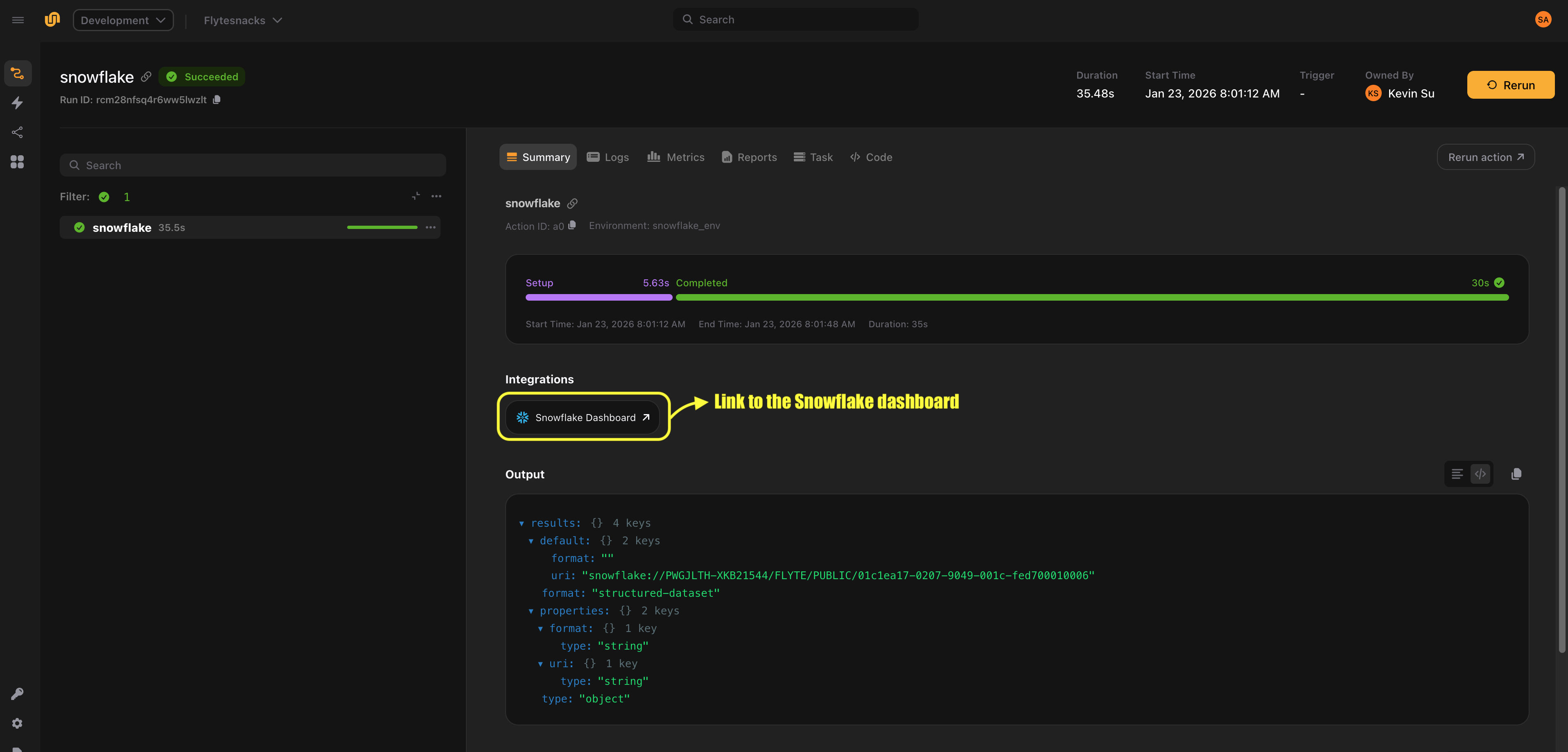
To run the task, create a `TaskEnvironment` from it and execute it locally or remotely:
```python {hl_lines=3}
import flyte
snowflake_env = flyte.TaskEnvironment.from_task("snowflake_env", count_users)
if __name__ == "__main__":
flyte.init_from_config()
# Run locally (connector runs in-process, requires credentials and packages locally)
run = flyte.with_runcontext(mode="local").run(count_users)
# Run remotely (connector runs as a service in your data plane)
run = flyte.with_runcontext(mode="remote").run(count_users)
print(run.url)
```
> [!NOTE]
> The `TaskEnvironment` created by `from_task` does not need an image or pip packages. Snowflake tasks are connector tasks, which means the query executes on the connector service, not in your task container. In `local` mode, the connector runs in-process and requires `flyteplugins-snowflake` and credentials to be available on your machine. In `remote` mode, the connector runs as a service in your data plane.
## Configuration
The `SnowflakeConfig` dataclass defines the connection settings for your Snowflake instance.
### Required fields
| Field | Type | Description |
| ----------- | ----- | ------------------------------------------------------- |
| `account` | `str` | Snowflake account identifier (e.g. `"myorg-myaccount"`) |
| `database` | `str` | Target database name |
| `schema` | `str` | Target schema name (e.g. `"PUBLIC"`) |
| `warehouse` | `str` | Compute warehouse to use for query execution |
| `user` | `str` | Snowflake username |
### Additional connection parameters
Use `connection_kwargs` to pass any additional parameters supported by the [Snowflake Python connector](https://docs.snowflake.com/en/developer-guide/python-connector/python-connector-api). This is a dictionary that gets forwarded directly to `snowflake.connector.connect()`.
Common options include:
| Parameter | Type | Description |
| --------------- | ----- | -------------------------------------------------------------------------- |
| `role` | `str` | Snowflake role to use for the session |
| `authenticator` | `str` | Authentication method (e.g. `"snowflake"`, `"externalbrowser"`, `"oauth"`) |
| `token` | `str` | OAuth token when using `authenticator="oauth"` |
| `login_timeout` | `int` | Timeout in seconds for the login request |
Example with a role:
```python {hl_lines=8}
config = SnowflakeConfig(
account="myorg-myaccount",
user="flyte_user",
database="ANALYTICS",
schema="PUBLIC",
warehouse="COMPUTE_WH",
connection_kwargs={
"role": "DATA_ANALYST",
},
)
```
## Authentication
The connector supports two authentication approaches: key-pair authentication, and password-based or other authentication methods provided through `connection_kwargs`.
### Key-pair authentication
Key-pair authentication is the recommended approach for automated workloads. Pass the names of the Flyte secrets containing the private key and optional passphrase:
```python {hl_lines=[5, 6]}
query = Snowflake(
name="secure_query",
query_template="SELECT * FROM sensitive_data",
plugin_config=config,
snowflake_private_key="my-snowflake-private-key",
snowflake_private_key_passphrase="my-snowflake-pk-passphrase",
)
```
The `snowflake_private_key` parameter is the name of the secret (or secret key) that contains your PEM-encoded private key. The `snowflake_private_key_passphrase` parameter is the name of the secret (or secret key) that contains the passphrase, if your key is encrypted. If your key is not encrypted, omit the passphrase parameter.
The connector decodes the PEM key and converts it to DER format for Snowflake authentication.
> [!NOTE]
> If your credentials are stored in a secret group, you can pass `secret_group` to the `Snowflake` task. The plugin expects `snowflake_private_key` and
> `snowflake_private_key_passphrase` to be keys within the same secret group.
### Password authentication
Send the password via `connection_kwargs`:
```python {hl_lines=8}
config = SnowflakeConfig(
account="myorg-myaccount",
user="flyte_user",
database="ANALYTICS",
schema="PUBLIC",
warehouse="COMPUTE_WH",
connection_kwargs={
"password": "my-password",
},
)
```
### OAuth authentication
For OAuth-based authentication, specify the authenticator and token:
```python {hl_lines=["8-9"]}
config = SnowflakeConfig(
account="myorg-myaccount",
user="flyte_user",
database="ANALYTICS",
schema="PUBLIC",
warehouse="COMPUTE_WH",
connection_kwargs={
"authenticator": "oauth",
"token": "",
},
)
```
## Query templating
Use the `inputs` parameter to define typed inputs for your query. Input values are bound using the `%(param)s` syntax supported by the [Snowflake Python connector](https://docs.snowflake.com/en/developer-guide/python-connector/python-connector-api), which handles type conversion and escaping automatically.
### Supported input types
The `inputs` dictionary maps parameter names to Python values. Supported scalar types include `str`, `int`, `float`, and `bool`.
To insert multiple rows in a single query, you can also provide lists as input values. When using list inputs, be sure to set `batch=True` on the `Snowflake` task. This enables automatic batching, where the inputs are expanded and sent as a single multi-row query instead of you having to write multiple individual statements.
### Batched `INSERT` with list inputs
When `batch=True` is enabled, a parameterized `INSERT` query with list inputs is automatically expanded into a multi-row `VALUES` statement.
Example:
```python
query = "INSERT INTO t (a, b) VALUES (%(a)s, %(b)s)"
inputs = {"a": [1, 2], "b": ["x", "y"]}
```
This is expanded into:
```sql
INSERT INTO t (a, b)
VALUES (%(a_0)s, %(b_0)s), (%(a_1)s, %(b_1)s)
```
with the following flattened parameters:
```python
flat_params = {
"a_0": 1,
"b_0": "x",
"a_1": 2,
"b_1": "y",
}
```
#### Constraints
- The query must contain exactly one `VALUES (...)` clause.
- All list inputs must have the same non-zero length.
### Parameterized `SELECT`
```python {hl_lines=[5, 7]}
from flyte.io import DataFrame
events_by_date = Snowflake(
name="events_by_date",
query_template="SELECT * FROM events WHERE event_date = %(event_date)s",
plugin_config=config,
inputs={"event_date": str},
output_dataframe_type=DataFrame,
)
```
You can call the task with the required inputs:
```python {hl_lines=3}
@env.task
async def fetch_events() -> DataFrame:
return await events_by_date(event_date="2024-01-15")
```
### Multiple inputs
You can define multiple input parameters of different types:
```python {hl_lines=["4-8", "12-15"]}
filtered_events = Snowflake(
name="filtered_events",
query_template="""
SELECT * FROM events
WHERE event_date >= %(start_date)s
AND event_date <= %(end_date)s
AND region = %(region)s
AND score > %(min_score)s
""",
plugin_config=config,
inputs={
"start_date": str,
"end_date": str,
"region": str,
"min_score": float,
},
output_dataframe_type=DataFrame,
)
```
> [!NOTE]
> The query template is normalized before execution: newlines and tabs are replaced with spaces, and consecutive whitespace is collapsed. You can format your queries across multiple lines for readability without affecting execution.
## Retrieving query results
If your query produces output, set `output_dataframe_type` to capture the results. `output_dataframe_type` accepts `DataFrame` from `flyte.io`. This is a meta-wrapper type that represents tabular results and can be materialized into a concrete DataFrame implementation using `open()` where you specify the target type and `all()`.
```python {hl_lines=13}
from flyte.io import DataFrame
top_customers = Snowflake(
name="top_customers",
query_template="""
SELECT customer_id, SUM(amount) AS total_spend
FROM orders
GROUP BY customer_id
ORDER BY total_spend DESC
LIMIT 100
""",
plugin_config=config,
output_dataframe_type=DataFrame,
)
```
At present, only `pandas.DataFrame` is supported. The results are returned directly when you call the task:
```python {hl_lines=6}
import pandas as pd
@env.task
async def analyze_top_customers() -> dict:
df = await top_customers()
pandas_df = await df.open(pd.DataFrame).all()
total_spend = pandas_df["total_spend"].sum()
return {"total_spend": float(total_spend)}
```
If you specify `pandas.DataFrame` as the `output_dataframe_type`, you do not need to call `open()` and `all()` to materialize the results.
```python {hl_lines=[1, 13, "18-19"]}
import pandas as pd
top_customers = Snowflake(
name="top_customers",
query_template="""
SELECT customer_id, SUM(amount) AS total_spend
FROM orders
GROUP BY customer_id
ORDER BY total_spend DESC
LIMIT 100
""",
plugin_config=config,
output_dataframe_type=pd.DataFrame,
)
@env.task
async def analyze_top_customers() -> dict:
df = await top_customers()
total_spend = df["total_spend"].sum()
return {"total_spend": float(total_spend)}
```
> [!NOTE]
> Be sure to inject the `SNOWFLAKE_PRIVATE_KEY` and `SNOWFLAKE_PRIVATE_KEY_PASSPHRASE` environment variables as secrets into your downstream tasks, as they must have access to Snowflake credentials in order to retrieve the DataFrame results. More on how you can [create secrets](https://www.union.ai/docs/latest/union/user-guide/tasks/task-configuration/secrets/page.md).
If you don't need query results (for example, `DDL` statements or `INSERT` queries), omit `output_dataframe_type`.
## End-to-end example
Here's a complete workflow that uses the Snowflake connector as part of a data pipeline. The workflow creates a staging table, inserts records, queries aggregated results and processes them in a downstream task.
```
import flyte
from flyte.io import DataFrame
from flyteplugins.connectors.snowflake import Snowflake, SnowflakeConfig
config = SnowflakeConfig(
account="myorg-myaccount",
user="flyte_user",
database="ANALYTICS",
schema="PUBLIC",
warehouse="COMPUTE_WH",
connection_kwargs={
"role": "ETL_ROLE",
},
)
# Step 1: Create the staging table if it doesn't exist
create_staging = Snowflake(
name="create_staging",
query_template="""
CREATE TABLE IF NOT EXISTS staging.daily_events (
event_id STRING,
event_date DATE,
user_id STRING,
event_type STRING,
payload VARIANT
)
""",
plugin_config=config,
snowflake_private_key="snowflake",
snowflake_private_key_passphrase="snowflake_passphrase",
)
# Step 2: Insert a record into the staging table
insert_events = Snowflake(
name="insert_event",
query_template="""
INSERT INTO staging.daily_events (event_id, event_date, user_id, event_type)
VALUES (%(event_id)s, %(event_date)s, %(user_id)s, %(event_type)s)
""",
plugin_config=config,
inputs={
"event_id": list[str],
"event_date": list[str],
"user_id": list[str],
"event_type": list[str],
},
snowflake_private_key="snowflake",
snowflake_private_key_passphrase="snowflake_passphrase",
batch=True,
)
# Step 3: Query aggregated results for a given date
daily_summary = Snowflake(
name="daily_summary",
query_template="""
SELECT
event_type,
COUNT(*) AS event_count,
COUNT(DISTINCT user_id) AS unique_users
FROM staging.daily_events
WHERE event_date = %(report_date)s
GROUP BY event_type
ORDER BY event_count DESC
""",
plugin_config=config,
inputs={"report_date": str},
output_dataframe_type=DataFrame,
snowflake_private_key="snowflake",
snowflake_private_key_passphrase="snowflake_passphrase",
)
# Create environments for all Snowflake tasks
snowflake_env = flyte.TaskEnvironment.from_task(
"snowflake_env", create_staging, insert_events, daily_summary
)
# Main pipeline environment that depends on the Snowflake task environments
env = flyte.TaskEnvironment(
name="analytics_env",
resources=flyte.Resources(memory="512Mi"),
image=flyte.Image.from_debian_base(name="analytics").with_pip_packages(
"flyteplugins-snowflake", pre=True
),
secrets=[
flyte.Secret(key="snowflake", as_env_var="SNOWFLAKE_PRIVATE_KEY"),
flyte.Secret(
key="snowflake_passphrase", as_env_var="SNOWFLAKE_PRIVATE_KEY_PASSPHRASE"
),
],
depends_on=[snowflake_env],
)
# Step 4: Process the results in Python
@env.task
async def generate_report(summary: DataFrame) -> dict:
import pandas as pd
df = await summary.open(pd.DataFrame).all()
total_events = df["event_count"].sum()
top_event = df.iloc[0]["event_type"]
return {
"total_events": int(total_events),
"top_event_type": top_event,
"event_types_count": len(df),
}
# Compose the pipeline
@env.task
async def run_daily_pipeline(
event_ids: list[str],
event_dates: list[str],
user_ids: list[str],
event_types: list[str],
) -> dict:
await create_staging()
await insert_events(
event_id=event_ids,
event_date=event_dates,
user_id=user_ids,
event_type=event_types,
)
summary = await daily_summary(report_date=event_dates[0])
return await generate_report(summary=summary)
if __name__ == "__main__":
flyte.init_from_config()
# Run locally
run = flyte.with_runcontext(mode="local").run(
run_daily_pipeline,
event_ids=["event-1", "event-2"],
event_dates=["2023-01-01", "2023-01-02"],
user_ids=["user-1", "user-2"],
event_types=["click", "view"],
)
# Or run remotely
run = flyte.with_runcontext(mode="remote").run(
run_daily_pipeline,
event_ids=["event-1", "event-2"],
event_dates=["2023-01-01", "2023-01-02"],
user_ids=["user-1", "user-2"],
event_types=["click", "view"],
)
print(run.url)
```
*Source: https://github.com/unionai/unionai-examples/blob/main/v2/integrations/connectors/snowflake/example.py*
=== PAGE: https://www.union.ai/docs/latest/union/integrations/spark ===
# Spark
The Spark plugin lets you run [Apache Spark](https://spark.apache.org/) jobs natively on Kubernetes. Flyte manages the full cluster lifecycle: provisioning a transient Spark cluster for each task execution, running the job, and tearing the cluster down on completion.
Under the hood, the plugin uses the [Spark on Kubernetes Operator](https://github.com/GoogleCloudPlatform/spark-on-k8s-operator) to create and manage Spark applications. No external Spark service or long-running cluster is required.
## When to use this plugin
- Large-scale data processing and ETL pipelines
- Jobs that benefit from Spark's distributed execution engine (Spark SQL, PySpark, Spark MLlib)
- Workloads that need Hadoop-compatible storage access (S3, GCS, HDFS)
## Installation
```bash
pip install flyteplugins-spark
```
## Configuration
Create a `Spark` configuration and pass it as `plugin_config` to a `TaskEnvironment`:
```python
from flyteplugins.spark import Spark
spark_config = Spark(
spark_conf={
"spark.driver.memory": "3000M",
"spark.executor.memory": "1000M",
"spark.executor.cores": "1",
"spark.executor.instances": "2",
"spark.driver.cores": "1",
},
)
spark_env = flyte.TaskEnvironment(
name="spark_env",
plugin_config=spark_config,
image=image,
)
```
### `Spark` parameters
| Parameter | Type | Description |
|-----------|------|-------------|
| `spark_conf` | `Dict[str, str]` | Spark configuration key-value pairs (e.g., executor memory, cores, instances) |
| `hadoop_conf` | `Dict[str, str]` | Hadoop configuration key-value pairs (e.g., S3/GCS access settings) |
| `executor_path` | `str` | Path to the Python binary for PySpark executors |
| `applications_path` | `str` | Path to the main Spark application file |
| `driver_pod` | `PodTemplate` | Pod template for the Spark driver pod |
| `executor_pod` | `PodTemplate` | Pod template for the Spark executor pods |
### Pod templates
There are two places to customize the driver and executor pods:
- **`TaskEnvironment(pod_template=...)`**: the task pod spec, used as the base pod template for *both* the driver and the executor pods.
- **`Spark(driver_pod=...)` / `Spark(executor_pod=...)`**: role-specific specs that replace that base pod template for the driver or the executor.
Both use `flyte.PodTemplate`. See [Pod templates](https://www.union.ai/docs/latest/union/user-guide/tasks/task-configuration/pod-templates/page.md) for the general rules and for the `kubernetes` package the `V1*` types below come from.
#### On the task environment
Use this when the same customization (security context, tolerations, node selector, volumes) should apply to driver and executor alike. The spec must contain the primary container, the container Flyte injects the task image and command into, whose name defaults to `primary`:
```python
from kubernetes.client import V1Container, V1PodSecurityContext, V1PodSpec
spark_env = flyte.TaskEnvironment(
name="spark_env",
plugin_config=spark_config,
pod_template=flyte.PodTemplate(
pod_spec=V1PodSpec(
containers=[V1Container(name="primary")], # required: the primary container
security_context=V1PodSecurityContext(run_as_user=1000),
),
),
image=image,
)
```
Flyte renames the primary container to `spark-kubernetes-driver` / `spark-kubernetes-executor` before handing the template over, so Spark configures the right container.
#### On the plugin config
Use `driver_pod` / `executor_pod` when the two roles need to differ. These specs are passed through verbatim as the driver or executor pod template; they are *not* merged with the environment's pod template.
Name the container `spark-kubernetes-driver` or `spark-kubernetes-executor`. Spark selects the driver and executor container from the template by that name; if no container matches, it falls back to the first container in the list and configures that one instead, so a template with a sidecar ahead of the real container silently runs the sidecar as the driver. The canonical names are also what the Spark operator and Flyte's log links use to find the container.
```python
from kubernetes.client import V1Container, V1PodSpec, V1ResourceRequirements
spark_config = Spark(
spark_conf={"spark.executor.instances": "2"},
executor_pod=flyte.PodTemplate(
pod_spec=V1PodSpec(
containers=[
V1Container(
name="spark-kubernetes-executor",
resources=V1ResourceRequirements(requests={"ephemeral-storage": "9Gi"}),
)
],
),
),
)
```
Because a role-specific spec replaces the base template rather than merging into it, anything you still need from the environment's `pod_template`, such as volumes, volume mounts, or sidecars, has to be repeated in the `driver_pod` / `executor_pod` spec. Pod-level scheduling and security settings that Flyte passes to the operator separately (affinity, scheduler name, pod security context, and DNS config) come from the task environment and override the same fields in a role-specific spec. Tolerations, node selectors, and environment variables are combined rather than replaced, so values set in `driver_pod` / `executor_pod` are kept alongside the environment's.
### Accessing the Spark session
Inside a Spark task, the `SparkSession` is available through the task context:
```python
from flyte._context import internal_ctx
@spark_env.task
async def my_spark_task() -> float:
ctx = internal_ctx()
spark = ctx.data.task_context.data["spark_session"]
# Use spark as a normal SparkSession
df = spark.read.parquet("s3://my-bucket/data.parquet")
return df.count()
```
### Overriding configuration at runtime
You can override Spark configuration for individual task calls using `.override()`:
```python
from copy import deepcopy
updated_config = deepcopy(spark_config)
updated_config.spark_conf["spark.executor.instances"] = "4"
result = await my_spark_task.override(plugin_config=updated_config)()
```
## Example
```python
# /// script
# requires-python = "==3.13"
# dependencies = [
# "flyte>=2.0.0b52",
# "flyteplugins-spark"
# ]
# main = "hello_spark_nested"
# params = "3"
# ///
import random
from copy import deepcopy
from operator import add
from flyteplugins.spark.task import Spark
import flyte.remote
from flyte._context import internal_ctx
image = (
flyte.Image.from_base("apache/spark-py:v3.4.0")
.clone(name="spark", python_version=(3, 10), registry="ghcr.io/flyteorg")
.with_pip_packages("flyteplugins-spark", pre=True)
)
task_env = flyte.TaskEnvironment(
name="get_pi", resources=flyte.Resources(cpu=(1, 2), memory=("400Mi", "1000Mi")), image=image
)
spark_conf = Spark(
spark_conf={
"spark.driver.memory": "3000M",
"spark.executor.memory": "1000M",
"spark.executor.cores": "1",
"spark.executor.instances": "2",
"spark.driver.cores": "1",
"spark.kubernetes.file.upload.path": "/opt/spark/work-dir",
"spark.jars": "https://storage.googleapis.com/hadoop-lib/gcs/gcs-connector-hadoop3-latest.jar,https://repo1.maven.org/maven2/org/apache/hadoop/hadoop-aws/3.2.2/hadoop-aws-3.2.2.jar,https://repo1.maven.org/maven2/com/amazonaws/aws-java-sdk-bundle/1.12.262/aws-java-sdk-bundle-1.12.262.jar",
},
)
spark_env = flyte.TaskEnvironment(
name="spark_env",
resources=flyte.Resources(cpu=(1, 2), memory=("3000Mi", "5000Mi")),
plugin_config=spark_conf,
image=image,
depends_on=[task_env],
)
def f(_):
x = random.random() * 2 - 1
y = random.random() * 2 - 1
return 1 if x**2 + y**2 <= 1 else 0
@task_env.task
async def get_pi(count: int, partitions: int) -> float:
return 4.0 * count / partitions
@spark_env.task
async def hello_spark_nested(partitions: int = 3) -> float:
n = 1 * partitions
ctx = internal_ctx()
spark = ctx.data.task_context.data["spark_session"]
count = spark.sparkContext.parallelize(range(1, n + 1), partitions).map(f).reduce(add)
return await get_pi(count, partitions)
@task_env.task
async def spark_overrider(executor_instances: int = 3, partitions: int = 4) -> float:
updated_spark_conf = deepcopy(spark_conf)
updated_spark_conf.spark_conf["spark.executor.instances"] = str(executor_instances)
return await hello_spark_nested.override(plugin_config=updated_spark_conf)(partitions=partitions)
if __name__ == "__main__":
flyte.init_from_config()
r = flyte.run(hello_spark_nested)
print(r.name)
print(r.url)
r.wait()
```
*Source: https://github.com/unionai/unionai-examples/blob/main/v2/integrations/flyte-plugins/spark/spark_example.py*
## API reference
See the [Spark API reference](https://www.union.ai/docs/latest/union/api-reference/integrations/spark/_index) for full details.
=== PAGE: https://www.union.ai/docs/latest/union/integrations/wandb ===
# Weights & Biases
[Weights & Biases](https://wandb.ai) (W&B) is a platform for tracking machine learning experiments, visualizing metrics and optimizing hyperparameters. This plugin integrates W&B with Flyte, enabling you to:
- Automatically initialize W&B runs in your tasks without boilerplate
- Link directly from the Flyte UI to your W&B runs and sweeps
- Share W&B runs across parent and child tasks
- Track distributed training jobs across multiple GPUs and nodes
- Run hyperparameter sweeps with parallel agents
## Installation
```bash
pip install flyteplugins-wandb
```
You also need a W&B API key. Store it as a Flyte secret so your tasks can authenticate with W&B.
## Quick start
Here's a minimal example that logs metrics to W&B from a Flyte task:
```
import flyte
from flyteplugins.wandb import get_wandb_run, wandb_config, wandb_init
env = flyte.TaskEnvironment(
name="wandb-example",
image=flyte.Image.from_debian_base(name="wandb-example").with_pip_packages(
"flyteplugins-wandb"
),
secrets=[flyte.Secret(key="wandb_api_key", as_env_var="WANDB_API_KEY")],
)
@wandb_init
@env.task
async def train_model() -> str:
wandb_run = get_wandb_run()
# Your training code here
for epoch in range(10):
loss = 1.0 / (epoch + 1)
wandb_run.log({"epoch": epoch, "loss": loss})
return "Training complete"
if __name__ == "__main__":
flyte.init_from_config()
r = flyte.with_runcontext(
custom_context=wandb_config(
project="my-project",
entity="my-team",
),
).run(train_model)
print(f"run url: {r.url}")
```
*Source: https://github.com/unionai/unionai-examples/blob/main/v2/integrations/flyte-plugins/wandb/quick_start.py*
This example demonstrates the core pattern:
1. **Define a task environment** with the plugin installed and your W&B API key as a secret
2. **Decorate your task** with `@wandb_init` (must be the outermost decorator, above `@env.task`)
3. **Access the run** with `get_wandb_run()` to log metrics
4. **Provide configuration** via `wandb_config()` when running the task
The plugin handles calling `wandb.init()` and `wandb.finish()` for you, and automatically adds a link to the W&B run in the Flyte UI.
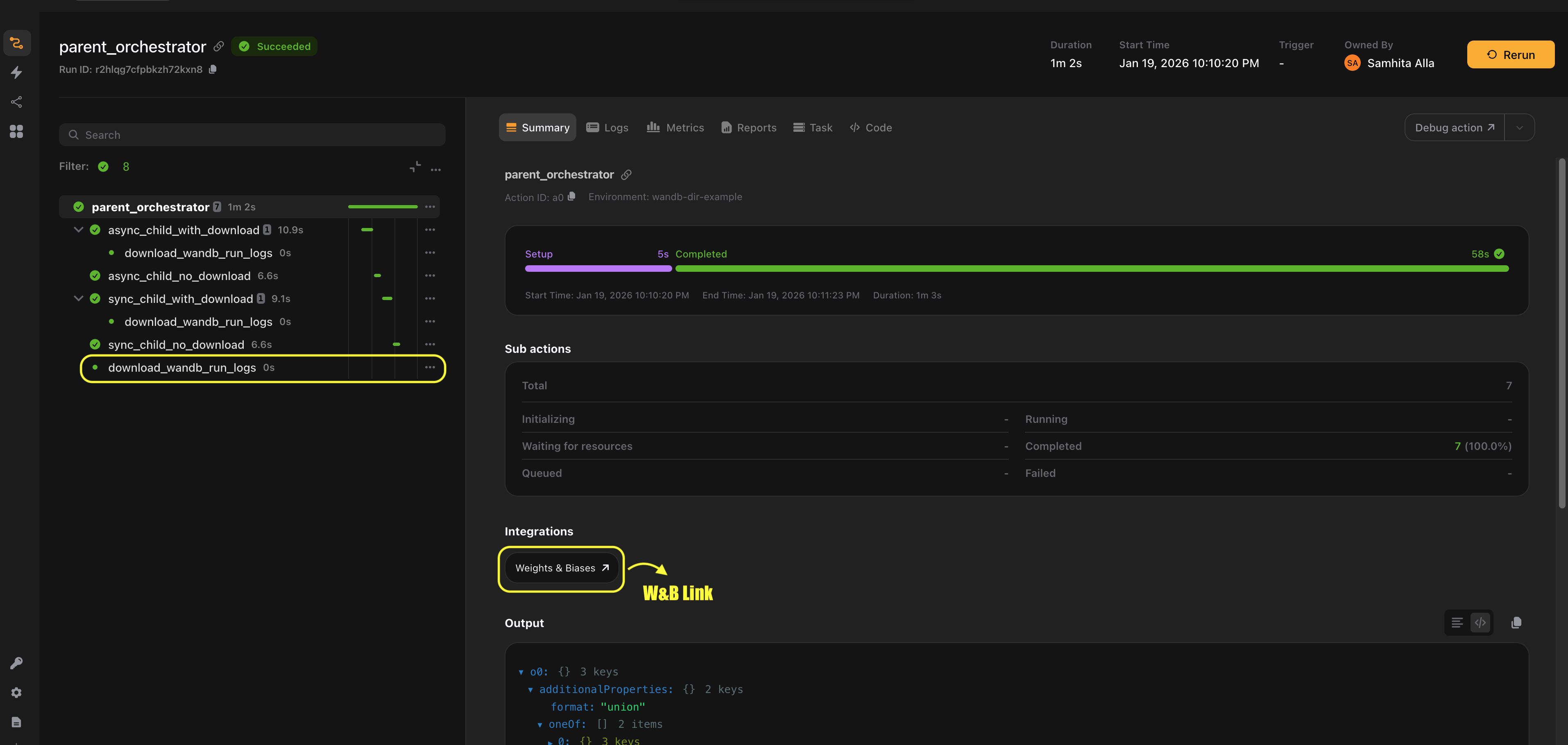
## What's next
This integration guide is split into focused sections, depending on how you want to use Weights & Biases with Flyte:
- ****Weights & Biases > Experiments****: Create and manage W&B runs from Flyte tasks.
- ****Weights & Biases > Distributed training****: Track experiments across multi-GPU and multi-node training jobs.
- ****Weights & Biases > Sweeps****: Run hyperparameter searches and manage sweep execution from Flyte tasks.
- ****Weights & Biases > Downloading logs****: Download logs and execution metadata from Weights & Biases.
- ****Weights & Biases > Constraints and best practices****: Learn about limitations, edge cases and recommended patterns.
- ****Weights & Biases > Manual integration****: Use Weights & Biases directly in Flyte tasks without decorators or helpers.
> **📝 Note**
>
> We've included [additional examples](https://github.com/flyteorg/flyte-sdk/tree/main/plugins/wandb/examples) developed while testing edge cases of the plugin.
=== PAGE: https://www.union.ai/docs/latest/union/integrations/wandb/experiments ===
# Experiments
The `@wandb_init` decorator automatically initializes a W&B run when your task executes and finishes it when the task completes. This section covers the different ways to use it.
## Basic usage
Apply `@wandb_init` as the outermost decorator on your task:
```python {hl_lines=1}
@wandb_init
@env.task
async def my_task() -> str:
run = get_wandb_run()
run.log({"metric": 42})
return "done"
```
The decorator:
- Calls `wandb.init()` before your task code runs
- Calls `wandb.finish()` after your task completes (or fails)
- Adds a link to the W&B run in the Flyte UI
You can also use it on synchronous tasks:
```python {hl_lines=[1, 3]}
@wandb_init
@env.task
def my_sync_task() -> str:
run = get_wandb_run()
run.log({"metric": 42})
return "done"
```
## Accessing the run object
Use `get_wandb_run()` to access the current W&B run object:
```python {hl_lines=6}
from flyteplugins.wandb import get_wandb_run
@wandb_init
@env.task
async def train() -> str:
run = get_wandb_run()
# Log metrics
run.log({"loss": 0.5, "accuracy": 0.9})
# Access run properties
print(f"Run ID: {run.id}")
print(f"Run URL: {run.url}")
print(f"Project: {run.project}")
# Log configuration
run.config.update({"learning_rate": 0.001, "batch_size": 32})
return run.id
```
## Parent-child task relationships
When a parent task calls child tasks, the plugin can share the same W&B run across all of them. This is useful for tracking an entire workflow in a single run.
```python {hl_lines=[1, 9, 16]}
@wandb_init
@env.task
async def child_task(x: int) -> int:
run = get_wandb_run()
run.log({"child_metric": x * 2})
return x * 2
@wandb_init
@env.task
async def parent_task() -> int:
run = get_wandb_run()
run.log({"parent_metric": 100})
# Child task shares the parent's run by default
result = await child_task(5)
return result
```
By default (`run_mode="auto"`), child tasks reuse their parent's W&B run. All metrics logged by the parent and children appear in the same run in the W&B UI.
## Run modes
The `run_mode` parameter controls how tasks create or reuse W&B runs. There are three modes:
| Mode | Behavior |
| ---------------- | -------------------------------------------------------------------------- |
| `auto` (default) | Create a new run if no parent run exists, otherwise reuse the parent's run |
| `new` | Always create a new run, even if a parent run exists |
| `shared` | Always reuse the parent's run (fails if no parent run exists) |
### Using `run_mode="new"` for independent runs
```python {hl_lines=1}
@wandb_init(run_mode="new")
@env.task
async def independent_child(x: int) -> int:
run = get_wandb_run()
# This task gets its own separate run
run.log({"independent_metric": x})
return x
@wandb_init
@env.task
async def parent_task() -> str:
run = get_wandb_run()
parent_run_id = run.id
# This child creates its own run
await independent_child(5)
# Parent's run is unchanged
assert run.id == parent_run_id
return parent_run_id
```
### Using `run_mode="shared"` for explicit sharing
```python {hl_lines=1}
@wandb_init(run_mode="shared")
@env.task
async def must_share_run(x: int) -> int:
# This task requires a parent run to exist
# It will fail if called as a top-level task
run = get_wandb_run()
run.log({"shared_metric": x})
return x
```
## Configuration with `wandb_config`
Use `wandb_config()` to configure W&B runs. You can set it at the workflow level or override it for specific tasks, allowing you to provide configuration values at runtime.
### Workflow-level configuration
```python {hl_lines=["5-9"]}
if __name__ == "__main__":
flyte.init_from_config()
flyte.with_runcontext(
custom_context=wandb_config(
project="my-project",
entity="my-team",
tags=["experiment-1", "production"],
config={"model": "resnet50", "dataset": "imagenet"},
),
).run(train_task)
```
### Overriding configuration for child tasks
Use `wandb_config()` as a context manager to override settings for specific child task calls:
```python {hl_lines=[8, 12]}
@wandb_init
@env.task
async def parent_task() -> str:
run = get_wandb_run()
run.log({"parent_metric": 100})
# Override tags and config for this child call
with wandb_config(tags=["special-run"], config={"learning_rate": 0.01}):
await child_task(10)
# Override run_mode for this child call
with wandb_config(run_mode="new"):
await child_task(20) # Gets its own run
return "done"
```
## Using traces with W&B runs
Flyte traces can access the parent task's W&B run without needing the `@wandb_init` decorator. This is useful for helper functions that should log to the same run:
```python {hl_lines=[1, 3]}
@flyte.trace
async def log_validation_metrics(accuracy: float, f1: float):
run = get_wandb_run()
if run:
run.log({"val_accuracy": accuracy, "val_f1": f1})
@wandb_init
@env.task
async def train_and_validate() -> str:
run = get_wandb_run()
# Training loop
for epoch in range(10):
run.log({"train_loss": 1.0 / (epoch + 1)})
# Trace logs to the same run
await log_validation_metrics(accuracy=0.95, f1=0.92)
return "done"
```
> **📝 Note**
>
> Do not apply `@wandb_init` to traces. Traces automatically access the parent task's run via `get_wandb_run()`.
=== PAGE: https://www.union.ai/docs/latest/union/integrations/wandb/distributed_training ===
# Distributed training
When running distributed training jobs, multiple processes run simultaneously across GPUs. The `@wandb_init` decorator automatically detects distributed training environments and coordinates W&B logging across processes.
The plugin:
- Auto-detects distributed context from environment variables (set by launchers like `torchrun`)
- Controls which processes initialize W&B runs based on the `run_mode` and `rank_scope` parameters
- Generates unique run IDs that distinguish between workers and ranks
- Adds links to W&B runs in the Flyte UI
## Quick start
Here's a minimal single-node example that logs metrics from a distributed training task. By default (`run_mode="auto"`, `rank_scope="global"`), only rank 0 logs to W&B:
```
import flyte
import torch
import torch.distributed
from flyteplugins.pytorch.task import Elastic
from flyteplugins.wandb import get_wandb_run, wandb_config, wandb_init
image = flyte.Image.from_debian_base(name="torch-wandb").with_pip_packages(
"flyteplugins-wandb", "flyteplugins-pytorch"
)
env = flyte.TaskEnvironment(
name="distributed_env",
image=image,
resources=flyte.Resources(gpu="A100:2"),
plugin_config=Elastic(nproc_per_node=2, nnodes=1),
secrets=flyte.Secret(key="wandb_api_key", as_env_var="WANDB_API_KEY"),
)
@wandb_init
@env.task
def train() -> float:
torch.distributed.init_process_group("nccl")
# Only rank 0 gets a W&B run object; others get None
run = get_wandb_run()
# Simulate training
for step in range(100):
loss = 1.0 / (step + 1)
# Safe to call on all ranks - only rank 0 actually logs
if run:
run.log({"loss": loss, "step": step})
torch.distributed.destroy_process_group()
return loss
if __name__ == "__main__":
flyte.init_from_config()
flyte.with_runcontext(
custom_context=wandb_config(project="my-project", entity="my-team")
).run(train)
```
*Source: https://github.com/unionai/unionai-examples/blob/main/v2/integrations/flyte-plugins/wandb/distributed_training_quick_start.py*
A few things to note:
1. Use the `Elastic` plugin to configure distributed training (number of processes, nodes)
2. Apply `@wandb_init` as the outermost decorator
3. Check if `run` is not None before logging - only the primary rank has a run object in `auto` mode
> **📝 Note**
>
> The `if run:` check is always safe regardless of run mode. In `shared` and `new` modes all ranks get a run object, but the check doesn't hurt and keeps your code portable across modes.
## Run modes in distributed training
The `run_mode` parameter controls how W&B runs are created across distributed processes. The behavior differs between single-node (one machine, multiple GPUs) and multi-node (multiple machines) setups.
### Single-node behavior
| Mode | Which ranks log | Result |
| ---------------- | --------------------- | -------------------------------------- |
| `auto` (default) | Only rank 0 | 1 W&B run |
| `shared` | All ranks to same run | 1 W&B run with metrics labeled by rank |
| `new` | Each rank separately | N W&B runs (grouped in UI) |
### Multi-node behavior
For multi-node training, the `rank_scope` parameter controls the granularity of W&B runs:
- **`global`** (default): Treat all workers as one unit
- **`worker`**: Treat each worker/node independently
The combination of `run_mode` and `rank_scope` determines logging behavior:
| `run_mode` | `rank_scope` | Who initializes W&B | W&B Runs | Grouping |
| ---------- | ------------ | ---------------------- | -------- | -------- |
| `auto` | `global` | Global rank 0 only | 1 | - |
| `auto` | `worker` | Local rank 0 per worker | N | - |
| `shared` | `global` | All ranks (shared globally) | 1 | - |
| `shared` | `worker` | All ranks (shared per worker) | N | - |
| `new` | `global` | All ranks | N × M | 1 group |
| `new` | `worker` | All ranks | N × M | N groups |
Where `N` = number of workers/nodes, `M` = processes per worker.
### Choosing run mode and rank scope
- **`auto`** (recommended): Use when you want clean dashboards with minimal runs. Most metrics (loss, accuracy) are the same across ranks after gradient synchronization, so logging from one rank is sufficient.
- **`shared`**: Use when you need to compare metrics across ranks in a single view. Each rank's metrics are labeled with an `x_label` identifier. Useful for debugging load imbalance or per-GPU throughput.
- **`new`**: Use when you need completely separate runs per GPU, for example to track GPU-specific metrics or compare training dynamics across devices.
For multi-node training:
- Use **`rank_scope="global"`** (default) for most cases. A single consolidated run across all nodes is sufficient since metrics like loss and accuracy converge after gradient synchronization.
- Use **`rank_scope="worker"`** for debugging and per-node analysis. This is useful when you need to inspect data distribution across nodes, compare predictions from different workers, or track metrics on individual batches outside the main node.
## Single-node multi-GPU
For single-node distributed training, configure the `Elastic` plugin with `nnodes=1` and set `nproc_per_node` to your GPU count.
### Basic example with `auto` mode
```python {hl_lines=["6-7", 13, 18, 30]}
import os
import torch
import torch.distributed
import flyte
from flyteplugins.pytorch.task import Elastic
from flyteplugins.wandb import wandb_init, get_wandb_run
env = flyte.TaskEnvironment(
name="single_node_env",
image=image,
resources=flyte.Resources(gpu="A100:4"),
plugin_config=Elastic(nproc_per_node=4, nnodes=1),
secrets=flyte.Secret(key="wandb_api_key", as_env_var="WANDB_API_KEY"),
)
@wandb_init # run_mode="auto" (default)
@env.task
def train_single_node() -> float:
torch.distributed.init_process_group("nccl")
rank = torch.distributed.get_rank()
local_rank = int(os.environ.get("LOCAL_RANK", 0))
device = torch.device(f"cuda:{local_rank}")
torch.cuda.set_device(device)
run = get_wandb_run()
# Training loop - only rank 0 logs
for epoch in range(10):
loss = train_epoch(model, dataloader, device)
if run:
run.log({"epoch": epoch, "loss": loss})
torch.distributed.destroy_process_group()
return loss
```
### Using `shared` mode for per-rank metrics
When you need to see metrics from all GPUs in a single run, use `run_mode="shared"`:
```python {hl_lines=[3, 13, 19]}
import os
@wandb_init(run_mode="shared")
@env.task
def train_with_per_gpu_metrics() -> float:
torch.distributed.init_process_group("nccl")
rank = torch.distributed.get_rank()
local_rank = int(os.environ.get("LOCAL_RANK", 0))
device = torch.device(f"cuda:{local_rank}")
torch.cuda.set_device(device)
# In shared mode, all ranks get a run object
run = get_wandb_run()
for step in range(1000):
loss, throughput = train_step(model, batch, device)
# Each rank logs with automatic x_label identification
if run:
run.log({
"loss": loss,
"throughput_samples_per_sec": throughput,
"gpu_memory_used": torch.cuda.memory_allocated(device),
})
torch.distributed.destroy_process_group()
return loss
```
In the W&B UI, metrics from each rank appear with distinct labels, allowing you to compare GPU utilization and throughput across devices.
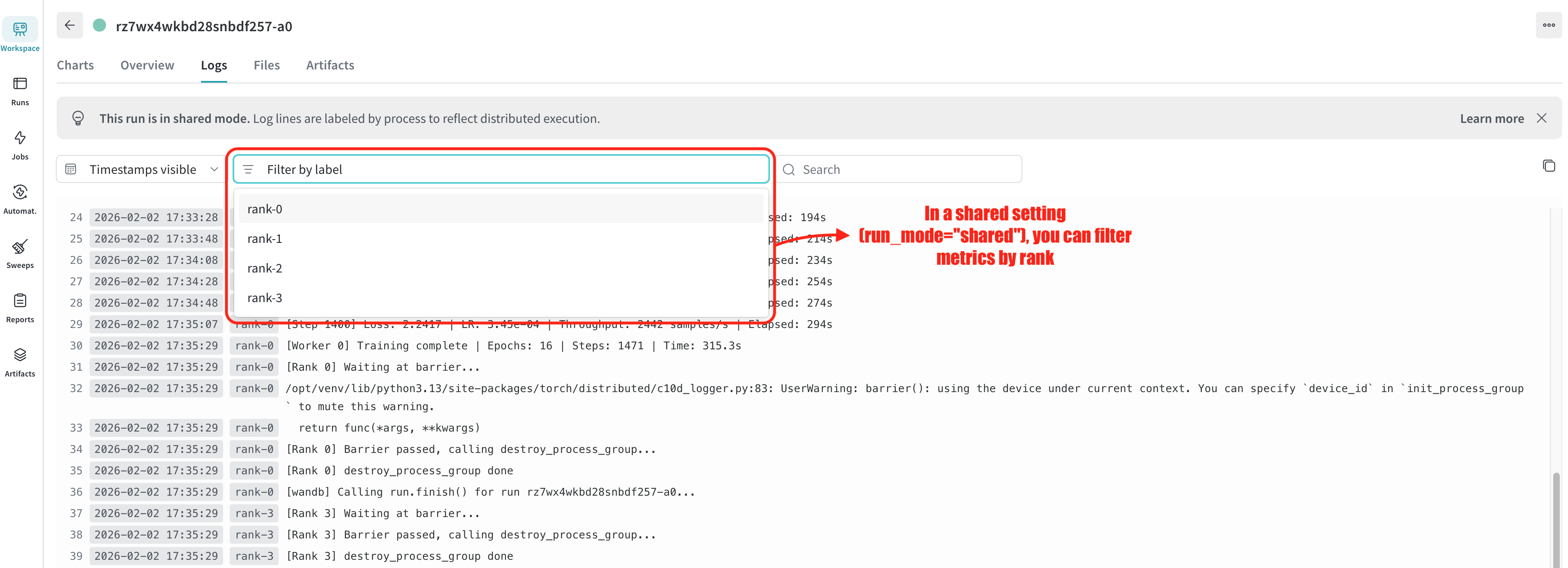
### Using `new` mode for per-rank runs
When you need completely separate W&B runs for each GPU, use `run_mode="new"`. Each rank gets its own run, and runs are grouped together in the W&B UI:
```python {hl_lines=[1, "11-12"]}
@wandb_init(run_mode="new") # Each rank gets its own run
@env.task
def train_per_rank() -> float:
torch.distributed.init_process_group("nccl")
rank = torch.distributed.get_rank()
# ...
# Each rank has its own W&B run
run = get_wandb_run()
# Run IDs: {base}-rank-{rank}
# All runs are grouped under {base} in W&B UI
run.log({"train/loss": loss.item(), "rank": rank})
# ...
```
With `run_mode="new"`:
- Each rank creates its own W&B run
- Run IDs follow the pattern `{run_name}-{action_name}-rank-{rank}`
- All runs are grouped together in the W&B UI for comparison
## Multi-node training with `Elastic`
For multi-node distributed training, set `nnodes` to your node count. The `rank_scope` parameter controls whether you get a single W&B run across all nodes (`global`) or one run per node (`worker`).
### Global scope (default): Single run across all nodes
With `run_mode="auto"` and `rank_scope="global"` (both defaults), only global rank 0 initializes W&B, resulting in a single run for the entire distributed job:
```python {hl_lines=["11-12", "27-30", "35", "59-60", "95-98"]}
import os
import torch
import torch.distributed
import torch.nn as nn
import torch.optim as optim
from torch.nn.parallel import DistributedDataParallel as DDP
from torch.utils.data import DataLoader, DistributedSampler
import flyte
from flyteplugins.pytorch.task import Elastic
from flyteplugins.wandb import wandb_init, wandb_config, get_wandb_run
image = flyte.Image.from_debian_base(name="torch-wandb").with_pip_packages(
"flyteplugins-wandb", "flyteplugins-pytorch", pre=True
)
multi_node_env = flyte.TaskEnvironment(
name="multi_node_env",
image=image,
resources=flyte.Resources(
cpu=(1, 2),
memory=("1Gi", "10Gi"),
gpu="A100:4",
shm="auto",
),
plugin_config=Elastic(
nproc_per_node=4, # GPUs per node
nnodes=2, # Number of nodes
),
secrets=flyte.Secret(key="wandb_api_key", as_env_var="WANDB_API_KEY"),
)
@wandb_init # rank_scope="global" by default → 1 run total
@multi_node_env.task
def train_multi_node(epochs: int, batch_size: int) -> float:
torch.distributed.init_process_group("nccl")
rank = torch.distributed.get_rank()
world_size = torch.distributed.get_world_size()
local_rank = int(os.environ.get("LOCAL_RANK", 0))
device = torch.device(f"cuda:{local_rank}")
torch.cuda.set_device(device)
# Model with DDP
model = MyModel().to(device)
model = DDP(model, device_ids=[local_rank])
# Distributed data loading
dataset = MyDataset()
sampler = DistributedSampler(dataset, num_replicas=world_size, rank=rank)
dataloader = DataLoader(dataset, batch_size=batch_size, sampler=sampler)
optimizer = optim.AdamW(model.parameters(), lr=1e-3)
criterion = nn.CrossEntropyLoss()
# Only global rank 0 gets a W&B run
run = get_wandb_run()
for epoch in range(epochs):
sampler.set_epoch(epoch)
model.train()
for batch_idx, (data, target) in enumerate(dataloader):
data, target = data.to(device), target.to(device)
optimizer.zero_grad()
output = model(data)
loss = criterion(output, target)
loss.backward()
optimizer.step()
if run and batch_idx % 100 == 0:
run.log({
"train/loss": loss.item(),
"train/epoch": epoch,
"train/batch": batch_idx,
})
if run:
run.log({"train/epoch_complete": epoch})
# Barrier ensures all ranks finish before cleanup
torch.distributed.barrier()
torch.distributed.destroy_process_group()
return loss.item()
if __name__ == "__main__":
flyte.init_from_config()
flyte.with_runcontext(
custom_context=wandb_config(
project="multi-node-training",
tags=["distributed", "multi-node"],
)
).run(train_multi_node, epochs=10, batch_size=32)
```
With this configuration:
- Two nodes run the task, each with 4 GPUs (8 total processes)
- Only global rank 0 creates a W&B run
- Run ID follows the pattern `{run_name}-{action_name}`
- The Flyte UI shows a single link to the W&B run
### Worker scope: One run per node
Use `rank_scope="worker"` when you want each node to have its own W&B run for per-node analysis:
```python {hl_lines=[1, 8]}
@wandb_init(rank_scope="worker") # 1 run per worker/node
@multi_node_env.task
def train_per_worker(epochs: int, batch_size: int) -> float:
torch.distributed.init_process_group("nccl")
local_rank = int(os.environ.get("LOCAL_RANK", 0))
# ...
# Local rank 0 of each worker gets a W&B run
run = get_wandb_run()
if run:
# Each worker logs to its own run
run.log({"train/loss": loss.item()})
# ...
```
With `run_mode="auto"`, `rank_scope="worker"`:
- Each node's local rank 0 creates a W&B run
- Run IDs follow the pattern `{run_name}-{action_name}-worker-{worker_index}`
- The Flyte UI shows links to each worker's W&B run
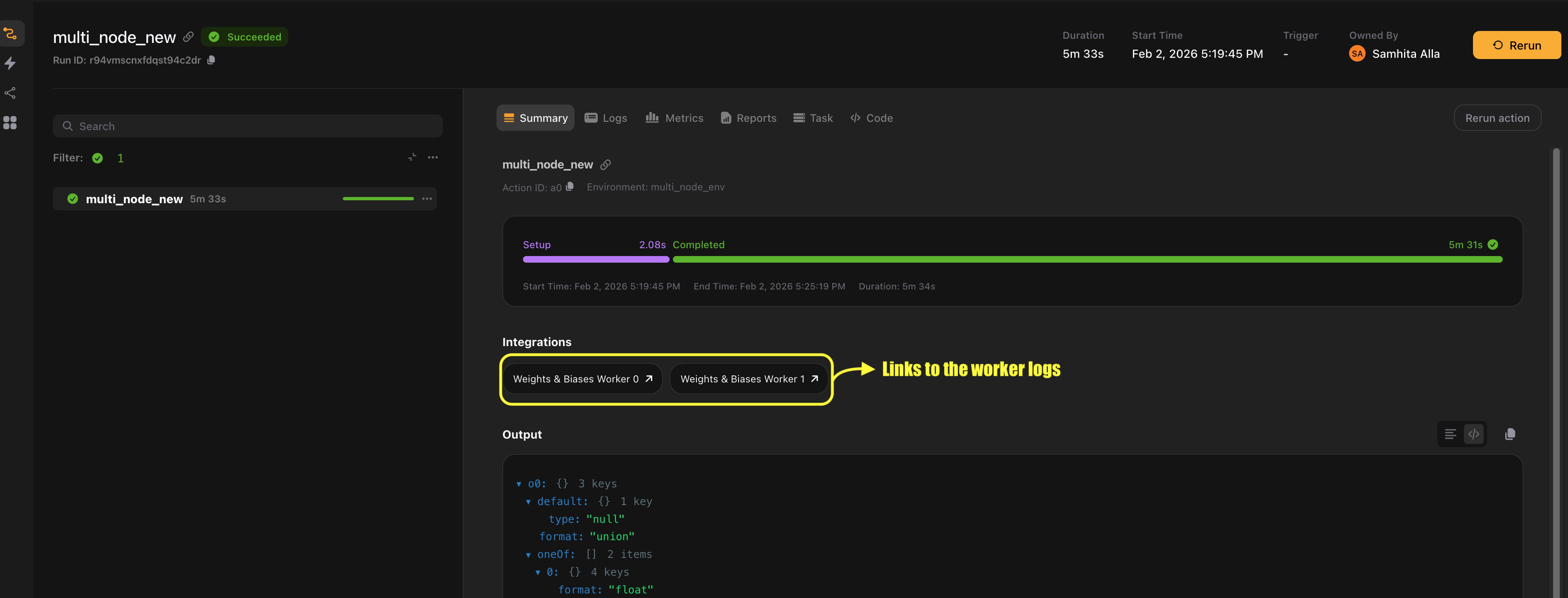
### Shared mode: All ranks log to the same run
Use `run_mode="shared"` when you need metrics from all ranks in a single view. Each rank's metrics are labeled with an `x_label` identifier.
#### Shared + global scope (1 run total)
```python {hl_lines=[1, 7]}
@wandb_init(run_mode="shared") # All ranks log to 1 shared run
@multi_node_env.task
def train_shared_global() -> float:
torch.distributed.init_process_group("nccl")
# ...
# All ranks get a run object, all log to the same run
run = get_wandb_run()
# Each rank logs with automatic x_label identification
run.log({"train/loss": loss.item(), "rank": rank})
# ...
```
#### Shared + worker scope (N runs, 1 per node)
```python {hl_lines=[1, 7, 10]}
@wandb_init(run_mode="shared", rank_scope="worker") # 1 shared run per worker
@multi_node_env.task
def train_shared_worker() -> float:
torch.distributed.init_process_group("nccl")
# ...
# All ranks get a run object, grouped by worker
run = get_wandb_run()
# Ranks on the same worker share a run
run.log({"train/loss": loss.item(), "local_rank": local_rank})
# ...
```
### New mode: Separate run per rank
Use `run_mode="new"` when you need completely separate runs per GPU. Runs are grouped in the W&B UI for easy comparison.
#### New + global scope (N×M runs, 1 group)
```python {hl_lines=[1, 7, 10]}
@wandb_init(run_mode="new") # Each rank gets its own run, all in 1 group
@multi_node_env.task
def train_new_global() -> float:
torch.distributed.init_process_group("nccl")
# ...
# Each rank has its own run
run = get_wandb_run()
# Run IDs: {base}-rank-{global_rank}
run.log({"train/loss": loss.item()})
# ...
```
#### New + worker scope (N×M runs, N groups)
```python {hl_lines=[1, 7, 10]}
@wandb_init(run_mode="new", rank_scope="worker") # Each rank gets own run, grouped per worker
@multi_node_env.task
def train_new_worker() -> float:
torch.distributed.init_process_group("nccl")
# ...
# Each rank has its own run, grouped by worker
run = get_wandb_run()
# Run IDs: {base}-worker-{idx}-rank-{local_rank}
run.log({"train/loss": loss.item()})
# ...
```
## How it works
The plugin automatically detects distributed training by checking environment variables set by distributed launchers like `torchrun`:
| Environment variable | Description |
| -------------------- | -------------------------------------------------------- |
| `RANK` | Global rank across all processes |
| `WORLD_SIZE` | Total number of processes |
| `LOCAL_RANK` | Rank within the current node |
| `LOCAL_WORLD_SIZE` | Number of processes on the current node |
| `GROUP_RANK` | Node/worker index (0 for first node, 1 for second, etc.) |
When these variables are present, the plugin:
1. **Determines which ranks should initialize W&B** based on `run_mode` and `rank_scope`
2. **Generates unique run IDs** that include worker and rank information
4. **Creates UI links** for each W&B run (single link with `rank_scope="global"`, one per worker with `rank_scope="worker"`)
The plugin automatically adapts to your training setup, eliminating the need for manual distributed configuration.
### Run ID patterns
| Scenario | Run ID Pattern | Group |
| ---------------------------- | --------------------------------------------- | ------------------------ |
| Single-node auto/shared | `{base}` | - |
| Single-node new | `{base}-rank-{rank}` | `{base}` |
| Multi-node auto/shared (global) | `{base}` | - |
| Multi-node auto/shared (worker) | `{base}-worker-{idx}` | - |
| Multi-node new (global) | `{base}-rank-{global_rank}` | `{base}` |
| Multi-node new (worker) | `{base}-worker-{idx}-rank-{local_rank}` | `{base}-worker-{idx}` |
Where `{base}` = `{run_name}-{action_name}`
=== PAGE: https://www.union.ai/docs/latest/union/integrations/wandb/sweeps ===
# Sweeps
W&B sweeps automate hyperparameter optimization by running multiple trials with different parameter combinations. The `@wandb_sweep` decorator creates a sweep and makes it easy to run trials in parallel using Flyte's distributed execution.
## Creating a sweep
Use `@wandb_sweep` to create a W&B sweep when the task executes:
```
import flyte
import wandb
from flyteplugins.wandb import (
get_wandb_sweep_id,
wandb_config,
wandb_init,
wandb_sweep,
wandb_sweep_config,
)
env = flyte.TaskEnvironment(
name="wandb-example",
image=flyte.Image.from_debian_base(name="wandb-example").with_pip_packages(
"flyteplugins-wandb"
),
secrets=[flyte.Secret(key="wandb_api_key", as_env_var="WANDB_API_KEY")],
)
@wandb_init
def objective():
"""Objective function that W&B calls for each trial."""
wandb_run = wandb.run
config = wandb_run.config
# Simulate training with hyperparameters from the sweep
for epoch in range(config.epochs):
loss = 1.0 / (config.learning_rate * config.batch_size) + epoch * 0.1
wandb_run.log({"epoch": epoch, "loss": loss})
@wandb_sweep
@env.task
async def run_sweep() -> str:
sweep_id = get_wandb_sweep_id()
# Run 10 trials
wandb.agent(sweep_id, function=objective, count=10)
return sweep_id
if __name__ == "__main__":
flyte.init_from_config()
r = flyte.with_runcontext(
custom_context={
**wandb_config(project="my-project", entity="my-team"),
**wandb_sweep_config(
method="random",
metric={"name": "loss", "goal": "minimize"},
parameters={
"learning_rate": {"min": 0.0001, "max": 0.1},
"batch_size": {"values": [16, 32, 64, 128]},
"epochs": {"values": [5, 10, 20]},
},
),
},
).run(run_sweep)
print(f"run url: {r.url}")
```
*Source: https://github.com/unionai/unionai-examples/blob/main/v2/integrations/flyte-plugins/wandb/sweep.py*
The `@wandb_sweep` decorator:
- Creates a W&B sweep when the task starts
- Makes the sweep ID available via `get_wandb_sweep_id()`
- Adds a link to the main sweeps page in the Flyte UI
Use `wandb_sweep_config()` to define the sweep parameters. This is passed to W&B's sweep API.
> **📝 Note**
>
> Random and Bayesian searches run indefinitely, and the sweep remains in the `Running` state until you stop it.
> You can stop a running sweep from the Weights & Biases UI or from the command line.
## Running parallel agents
Flyte's distributed execution makes it easy to run multiple sweep agents in parallel, each on its own compute resources:
```
import asyncio
from datetime import timedelta
import flyte
import wandb
from flyteplugins.wandb import (
get_wandb_sweep_id,
wandb_config,
wandb_init,
wandb_sweep,
wandb_sweep_config,
get_wandb_context,
)
env = flyte.TaskEnvironment(
name="wandb-parallel-sweep-example",
image=flyte.Image.from_debian_base(
name="wandb-parallel-sweep-example"
).with_pip_packages("flyteplugins-wandb"),
secrets=[flyte.Secret(key="wandb_api_key", as_env_var="WANDB_API_KEY")],
)
@wandb_init
def objective():
wandb_run = wandb.run
config = wandb_run.config
for epoch in range(config.epochs):
loss = 1.0 / (config.learning_rate * config.batch_size) + epoch * 0.1
wandb_run.log({"epoch": epoch, "loss": loss})
@wandb_sweep
@env.task
async def sweep_agent(agent_id: int, sweep_id: str, count: int = 5) -> int:
"""Single agent that runs a subset of trials."""
wandb.agent(
sweep_id, function=objective, count=count, project=get_wandb_context().project
)
return agent_id
@wandb_sweep
@env.task
async def run_parallel_sweep(total_trials: int = 20, trials_per_agent: int = 5) -> str:
"""Orchestrate multiple agents running in parallel."""
sweep_id = get_wandb_sweep_id()
num_agents = (total_trials + trials_per_agent - 1) // trials_per_agent
# Launch agents in parallel, each with its own resources
agent_tasks = [
sweep_agent.override(
resources=flyte.Resources(cpu="2", memory="4Gi"),
retries=3,
timeout=timedelta(minutes=30),
)(agent_id=i, sweep_id=sweep_id, count=trials_per_agent)
for i in range(num_agents)
]
await asyncio.gather(*agent_tasks)
return sweep_id
if __name__ == "__main__":
flyte.init_from_config()
r = flyte.with_runcontext(
custom_context={
**wandb_config(project="my-project", entity="my-team"),
**wandb_sweep_config(
method="random",
metric={"name": "loss", "goal": "minimize"},
parameters={
"learning_rate": {"min": 0.0001, "max": 0.1},
"batch_size": {"values": [16, 32, 64]},
"epochs": {"values": [5, 10, 20]},
},
),
},
).run(
run_parallel_sweep,
total_trials=20,
trials_per_agent=5,
)
print(f"run url: {r.url}")
```
*Source: https://github.com/unionai/unionai-examples/blob/main/v2/integrations/flyte-plugins/wandb/parallel_sweep.py*
This pattern provides:
- **Distributed execution**: Each agent runs on separate compute nodes
- **Resource allocation**: Specify CPU, memory, and GPU per agent
- **Fault tolerance**: Failed agents can retry without affecting others
- **Timeout protection**: Prevent runaway trials
> **📝 Note**
>
> `run_parallel_sweep` links to the main Weights & Biases sweeps page and `sweep_agent` links to the specific sweep URL because we cannot determine the sweep ID at link rendering time.
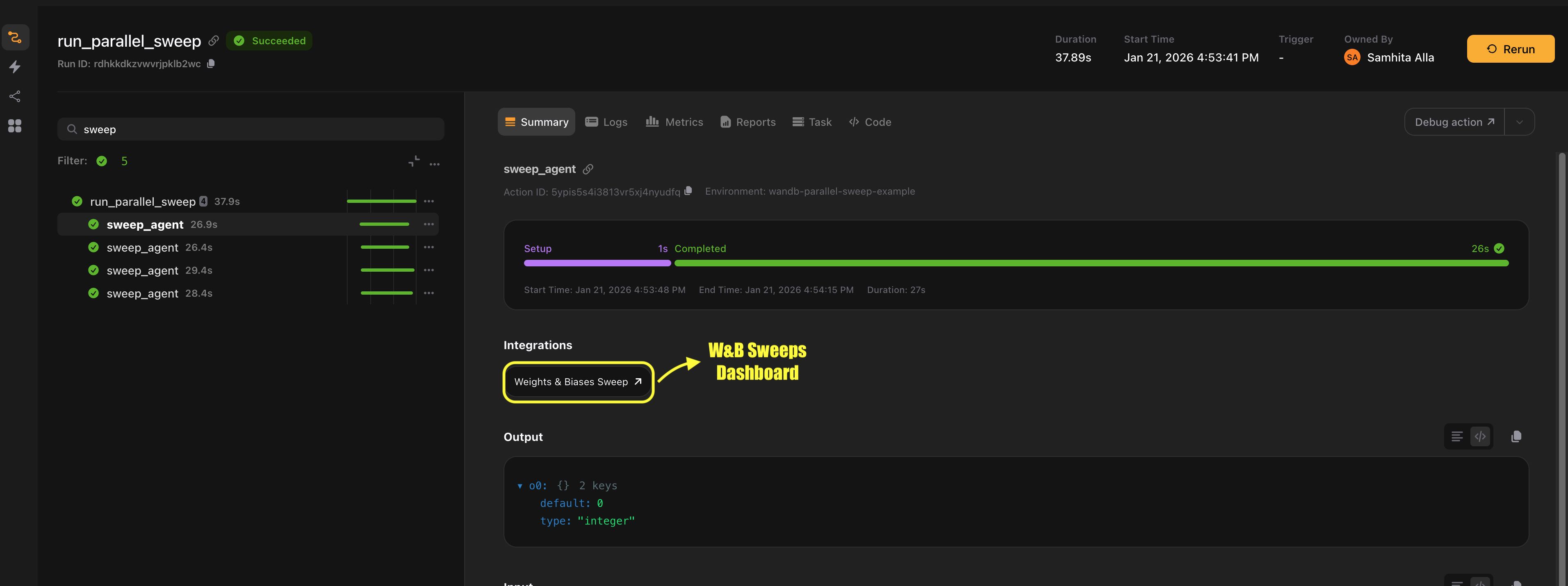
## Writing objective functions
The objective function is called by `wandb.agent()` for each trial. It must be a regular Python function decorated with `@wandb_init`:
```python {hl_lines=["1-2", "5-6"]}
@wandb_init
def objective():
"""Objective function for sweep trials."""
# Access hyperparameters from wandb.run.config
run = wandb.run
config = run.config
# Your training code
model = create_model(
learning_rate=config.learning_rate,
hidden_size=config.hidden_size,
)
for epoch in range(config.epochs):
train_loss = train_epoch(model)
val_loss = validate(model)
# Log metrics - W&B tracks these for the sweep
run.log({
"epoch": epoch,
"train_loss": train_loss,
"val_loss": val_loss,
})
# The final val_loss is used by the sweep to rank trials
```
Key points:
- Use `@wandb_init` on the objective function (not `@env.task`)
- Access hyperparameters via `wandb.run.config` (not `get_wandb_run()` since this is outside Flyte context)
- Log the metric specified in `wandb_sweep_config(metric=...)` so the sweep can optimize it
- The function is called multiple times by `wandb.agent()`, once per trial
=== PAGE: https://www.union.ai/docs/latest/union/integrations/wandb/downloading_logs ===
# Downloading logs
This integration enables downloading Weights & Biases run data, including metrics history, summary data, and synced files.
## Automatic download
Set `download_logs=True` to automatically download run data after your task completes:
```python {hl_lines=1}
@wandb_init(download_logs=True)
@env.task
async def train_with_download():
run = get_wandb_run()
for epoch in range(10):
run.log({"loss": 1.0 / (epoch + 1)})
return run.id
```
The downloaded data is traced by Flyte and appears as a `Dir` output in the Flyte UI. Downloaded files include:
- `summary.json`: Final summary metrics
- `metrics_history.json`: Step-by-step metrics history
- Any files synced by W&B (`requirements.txt`, `wandb_metadata.json`, etc.)
You can also set `download_logs=True` in `wandb_config()`:
```python {hl_lines=5}
flyte.with_runcontext(
custom_context=wandb_config(
project="my-project",
entity="my-team",
download_logs=True,
),
).run(train_task)
```
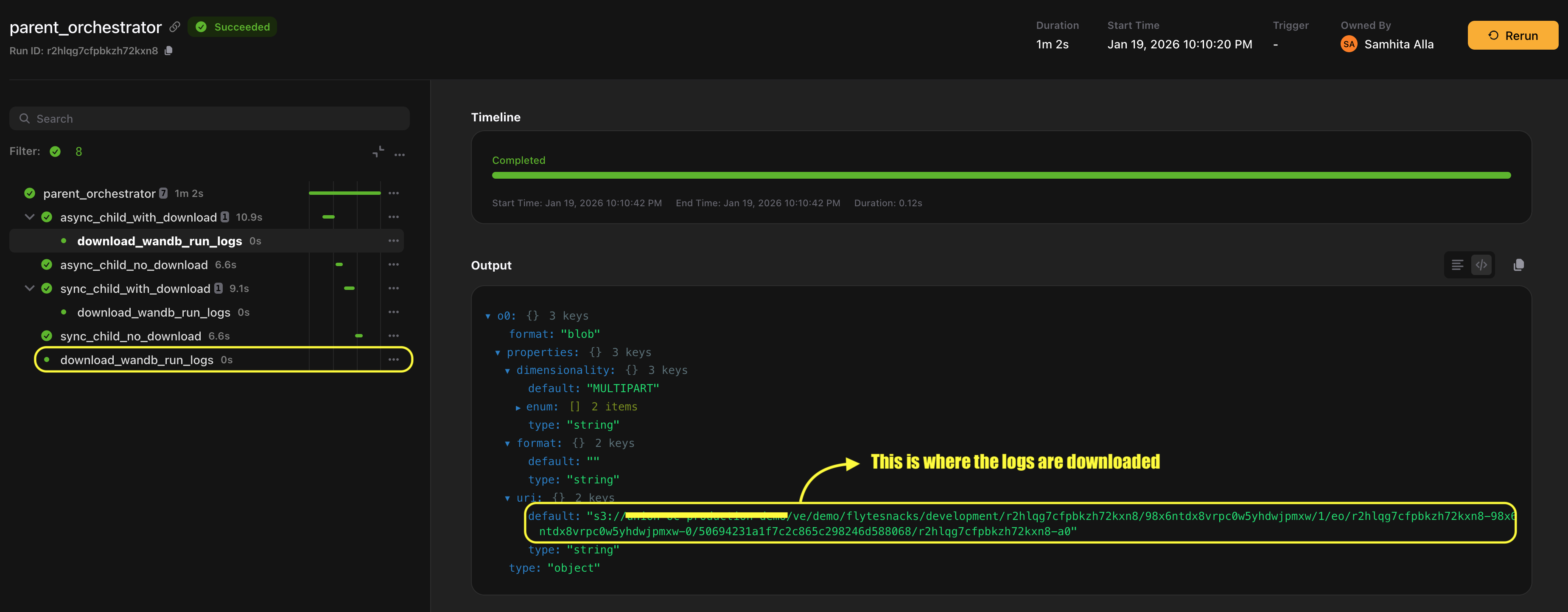
For sweeps, set `download_logs=True` on `@wandb_sweep` or `wandb_sweep_config()` to download all trial data:
```python {hl_lines=1}
@wandb_sweep(download_logs=True)
@env.task
async def run_sweep():
sweep_id = get_wandb_sweep_id()
wandb.agent(sweep_id, function=objective, count=10)
return sweep_id
```
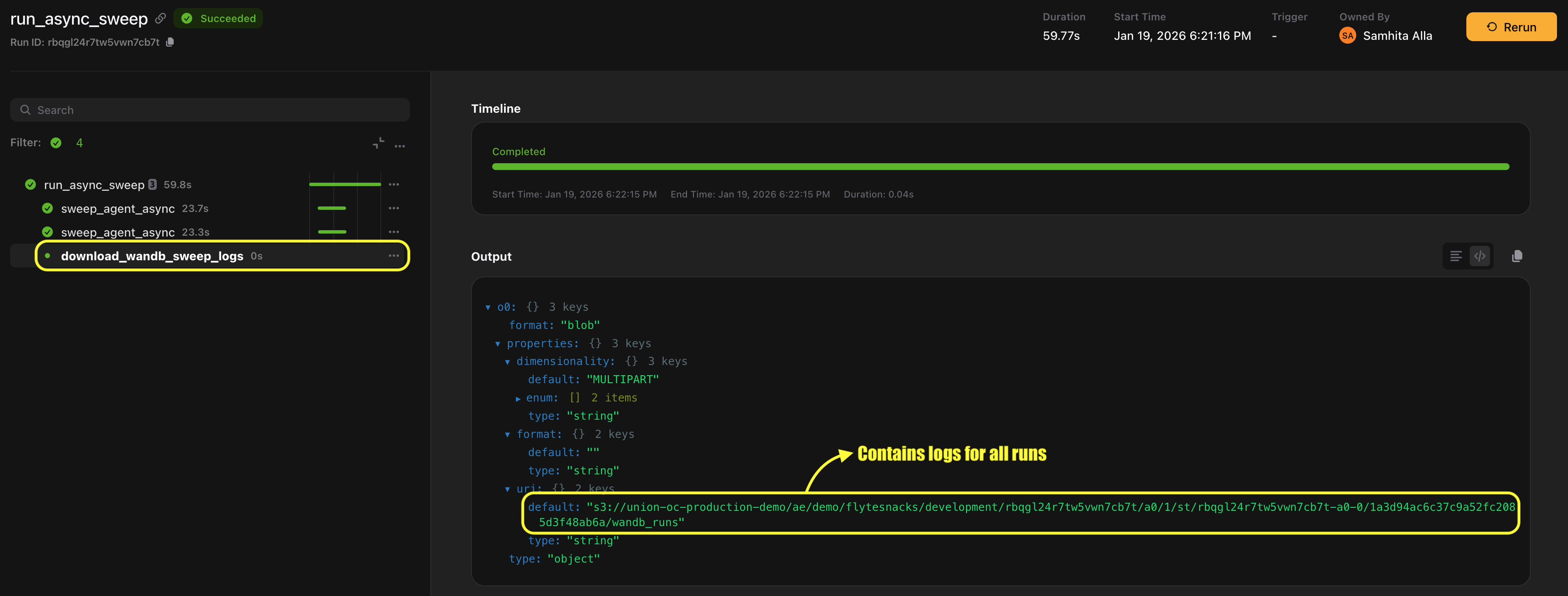
## Accessing run directories during execution
Use `get_wandb_run_dir()` to access the local W&B run directory during task execution. This is useful for writing custom files that get synced to W&B:
```python {hl_lines=[1, 7, "18-19"]}
from flyteplugins.wandb import get_wandb_run_dir
@wandb_init
@env.task
def train_with_artifacts():
run = get_wandb_run()
local_dir = get_wandb_run_dir()
# Train your model
for epoch in range(10):
run.log({"loss": 1.0 / (epoch + 1)})
# Save model checkpoint to the run directory
model_path = f"{local_dir}/model_checkpoint.pt"
torch.save(model.state_dict(), model_path)
# Save custom metrics file
with open(f"{local_dir}/custom_metrics.json", "w") as f:
json.dump({"final_accuracy": 0.95}, f)
return run.id
```
Files written to the run directory are automatically synced to W&B and can be accessed later via the W&B UI or by setting `download_logs=True`.
> **📝 Note**
>
> `get_wandb_run_dir()` accesses the local directory without making network calls. Files written here may have a brief delay before appearing in the W&B cloud.
=== PAGE: https://www.union.ai/docs/latest/union/integrations/wandb/constraints_and_best_practices ===
# Constraints and best practices
## Decorator ordering
`@wandb_init` and `@wandb_sweep` must be the **outermost decorators**, applied after `@env.task`:
```python
# Correct
@wandb_init
@env.task
async def my_task():
...
# Incorrect - will not work
@env.task
@wandb_init
async def my_task():
...
```
## Traces cannot use decorators
Do not apply `@wandb_init` to traces. Traces automatically access the parent task's run via `get_wandb_run()`:
```python
# Correct
@flyte.trace
async def my_trace():
run = get_wandb_run()
if run:
run.log({"metric": 42})
# Incorrect - don't decorate traces
@wandb_init
@flyte.trace
async def my_trace():
...
```
## Maximum sweep agents
[W&B limits sweeps to a maximum of 20 concurrent agents](https://docs.wandb.ai/models/sweeps/existing-project#3-launch-agents).
## Configuration priority
Configuration is merged with the following priority (highest to lowest):
1. Decorator parameters (`@wandb_init(project="...")`)
2. Context manager (`with wandb_config(...)`)
3. Workflow-level context (`flyte.with_runcontext(custom_context=wandb_config(...))`)
4. Auto-generated values (run ID from Flyte context)
## Run ID generation
When no explicit `id` is provided, the plugin generates run IDs using the pattern:
```
{run_name}-{action_name}
```
This ensures unique, predictable IDs that can be matched between the `Wandb` link class and manual `wandb.init()` calls.
## Sync delay for local files
Files written to the run directory (via `get_wandb_run_dir()`) are synced to W&B asynchronously. There may be a brief delay before they appear in the W&B cloud or can be downloaded via `download_wandb_run_dir()`.
## Shared run mode requirements
When using `run_mode="shared"`, the task requires a parent task to have already created a W&B run. Calling a task with `run_mode="shared"` as a top-level task will fail.
## Objective functions for sweeps
Objective functions passed to `wandb.agent()` should:
- Be regular Python functions (not Flyte tasks)
- Be decorated with `@wandb_init`
- Access hyperparameters via `wandb.run.config` (not `get_wandb_run()`)
- Log the metric specified in `wandb_sweep_config(metric=...)` so the sweep can optimize it
## Error handling
The plugin raises standard exceptions:
- `RuntimeError`: When `download_wandb_run_dir()` is called without a run ID and no active run exists
- `wandb.errors.AuthenticationError`: When `WANDB_API_KEY` is not set or invalid
- `wandb.errors.CommError`: When a run cannot be found in the W&B cloud
=== PAGE: https://www.union.ai/docs/latest/union/integrations/wandb/manual ===
# Manual integration
If you need more control over W&B initialization, you can use the `Wandb` and `WandbSweep` link classes directly instead of the decorators. This lets you call `wandb.init()` and `wandb.finish()` yourself while still getting automatic links in the Flyte UI.
## Using the Wandb link class
Add a `Wandb` link to your task to generate a link to the W&B run in the Flyte UI:
```
import flyte
import wandb
from flyteplugins.wandb import Wandb
env = flyte.TaskEnvironment(
name="wandb-manual-init-example",
image=flyte.Image.from_debian_base(
name="wandb-manual-init-example"
).with_pip_packages("flyteplugins-wandb"),
secrets=[flyte.Secret(key="wandb_api_key", as_env_var="WANDB_API_KEY")],
)
@env.task(
links=(
Wandb(
project="my-project",
entity="my-team",
run_mode="new",
# No id parameter - link will auto-generate from run_name-action_name
),
)
)
async def train_model(learning_rate: float) -> str:
ctx = flyte.ctx()
# Generate run ID matching the link's auto-generated ID
run_id = f"{ctx.action.run_name}-{ctx.action.name}"
# Manually initialize W&B
wandb_run = wandb.init(
project="my-project",
entity="my-team",
id=run_id,
config={"learning_rate": learning_rate},
)
# Your training code
for epoch in range(10):
loss = 1.0 / (learning_rate * (epoch + 1))
wandb_run.log({"epoch": epoch, "loss": loss})
# Manually finish the run
wandb_run.finish()
return wandb_run.id
if __name__ == "__main__":
flyte.init_from_config()
r = flyte.with_runcontext().run(
train_model,
learning_rate=0.01,
)
print(f"run url: {r.url}")
```
*Source: https://github.com/unionai/unionai-examples/blob/main/v2/integrations/flyte-plugins/wandb/init_manual.py*
### With a custom run ID
If you want to use your own run ID, specify it in both the link and the `wandb.init()` call:
```python {hl_lines=[6, 14]}
@env.task(
links=(
Wandb(
project="my-project",
entity="my-team",
id="my-custom-run-id",
),
)
)
async def train_with_custom_id() -> str:
run = wandb.init(
project="my-project",
entity="my-team",
id="my-custom-run-id", # Must match the link's ID
resume="allow",
)
# Training code...
run.finish()
return run.id
```
### Adding links at runtime with override
You can also add links when calling a task using `.override()`:
```python {hl_lines=9}
@env.task
async def train_model(learning_rate: float) -> str:
# ... training code with manual wandb.init() ...
return run.id
# Add link when running the task
result = await train_model.override(
links=(Wandb(project="my-project", entity="my-team", run_mode="new"),)
)(learning_rate=0.01)
```
## Using the `WandbSweep` link class
Use `WandbSweep` to add a link to a W&B sweep:
```
import flyte
import wandb
from flyteplugins.wandb import WandbSweep
env = flyte.TaskEnvironment(
name="wandb-manual-sweep-example",
image=flyte.Image.from_debian_base(
name="wandb-manual-sweep-example"
).with_pip_packages("flyteplugins-wandb"),
secrets=[flyte.Secret(key="wandb_api_key", as_env_var="WANDB_API_KEY")],
)
def objective():
with wandb.init(project="my-project", entity="my-team") as wandb_run:
config = wandb_run.config
for epoch in range(config.epochs):
loss = 1.0 / (config.learning_rate * config.batch_size) + epoch * 0.1
wandb_run.log({"epoch": epoch, "loss": loss})
@env.task(
links=(
WandbSweep(
project="my-project",
entity="my-team",
),
)
)
async def manual_sweep() -> str:
# Manually create the sweep
sweep_config = {
"method": "random",
"metric": {"name": "loss", "goal": "minimize"},
"parameters": {
"learning_rate": {"min": 0.0001, "max": 0.1},
"batch_size": {"values": [16, 32, 64]},
"epochs": {"value": 10},
},
}
sweep_id = wandb.sweep(sweep_config, project="my-project", entity="my-team")
# Run the sweep
wandb.agent(sweep_id, function=objective, count=10, project="my-project")
return sweep_id
if __name__ == "__main__":
flyte.init_from_config()
r = flyte.with_runcontext().run(manual_sweep)
print(f"run url: {r.url}")
```
*Source: https://github.com/unionai/unionai-examples/blob/main/v2/integrations/flyte-plugins/wandb/sweep_manual.py*
The link will point to the project's sweeps page. If you have the sweep ID, you can specify it in the link:
```python {hl_lines=6}
@env.task(
links=(
WandbSweep(
project="my-project",
entity="my-team",
id="known-sweep-id",
),
)
)
async def resume_sweep() -> str:
# Resume an existing sweep
wandb.agent("known-sweep-id", function=objective, count=10)
return "known-sweep-id"
```